.avif)

15 Which Networking Software Is Best for Conferences in 2026
On This Page
Most teams blame the wrong tool for lost pipeline. The real problem is not which app you chose: it is whether contact data hits your CRM automatically, or dies in an export file no one opens.
Most sales directors assume that the right conference networking app will automatically handle post-event follow-up and CRM sync, so once the team has the software, the lead-capture problem is solved. But most Sales Directors evaluating conference networking software focus on the attendee experience: clean matchmaking, high app adoption, a well-organized session schedule. That logic is understandable.
But it targets the wrong failure point. The real pipeline problem does not happen on the event floor. It happens in the 48 hours after the event ends, when badge scans and app connections sit in export files that no one opens, reps move on to the next meeting, and new contacts go cold before a single follow-up is sent.

Image: Conference badge and cold leads stalling versus digital card syncing contacts into CRM dashboard
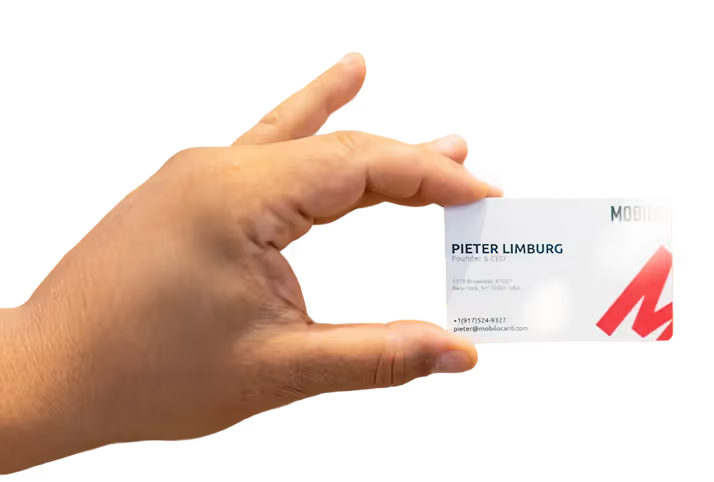
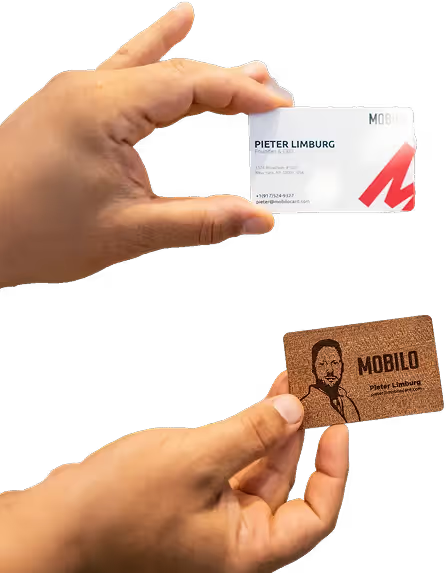
See our digital business card for how this works in practice. The category is designed around the event experience, not the sales workflow that follows. Across the market, 80% of trade show leads are never followed up on by sales teams, a figure that holds even when teams have networking software in place. The app closes; the contacts stall. A platform built for logistics will not prioritize CRM routing. A specialized networking tool may handle matchmaking well but still require a manual export to push contacts into Salesforce or HubSpot.
The distinction that matters for a Sales Director is whether the tool moves contact data into the CRM automatically, or whether it depends on rep action after the event.
48 hours Post-event window where pipeline is won or lost
80% of trade show leads never followed up on
The first failure point is the export gap: badge scans generate a CSV that lives in someone's inbox, and fewer than one in ten contacts ever becomes a logged CRM record. The second is the response-rate cliff: the 48-hour post-event window is the period in which a new contact is most likely to convert, and most reps do not complete a follow-up action within it, not because of disinterest, but because the data-transfer step between the event and the CRM is still manual and still gets skipped.
Key takeaways
- 90% of new contacts captured at conferences never make it into a CRM, not because reps forget to follow up, but because the data entry friction kills the pipeline before follow-up even starts.
- Most conference networking software is built for attendee experience: matchmaking, session scheduling, app adoption scores. None of those metrics tell a Sales Director whether a single lead moved down the funnel.
- The 48 hours after a conference ends are where pipeline is won or lost, and most platforms have no mechanism for what happens once the badge scanner goes back in the box.
- Choosing between platforms splits cleanly into two categories: tools that serve event optics and tools that serve pipeline accountability. Most vendors blur that line on purpose.
- Four questions, event format, headcount, CRM stack, and post-event workflow, do more to narrow the right platform than any vendor demo will.
- Native CRM integration (Salesforce, HubSpot, direct sync) is the single feature that separates a lead-capture tool from an expensive contact list.
- Mobilo's Contact Exchange and Lead Capture closes the gap that every platform on this list leaves open: when someone taps or scans a Mobilo card, their information is captured and pushed directly into your CRM, no manual entry, no CSV export, no lost contacts.
Key Features to Look for in Conference Networking Software - Before You Evaluate a Single Vendor
Key Features in Conference Networking Software
Before you evaluate a single vendor, the capabilities worth paying for split cleanly along one line: pipeline accountability versus event optics, and most vendors blur it deliberately. Scan the badge, pocket the lead, lose the deal: that sequence plays out at almost every B2B conference regardless of which app the team is running, because the common assumption is that the right conference networking software will automatically handle post-event follow-up and CRM sync. Once the stack is in place, the thinking goes, the lead-capture problem is solved.
It isn't, and the framework below separates the features that actually protect pipeline from the ones that simply make the post-show recap look clean. This matters most for professionals who attend frequent in-person networking events or hold client-facing roles, the people for whom every missed follow-up is a direct revenue event, not an administrative inconvenience.
Event Management Platform vs. Networking Tool
The two categories share a UI but serve different masters. Conflating them costs you clean data. Event management platforms are built to serve the event organizer. Networking tools are built to serve the attendee. Neither is built to serve your CRM. When a Sales Director buys a platform that promises both, the networking layer is almost always the junior feature, which means lead capture is an afterthought bolted onto a scheduling engine. The practical cost is data quality.
CRM data degrades fastest at the point of initial capture. The moment of exchange is the only moment at which a contact record can be guaranteed clean, correctly attributed, and timestamped. A platform that conflates event management with networking typically handles that moment through a manual export, not an automatic push. Client-facing professionals who work multiple events per quarter feel this acutely: by the time a manual export reaches the CRM, the context that makes a lead actionable has already faded.
This is the exact gap that a purpose-built networking card addresses. Mobilo's Teams plan ($4/month per seat, billed annually) ships with lead capture and management, lead enrichment, unlimited leads and contacts, custom lead capture forms, and 6,000 integrations through Zapier, all active from the first tap. These integrations push contact data directly into connected CRMs at the moment of exchange, not hours later through a spreadsheet. The moment of exchange is the only reliable window for a clean record, and it is the window that manual-export workflows consistently miss.
Three Feature Categories Ranked by Pipeline Impact
The key features to look for, ranked by sales-pipeline impact, are: (1) lead capture and CRM sync, (2) attendee profiles and meeting scheduling, (3) AI matchmaking, and (4) session and agenda tools. Most buyers reverse that order. The categories at the bottom generate attendee satisfaction scores; the category at the top generates attributable pipeline records.
Professionals who attend events frequently understand this hierarchy instinctively. A beautiful agenda view does nothing for quota attainment if the contacts from Tuesday's breakfast roundtable never reach a rep's pipeline. Mobilo's Teams and Business plans both include team management, central billing, insights and analytics, brandable QR codes, no-internet QR sharing, Apple/Google QR code widgets, and a paper business card scanner, so reps can digitize cards received from contacts who haven't yet made the switch. The Business plan ($5/month, billed annually) adds enterprise SSO, HR directory sync, and, for teams reaching 100 seats, white-glove onboarding and a custom-built landing page, features that matter when you are deploying across a field sales organization rather than a single event team. Both plans include 24/7 customer support and email signatures, keeping the networking layer active well beyond the conference floor.
AI Matchmaking - What It Optimizes For (and What It Ignores)
AI matchmaking earns the most demo time and delivers the least post-event pipeline on its own. Matchmaking optimizes for connection quality; it does not govern whether that connection becomes a CRM record. If the matched contact's details do not auto-sync to your sales system, the quality of the match is irrelevant to pipeline, a perfectly recommended conversation that never reaches Salesforce produces the same result as a missed meeting.
Messy CRM data is not primarily a data-hygiene problem; it is a capture-timing problem. AI matchmaking cannot solve a timing problem; it can only surface the opportunity. The capture mechanism determines whether that opportunity survives the walk back to the hotel. For client-facing professionals attending multiple events, the only reliable answer is a card that writes the record at the tap, not a platform that queues the export for later.
The 15 Best Conference Networking Software Options - Matched to Your Event Type and Sales Goal
A large share of new contacts captured at conferences never make it into a CRM, from surveyed sales reps. That single figure reframes the entire software-selection conversation. Most Sales Directors shopping this category spend their evaluation time comparing matchmaking algorithms, attendee app ratings, and session-scheduling features.
Those things matter. But they operate before the conversation ends. The failure point is almost always what happens in the 48 hours after. The tools below are evaluated through that lens. For each one, the most important question is not "how good is the matching?" It is "where does the contact data go when the conversation is over, and does a rep have to do anything to make that happen?"
CRM Gap Scorecard, What to Verify Before Choosing Any Conference Networking Software
Scan the list above and one pattern holds across nearly every entry: the post-conversation data path still depends on a rep completing a step after the meeting ends. Export the contact. Log the note. Trigger the sync. Industry research on B2B sales productivity consistently finds that sales reps spend an average of 65% of their time on non-revenue-generating activities, and manual post-event data entry is one of the most consistent contributors to that figure, a problem the entire category, including well-regarded platforms like Wave Connect, is actively working to reduce.
The apps above solve the discovery problem well. None of them solve the moment the conversation ends and the rep moves to the next booth. Most teams handle this by reminding reps to log contacts at the end of each day. The hidden cost is structural, not behavioral: a three-day conference floor compresses dozens of conversations into hours, and the contacts captured on day one face the longest wait before anyone has bandwidth to log them.
Reps are not the bottleneck, the manual handoff between the event and the CRM is. A digital business card with a hardware NFC layer changes the data-capture moment from "something the rep does later" to "something that already happened when the card was tapped," routing contact details directly into the CRM before the rep reaches the next conversation. That is not a replacement for any platform on this list.
It is the missing piece that makes all of them actually deliver pipeline. Knowing which tool fits your event type is only half the decision. The other half is knowing which questions to ask before you sign a contract or hand your reps a new app. The next section gives Sales Directors a four-question framework that turns this list into a defensible, 10-minute vendor decision.
1. Mobilo Card
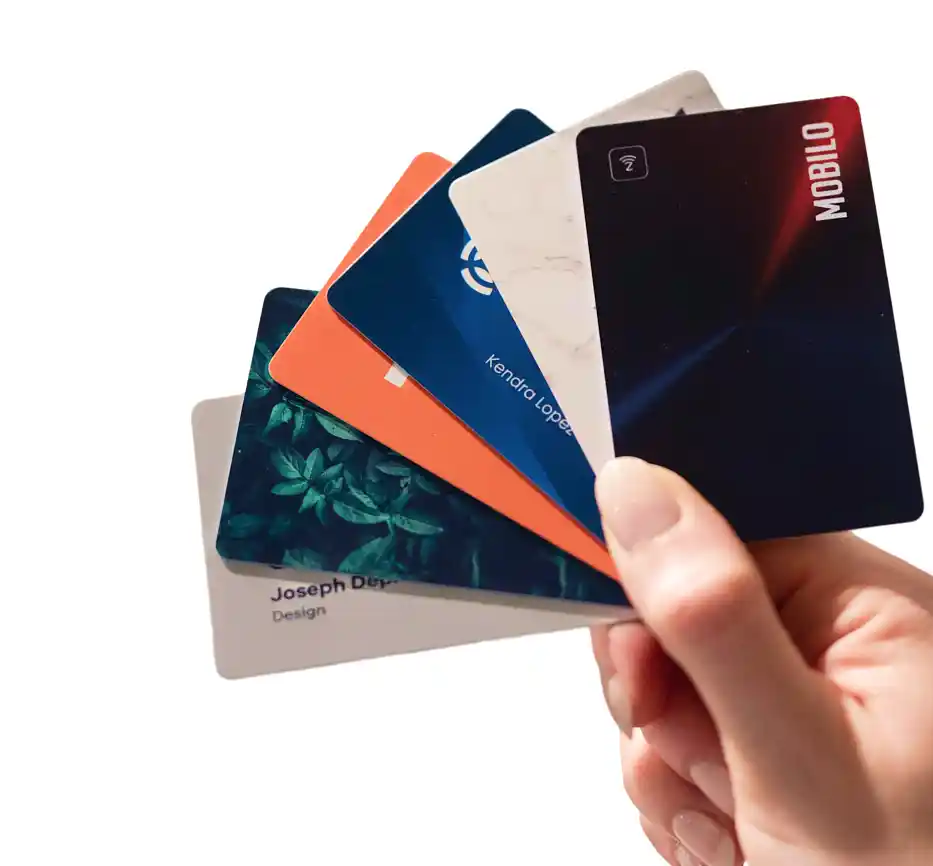
Mobilo Card provides smart digital business cards that help teams and professionals instantly share contact details, capture leads, and connect more effectively online and offline.
2. Brella - Best for AI-Powered Attendee Matchmaking at B2B Conferences
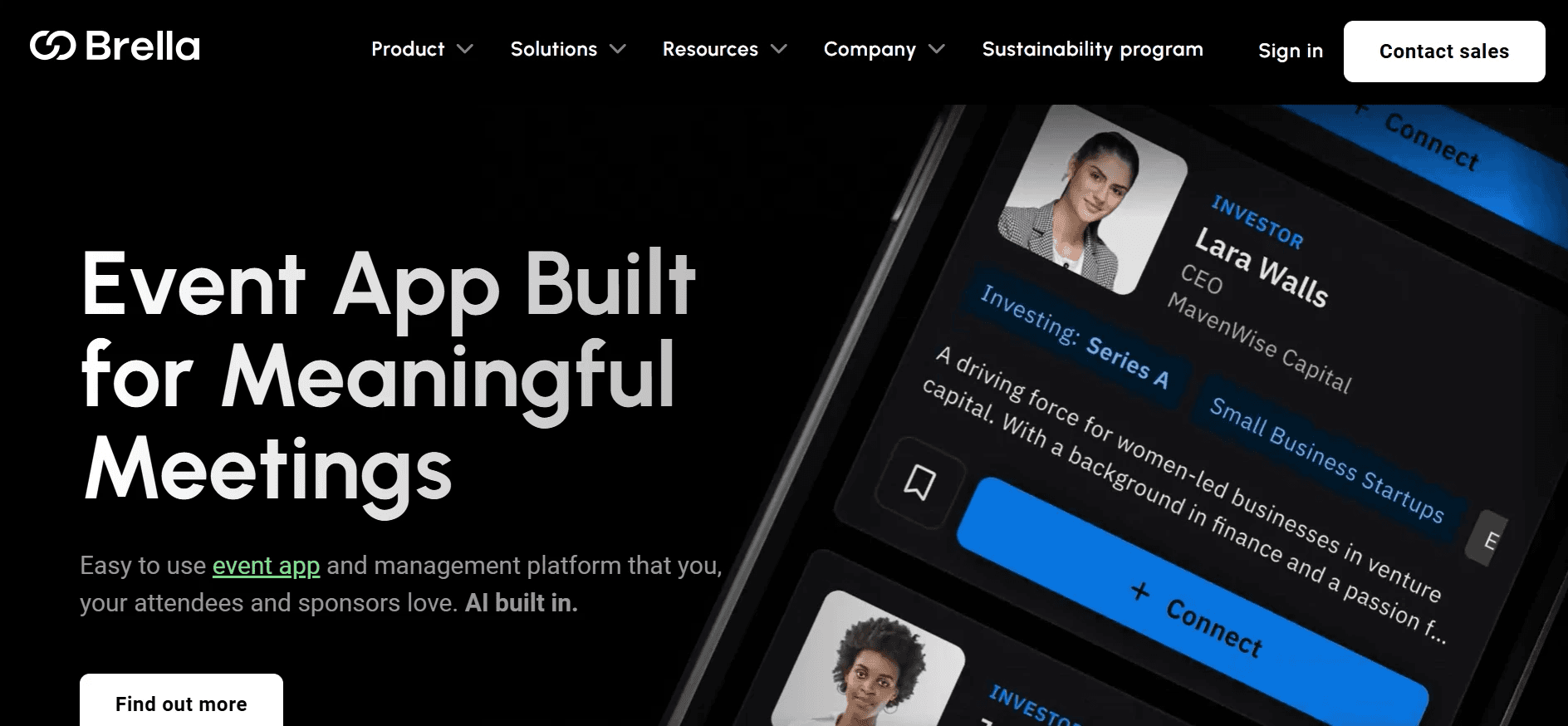
Brella excels at B2B matchmaking for large conferences, using an AI-powered algorithm that matches attendees based on stated interests and business goals, then facilitates 1-on-1 meeting scheduling inside the platform. Brella's published platform benchmarks report strong meeting acceptance rates, a meaningful signal of pre-event engagement quality, though Sales Directors should request event-specific data during the demo to verify applicability to their audience, making it a strong choice when pre-event connection quality is the primary success metric. The limitation that matters to Sales Directors: Brella's post-meeting data path still requires a rep to export or manually log the contact. Strong on discovery; the follow-through step is yours to solve.
3. b2match - Best for Structured B2B Networking and Partnership Events
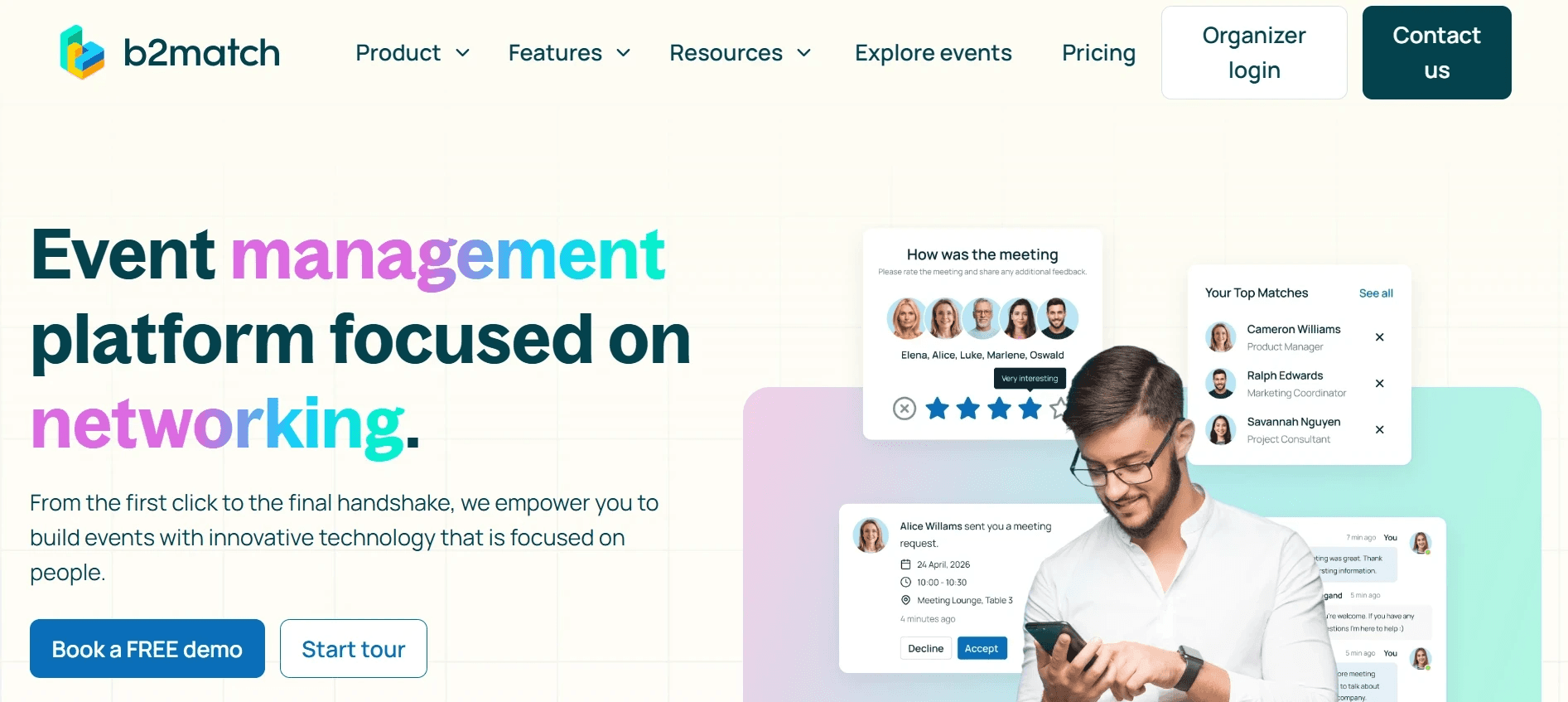
For partnership summits, industry roundtables, and investor-founder events where structured 1-on-1 scheduling is the entire point of the gathering, b2match delivers a focused workflow that keeps organizers and attendees aligned. Attendees build profiles, state objectives, and the platform surfaces relevant matches with calendar-style meeting slots. It is not built for large trade shows or community-driven conferences. The audience fit is narrow by design, which is exactly why it works well within that narrow band. CRM export is available but manual.
4. Grip - Best for AI Event Networking at Large-Scale Trade Shows
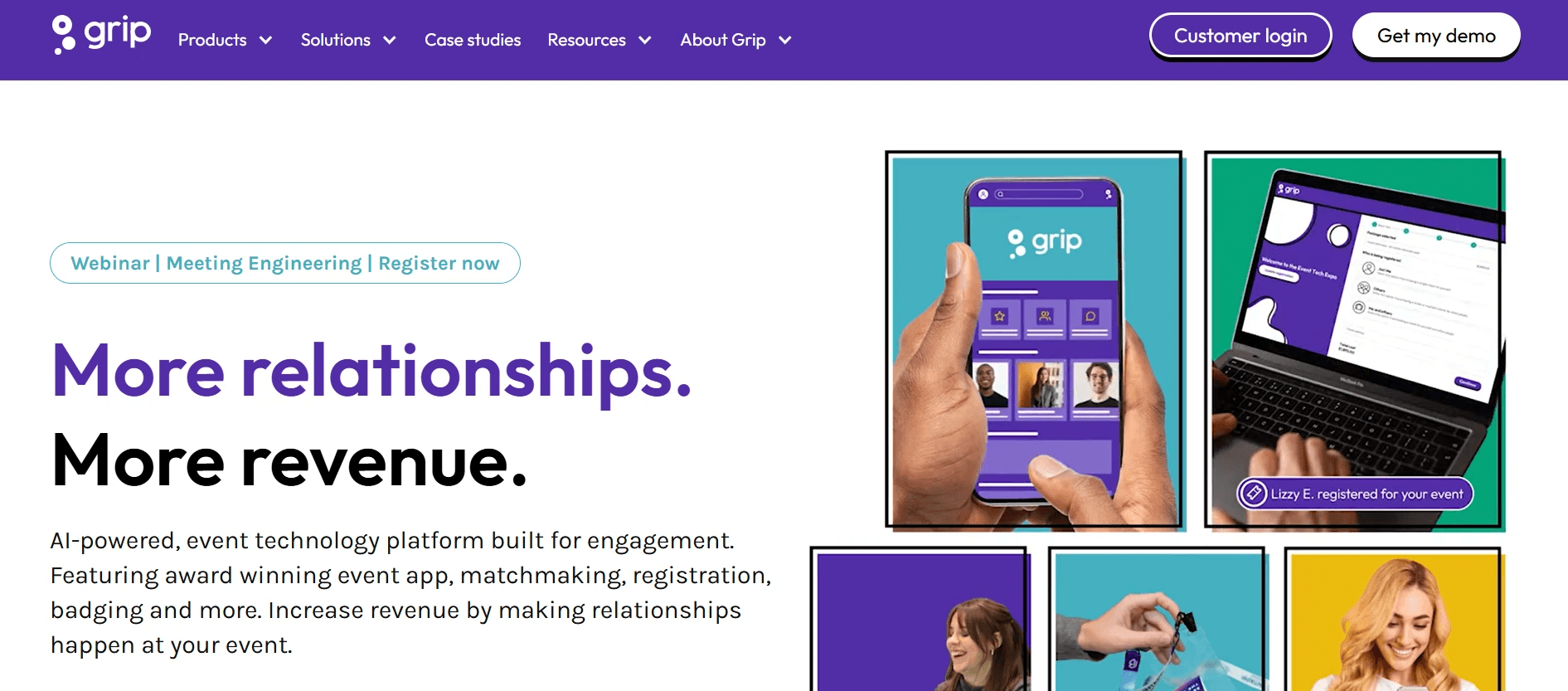
Grip applies machine learning to attendee and exhibitor data at scale and is frequently cited in event-industry analyst reports as one of the stronger B2B matchmaking software options for trade shows with thousands of participants, a positioning consistent with its deployment record at events such as Web Summit and GITEX. Exhibitors benefit from intent-signal scoring that surfaces the highest-value attendee matches before the floor opens. The platform's real-time recommendations update as attendees engage, which improves connection relevance across a multi-day event. The gap: Grip's CRM sync options vary by integration tier, and a Sales Director should verify whether automatic push or manual export applies to their specific configuration before signing.
5. Webex Events (formerly Socio): Best All-in-One Platform for Trade Show Organizers
For organizers running the full event stack, Webex Events covers registration, check-in, agenda management, lead retrieval, and attendee networking inside one platform. The Cisco infrastructure behind it makes it a credible choice for enterprise IT environments with strict security and compliance requirements. As a networking tool specifically, it is comprehensive rather than specialized. Sales Directors deploying it for lead capture should audit the CRM sync path carefully; the platform's breadth can obscure whether contact data flows automatically or requires a scheduled export.
6. Remo - Best for Virtual and Hybrid Conference Networking with Spatial Rooms
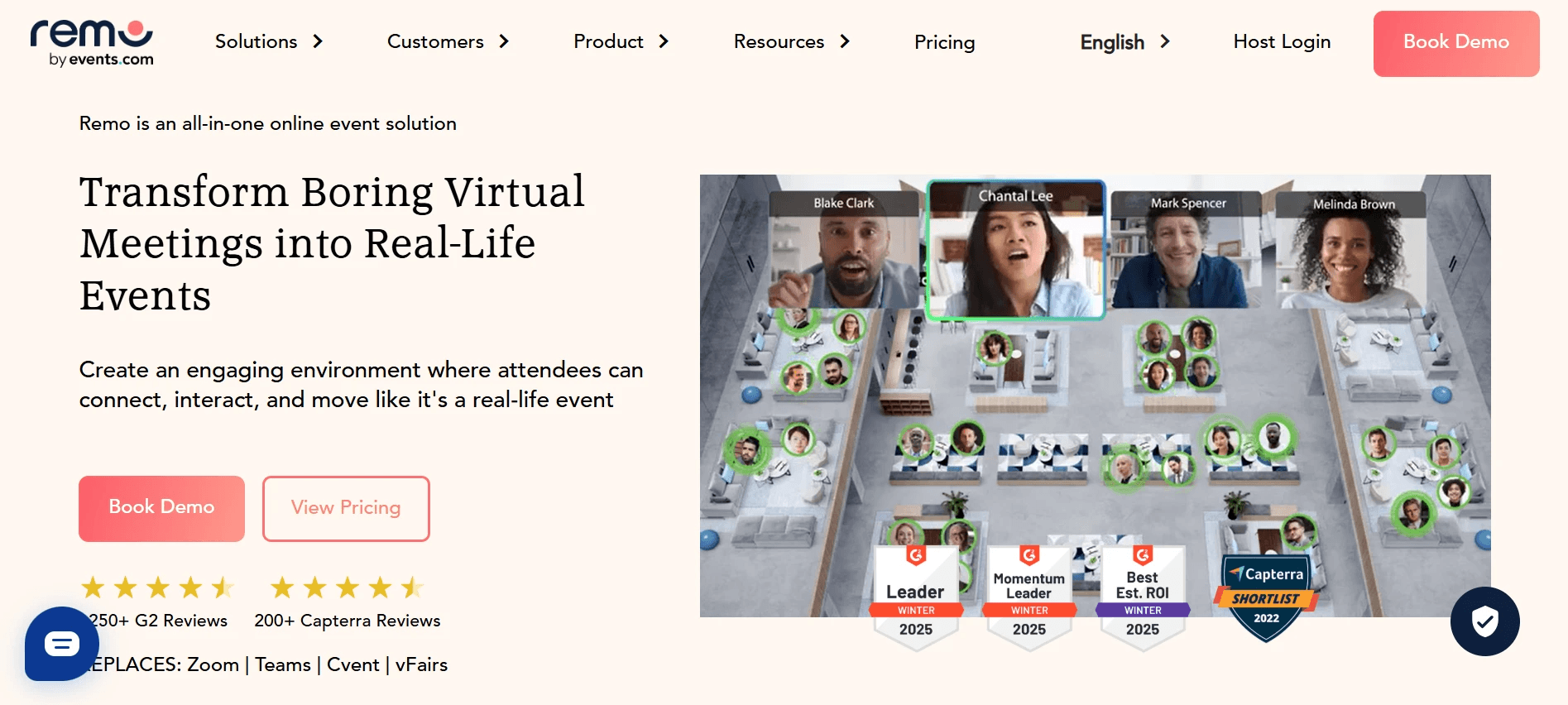
Remo's spatial-room model replicates the table-hopping dynamic of in-person events in a virtual environment, making it one of the more effective virtual conference networking tools for hybrid formats where remote attendees would otherwise feel like observers. Small group conversations form naturally as participants move between virtual tables. The trade-off for Sales Directors is that lead capture in virtual environments is inherently passive; Remo logs attendance and conversation activity, but converting that data into CRM-ready contacts still requires a follow-up step outside the platform.
7. Eventee - Best Mobile Networking App for Mid-Size Conference Attendees
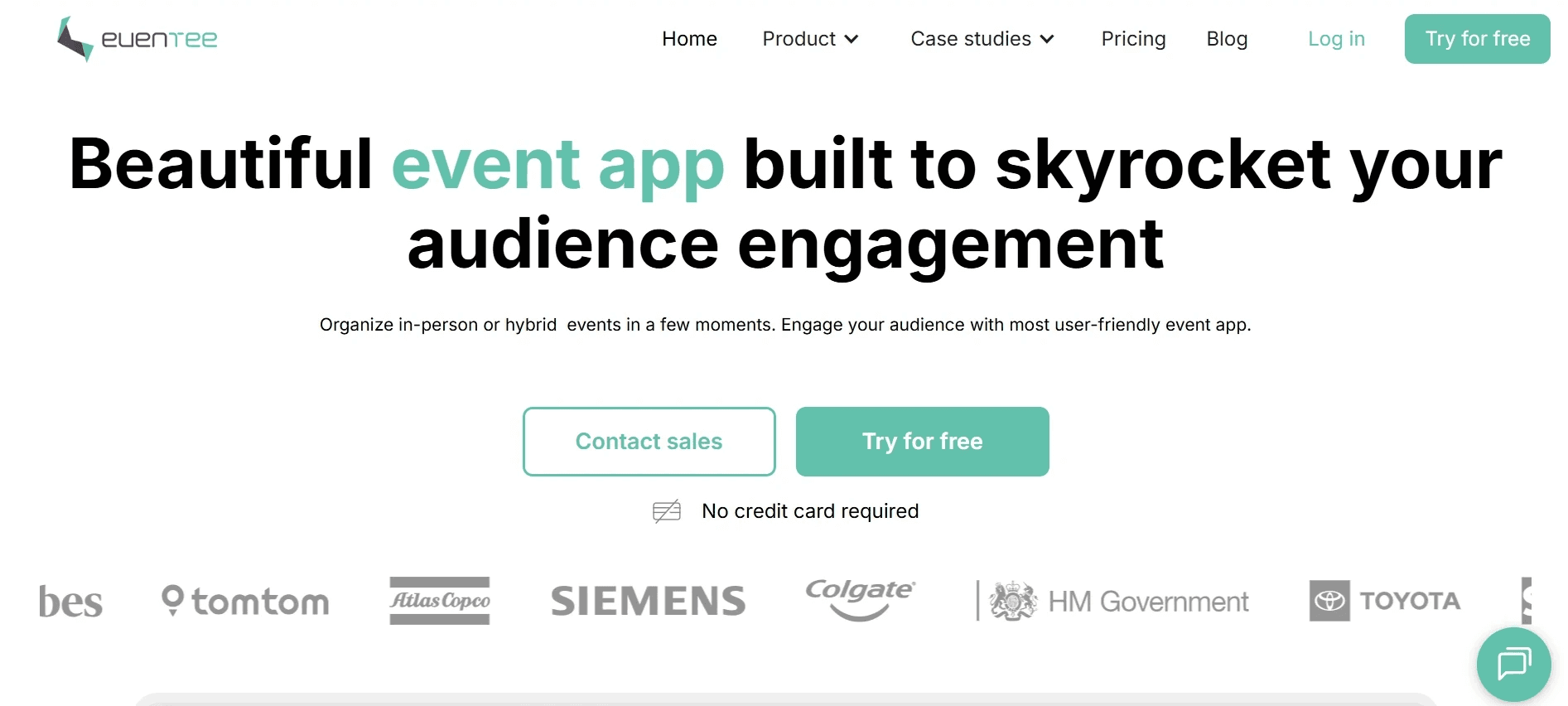
Eventee is a clean, mobile-first conference app that handles schedules, speaker profiles, live Q&A, and attendee networking without the setup complexity of enterprise platforms. For mid-size events (roughly 200 to 2,000 attendees), it hits a practical price-to-feature balance that larger platforms cannot match at that scale. The networking module lets attendees browse profiles and send connection requests, but it is attendee-experience-oriented rather than sales-team-oriented. Reps using Eventee at a conference are still responsible for logging contacts after the event ends.
8. Converve - Best for Niche Industry Events Requiring Custom Matchmaking Workflows
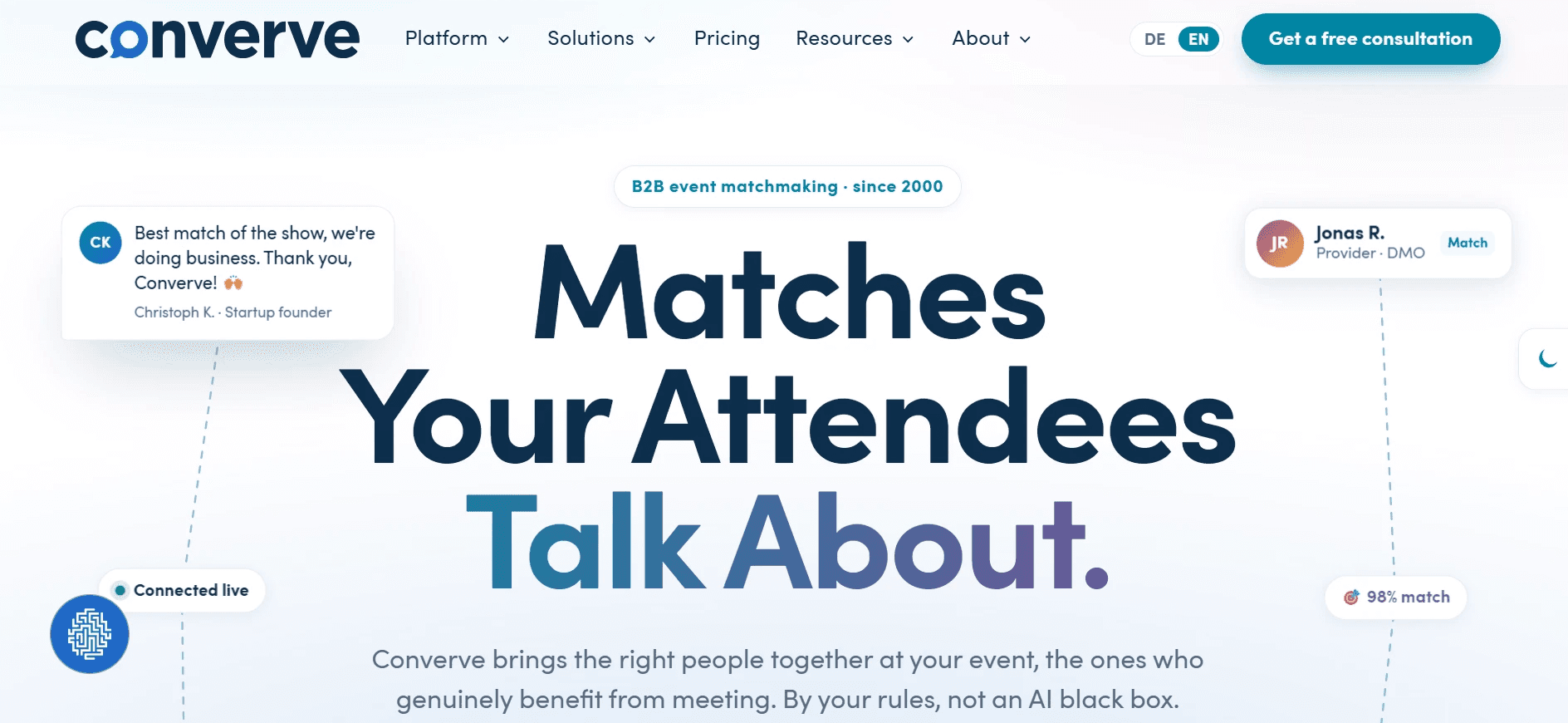
Converve is built for events where the matching criteria are highly specific: regulatory constraints, industry certifications, geographic restrictions, or multi-stakeholder partnership models that generic algorithms cannot handle. Event organizers can configure matching rules with precision that off-the-shelf tools do not support. For Sales Directors attending these niche events rather than organizing them, Converve's value is in the quality of introductions it surfaces. The post-meeting data path, as with most matchmaking-first platforms, remains a manual step.
9. Hopin - Best for Large Hybrid Events Combining Networking, Sessions, and Expo
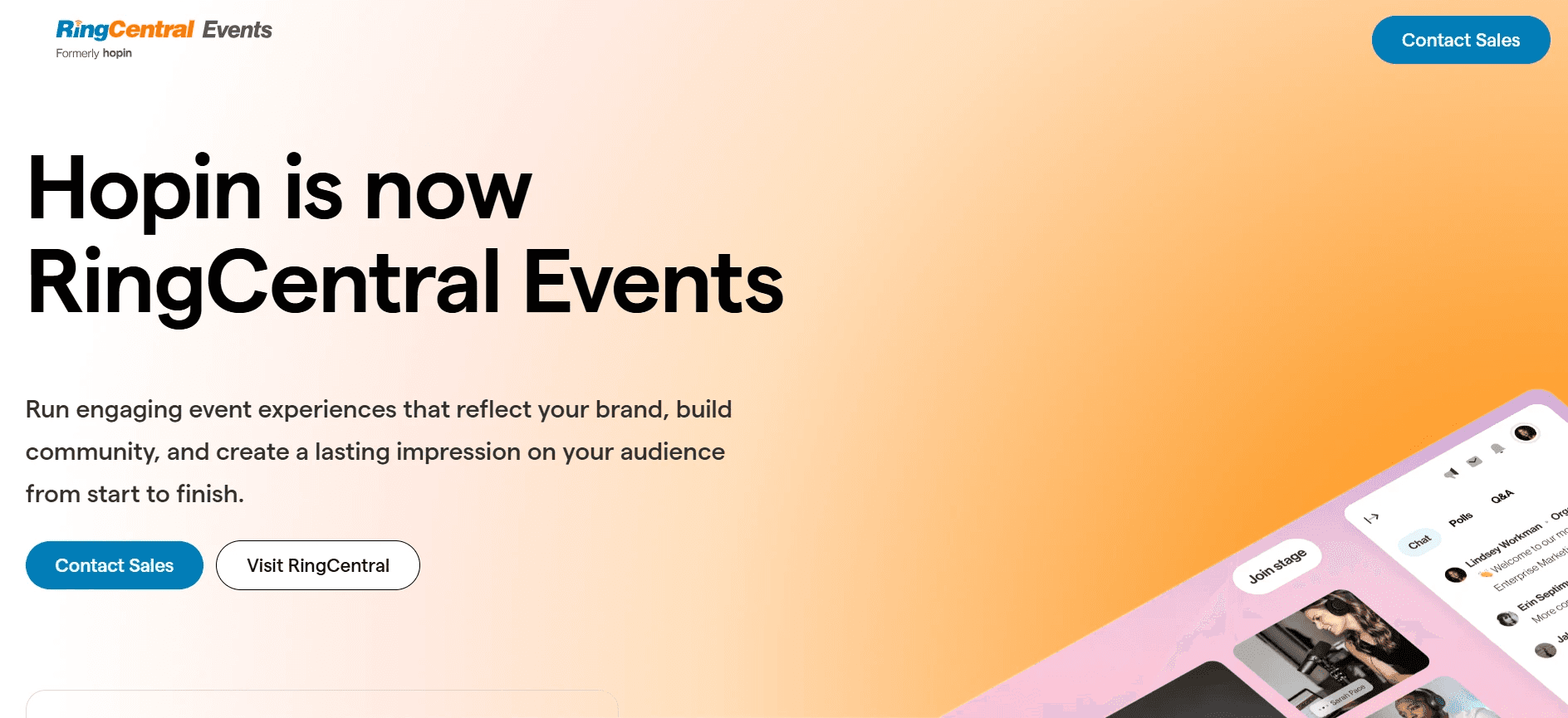
Hopin scaled rapidly as a top event networking app for large hybrid formats, combining a main stage, breakout sessions, expo booths, and 1-on-1 speed networking in a single environment. For enterprise marketing teams running flagship annual events, the all-in-one architecture reduces vendor fragmentation. The networking module uses interest-based matching for 1-on-1 video conversations. Sales Directors should note that Hopin's strength is event production at scale; lead capture and CRM sync capabilities are present but not the platform's primary differentiator.
10. Whova - Best Conference App for Attendee Community Building Before and After Events
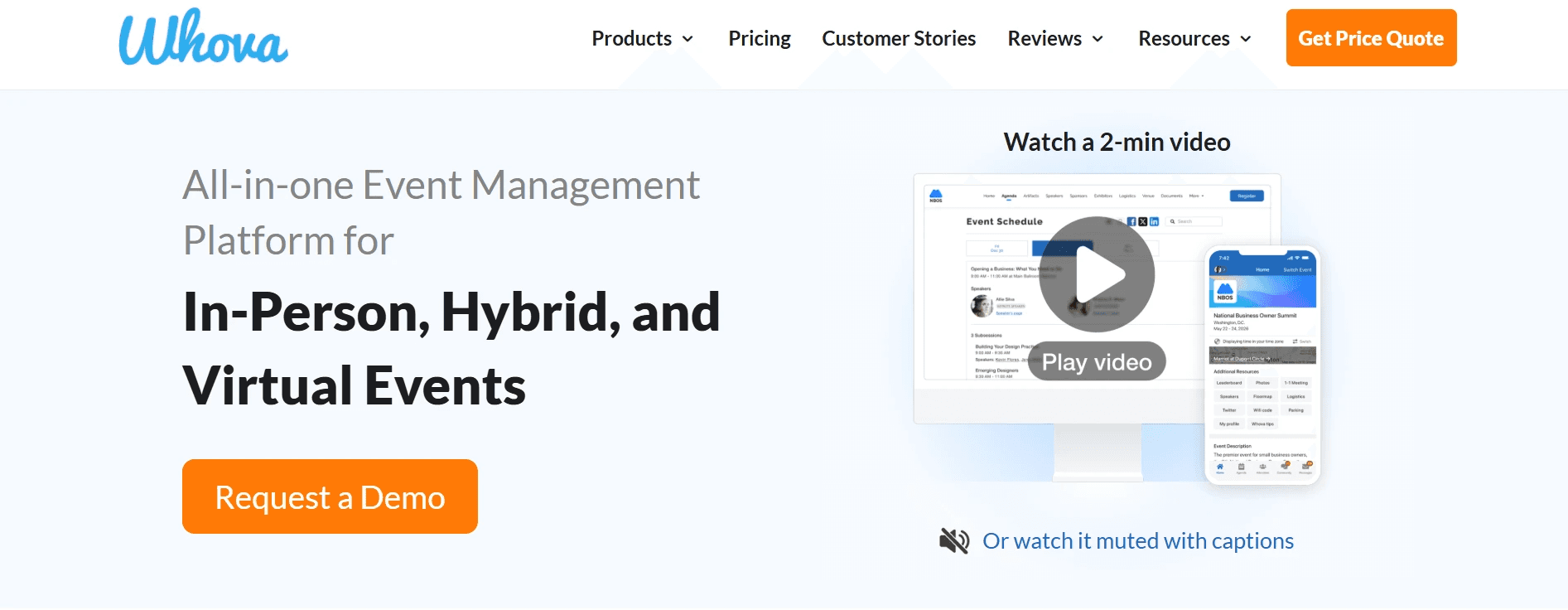
Whova is the right answer for mid-to-large conferences where attendee community building, pre-event engagement, and post-event connection are as important as what happens on the floor. Community boards, attendee profiles, and group messaging create a social layer that most event apps skip entirely. For Sales Directors specifically, the honest limitation is this: lead export from Whova is a manual step. A rep who does not export their connections before leaving the venue loses clean, timestamped contact data. Strong on community; the CRM handoff is not automatic.
11. Bizzabo - Best Data-Driven Conference Platform for Enterprise Marketing Teams
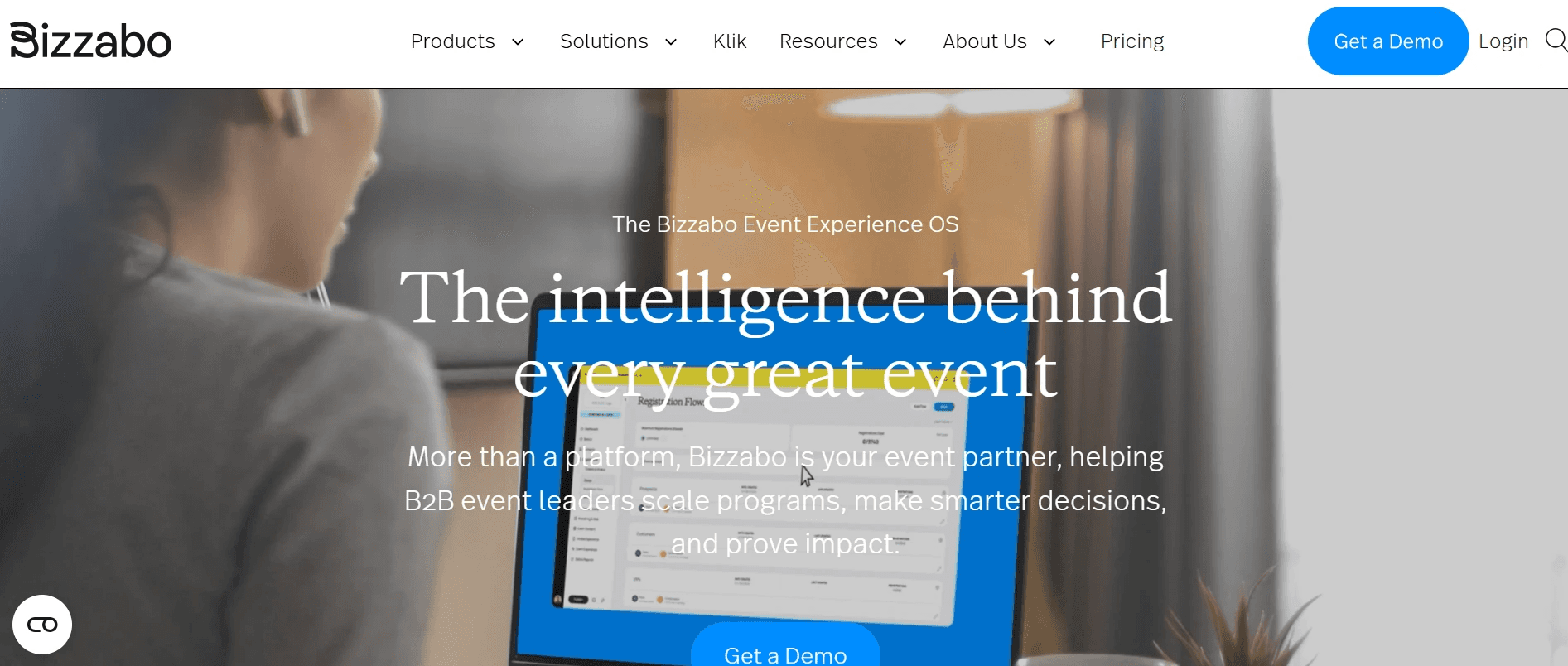
Bizzabo is best for enterprise-scale events, offering a comprehensive cloud-based platform that integrates registration, mobile apps, attendee networking, and event analytics in one environment. Marketing teams running large annual conferences value its reporting depth and the ability to connect event engagement data to broader demand-generation metrics. For Sales Directors, the relevant question is whether the attendee networking data feeds into the sales CRM automatically or requires a marketing-ops handoff. Bizzabo's integrations are strong; the data path between event activity and sales pipeline still requires deliberate configuration.
12. Swapcard - Best for Exhibitor ROI and Lead Qualification at Trade Shows
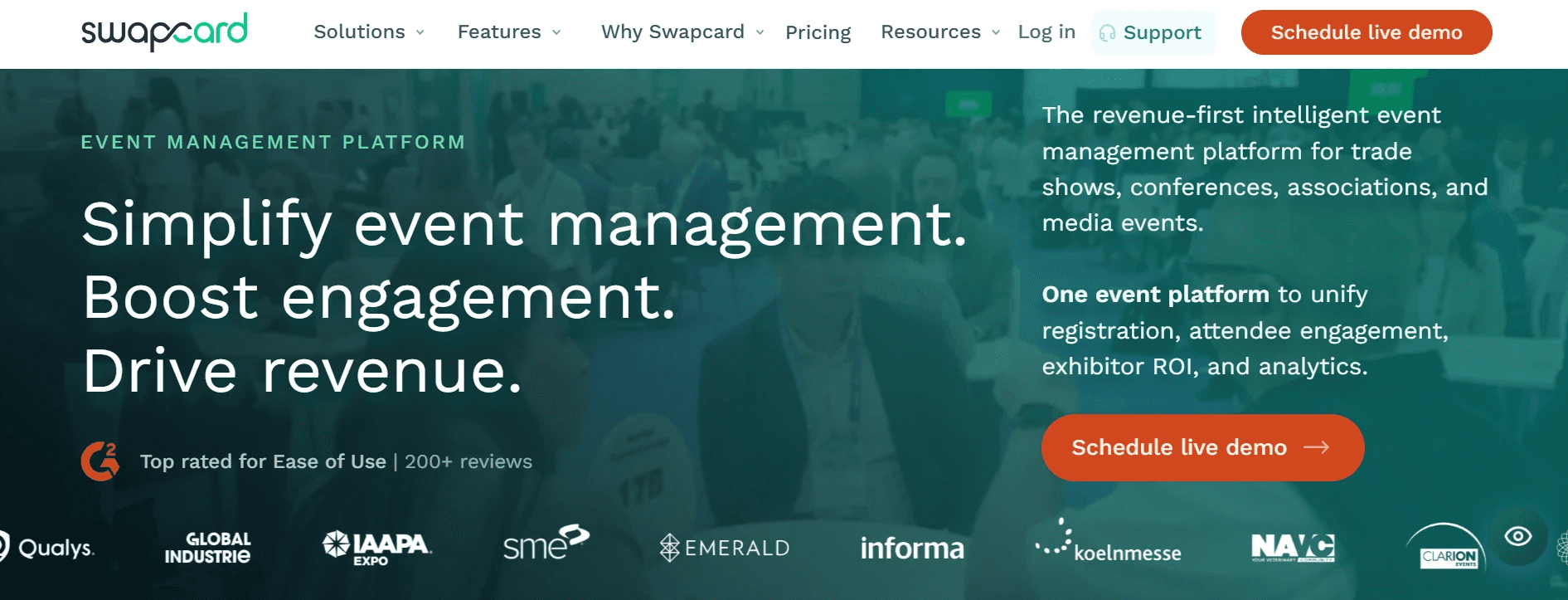
Swapcard is best for trade shows and exhibitions, with a specific focus on exhibitor lead capture and attendee-exhibitor networking. Exhibitors can scan badges, qualify leads with custom questions, and track engagement across the event lifecycle. Swapcard's published case studies report meaningful increases in qualified lead volume at events where structured qualification forms replaced badge-scan-only capture, though those figures originate from the vendor and Sales Directors should request a case study from their specific industry vertical, and ideally a reference customer, before signing. The platform's AI recommendations also improve attendee-to-exhibitor match quality over the course of a multi-day show. CRM sync is available but configuration varies; Sales Directors should confirm automatic push behavior during the procurement conversation.
13. Cvent - Best Enterprise Event Management Suite with Integrated Networking
Cvent holds a dominant position in the enterprise event platform category, with market share that reflects years of deployment across Fortune 500 event programs. It is the default enterprise choice for a reason: the platform covers the full event lifecycle from sourcing to post-event reporting, with AI-driven networking layered into the attendee experience. For Sales Directors at large organizations, Cvent's compliance posture and IT integration options reduce procurement friction. The trade-off is cost and complexity; Cvent is built for event teams managing dozens of programs annually, not for a single-conference deployment.
14. Zuddl - Best for Customizable Conference Experiences with Built-In Networking Lounges
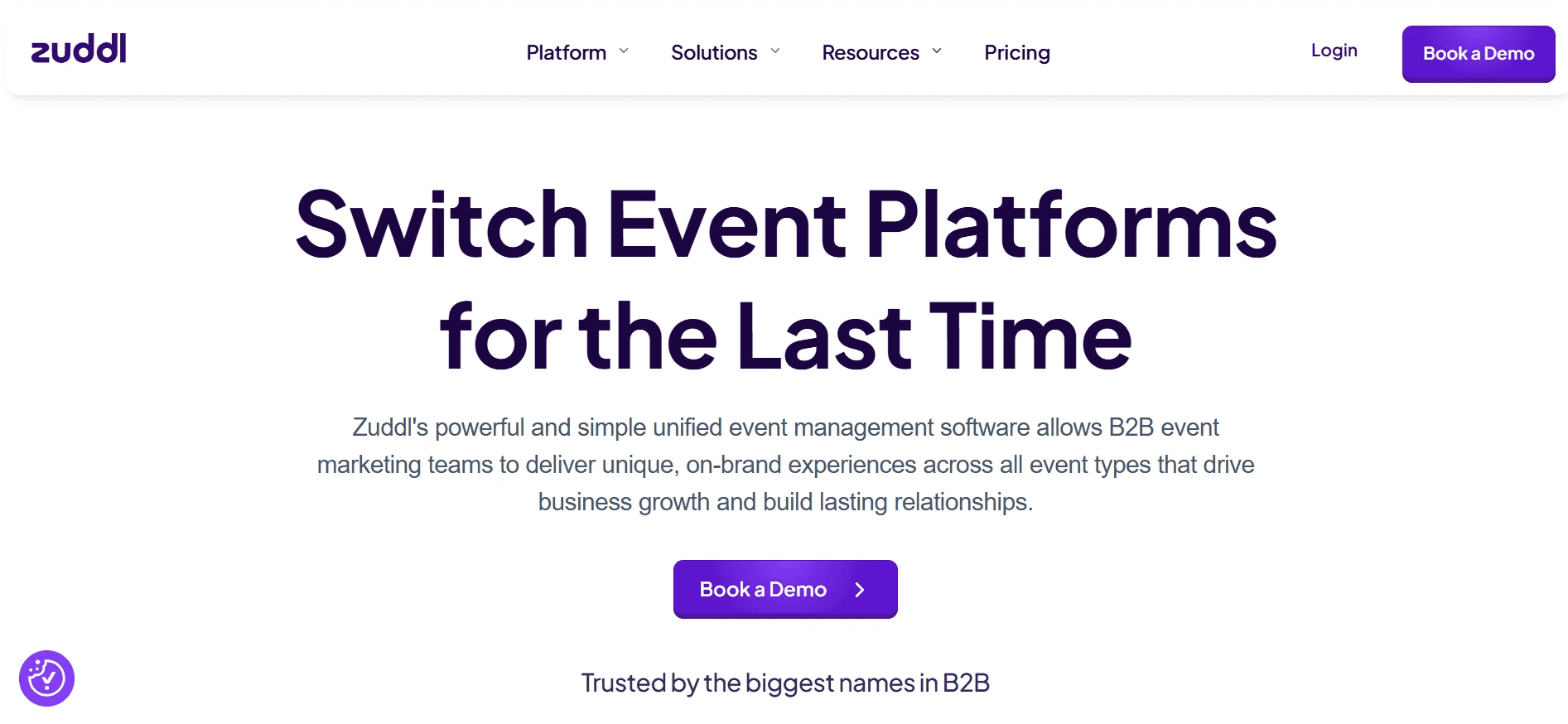
Zuddl gives event organizers significant control over the visual and structural experience of a conference, including branded networking lounges that can be configured to match specific event formats. For hybrid events where the virtual environment needs to feel as intentional as the physical one, Zuddl's customization depth is a genuine differentiator. Networking functionality is built in rather than bolted on. As with most experience-first platforms, the lead capture and CRM sync layer is present but not the headline feature; Sales Directors should evaluate it explicitly during a demo.
Related Reading
- Etiquette For Networking In Online Conferences
- Measuring Event Roi
- Trade Show Sales Tips
- Trade Show Follow Up Best Practices
- How Do You Find The Roi Of A Trade Show
- Trade Show Sales Funnel
- What Is Trade Show Marketing
- Event Lead Management
- B2b Trade Show Best Practices
- Conference Lead Generation
- B2b Trade Show Marketing
How to Choose the Right Conference Networking App - The 4-Question Decision Framework for Sales Directors
Four questions separate a smart conference networking app purchase from an expensive experiment. Most vendor demos lead with matchmaking quality and attendee adoption numbers, and those metrics matter. But they answer the wrong question for a Sales Director whose job is pipeline, not event satisfaction scores.
Question 1: and 2 - Event Format and Headcount Determine Which Platform Class You Actually Need
"Conference attendees struggle with capturing contact details quickly and accurately in the moment, the appeal of 'a quick snap' card scanning highlights friction around manual data entry at events."
Event format and expected headcount are your first filter. A hosted-buyer summit with 150 attendees has fundamentally different networking mechanics than a trade show floor with 4,000 badge scans per day. Smaller, curated events reward deep matchmaking tools where pre-scheduled 1-on-1 meetings drive most of the value.
Larger events shift the priority toward booth-side lead capture and rep-level contact logging at volume. Choosing a platform built for the wrong format means paying for features your team will never use while missing the ones they actually need. One friction point that compounds at scale: capturing contact details quickly and accurately in the moment.
The appeal of "a quick snap" card scan sounds convenient until you're on a trade show floor juggling handshakes, demos, and a dozen simultaneous conversations, that's where manual data entry breaks down and leads slip. Purpose-built digital card solutions like Mobilo address this directly: every tap or QR scan captures contact data at the point of exchange, with no manual re-entry required, and the contact record is created immediately rather than reconstructed later from a stack of paper cards.
Question 2: Map Your Primary Goal to the Right Tool Tier
If your primary goal is pre-event attendee matchmaking, purpose-built tools deliver better algorithm quality than all-in-one event management suites. If the goal is booth-side lead generation at scale, you need a platform with structured capture forms and export controls, not just a polished attendee profile directory. If you need full event management including registration, agenda, and networking in one system, expect trade-offs on depth in each area.
The mistake most Sales Directors make is letting the vendor's strongest demo feature define the goal, rather than mapping the goal first and then evaluating fit. For teams whose goal is scalable lead capture across multiple reps, it's worth understanding what the software tier actually includes before comparing hardware costs. Mobilo's Teams plan (the platform's most popular tier, billed at $4/month per seat annually) ships with team management, central billing, custom lead capture forms, lead enrichment, brandable QR codes, insights and analytics, and 6,000 integrations through Zapier, alongside unlimited leads and contacts and 24/7 customer support.
The Business plan at $5/month per seat adds enterprise SSO, HR directory sync, a custom domain, and white-glove onboarding for deployments of 100 seats or more. Neither tier caps taps or scans. Knowing that ceiling doesn't exist changes the ROI math for high-volume event programs.
Question 3: Does the Platform Push Contacts to Your CRM Automatically, or Are You Buying a Manual Export Problem?
This is the elimination question. com/post/following-up-on-trade-show-leads), and the cause is almost always a manual step that gets skipped in the 48 hours after the event ends. Following up within that 48-hour post-event window significantly increases the likelihood of conversion, and the single most common reason reps miss that window is a manual data-transfer step that gets deprioritized at the end of a long conference day.
The gap between leads captured and leads that actually enter a CRM remains one of the most measurable sources of lost pipeline in B2B sales. A platform with no automatic CRM push does not solve the lead-capture problem; it relocates it from the event floor to the rep's to-do list, where it competes with every other post-show task and usually loses. Mobilo's Teams and Business plans both include lead capture and management, lead enrichment, and Zapier's that same figure-integration ecosystem, so a contact captured by tap or QR scan on day one of a three-day event can flow into Salesforce, HubSpot, or any connected CRM automatically, without rep action after the exchange. That automatic push is what converts a captured contact into a worked lead instead of a forgotten entry in a CSV.
Vendor Evaluation Checklist: 4 Questions to Ask Before You Sign
Use this checklist during any vendor demo or procurement conversation:
- 1. What event format and headcount is this platform optimized for? → Good: Vendor names a specific format that matches your use case. Red flag: Claims it handles all event types equally well.
- 2. Does the platform push contacts to Salesforce/HubSpot automatically? → Good: Live demo shows an automatic push with no rep action. Red flag: CSV exports or “one-click export” presented as the integration.
- 3. Can one admin manage all rep profiles and lead-capture forms centrally? → Good: Dashboard demonstrates field locking and bulk updates. Red flag: Setup is handled at the individual rep level.
- 4. What happens to contact data if a rep never reopens the app? → Good: Automatic CRM record creation at capture. Red flag: Reps are simply reminded to log contacts later.
Related Reading
- Best Tech Conferences For Networking
- Best Networking Apps for Trade Show Attendees
- Best Finance Conferences For Networking
- Trade Show Booth Ideas For Small Budgets
- Virtual Conference Booth Ideas
- Networking Activity Ideas For Conferences
- What Are The Top Trade Show Lead Retrieval Tools
- Trade Show Follow Up Email Examples
- Conference Lead Capture Tools
- Trade Show Lead Capture App
Next steps
If your reps return from conferences with conversations that never reach the CRM, the path forward starts with solving the handoff at the moment of exchange, not the matchmaking that happens before it. Start with our digital business card.
The 48-hour post-event window is where pipeline is won or lost, and no conference networking app intervenes there by default. That means a tool selected for its discovery features will score well on attendee satisfaction and poorly on CRM conversion. Separately, the pattern across the market is consistent: when a rep must manually export, log, and push contact data after the event ends, that step gets skipped, and 80% of trade show leads never get followed up on. Together, those two realities point to one action: remove the manual handoff step at the physical moment of contact exchange.
Start with a digital business card that routes contact data directly into your CRM at the tap, before the rep moves to the next booth. From there, every conversation your team has at a conference becomes a pipeline record, not a forgotten entry in a CSV.
Frequently Asked Questions
What actually is conference networking software, and is it the same as an event management platform?
They overlap in UI but serve different purposes: event management platforms are built for the organizer (registration, check-in, agendas), while networking tools are built for the attendee (matchmaking, meeting scheduling, connection requests). Neither category is built to serve your CRM, which is the key distinction the post draws, and the reason lead capture often falls through the cracks even when both types of software are in use.
Why do so many conference leads never make it into our CRM even when the team is using a networking app?
The core problem is a manual export gap: badge scans and app connections generate CSV files that sit in someone's inbox, and fewer than one in ten contacts ever becomes a logged CRM record. Most networking apps are built around the event experience, not the sales workflow that follows, so pushing data into Salesforce or HubSpot still depends on a rep taking action after the event, an action the post notes most reps skip, not out of disinterest but because the data-transfer step is manual and gets overlooked.
When does it actually matter whether my networking tool syncs to the CRM automatically versus through an export?
It matters most in the 48-hour window after the event ends, which the post identifies as the period when a new contact is most likely to convert. Automatic sync at the moment of exchange is the only reliable window for a clean, correctly attributed, timestamped record, by the time a manual export reaches the CRM, the context that makes a lead actionable has already faded, especially for teams working multiple events per quarter.
If AI matchmaking helps me meet the right people, why isn't that enough to protect my pipeline?
Because matchmaking optimizes for connection quality, not whether that connection becomes a CRM record. As the post puts it, a perfectly recommended conversation that never reaches Salesforce produces the same result as a missed meeting, the capture mechanism, not the quality of the match, determines whether the opportunity survives the walk back to the hotel.
Which feature should I prioritize when evaluating conference networking software for a field sales team?
Lead capture and CRM sync ranks first in the post's four-feature hierarchy, ahead of attendee profiles, AI matchmaking, and session tools, because it is the only category that generates attributable pipeline records. A purpose-built approach like Mobilo Card writes the contact record at the moment of the tap, routing details directly into Salesforce or HubSpot in real time with no post-tap action required from the rep, which is the workflow the post identifies as the solution to the export gap.