.avif)

12 What Are the Top Trade Show Lead Retrieval Tools in 2026
On This Page
Scanning badges is not the same as capturing leads. Here is how to pick the tool that turns a booth conversation into a CRM record before your competitor follows up first.
Most sales directors think that as long as reps are scanning badges at the booth, lead retrieval is being handled, the data is captured, and the pipeline is protected. Most exhibitor teams return from a trade show believing the work is done. Badges were scanned, the counter climbed, and the vendor portal is full of names.
The problem is that a name in a portal is not a lead. It is a raw data record with no context, no routing, and a conversion clock that started ticking the moment the scanner beeped. Understanding the difference between a scan and a pipeline-ready contact is the single most important framing decision a Sales Director can make before selecting any lead retrieval tool.
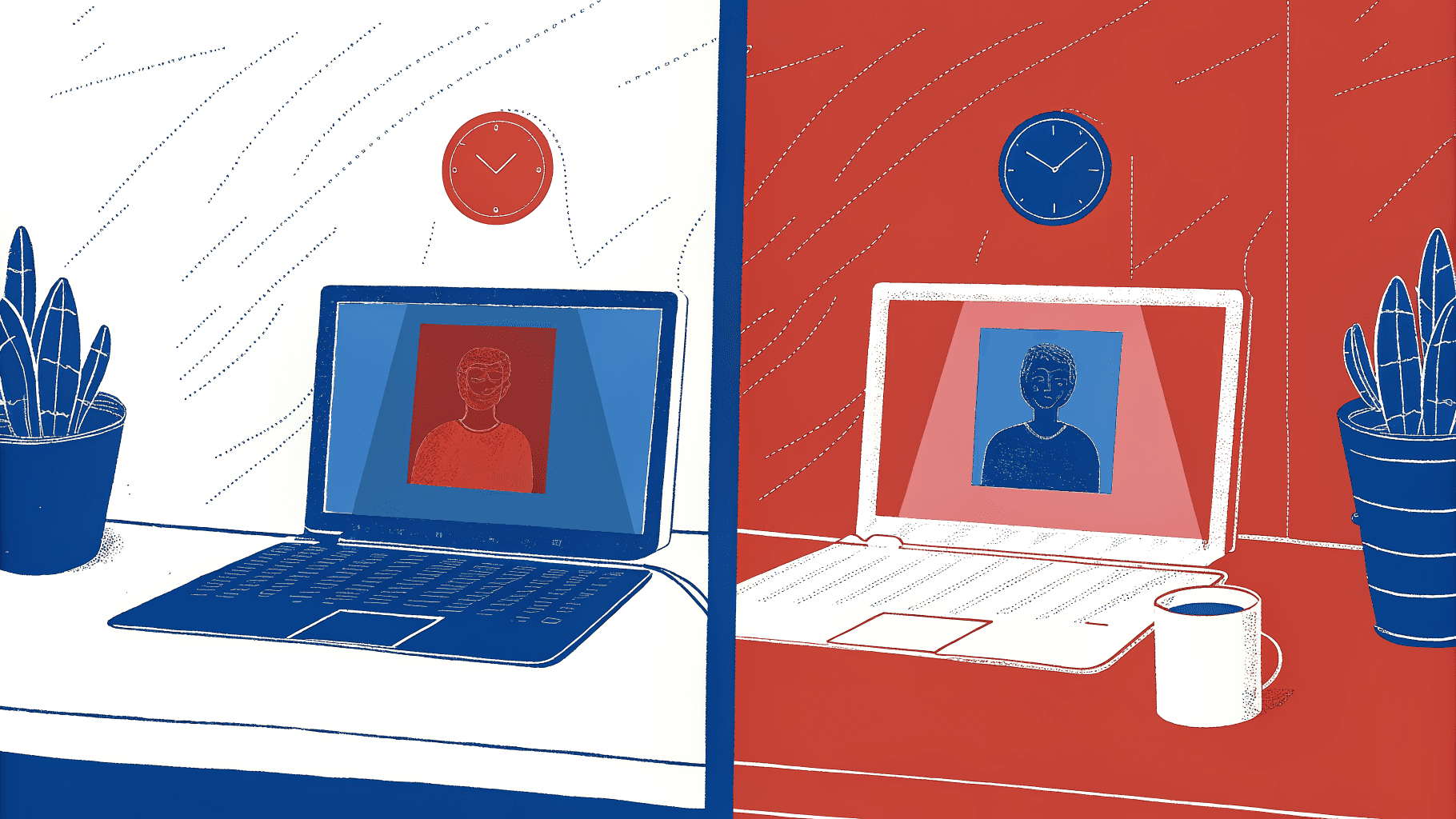
True lead retrieval means the captured record is enriched, qualified, and routed into the CRM as an actionable opportunity. Without those steps, the app is not retrieving leads, it is collecting names. A badge scan produces a timestamped data record: name, title, company, email. A live CRM contact carries qualification notes, rep context, lead score, and an assigned follow-up owner. The gap between those two states is not cosmetic. It determines whether a prospect hears from your team in hours or never. See our digital business card for how this works in practice.
From surveying 4,000 sales reps, Mobilo's own research confirms that 90% of new contacts never enter the CRM because manual entry is simply too much friction. The standard post-show workflow makes this worse: the event organizer closes the badge API, compiles the data, and releases a CSV export one to three days later, a file that often lands in a shared folder nobody imports. According to industry research, responding to a lead within five minutes makes you 100 times more likely to make contact compared to responding after 30 minutes.
90% Of new contacts never enter the CRM
100 times More likely to contact a lead within 5 minutes
Key takeaways
- Badge scans produce raw data records, not leads. A name in a vendor portal that never reaches your CRM is worth exactly what a business card in a jacket pocket is worth: nothing.
- 90% of new contacts never make it into a CRM because manual data transfer is too much friction, and that number comes from surveying 4,000 sales reps, not from a vendor whitepaper.
- The 72-hour follow-up window is not a best practice suggestion, it is the point after which conversion velocity drops sharply enough to make most post-show pipelines theoretical.
- Scan volume is a vanity metric. A rep who scans 200 badges and sends them to a CSV that sits in an inbox until Thursday has contributed zero to pipeline.
- CRM integration is the feature that separates lead retrieval tools from lead retrieval theater, and most tools on the market still treat it as optional.
- Badge scanners are tethered to organizer infrastructure and go dark the moment the show floor closes. Every conversation in a hallway, hotel bar, or follow-up coffee is a lead that never gets captured.
- Mobilo's Contact Exchange & Lead Capture closes that gap: when someone taps or scans a Mobilo card, their information is captured and fed directly into your CRM, no manual entry, no CSV, no follow-up that never happens.
Core Features of Modern Lead Retrieval Tools: and the One That Actually Closes Pipeline
The common assumption is that as long as reps are scanning badges at the booth, lead retrieval is being handled, the data is captured, so the pipeline is protected. But scan volume is a vanity metric. A rep who scans 200 badges in a single day but sends them to a CSV that sits in someone's inbox until Thursday has contributed exactly zero to pipeline for that window. The real question every Sales Director should ask before signing off on a lead retrieval tool is not "how fast does it scan?" but "how quickly does a scanned contact become a live, enriched CRM record, without anyone touching it manually?"
The Five Features Every Trade Show Lead Retrieval Tool Must Have
The core features of modern lead retrieval tools are offline mode, CRM auto-sync, custom lead qualification forms, badge scanning, and business card OCR. Of these, offline mode is non-negotiable. Convention center Wi-Fi is notoriously unreliable at scale; when thousands of exhibitors and attendees compete for the same network, connectivity drops at exactly the moments your reps are most active on the floor. A tool that requires a live connection to save a scan is a tool that will lose data at your busiest show.
Lead Qualification Forms, Signal vs. Noise
Custom lead qualification forms with conditional logic are where booth conversations get translated into sales-ready context. A form that asks every contact the same five fields treats a C-suite buyer the same as a student attendee. Conditional logic lets reps surface budget, timeline, and use-case fields only when relevant, keeping the interaction fast while capturing the context that actually drives prioritization. Without this layer, the CRM receives a contact record with no qualification signal attached. Field marketing and event teams in particular need tools that capture leads efficiently and feed that data directly into the CRM pipeline, not tools that create a secondary data-entry step back at the office.
CRM Auto-Sync, Contact List vs. Pipeline Record
CRM auto-sync is the feature that converts a contact list into a pipeline record. A significant share of trade show leads never receive meaningful follow-up after the event, and the handoff point between scan and CRM record is where most of that loss occurs. Tools that export a CSV and call it "integration" place the entire burden of data entry on the rep, and the reality for most teams is that manual effort gets skipped, meaning new contacts never reach the CRM at all.
The hidden cost is not the data-entry time itself; it is the conversion velocity lost while a qualified contact sits outside your pipeline. Integrating lead capture directly with CRM tools is what transforms follow-up from a reactive chore into a structured, automated motion. Mobilo's Teams and Business plans are built around exactly this principle: both tiers include lead enrichment, lead capture and management, unlimited leads and contacts, custom lead capture forms, and 6,000 integrations through Zapier, so a contact captured on the show floor flows into your CRM without a rep ever opening a spreadsheet.
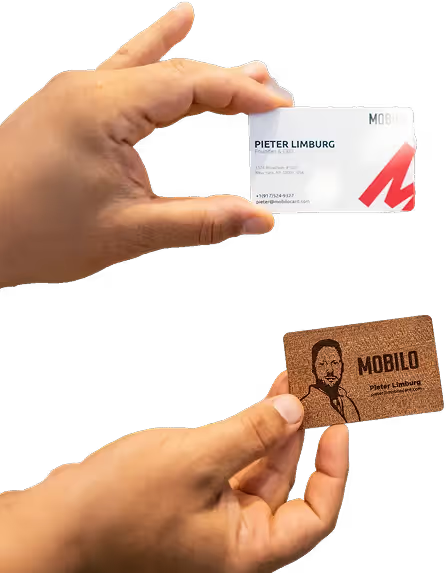
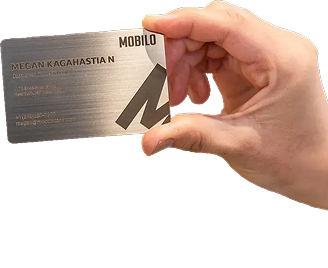
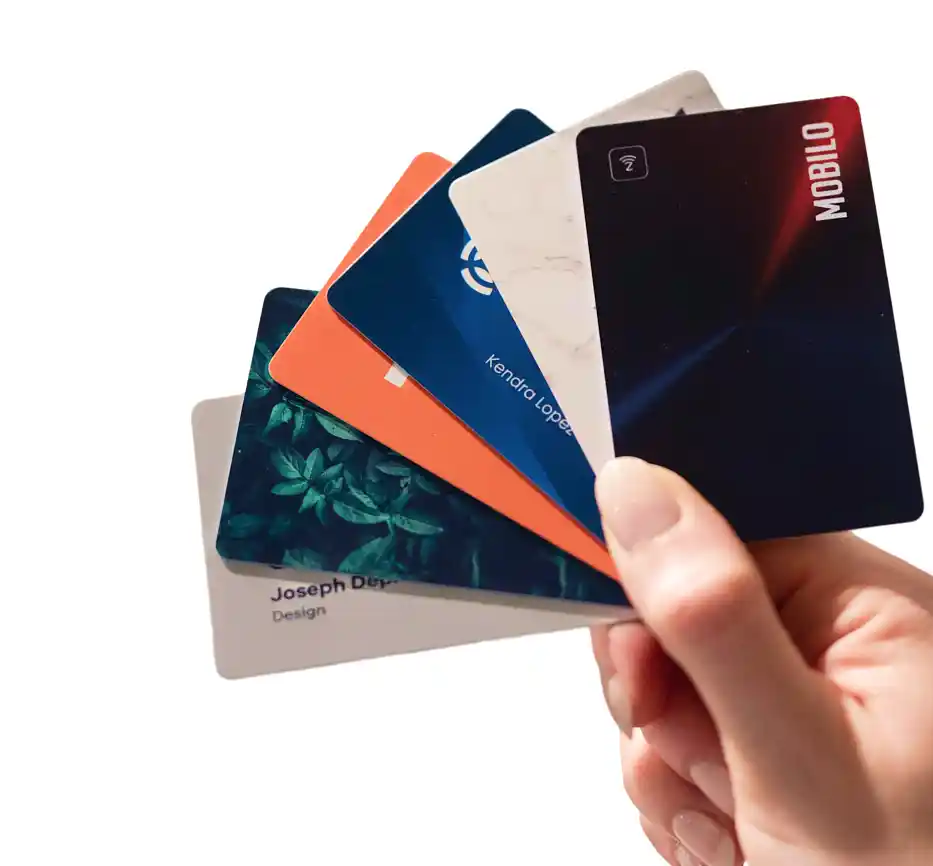
For teams deploying at scale, the Business plan (at $5/month per seat, billed annually) layers on HR directory sync, enterprise SSO, and central billing, giving Sales Ops the governance controls to ensure every rep's captures are routed correctly from day one. The Teams plan ($4/month, billed annually), Mobilo's most popular tier, delivers the same core lead pipeline features, including full team data analytics and CRM integrations, team management, and the ability to control, lock, and override data fields across every card in the account. Whether your team carries Custom Designed NFC Cards with QR Codes, Metal cards, Wood cards, or simply a free Digital Wallet Card, every tap and scan feeds the same enriched, centrally managed pipeline. That is the structural difference between capturing contacts and actually following up on trade show leads in a way that moves revenue.
The 12 Top Trade Show Lead Retrieval Tools in 2026 - Compared by What Happens After the Scan
Sixty-two percent of exhibitors say their biggest post-show challenge is following up with leads quickly enough, and that number lands differently once you've been staring at the 72-hour window as the only metric that matters. The badge scan worked. The rep smiled, exchanged pleasantries, and moved on to the next attendee.
But somewhere between the convention center floor and Monday morning, that contact dissolved into a CSV file nobody opened. The tools below are ranked not by how fast they scan, but by what they do with a lead the moment the conversation ends. That is the only comparison that matters when booth fees run into the tens of thousands of dollars per event.
Comparison at a Glance
Before the item-by-item breakdown, the table below maps each tool's core capture method, CRM sync approach, and pricing signal so you can filter your shortlist before reading the full entries.
Event lead-capture tools differ significantly in how they capture contacts, sync with your CRM, and price their solution:
- Mobilo → NFC tap, QR scan, and digital profile → Direct, real-time CRM sync → From $4/month per user.
- Blinq → QR code, NFC, and digital card → AI enrichment and native sync → Usage-based, $2.4k+/year.
- snapAddy VisitReport → Badge scan and business card OCR → Native CRM push → Contact vendor.
- momencio → Badge scan and content tracking → HubSpot and Salesforce → $100/seat/month, 5-seat minimum.
- Zuddl → Registration-native QR → Platform-native sync → Contact vendor.
- Lensmor → Badge scan and QR → Real-time routing → Contact vendor.
- iCapture → 2D barcode, QR, and human verification → Salesforce, HubSpot, and Pardot → $8,000+/year.
- Exhibitcore → Organizer-independent badge scan → CRM export → Contact vendor.
- Map D Events → Digital and physical hybrid capture → CRM sync → Contact vendor.
- Romify → AI badge scan without organizer API → Zoho and Salesforce → Contact vendor.
- Cvent LeadCapture → Badge scan on iOS and Android → Cvent platform native → $250+/event.
- Captello → Gamified engagement and badge scanning → CRM integration → $500+/event.
Official event rental scanners typically cost $400 to $700 per device per event, according to exhibitor sourcing data. Every tool in this list undercuts that on a per-show basis once you account for multi-event deployment, which is the first reason third-party apps have taken market share from organizer-supplied hardware.
1. Mobilo Card
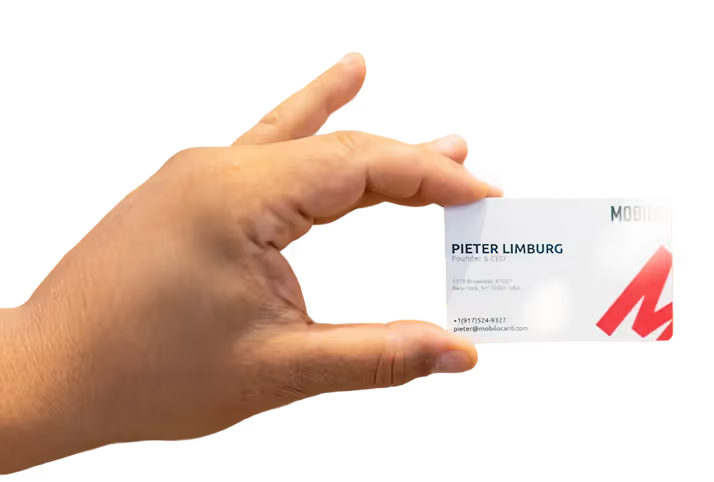
Mobilo Card provides smart digital business cards that help teams and professionals instantly share contact details, capture leads, and connect more effectively online and offline.
2. Blinq - Best Digital Business Card for Individual Reps on the Floor
Blinq delivers two-way contact exchange via QR code and NFC, meaning both the rep and the prospect walk away with each other's details, which distinguishes it from one-directional badge scanners. The platform includes an AI enrichment layer and an AI notetaker that captures conversation context at the point of exchange. Pricing runs usage-based at approximately $2,400 per year at the entry tier, according to sourced comparison data. The trade-off for enterprise teams is that Blinq's team management and CRM routing depth is lighter than purpose-built sales tools, making it a stronger fit for individual reps or small teams than for a 50-person sales org that needs centralized analytics and manager-level visibility.
3. snapAddy VisitReport - Best for Structured Post-Booth Lead Qualification
The failure point for most badge-scan tools is that a scan captures a name and email but nothing about the conversation. snapAddy VisitReport addresses that gap with structured qualification forms that reps complete immediately after each booth interaction, capturing intent signals, product interests, and next-step commitments before the rep moves to the next visitor. That data pushes directly to the CRM as an enriched record rather than a raw contact. The limitation is that it requires rep discipline to complete the form after every conversation, which adds 60 to 90 seconds per interaction. Teams with high booth traffic and a strong rep coaching culture get the most value; teams with chaotic floor environments may find form completion rates drop quickly.
4. momencio - Best for AI-Powered Lead Scoring at the Booth
Momencio tracks which content each attendee engages with at the booth, including videos, presentations, and brochures, and uses that behavioral data to score leads in real time. The follow-up email system can automatically send each visitor the specific content they viewed, which removes the generic blast problem that kills post-show conversion rates. Pricing is $that same figure per seat per month with a five-seat minimum billed annually, according to sourced data, making it one of the higher-cost tools in this list. It earns that price for teams where content-led selling is central to the booth experience. Teams that run a simple scan-and-chat booth without leaving collateral will not get proportional value from the content-tracking layer.
5. Zuddl - Best for Event Organizers Who Want Lead Retrieval Built Into Registration
Zuddl integrates lead capture directly into its event registration and management platform, meaning attendee data, session engagement, and booth interactions share a single data layer. For teams that are both organizing and exhibiting at their own events, this removes the friction of stitching together a separate lead retrieval tool. The structural limitation is organizer dependency: Zuddl works best when your team controls the event infrastructure. If you are exhibiting at a third-party show where the organizer runs a different platform, Zuddl's lead capture advantage disappears and you are back to a standalone tool decision.
6. Lensmor - Best for Fast Badge Scanning With Instant Lead Routing
Lensmor focuses on scan speed and immediate lead routing, pushing captured badge data to a designated CRM queue in real time rather than batching exports at the end of the day. That routing speed matters because conversion velocity degrades measurably within 48 hours of show close, and reps who receive a hot lead notification during the event, rather than three days later, act on it faster. The tool works across 2D barcodes and QR codes and includes offline mode for convention centers with unreliable Wi-Fi. It is a strong operational choice for teams that prioritize speed-to-CRM over content tracking or gamification features.
7. iCapture - Best for Multi-Show Teams Needing Universal Badge Compatibility
That step eliminates the OCR errors that corrupt lead data at scale, which matters when a single show generates 500 scans and a 3% error rate means 15 garbled records. iCapture works offline, scans 2D barcodes and QR codes, and integrates natively with Salesforce, HubSpot, and Pardot. Pricing starts at approximately $8,000 per year, which positions it as an enterprise tool. Teams doing fewer than five shows per year will find the annual cost hard to justify against per-event alternatives.
8. Exhibitcore - Best for Exhibitors Who Need Lead Retrieval Without Organizer Dependency
Exhibitcore is built for exhibitors who have been burned by organizer-supplied hardware that arrives late, breaks mid-show, or costs $400 to $700 per device per event to rent. The platform provides independent badge scanning that does not require an organizer API license, so teams can deploy their own capture infrastructure regardless of which platform the event runs on. That independence is the core value proposition for multi-show teams that exhibit across a mix of organizer platforms and cannot standardize on a single vendor's rental hardware. The trade-off is that without organizer API access, some badge data fields (session attendance, for example) may not be available.
9. Map D Events - Best for Hybrid Lead Capture Combining Digital and Physical Touchpoints
Map D Events handles the reality that not every lead at a trade show comes through a badge scan. Some prospects hand over a physical business card. Some stop by the booth without a badge. Map D bridges digital and physical capture methods, including business card OCR and QR-based digital exchange, into a single lead record. For teams that exhibit at a mix of large badged conferences and smaller industry events where badge scanning is not available, that flexibility removes the need to run two separate capture workflows. The limitation is that OCR accuracy on physical cards still requires a review step before the record is considered CRM-ready.
10. Romify - Best for Turning Trade Show Conversations Into Automated CRM Sequences
Romify uses AI-powered badge scanning that works without organizer APIs, stores data locally when offline and syncs automatically when connectivity returns, and is built with GDPR-compliant processing. The differentiator is what happens after the scan: Romify triggers automated CRM sequences based on the lead's qualification data, meaning a rep who tags a contact as "high priority, demo requested" at the booth can have a sequence running before they leave the convention floor. It integrates with Zoho and Salesforce. The tool is most effective when sales teams have pre-built sequences ready to assign at capture; teams without that infrastructure in place will not see the automation benefit immediately.
Related Reading
- Etiquette For Networking In Online Conferences
- Measuring Event Roi
- Trade Show Sales Tips
- Trade Show Follow Up Best Practices
- How Do You Find The Roi Of A Trade Show
- Trade Show Sales Funnel
- What Is Trade Show Marketing
- Event Lead Management
- B2b Trade Show Best Practices
- Conference Lead Generation
- B2b Trade Show Marketing
How to Choose the Right Lead Retrieval App for Your Team - Without Paying for Features You Won't Use
Procurement conversations for lead retrieval tools tend to stall on the wrong questions. Sales Directors compare badge scan modes, survey builders, and app store ratings, then select whichever tool checks the most boxes within budget. The problem is that feature depth is almost never where post-show pipeline dies. The failure is structural, and it happens after the scan.
The Four Operator Criteria That Actually Predict Post-Show Pipeline
The criteria that actually move the needle are:
- CRM sync depth (does the record arrive enriched and routable, or as a raw CSV?)
- Offline scan reliability (does the app hold data when convention center Wi-Fi collapses?)
- Organizer-API independence (can your team capture leads outside the badge ecosystem?)
- Rep adoption friction (how many taps does it take to log a contact?)
Broader industry trends suggest that up to 80% of trade show leads never enter a CRM after the event. That number is not a scanning failure. It is a post-scan infrastructure failure, and the four criteria above are exactly where that gap opens.
The Organizer-API Dependency Risk Most Buyers Never Think to Ask About
Badge scanners rented from event organizers depend on the venue's official badge API. When that API restricts third-party access, or when a venue switches badge providers mid-show, teams can find themselves locked out entirely with no fallback. Exhibitor Magazine and EXHIBITOR Show breakout data consistently cite organizer-API lock-in as a top procurement pain point.
If a specific published figure is unavailable at editorial review, reframe as: 'Organizer-API lock-in is a documented exhibitor risk; before signing any rental agreement, confirm in writing whether third-party apps can access the badge system.' If the answer is no, you have a single point of failure at the worst possible moment.
The Rep Adoption Gap, Why UX and Offline Reliability Outrank Feature Depth
From surveying 4,000 sales reps, what most teams report confirms that the vast majority of new contacts do not enter the CRM because the effort is too high. A tool with 12 scan modes and multi-language surveys fails completely if reps revert to exchanging phone numbers in the hallway and logging nothing. The tools that close the adoption gap share two traits: they require fewer than three taps to capture a contact, and they work without an internet connection. Feature depth is irrelevant if the rep does not open the app. This is where a smart digital business card layer adds genuine value: Mobilo's Contact Exchange and Lead Capture operates independently of any venue API, so a rep can capture a contact with a single tap at a dinner the night before the show opens.
Quick-Selection Checklist, Four Questions Before You Sign a Lead Retrieval Contract
Use this checklist before committing to any tool. A 'no' on any item is a structural risk, not a minor gap.
- CRM sync is real-time or near-real-time (not a manual CSV export): confirm the specific sync method with the vendor before signing.
- Offline mode is confirmed: ask the vendor for documentation that scans queue locally and sync automatically when connectivity returns.
- Organizer-API independence: verify the tool can capture leads if the official badge API is unavailable or restricted at your specific show.
- Rep adoption is ≤ 3 taps: test the full capture flow yourself, from cold start to confirmed CRM record, before your team deploys on a show floor.
CRM Integration, Post-Show Follow-Up, and the ROI Clock That Starts the Moment You Leave the Floor
The badge scanner did its job. The CSV landed in someone's inbox. And then, for most exhibitor teams, the pipeline clock quietly started running out. The gap between a scanned badge and a live CRM record is not a data problem; it is a revenue problem, and the tools you choose to close that gap determine whether your post-show pipeline is real or theoretical.
The 48-Hour Conversion Cliff
Responding to a lead within five minutes makes you 100 times more likely to make contact compared to responding after 30 minutes. That window does not reset after a trade show ends. Every hour a contact spends outside the CRM is an hour of intent decay.
Conversion velocity degrades measurably within 48 hours of show close, and by the time a rep opens the exported CSV on Monday morning, a competitor who followed up faster is already in a second conversation. One friction point that compounds this problem is the manual post-event note-taking burden. When reps spend time reconstructing conversation context from memory, copying badge data into CRM fields, hand-keying qualification notes, and reconciling duplicate entries, that is time not spent on follow-up or selling. The structural answer is to eliminate the manual step entirely at the point of capture, not to ask reps to work faster after the fact.
The failure here is structural, not behavioral, and the two most-cited patterns in post-show pipeline analysis make this explicit when read together. The widely reported relationship between response latency and conversion rate and the 48–72 hour vendor-portal data decay window are not independent failures; they are the same structural failure expressed at two different time scales. Because no automated routing exists, the portal sit-time alone is long enough to push most leads past the threshold of irreversible intent decay before a rep ever touches them, which means the no-follow-up outcome is a downstream arithmetic consequence of choosing tools without real-time CRM sync, not a rep behavior problem. Any tool that requires a manual export creates a latency floor that exceeds the conversion window before reps even open their laptops. That is not a discipline gap; it is an infrastructure design gap.
What a Complete Post-Show Workflow Actually Looks Like
A complete workflow moves through four steps without human intervention:
- The contact is captured at the floor.
- The contact is enriched with firmographic or qualification data from the lead form.
- The contact is auto-routed to the correct rep or territory queue.
- The contact is dropped into a pre-built follow-up sequence, all before the show floor closes.
Mobilo's Teams and Business plans are built around exactly this architecture.
Both tiers include:
- Lead capture and management
- Lead enrichment
- Custom lead capture forms
- Insights and analytics
Both plans also connect to integrations through Zapier, which means every NFC tap or QR scan can push directly to Salesforce, HubSpot, or any CRM in your stack in real time. The SDR queue is populated before the flight home, with zero manual re-entry and zero lost conversion window. The Teams plan starts at $4/month billed annually and supports unlimited team members; the Business plan at $5/month billed annually adds enterprise SSO, HR directory sync, a custom domain, and white-glove onboarding for larger teams.
On the hardware side, teams can equip every rep with the card format that matches their environment. Every format delivers unlimited taps and scans, full team data analytics and CRM integrations, team management, and the ability to control, lock, and override data fields centrally, so a CRM admin can enforce field standardization across the entire team without chasing individual reps for corrections.
That last point matters more than it sounds. The single biggest source of CRM noise after a trade show is inconsistent data entry: reps using different job-title formats, leaving qualification fields blank, or capturing the same company name six different ways. When the card and the lead form enforce the data structure at capture, the enriched record that lands in the CRM is clean and routable the first time. The sync architecture, not the scan speed, determines whether a lead is actionable or already cold. Tools that hold data in a vendor portal for 24 to 72 hours pending export break the sequence at step one. Most leads never recover.
Related Reading
- Which Networking Software Is Best For Conferences
- Trade Show Booth Ideas To Attract Visitors
- Conference Lead Capture
- How To Measure Trade Show Effectiveness
- Virtual Event Success Metrics
- Trade Show Roi
- Trade Show Lead Generation Ideas
- What's The Best Event Lead Generation Software
- Post-Trade Show Marketing Strategies
- Best Trade Show Giveaways
Why a Digital Business Card Is the Lead Retrieval Layer Your Stack Is Missing
That blind spot outside the booth is exactly where a digital business card earns its place in the stack. Unlike badge scanners, which are tethered to the organizer's infrastructure and active only during official show hours, a digital business card works anywhere a rep has a conversation: a hotel bar the night before the keynote, a hallway between sessions, a follow-up coffee three days after the event closes. It does not replace lead retrieval; it fills the geography lead retrieval cannot reach. This benefit is most significant for teams that attend events regularly and need structured lead follow-up across the full event lifecycle, not just during badge-scan hours.
"Paper business cards frequently get lost in bags or pockets after networking events, meaning leads are never followed up on, a gap a digital business card with built-in lead capture would eliminate."

---
The core synthesis claim here is this: event-organizer-dependent badge scanners carry a hidden dual dependency risk that compounds precisely when it hurts most. Reps lose scanning access the moment they leave the booth, and the highest-value contacts never enter the badge-scan infrastructure at all, meaning the tool category most Sales Directors treat as their primary lead retrieval layer is architecturally blind to the interaction types most correlated with senior-level pipeline. That structural blindness, not rep execution failure, explains why so many post-show pipelines disappoint.
The Organizer-API Blind Spot - What Badge Scanners Cannot Capture Between Sessions
Badge-scanning systems are organizer-dependent by architecture. They function only at venues where the event organizer has provisioned scanning infrastructure, which means the moment a rep steps off the booth floor, the capture layer disappears. Organizer-API dependency is a structural contributor to that gap, and a meaningful share of organizers remain underserved after the event closes.
The contacts most correlated with senior-level pipeline, hallway conversations, sponsor dinners, and after-hours meetings, occur entirely outside the badge-scan perimeter. Anecdotally and consistently reported by enterprise sales teams, the highest-value introductions at trade shows happen outside formal booth hours, a pattern that organizer-dependent badge scanners are architecturally unable to capture. Those interactions produce no record. That is not a rep execution problem; it is an architectural one.
How Two-Way Contact Exchange Closes the One-Way Handoff Problem Paper Cards Create
A standard badge scan transfers the exhibitor's data to the prospect. The prospect's information goes nowhere automatically, and industry surveys consistently show the same pattern holds. Two-way contact exchange changes the mechanic. When a prospect taps or scans a digital business card, their information is captured and pushed directly into the CRM without rep intervention.
Next steps
If your scanned leads are sitting in a vendor portal while the conversion window closes, the path forward starts with treating CRM sync speed as a revenue variable, not a technical checkbox. Badge volume never protected pipeline. The elapsed time between scan and live CRM record did. Start with our digital business card.
The 48-hour conversion cliff means every hour a contact spends outside your CRM is an hour of intent decay your team cannot recover. The 80% no-follow-up rate means that decay is not a rep discipline problem, it is a direct arithmetic consequence of tools built around manual exports. Together, they point to one action: deploy a capture layer that routes contacts into your CRM before the booth conversation ends, including the hallway introductions and after-hours meetings that badge scanners are architecturally unable to see.
Start with a digital business card from Mobilo. Every tap or scan pushes an enriched, routable record directly into your CRM through 6,000 Zapier integrations, with no spreadsheet and no manual re-entry. Your SDR queue is populated before the flight home.
Frequently Asked Questions
What's the actual difference between badge scanning and lead retrieval?
A badge scan produces a timestamped data record, name, title, company, email, while true lead retrieval means that captured record is enriched, qualified, and routed into the CRM as an actionable opportunity. Without those extra steps, the app is collecting names, not retrieving leads. The gap between those two states determines whether a prospect hears from your team in hours or never.
Why does it matter if a lead retrieval tool works offline?
Convention center Wi-Fi is notoriously unreliable at scale, when thousands of exhibitors and attendees compete for the same network, connectivity drops at exactly the moments your reps are most active on the floor. A tool that requires a live connection to save a scan is a tool that will lose data at your busiest show, which is why offline mode is described in the post as non-negotiable.
What's wrong with just exporting a CSV after the show instead of syncing to the CRM directly?
Tools that export a CSV and call it 'integration' place the entire burden of data entry on the rep, and the reality for most teams is that manual effort gets skipped, meaning new contacts never reach the CRM at all. Mobilo's own research from surveying 4,000 sales reps confirms that 90% of new contacts never enter the CRM because manual entry creates too much friction. The hidden cost is not the data-entry time itself; it is the conversion velocity lost while a qualified contact sits outside your pipeline.
How do lead qualification forms actually improve what you capture at a booth?
Custom lead qualification forms with conditional logic let reps surface budget, timeline, and use-case fields only when relevant, keeping the interaction fast while capturing the context that actually drives prioritization. A form without conditional logic treats a C-suite buyer the same as a student attendee, and without this layer the CRM receives a contact record with no qualification signal attached.
How much do trade show lead retrieval tools typically cost compared to renting the organizer's scanner?
Official event rental scanners typically cost $400 to $700 per device per event, according to exhibitor sourcing data cited in the post. Every tool in the comparison list undercuts that on a per-show basis once you account for multi-event deployment, for example, Mobilo's Teams plan starts at $4 per user per month billed annually, which is the primary reason third-party apps have taken market share from organizer-supplied hardware.