

.avif)


20+ Best Paid QR Code Generators To Convert Scans Into Revenue
On This Page
You hand someone your business card, they scan the code, and later you have no idea who they were or what they did next. Paid QR code platforms change that by offering dynamic QR codes, branded QR codes, QR code analytics, tracking and mobile landing pages that make every scan measurable. This article highlights the best paid QR code generators, Best Business Card Scanner and shows how to turn simple QR code scans into a predictable, scalable revenue stream with these tools without technical expertise or guesswork.
Mobilo's digital business card does exactly that by combining a reliable QR code generator, contactless digital business card features and built in analytics so you can monetize scans without wrestling with tech. It fits into your sales and networking routine so you can run QR code campaigns that convert.
Summary
- Free static QR codes turn scans into blind interactions, and 70% of businesses reported a decrease in sales linked to free QR codes, showing direct revenue risk when codes lack editability and analytics.
- Without tracking and attribution, lead quality declines: 60% of marketers report a drop tied to free QR codes, which explains why follow-up efficiency and conversions decline without telemetry.
- Most buyers prefer paid feature sets that change outcomes, with 80% of users favoring paid QR code generators for advanced capabilities, meaning paid platforms are chosen more for measurable features than aesthetics.
- Run short, instrumented pilots to prove fit, for example targeting 95 percent scan-to-CRM event delivery within 30 seconds and a 10 percent lift in event-qualified leads, so procurement can judge vendors on technical SLAs and business impact.
- Compatibility is usually a configuration issue, not a mystery, and consumer familiarity is high, with QR usage increasing 96% from 2018 to 2023 and 70% of consumers having scanned a QR code in the past month, which raises both opportunity and the need for trust controls.
Mobilo's digital business card addresses this by combining a QR generator, contactless sharing, and built-in analytics to route scans into CRM workflows with role-based controls and compliance features.
Why Free QR Codes Are Costing You Leads and Sales

QR codes are revenue tools, not decorative extras. Treating them as set-and-forget links quietly destroys conversion: you lose who scanned, why they scanned, and whether they converted, and you cannot fix a broken link after it is printed.
Why Does This Matter for Revenue?
When a QR code is static and untracked, every scan becomes a blind interaction, preventing teams from attributing sales or personalizing follow-ups. This gap is reflected in market data: 70% of businesses report a decrease in sales from using free QR codes, indicating tangible revenue loss and missed conversion insights when codes lack editability and analytics.
What Do Teams Actually Lose When They Go Free?
It is not only money, it is also insight. You lose intent signals that let you qualify leads, you cannot A/B test CTAs or landing pages after printing, and you cannot recover or reroute scans from a bad creative or expired campaign.
The Analytics Deficit
This matters for pipeline health and for marketers who need quality leads: Forbes Business Council’s analysis on the role of QR codes in marketing reports that 60% of marketers experienced a drop in lead quality when using free, untracked QR codes, which helps explain why conversions and follow-up efficiency decline when tracking is absent.
The Scalability Bottleneck
Most teams handle QR creation with a quick free generator because it is familiar and low-friction. That works at a small scale, but as campaigns and stakeholders multiply, the lack of CRM sync, role-based controls, editability, and secure data handling fragments follow-up, inflates manual work, and leaks opportunity.
Enterprise Identity Orchestration
Platforms like Mobilo turn a QR generator from a single-use link into one node of an enterprise contact-capture system, tying QR sharing to NFC and NameDrop. These native CRM integrations with configurable retention and encryption, role-based admin controls, and SOC 2 and GDPR-aligned practices shorten event capture time and create clear pilot-to-deploy paths for IT.
How Should You Evaluate a Paid QR Solution?
Look beyond price per code and ask whether the provider offers:
- Dynamic QR codes
- Scan attribution
- Campaign analytics
- CRM connectors
- API generation
- Unlimited or sensible scan caps
- Branded design
- Enterprise support
Enterprise Governance & Operational Rigor
Consider the operational side too: does the vendor provide role-based access, exportable audit logs, and encryption so your legal and IT teams can sign off quickly. If you are comparing options, the phrase Best Paid QR Code Generator should mean measurable lift in leads, lower follow-up time, and predictable compliance, not just prettier colors.
Think of a static QR like a postcard dropped into the ocean, and a tracked, editable QR like a tethered buoy that reports back each wave; the difference is how many opportunities you can actually act on.
Related Reading
- Best Business Card Scanner
- What Makes a Good Business Card
- Business Card Trends
- QR Code Marketing Strategy
- What Are NFC Business Cards
- Professional Networking Tools
- New QR Code Technology
- What to Include on a Business Card
What Is the Difference Between Free vs. Paid QR Code Generators?
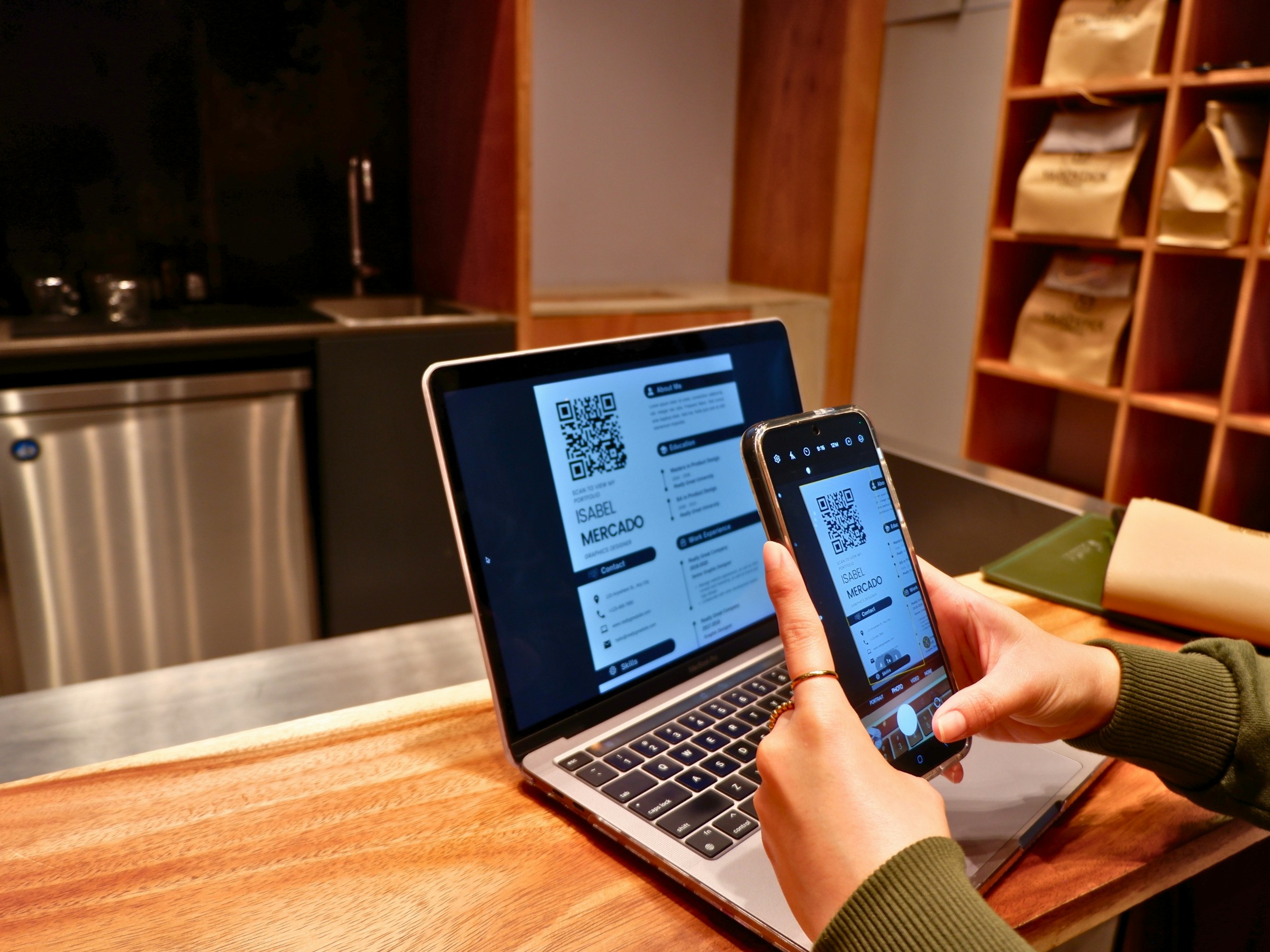
Paid QR codes are not just prettier images, they are control points in your marketing and security stack; free generators stop at creation, paid platforms turn scans into tracked, editable, and attributable events that you can govern and optimize. When you need repeatable outcomes across teams, locations, or compliance requirements, the difference is the difference between an experiment and an instrument.
Let’s talk about the elephant in the room: Should you trust a paid QR Code provider to compare free vs. paid? Most teams handle QR Codes as a file download because that fits the workflow designers already use. That familiar approach works for low-volume, unchanging use, but it creates costly friction once the code must be edited, audited, or tied to CRM events.
We Hear Two Pain Stories About QR Code Platforms on Loop
- “Free-gone-wrong.” Codes that stopped working after printing thousands of units because of hidden caps, paid solutions masked as ‘free’ or trial limits nobody mentioned upfront.
- “Paid without payoff.” Teams are paying for advanced features they’ll never use, never seeing ROI.
When Free QR Code Generators Work vs. When You Need Paid
Stay free if:
You’re printing a handful of static codes for short-lived or one-off use, and you don’t need analytics or edits after print. Consider paid when you need at least two of the following: editable destinations after print, reliable analytics tied to sessions or CRM, brand domain control, rule-based routing, bulk ops, or enterprise governance.
Stay free if:
You have fewer than 10 codes, the destination will never change, you don’t need scan-level data, and you’re not subject to compliance reviews.
Consider Paid When You Need at Least Two of the Following
- Content changes after printing (menu updates, price changes, new offers).
- Analytics matters for your business (proving ROI and optimizing campaigns).
- Customer experience depends on QR Codes working (packaging, signage).
- You’re managing 50+ QR Codes (multiple locations, products, campaigns).
- Security compliance is required (healthcare, finance, enterprise).
- You need CRM integration or marketing automation.
The Industry Gets QR Codes Wrong (And It’s Costing You)
QR Codes are plumbing, not a label. When teams treat them as static art, they bake brittle links into packaging and signage. The result is reprints, blind budgets, and security headaches that translate into real costs and multi-week delays.
Misbelief 1: “Free is fine because we can always change the webpage.”
Reality: Many printed assets outlive the webpage owner who made them. We have seen brands incur costly relabeling when a promo URL needed to change because the original QR code could not be edited post-print.
Misbelief 2: “QR is top-of-funnel; we don’t need analytics.”
Reality: Offline-to-online attribution is fragile. If your scans do not map to unique sessions, store locations, or downstream conversions in GA4 or the CRM, you cannot defend, spend, or optimize placement.
Misbelief 3: “Domains don’t matter; people just scan.”
Reality: Preview URLs influence trust. Branded short domains increase confidence and scan-through rates and reduce the “is this safe?” hesitation in public settings.
Misbelief 4: “Governance can wait until we scale.”
Reality: Compliance wants SSO, RBAC, logs, and data localization evidence. Retro-fitting those controls during a scale sprint creates project risk and schedule shock.
The Real Cost of “Free” (With Calculations)
Reprint Tax
Formula, for quick planning:
SKUs or locations × changes per year × units printed × relabel/print cost = annual waste.
Even small numbers compound fast when multiple SKUs and recurring updates are involved.
Trust Penalty
Generic redirect domains and sluggish landing pages reduce scan-through and conversion. Branded links and lightweight landing pages preserve trust and lift engagement.
Attribution Blindness (Why Your Budget Gets Cut)
If your QR tool only reports total scans, you lose the story behind which store, poster, or shelf drove the pipeline. We found a client where 90 percent of early “success” scans were internal tests until analytics separated them.
Ops Drag (Death by Spreadsheet)
Managing QR mappings across multiple spreadsheets becomes an operational burden. Bulk creation, API access, and shared workspaces replace repetitive manual steps and eliminate churn that drains marketing bandwidth.
Governance Debt (The Compliance Time Bomb)
Security reviews that require audit logs, SSO, and attestation cannot be satisfied by many free tools. One regulated client lost three months due to their provider's inability to produce the required controls.
Rule of thumb: If you care about any two of these—edits after print, defensible analytics, scan trust, scale, governance—a paid platform typically pays for itself.
Are QR Codes Really Free
Yes, basic static QR codes are free with tools like Canva or Adobe for simple needs. No, they are not free if your program hits caps, requires edits after printing, or needs integration and compliance, because those hidden costs show up as reprints, lost revenue, and delayed launches.
The QR Hierarchy
If you’re comparing free QR Code generators against paid dynamic QR Code generators, you need to know these three QR Code types:
- Static QR codes are permanent and not editable.
- Dynamic QR Codes, typically paid, which let you change destinations and capture scan metadata.
- Smart QR Codes are paid; routes are based on rules such as time, location, or device type.
When Should You Opt for a Free QR Code Generator?
Free is fine for one-off events, permanent reference data, under 10 codes, personal projects, or when you genuinely do not care about scan data.
When Paying for a QR Code Generator is Worth It (And What to Look For)
Match your goal to features. Paid tools should provide editable destinations, branded domains, analytics exports, GA4/webhook integrations, smart routing rules, bulk operations, and security controls when needed.
Your Goal
One-off or short event
- What “Good” Looks Like: Code works for a few days; no edits; no reporting
- Free is Fine If…: Small print run, no changes expected
- You’ll Need Paid When…: You need updates, post-print or analytics
Always-up menus & promos
- What “Good” Looks Like: Update links without reprinting; time rules; peak scan times
- Free is Fine If…: The menu rarely changes; single page
- You’ll Need Paid When…: You need Smart Rules, geo/time routing, and unique scans
Packaging & signage at scale
- What “Good” Looks Like: One code per SKU; regional offers; recall redirects
- Free is Fine If…: Static links never change; small volumes
- You’ll Need Paid When…: You need bulk creation, exports, and a custom domain
Lead capture & attribution
- What “Good” Looks Like: Track unique scans; push events to GA4/CRM
- Free is Fine If…: You’re only counting totals
- You’ll Need Paid When…: You need analytics, retention, and exports
Team collaboration
- What “Good” Looks Like: Shared folders and roles
- Free is Fine If…: One person owns the codes
- You’ll Need Paid When…: You need multi-seat RBAC and higher retention
Governed programs
- What “Good” Looks Like: SSO, audit logs, and domain control
- Free is Fine If…: Not subject to audits
- You’ll Need Paid When…: You need SOC/ISO evidence and SAML
You Edit After Printing More Than Occasionally
When we tested 12 platforms over 60 days and analyzed 50+ user reports, the failure mode was clear: edits after print cost literal dollars and days. Dynamic links remove the reprint loop; change the destination, not the artwork.
If You’re Using Uniqode
You can update the destination and embedded assets without changing the printed code, and viewers see updates instantly. That pattern saves time, printing expense, and ops headaches.
You need personalized QR Code experiences, not one link for everyone. Contextual routing matters. Time-based menus, regional offers, or device-specific destinations increase relevance and conversions. Look for an intuitive rules builder that supports time, location, and device checks with safe fallbacks.
You Need Attribution You Can Defend
Paid tools should provide unique scan reporting, time/location/device breakdowns, and the ability to push events to GA4 and CRMs. Once scan events become first-class attribution inputs, you can test placements, creatives, and CTAs with evidence.
Security and Governance Join the Conversation
If security requests SSO or audit logs, you cannot treat them as optional. Paid platforms often include anomaly detection, domain control, and evidence for compliance reviews, which keeps launches on schedule and legal comfortable.
You Need Multiple QR Codes, or Multiple Teams Touch the Work
Bulk creation, APIs, naming standards, and shared workspaces are the features that turn QR management from a side task into a repeatable team process. Without them, ownership blurs and links rot.
Brand Trust and Fast Landing Pages Start to Matter
People glance at URLs before scanning. A branded short domain and a fast, mobile-first landing page reduce friction and increase conversion, especially in public or high-traffic environments.
You Want to Retarget Scanners From Offline Media
A scan is a high-intent event. Platforms that expose scan events to ad platforms and respect consent let you close the loop between offline impressions and paid retargeting.
Integrations
Paid solutions typically provide pre-built connectors, webhooks, and GA4 support so scan events flow into your analytics and sales stack without manual work.
Customer Support
When QR Codes sit in high-value funnels or regulated programs, timely support is non-negotiable. Paid tiers include onboarding, SLAs, and troubleshooting that free tools do not.
The Opportunity Cost of “Free”
Free is tempting for cash-strapped teams, but caps, trial limits, and redirect domains can convert a low-cost experiment into a failed campaign. We observed instances in which codes were deactivated after trials ended, resulting in emergency reprints and missed launches.
What to do:
If you remain on free tools, point static codes to pages you control and keep content editable on your domain; if you consider dynamic features, evaluate caps and domain control closely.
The Real Cost of Reprints
Even a one-cent relabel, applied across SKUs and waves of updates, becomes a budget that a small paid license would have covered. Model it early so reprints don’t catch procurement by surprise.
Quick way to model it:
locations × changes per year × per-unit relabel cost = reprint exposure.
Security and Compliance Aren’t Theoretical
Regulators and agencies have flagged QR-based scams and phishing. When programs interact with regulated customers, domain control, reputation checks, and access controls help prevent liability from arising later.
What to do:
Prefer a branded domain. Ask vendors about phishing detection, anomaly flags, and evidence of SOC 2 or ISO 27001 if your reviewers insist.
Brand Trust Affects Scans
A short, brand-backed URL reads as an endorsement at the moment. Small lifts in scan-through add up when multiplied by thousands of impressions.
What to do:
Standardize UTMs, use lightweight link pages, and measure placement performance so you can iterate.
Analytics Turn QR Code From a Poster Into a Performance Channel
Unique scans, device and geolocation breakdowns, and event pushes to GA4/CRM change a passive poster into a measurable conversion event. We have seen modest placement and messaging tweaks, guided by analytics, generate double-digit lifts that quickly cover platform costs.
What to do:
Track unique versus total scans, export raw data regularly, and retain analytics long enough to spot trends over weeks, not days.
Status Quo, Hidden Cost, and the Bridge
Most teams create QR Codes as a one-off asset because it aligns with existing design workflows and reduces immediate friction. That works until updates, audits, or scale surface, then manual loops expand into delays and costly reprints.
Platforms like Mobilo provide multi-mode contact sharing, admin controls, SSO provisioning, and CRM integrations that replace those manual steps with centralized governance and measurable lead events, compressing rollout time and preserving auditability.
When You Need Proof, Look for Customization and Adoption Signals
Customization drives operational fit, and adoption data shows that teams increasingly favor richer tools. Industry analysis indicates that paid QR code generators offer up to 90% more customization options than free versions, a meaningful advantage when every SKU, location, or persona requires a slightly different destination or rule set.
User preference reinforces this trend: 80% of users choose paid QR code generators for their advanced features, indicating that capabilities such as customization, control, and analytics are no longer niche requirements but mainstream expectations.
A Quick Technical Aside About Compatibility
During testing, when we generated codes across multiple platforms, some free generators defaulted to lower error-correction or odd mask patterns, which caused hardware scanners like the CR1500 to fail unless settings were adjusted. The fix was not marketing; it was an options panel, which exposed tools by default.
Analogy to make it concrete
Think of a QR Code like a valve in a factory: a printed code is the valve body, but the paid platform is the control room that opens, closes, routes, and logs flow. You can install a cheap valve and hope no one needs to adjust it, or you can centralize control so changes happen without shutting production down.
We Know This Feels Frustrating and Personal
It’s exhausting when a print campaign stalls because a QR code is deactivated, or when marketing teams spend days reconciling scans across spreadsheets. That pressure explains why teams welcome platforms that replace firefighting with predictable, auditable workflows.
Curiosity loop: What most people call the “best” QR tool misses a hidden capability that actually determines whether a QR program scales or collapses.
20+ Best Paid QR Code Generators To Convert Scans Into Revenue
1. Mobilo
- What it is and does: A hardware-plus-software digital business card system that exchanges contact details via QR, NFC, and Apple NameDrop while enriching and scoring leads and syncing them to CRMs.
- Who it’s best for: Field sales teams, enterprise marketing ops, and compliance-sensitive organizations that need governance and scale.
- Why it moves conversions: It treats every share as a tracked event, linking scans and proximity shares to lead records with role-based controls and SOC 2/GDPR-compliant practices.
- Use case: At a trade show, reps hand out Mobilo cards that auto-enrich contacts, push qualified prospects directly into a campaign in the CRM, and flag high-fit leads for next-day outreach.
2. QR Tiger
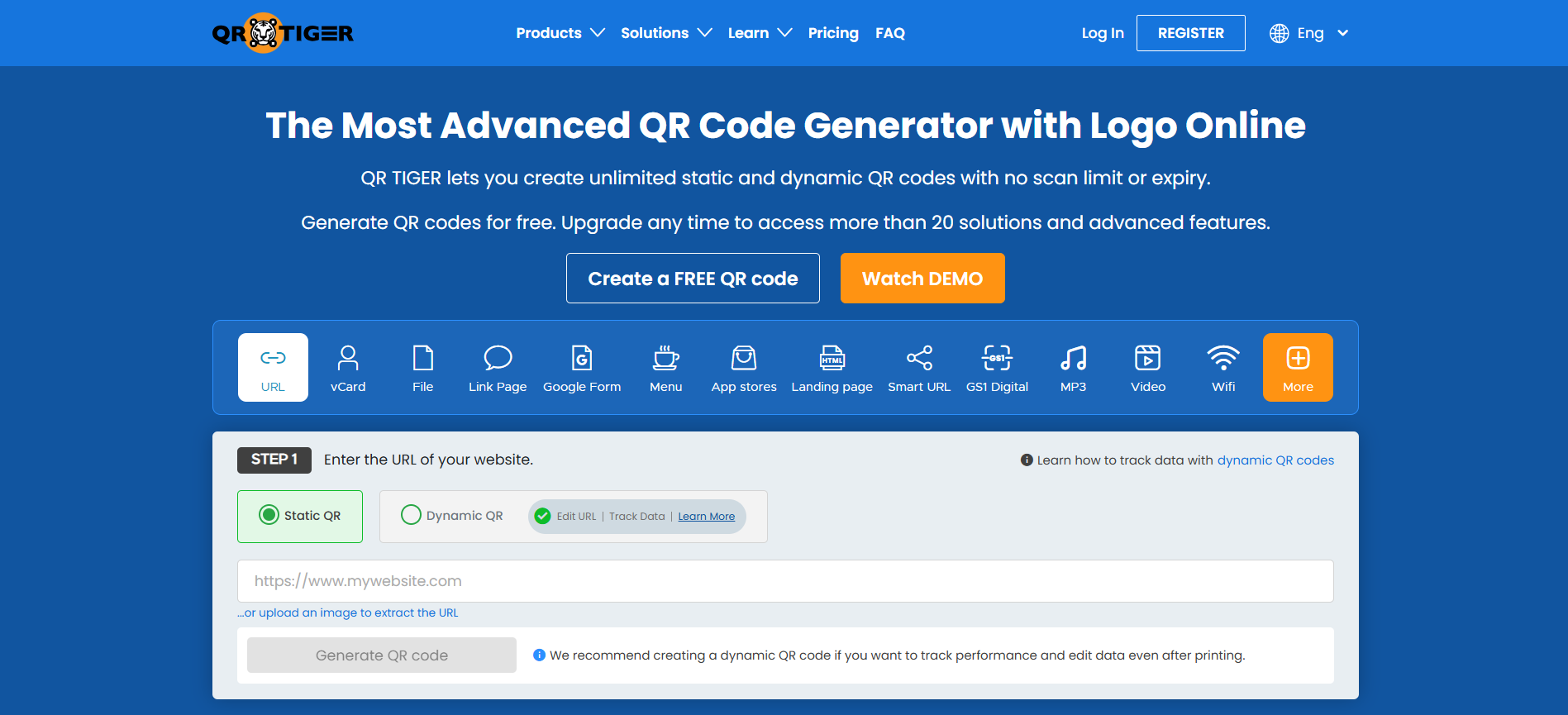
- What it is and does: A full-featured QR code maker focused on dynamic routing, with location, time, and scan-count rules plus design controls.
- Who it’s best for: Marketers running multi-location promotions or traveling activations who need to change destinations without reprinting.
- Why it moves conversions: Dynamic destination rules let you A/B different landing pages or route scanners to localized offers, preserving attribution and optimizing conversion paths.
- Use case: A pop-up brand tour uses QR Tiger to route each city’s scans to a local coupon and store locator, then switches links after each event to capture new signups.
3. Uniqode
- What it is and does: An enterprise-grade QR platform for bulk creation, security-first deployment, and deep analytics with Google Analytics integration.
- Who it’s best for: Mid-size to large teams that need white-label URLs, granular permissions, and high-volume automation.
- Why it moves conversions: The Watchlist and Smart Rules surface high-performing codes and enable retargeting, so marketers act on intent signals rather than raw scans.
- Use case: A retail chain bulk-generates product QRs with unique IDs, feeds scan events into GA4, and retargets browsers with abandoned-product ads.
4. Trueqrcode
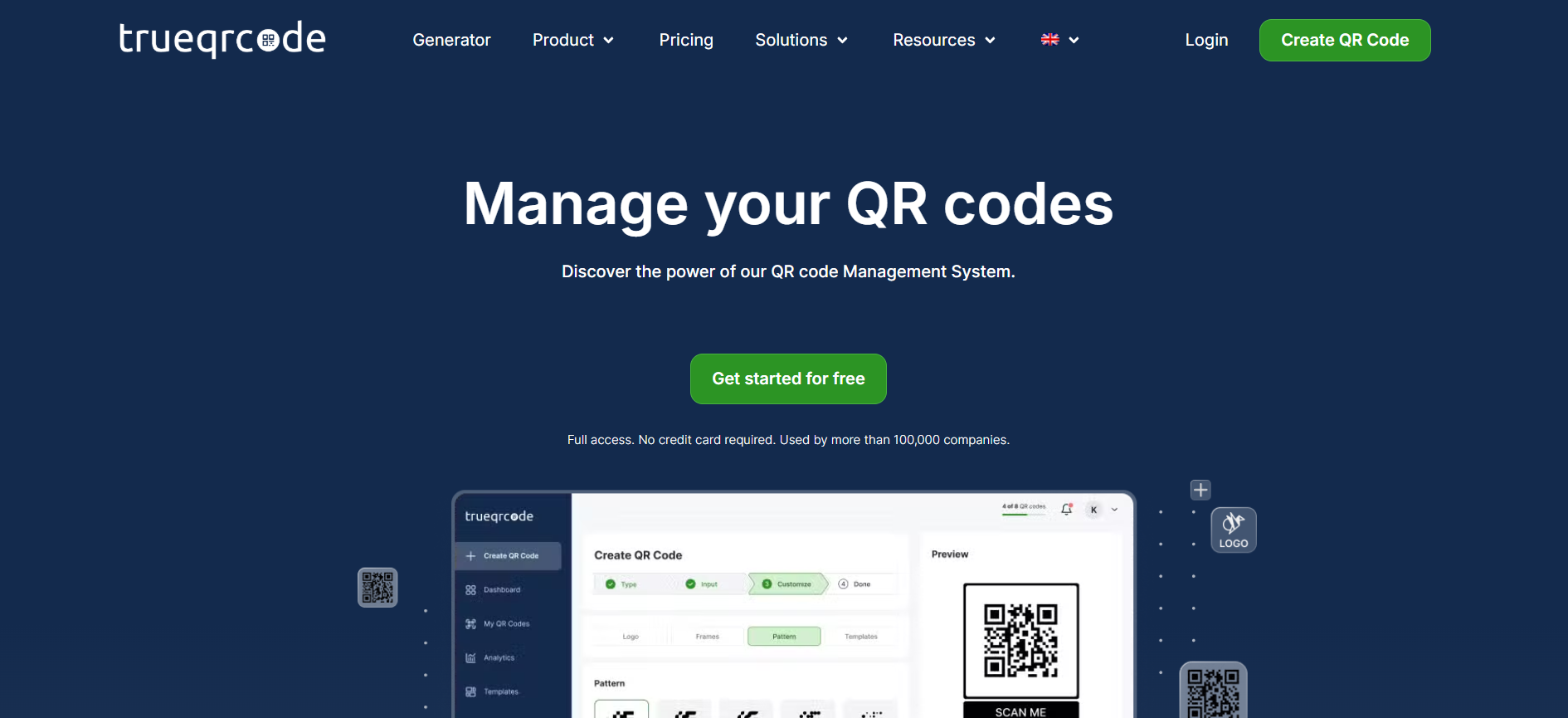
- What it is and does: A balanced, privacy-first QR solution with full dynamic support, robust design tools, and EU-hosted GDPR-compliant infrastructure.
- Who it’s best for: Brands that print on packaging or need strict data residency and no vendor branding.
- Why it moves conversions: Editable QR targets plus real-time scan analytics let teams fix redirects or update content after production errors, protecting conversion funnels.
- Use case: A food brand prints codes on limited-run packaging and updates the linked recipe page mid-cycle to promote a seasonal offer.
5. Visme
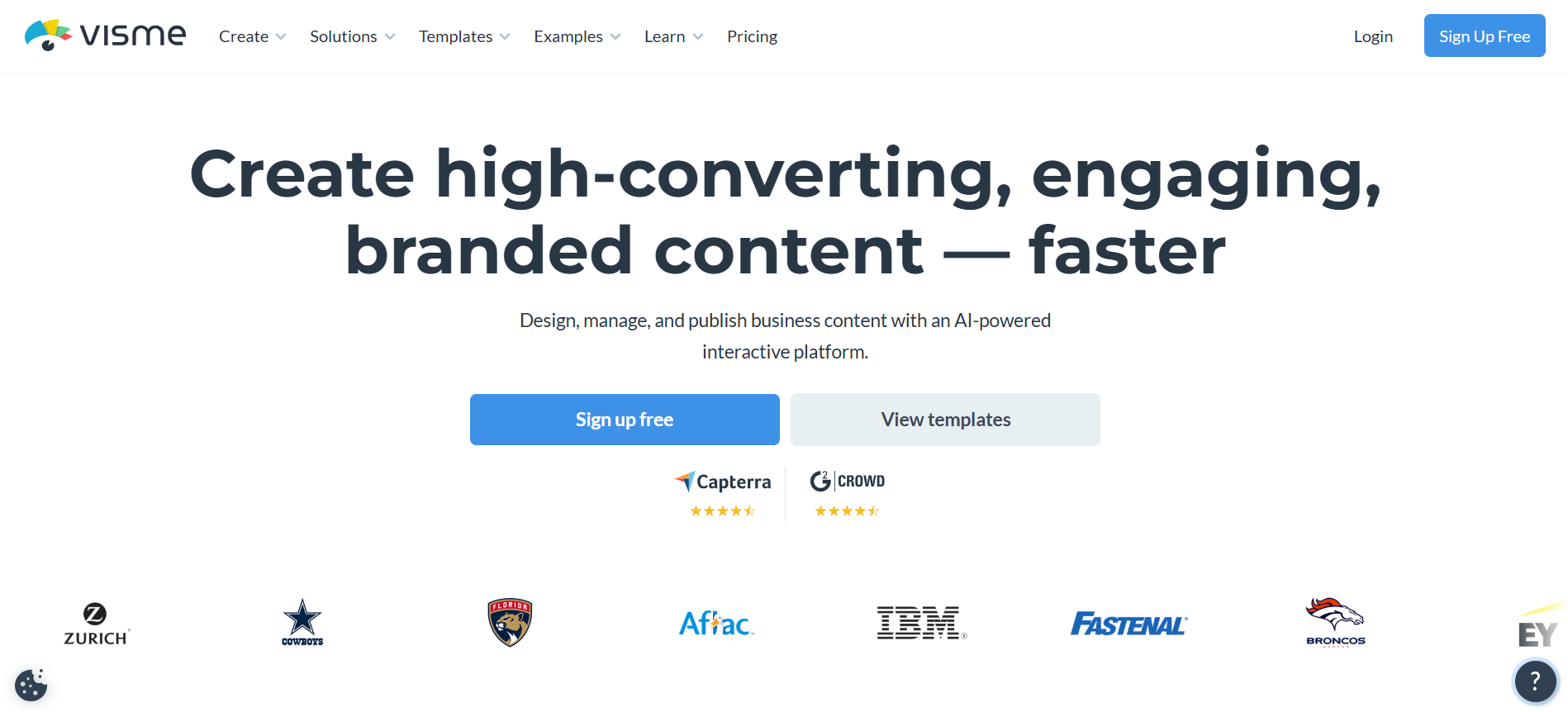
- What it is and does: A visual design suite with an embedded static QR generator you can place directly into creative assets.
- Who it’s best for: Small teams and educators who want design-first assets where the QR is part of a broader visual deliverable.
- Why it moves conversions: Integrating QR creation inside a design tool removes handoffs that break creative context, increasing the likelihood the QR actually appears with the intended CTA.
- Use case: An event marketer creates a flyer and embeds a static QR code linking to the RSVP page within the same Visme project, ensuring brand consistency.
6. QRStuff
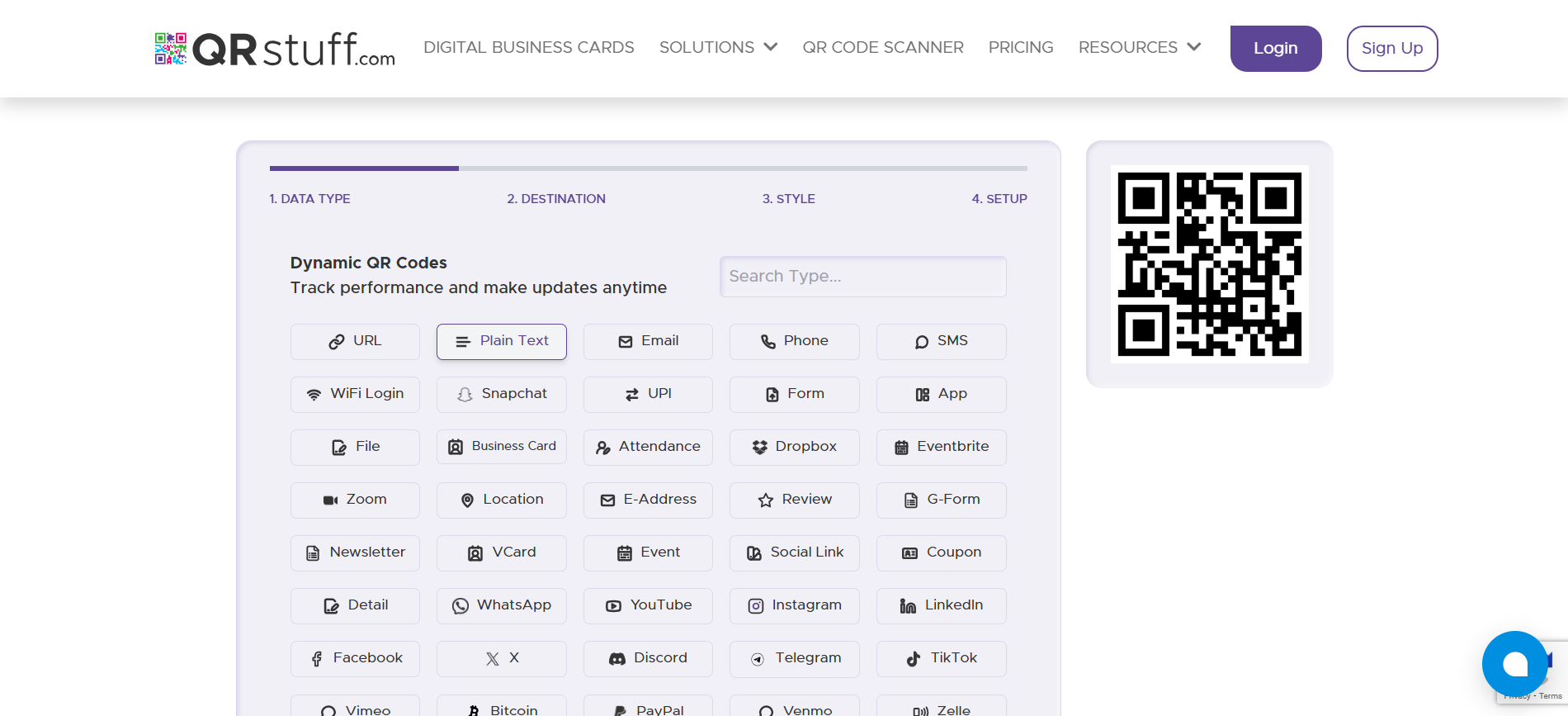
- What it is and does: A low-cost, accessible QR tool that supports many data types and a simple upgrade path to dynamic analytics.
- Who it’s best for: Small businesses testing QR campaigns with budget constraints.
- Why it moves conversions: The free static tier lets pilots run with no cost, then teams can incrementally enable tracking when they validate demand.
- Use case: A local nonprofit trials event signups with free static codes, then moves to the paid tier for follow-up analytics when registration scales.
7. Scanova
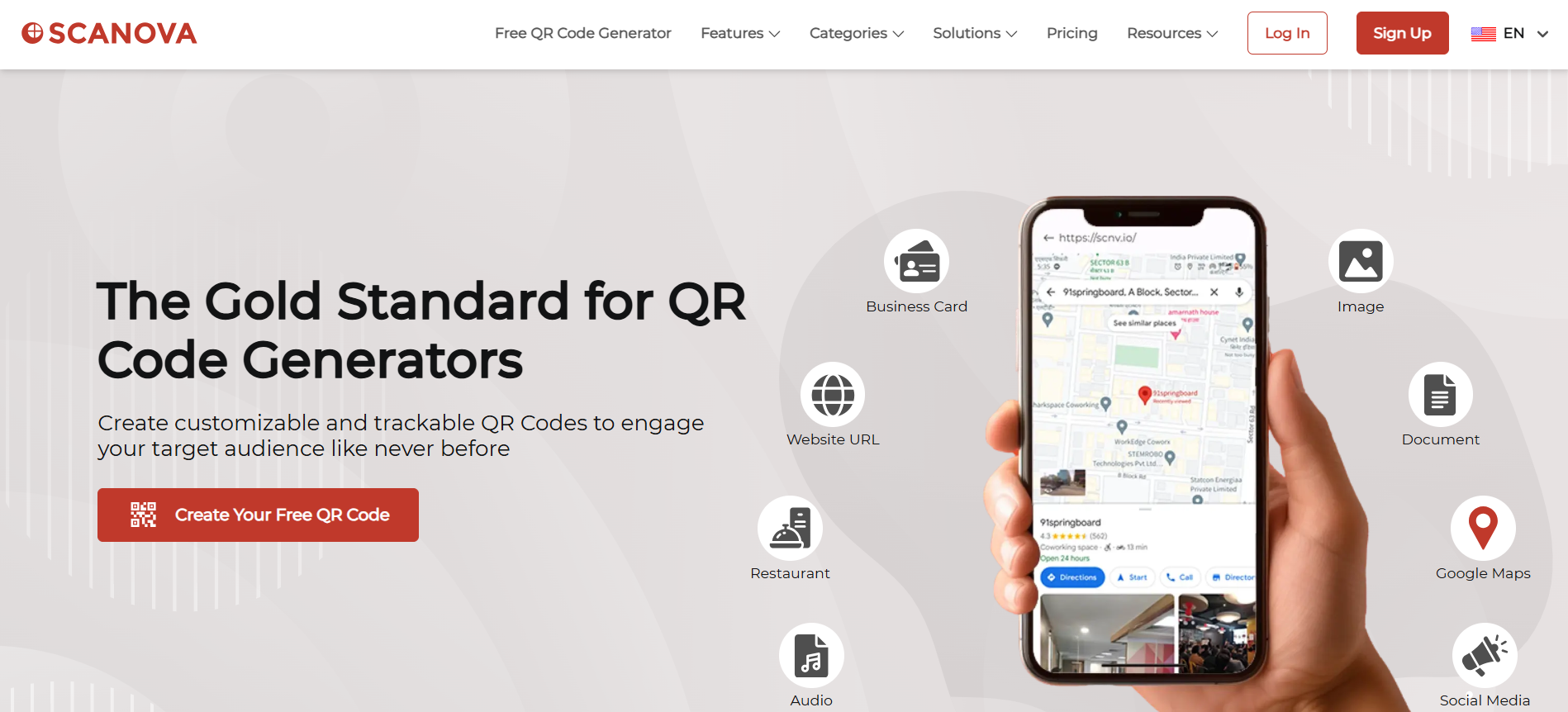
- What it is and does: A higher-end generator with mobile landing pages, password-protected codes, and enterprise management.
- Who it’s best for: Organizations that need polished mobile experiences and higher touch support.
- Why it moves conversions: Built-in mobile landing templates shorten the scan-to-action path, reducing friction for users who arrive from offline assets.
- Use case: A B2B vendor hands out posters with Scanova QR codes that open a tailored demo signup page with pre-filled campaign parameters.
8. Delivr
- What it is and does: An early mover that combines link shortening with advanced QR features, including Motion QR with animated backgrounds.
- Who it’s best for: Brands wanting a mature provider with high security options and creative presentation formats.
- Why it moves conversions: Motion and image-backed codes attract attention at POS and increase scan intent, then the platform’s link control preserves attribution.
- Use case: A retail display uses Delivr Motion QR to draw attention to a limited offer; scans are routed to an immediate discount and captured in the CRM.
9. Unitag
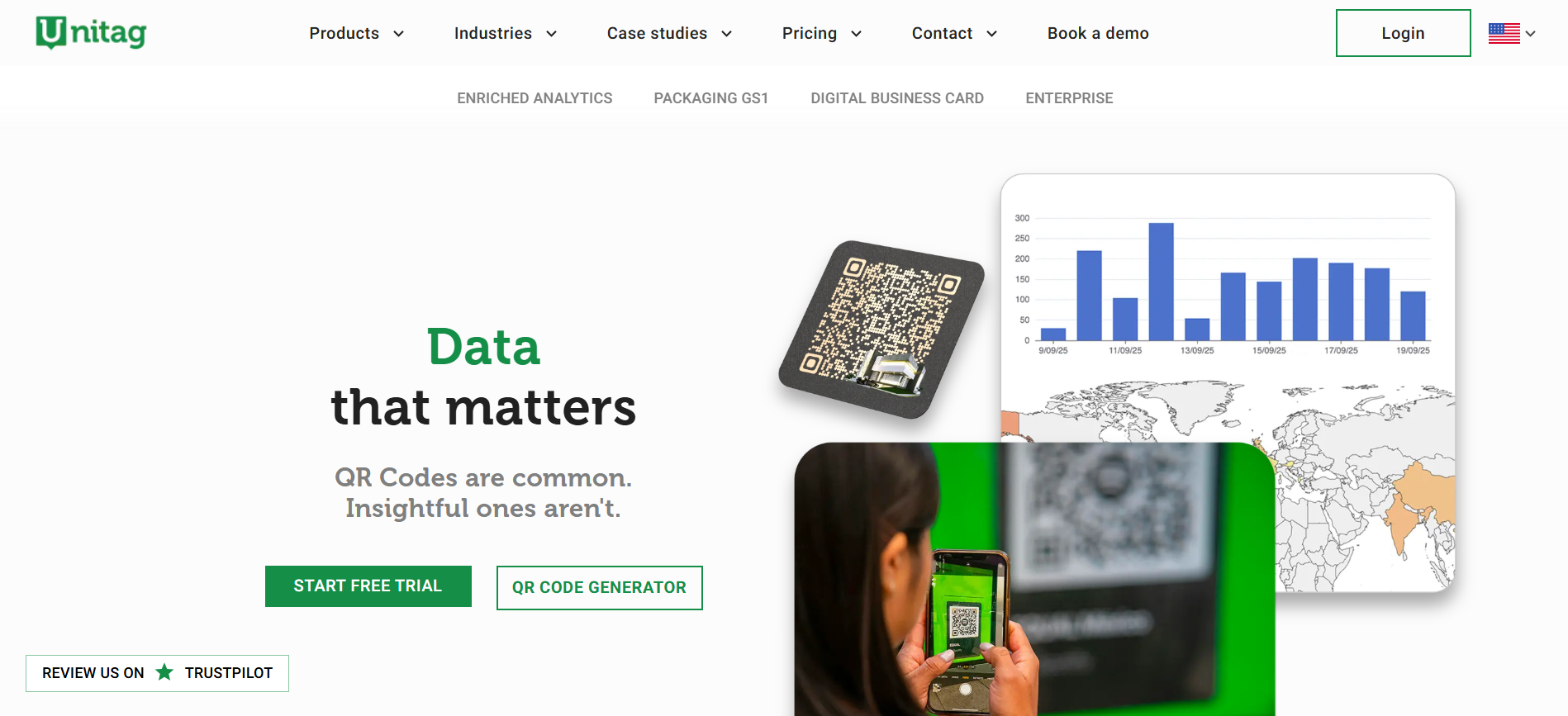
- What it is and does: A European-focused generator offering unlimited scans and persistent clickability even after subscription expiry.
- Who it’s best for: SMBs in the Eurozone that want no-friction static codes and brand customization.
- Why it moves conversions: Persistence of codes avoids broken links in long-lived printed material, protecting conversion opportunities over time.
- Use case: A boutique printer embeds Unitag QR on printed catalogs so customers can scan to view extended product galleries months after distribution.
10. Visualead
- What it is and does: A creative-first generator that specializes in QR integration with packaging and image-based codes.
- Who it’s best for: Brands using smart packaging or marketing that needs the QR to align with art direction visually.
- Why it moves conversions: Seamless packaging integration reduces cognitive friction, helping scanners trust the code and complete the CTA.
- Use case: A cosmetics label embeds a Visualead code into the design to link to tutorial videos and in-cart promotions.
11. ZebraQR
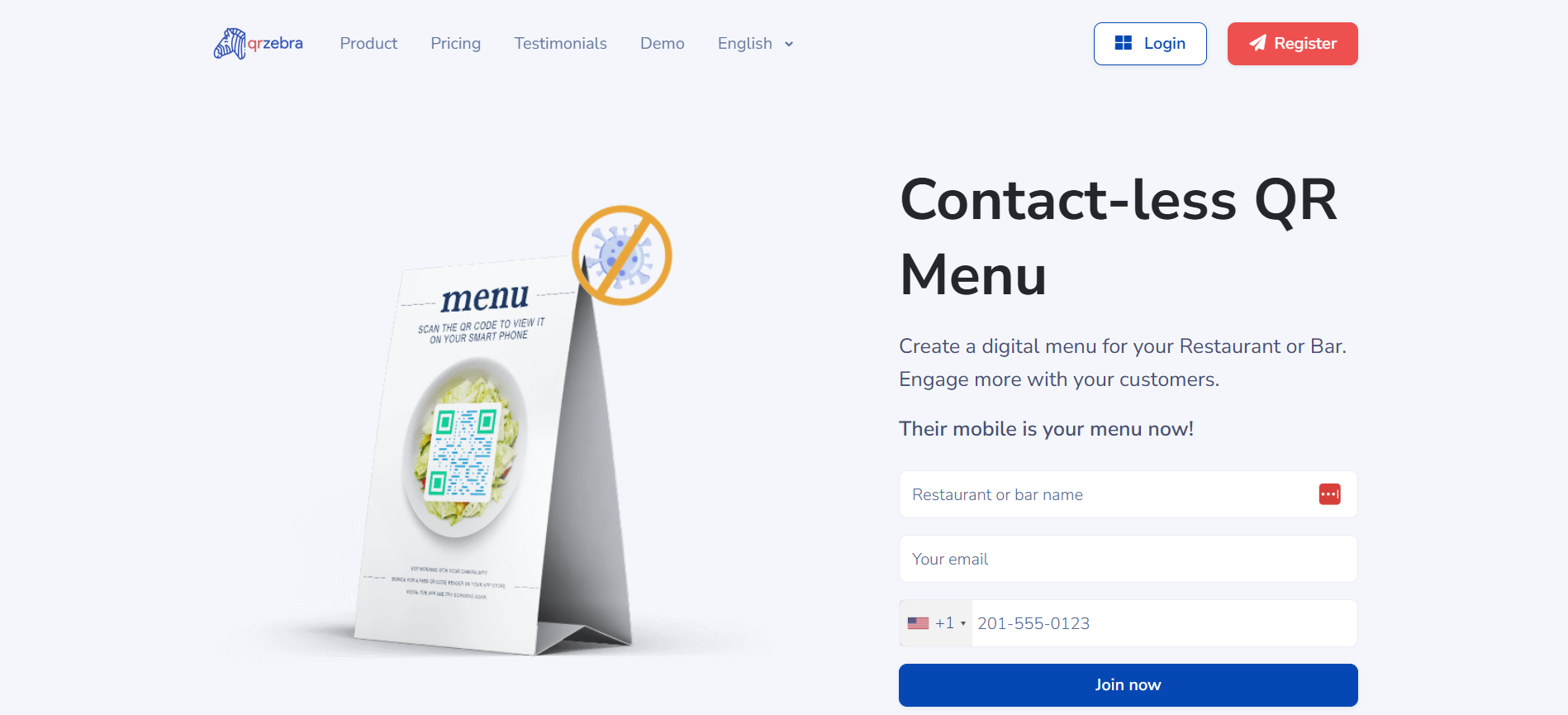
- What it is and does: A QR menu builder that creates both the code and the menu content, tailored for hospitality.
- Who it’s best for: Cafes, restaurants, and bars that need a turnkey menu solution without developer time.
- Why it moves conversions: Simplifying menu management and enabling direct linking from a single code reduce guest friction and speed ordering.
- Use case: A café deploys ZebraQR codes on tables, updates daily specials through its dashboard, and measures which items generate the most digital interest.
12. QR Code Generator
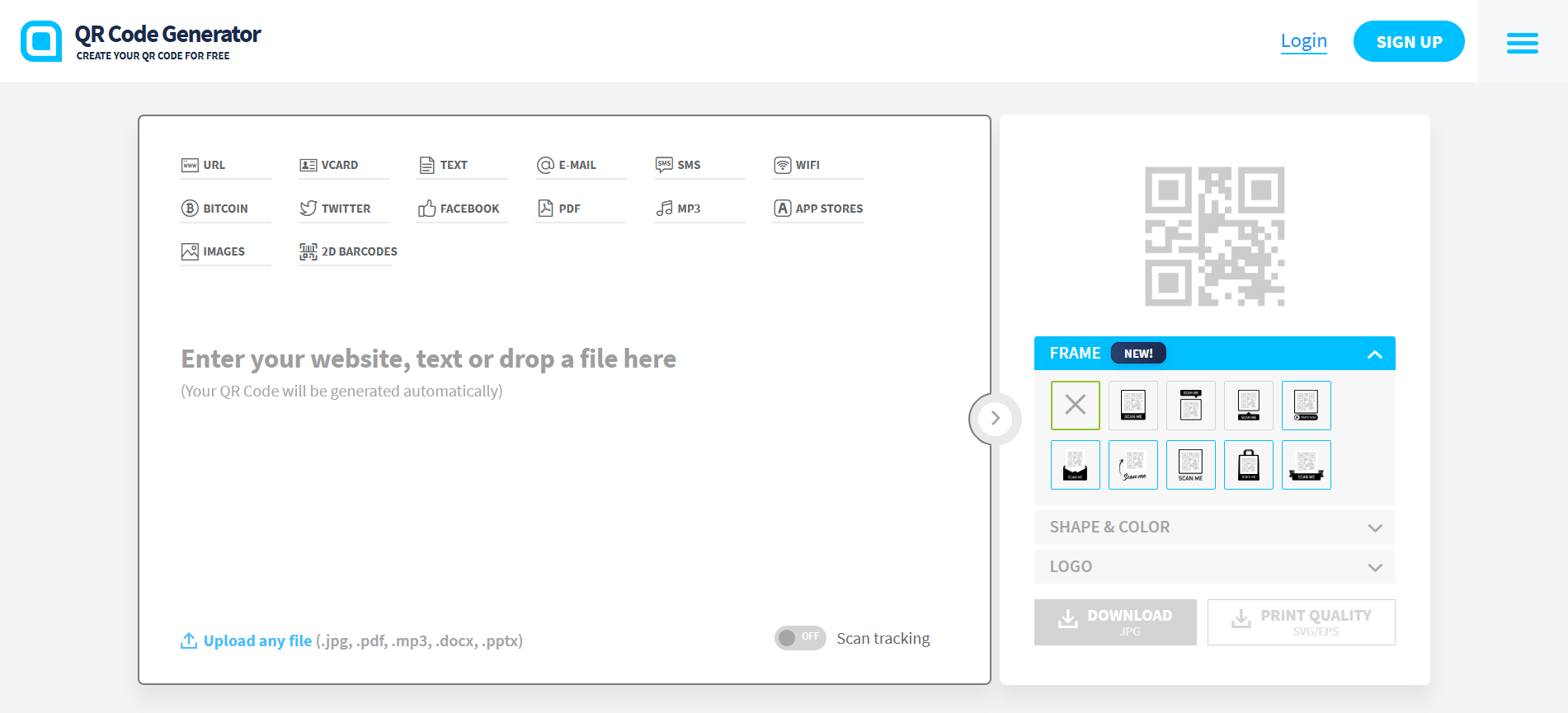
- What it is and does: A veteran tool with both basic static generation and an upgraded Pro tier for dynamic tracking and management.
- Who it’s best for: Marketing teams that want a familiar, well-documented platform with packaging best-practice resources.
- Why it moves conversions: The Pro tier’s management and analytics help teams treat codes as testable assets rather than static images.
- Use case: An agency centralizes client QR campaigns in QR Code Generator Pro, enforcing brand templates and exporting scan reports for monthly reviews.
13. Hovercode
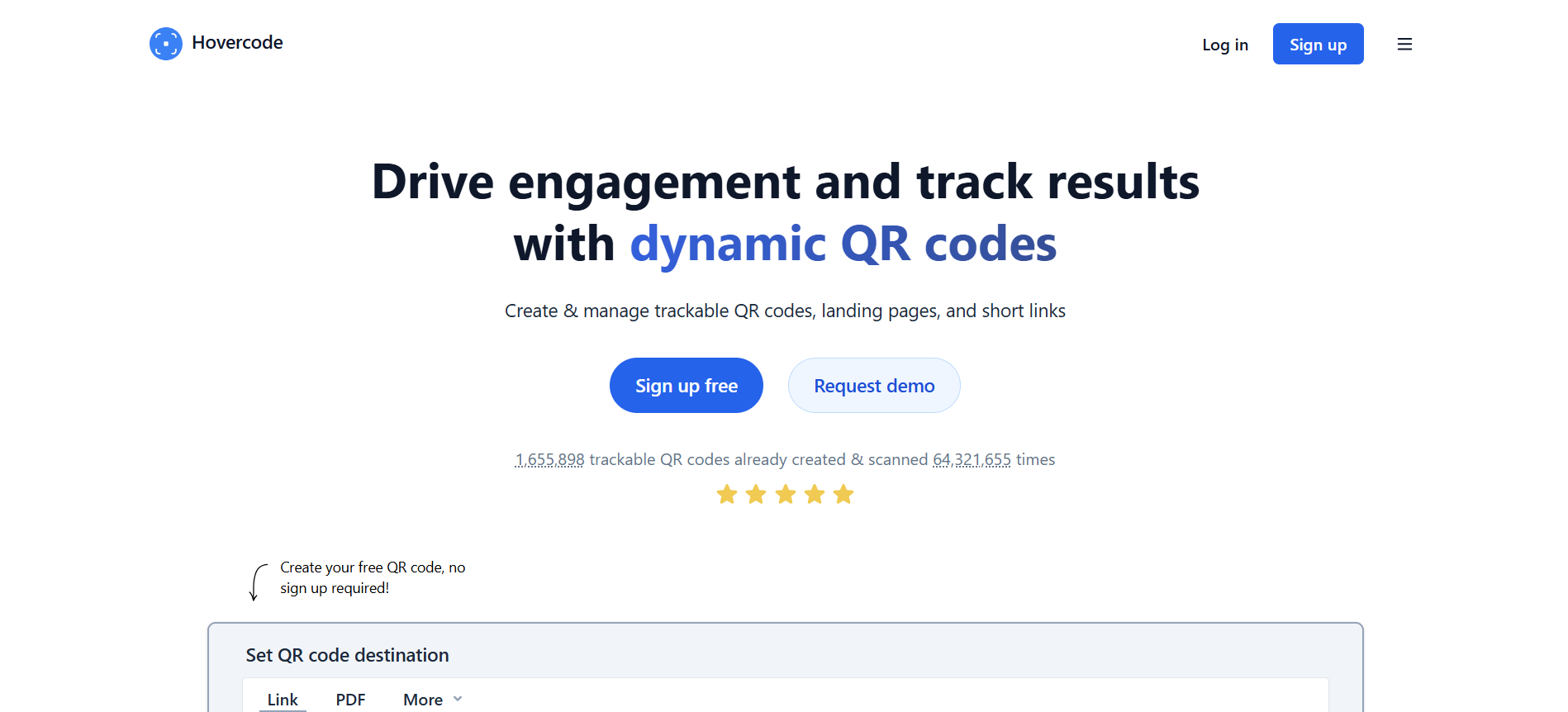
- What it is and does: A simple but powerful dynamic generator with generous free tracking, custom domains, and bulk creation.
- Who it’s best for: Teams that want a low-friction switch to trackable, editable codes without early cost.
- Why it moves conversions: Free dynamic codes let you instrument early campaigns and iterate landing content quickly, capturing conversion lift before committing spend.
- Use case: A startup uses Hovercode’s free dynamic codes at three launch events, consolidates scan data, and tunes the landing flow before a paid scale-up.
14. QR Generator by Pageloot
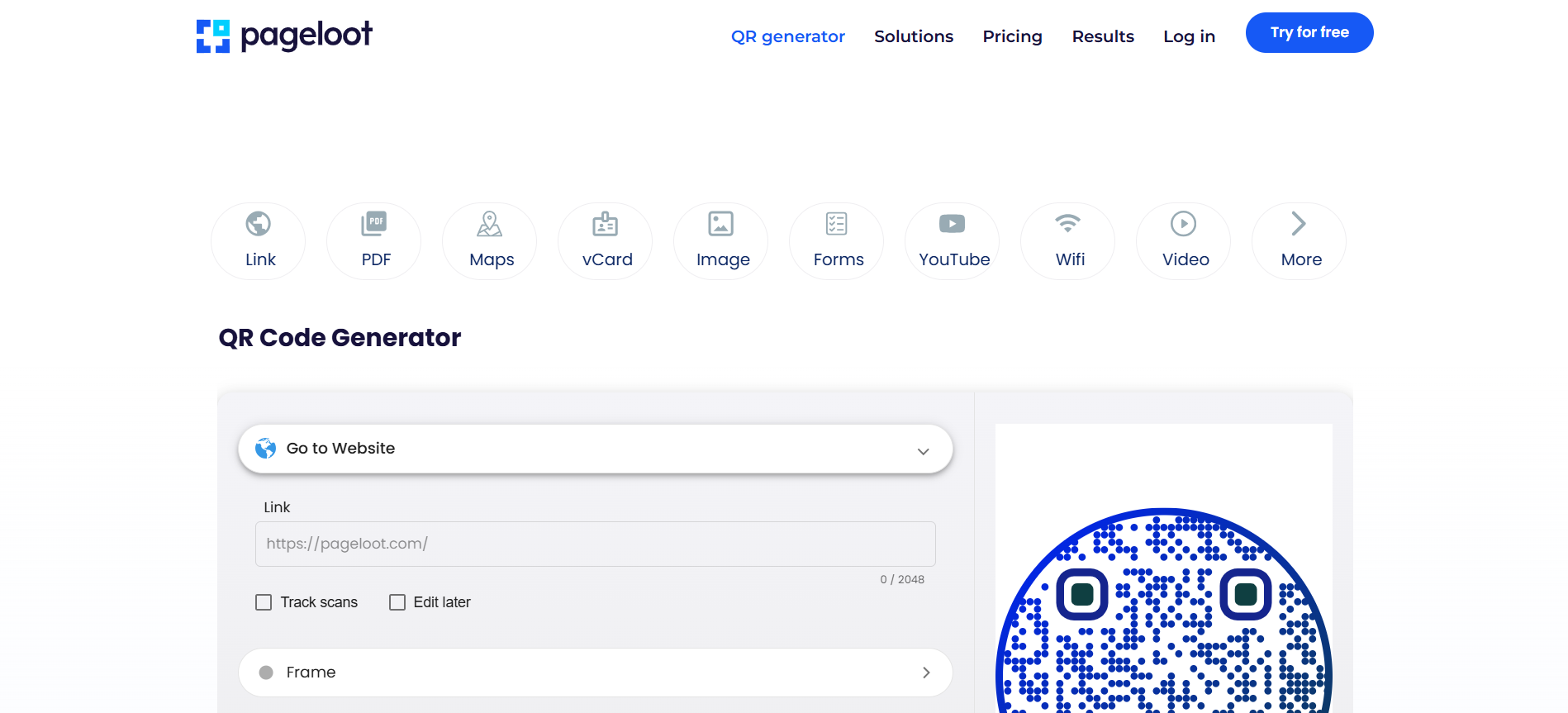
- What it is and does: A utility-focused tool with strong location, app-store, and video QR types.
- Who it’s best for: Businesses that need direct location routing or media-focused CTAs.
- Why it moves conversions: Google Maps and YouTube-specific code types direct users to the intended destination, reducing drop-off from misdirected links.
- Use case: A service provider places Pageloot map QRs on billboards to drive in-store visits and tracks conversions using its analytics.
15. QR Code Chimp
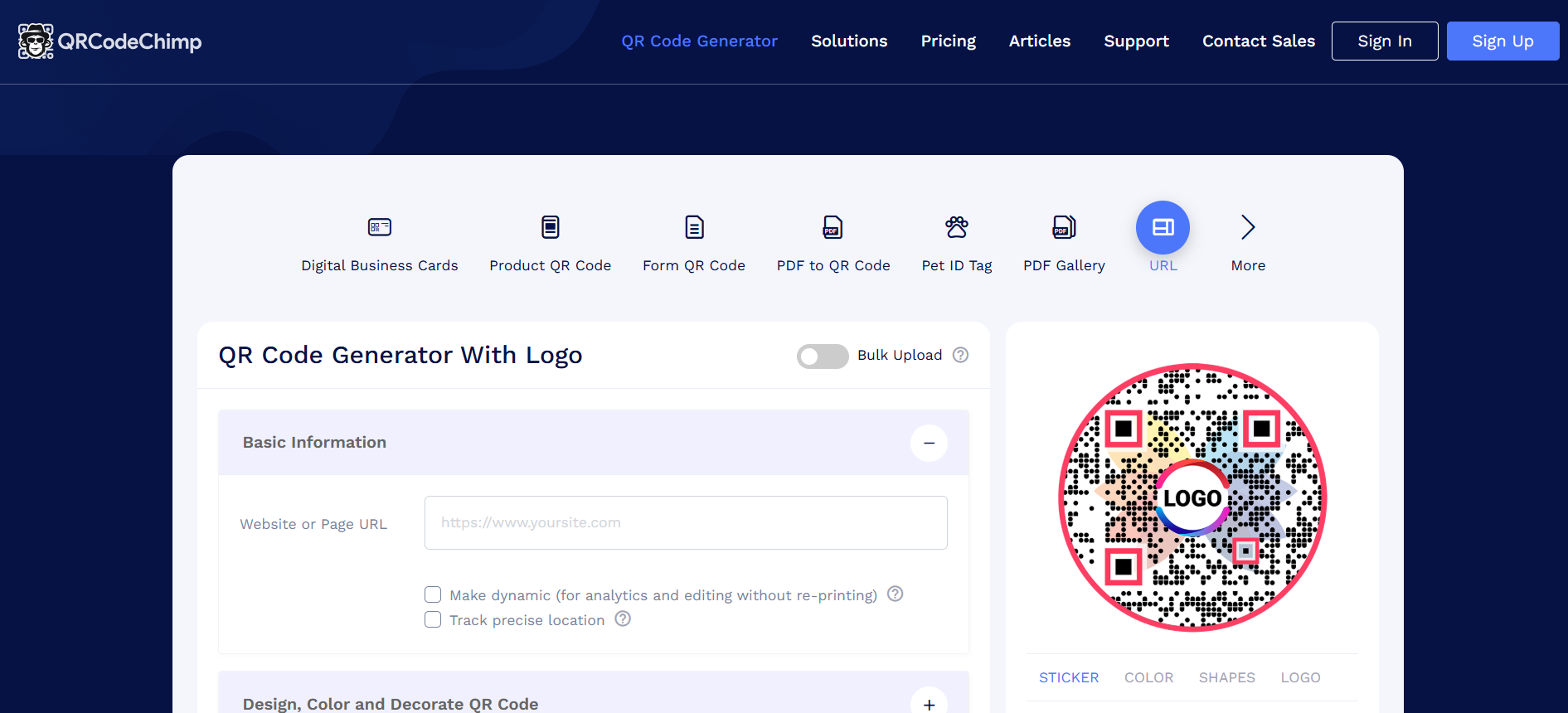
- What it is and does: A design-rich platform with unique QR shapes, stickers, and digital business cards built in.
- Who it’s best for: Marketing teams that need highly branded, campaign-specific creative assets.
- Why it moves conversions: Custom shapes and stickers improve scan rates in crowded environments by signaling intent, then analytics connect those scans back to campaigns.
- Use case: An experiential team rolls out branded stickers at a festival and links sticker scans to an opt-in incentive.
16. QR Code KIT (uQR.me)
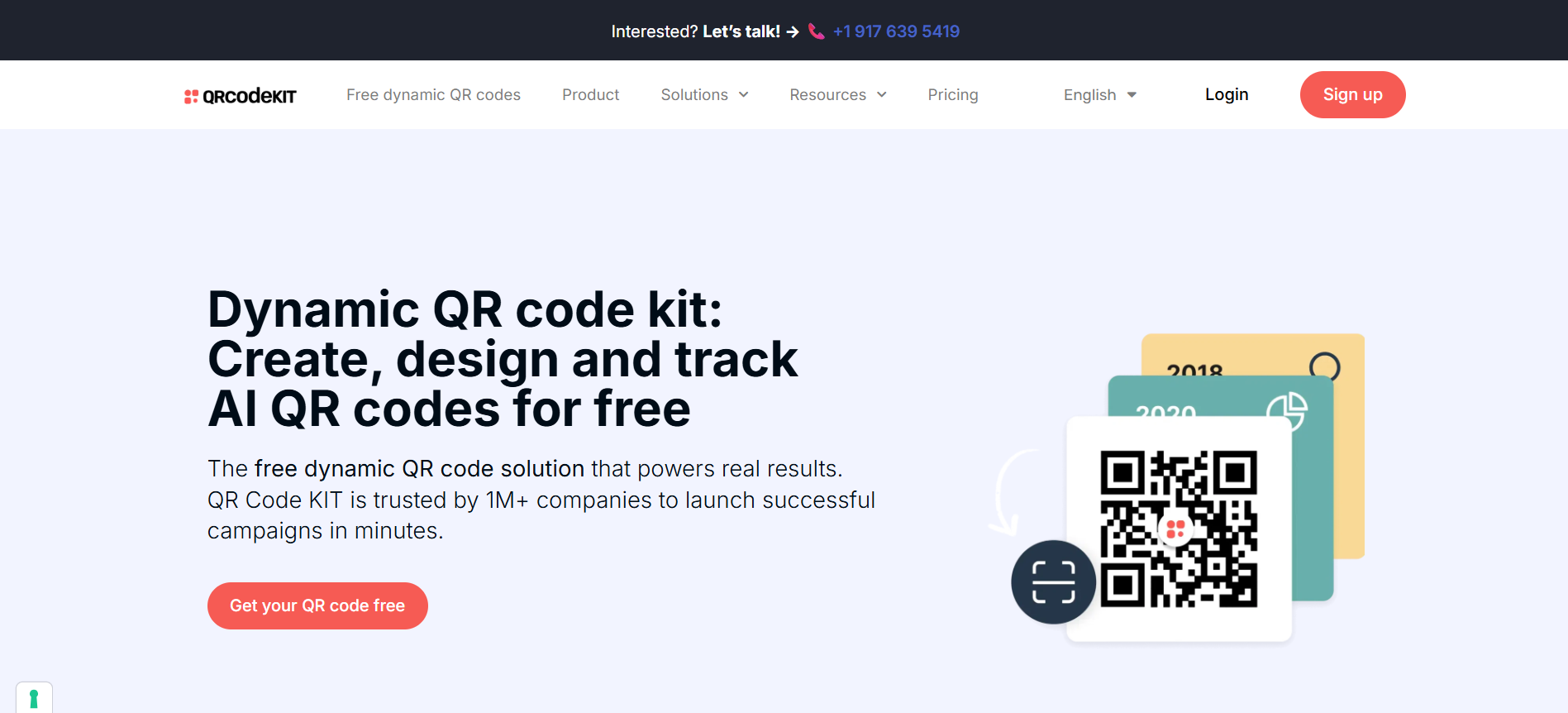
- What it is and does: A scalable platform for storefront, window, and packaging codes with customer collaboration features and robust analytics.
- Who it’s best for: Product teams and retail rollouts that need team controls and large-scale bulk creation.
- Why it moves conversions: Built-in team management and editable short URLs keep operational tasks fast and consistent, so codes remain actionable over long campaigns.
- Use case: A consumer goods firm ships boxed products with QR codes linking to product registration pages that feed into lifecycle marketing programs, and iterates CTAs post-launch.
17. Qfuse
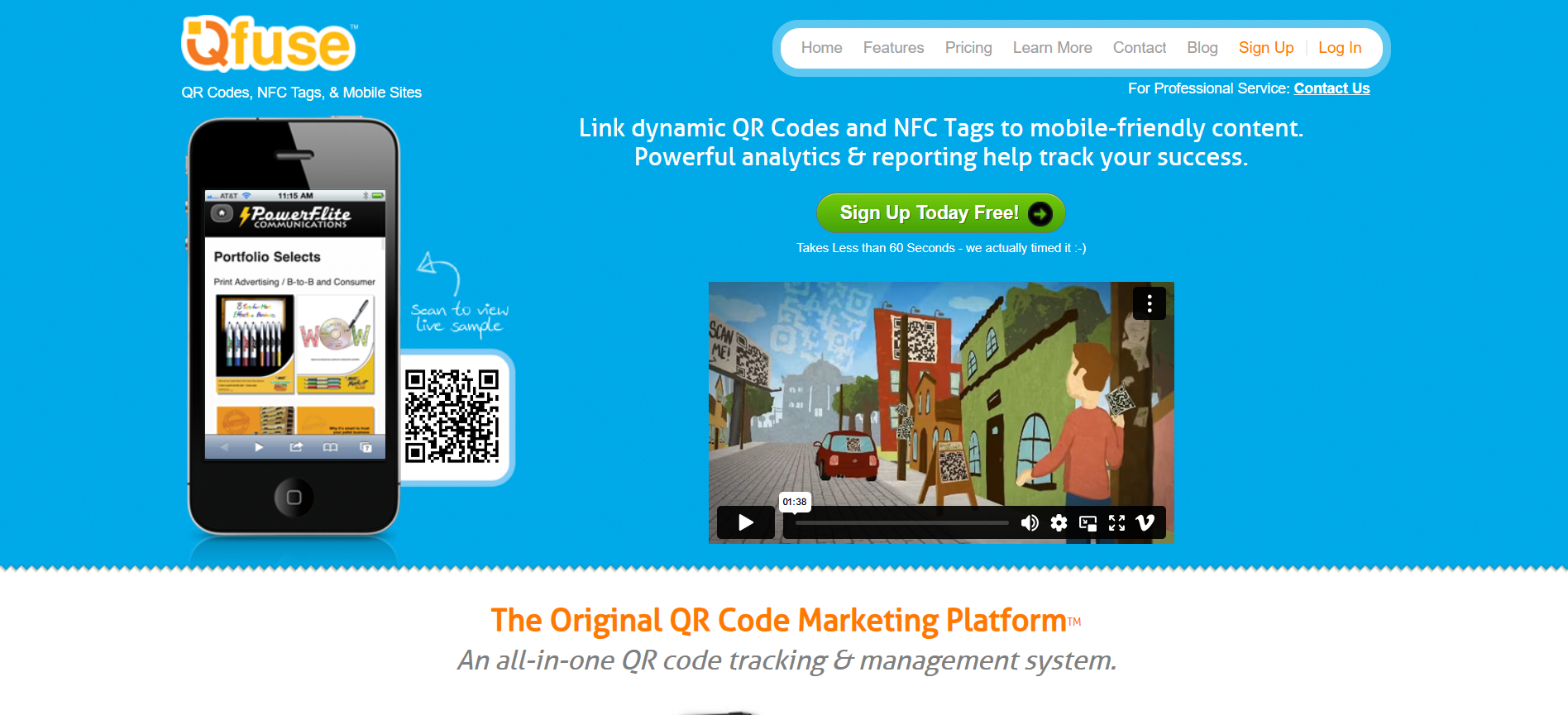
- What it is and does: A unified platform for QR, NFC, and mobile sites, with centralized dashboards and analytics reporting.
- Who it’s best for: Organizations that want to manage multiple physical-digital touchpoints from one console.
- Why it moves conversions: Consolidation reduces integration errors and preserves attribution across tag types, so teams can compare channel performance fairly.
- Use case: A lifestyle brand tags merchandise with NFC and QR variants managed through Qfuse to see which touchpoint drives the most add-to-cart events.
18. QRFY
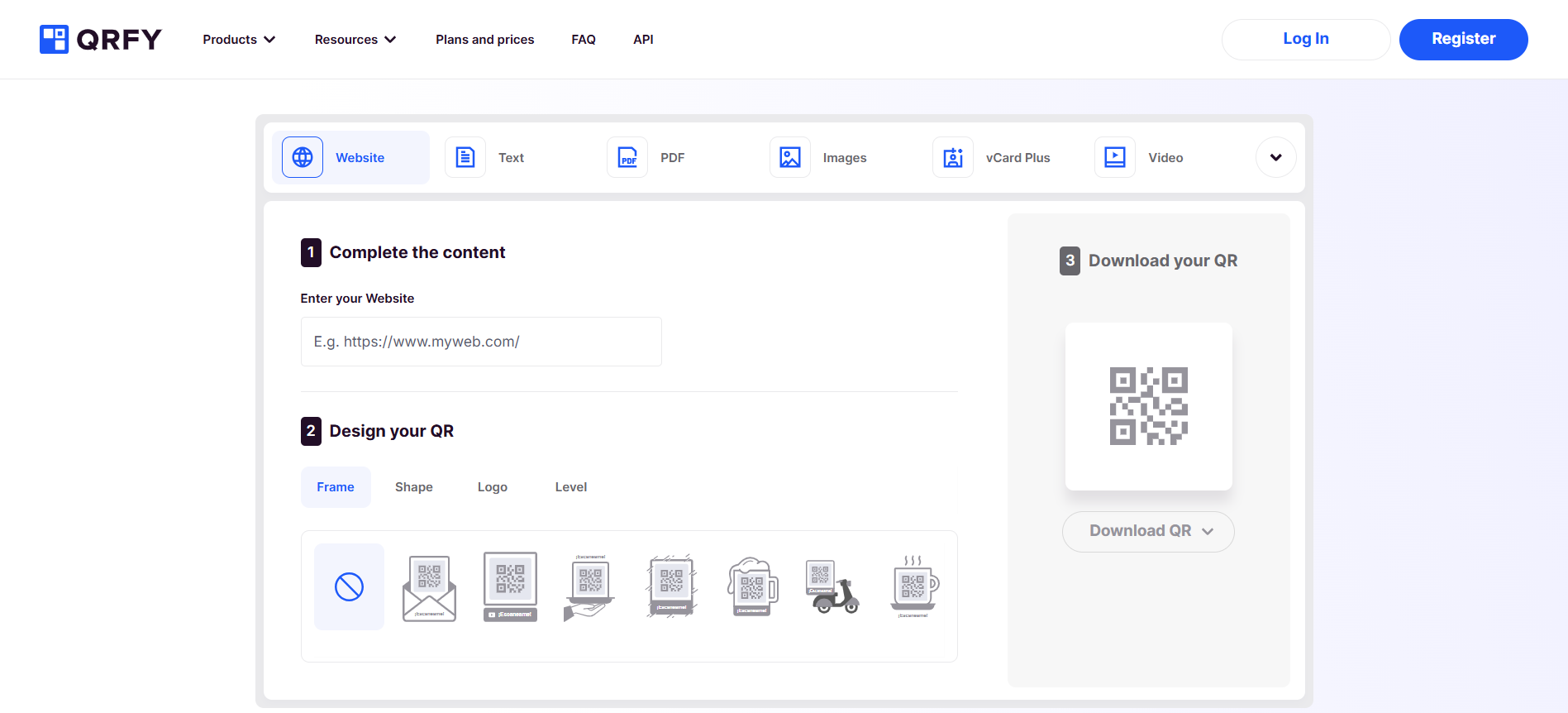
- What it is and does: A single-plan provider offering unlimited dynamic QRs with real-time analytics and branded customization.
- Who it’s best for: Teams that want predictable pricing and full-feature access without tier limits.
- Why it moves conversions: Unlimited dynamic codes remove scale friction, letting teams A/B landing pages across many physical assets without per-code cost anxiety.
- Use case: A franchise system deploys unlimited branded codes across hundreds of stores to test localized promotions simultaneously.
19. QR Code Dynamic
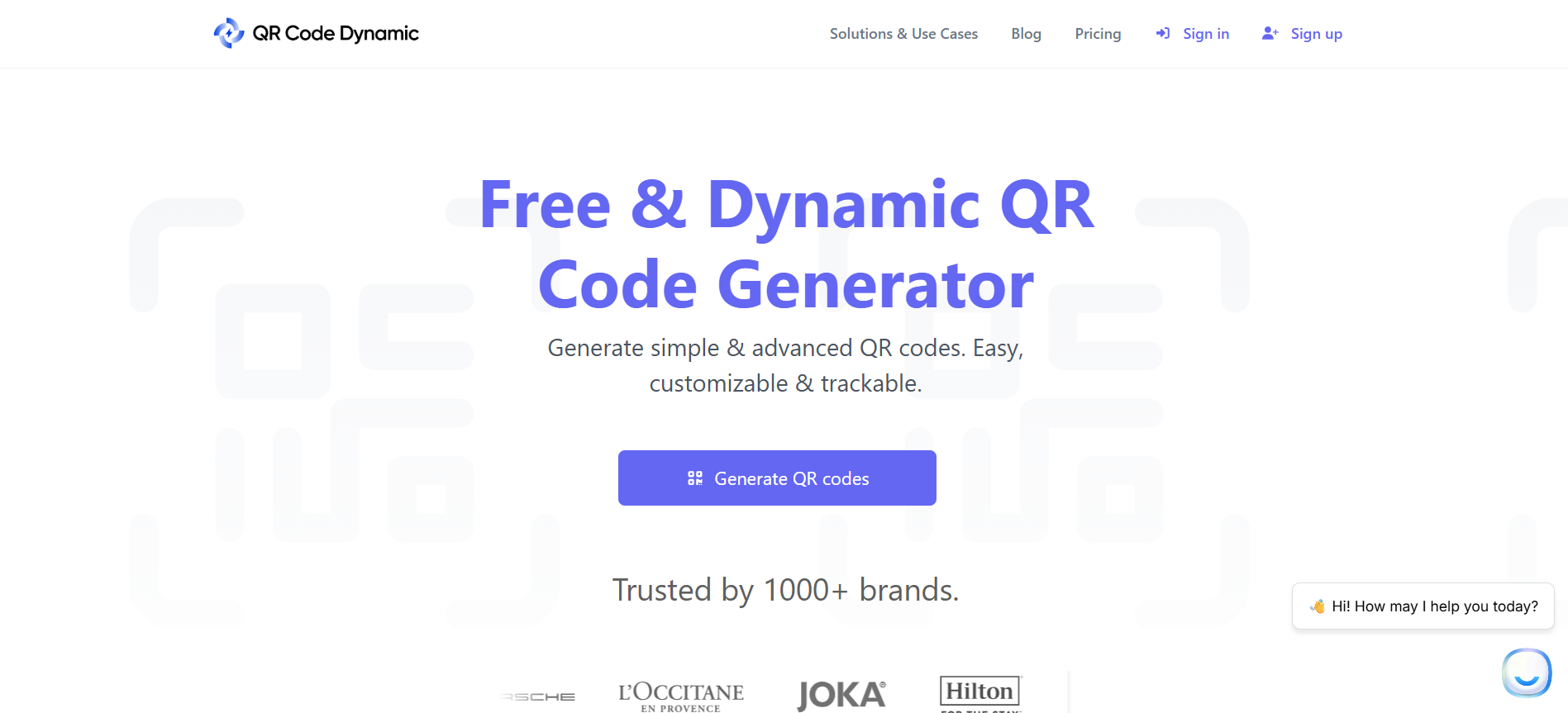
- What it is and does: A friendly, highly customizable generator with tracking pixels and domain support, free-to-start.
- Who it’s best for: Teams that want quick setup and the option to scale into custom domains and bulk operations.
- Why it moves conversions: Pixels and UTMs connect scans back into analytics suites, letting you measure downstream conversions rather than just count scans.
- Use case: A small e-commerce brand implants tracking pixels on QR landing pages to tie in-store scans to online purchases.
20. Flowcode
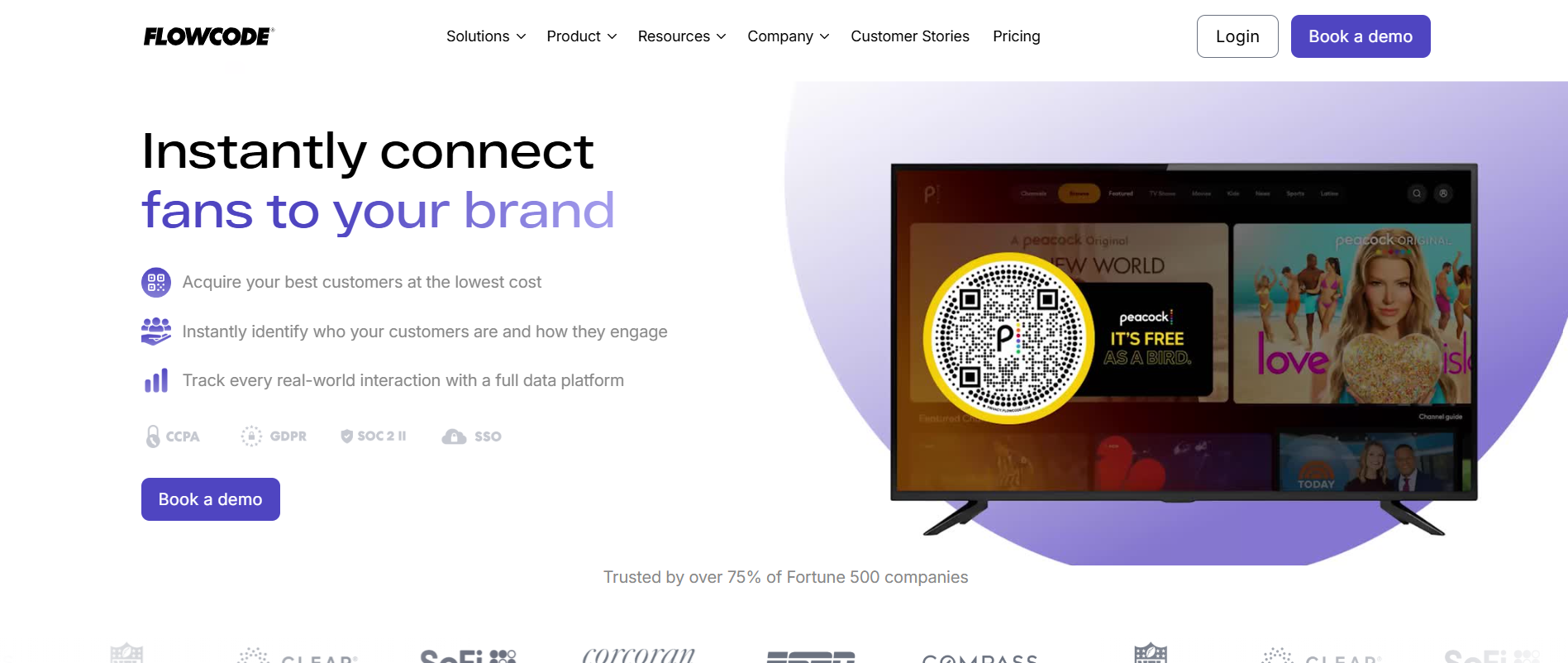
- What it is and does: A design- and data-forward QR provider that centralizes online presence on Flowpages with detailed analytics and integrations.
- Who it’s best for: Direct-to-consumer brands and creators focused on conversion funnels and reporting.
- Why it moves conversions: Flowpages act as mobile-first conversion hubs, keeping the scan experience controlled and measurable.
- Use case: A DTC label uses Flowcode to send QR traffic to a conversion-optimized Flowpage with UTM tracking for paid social retargeting.
21. QR Code Generator Pro
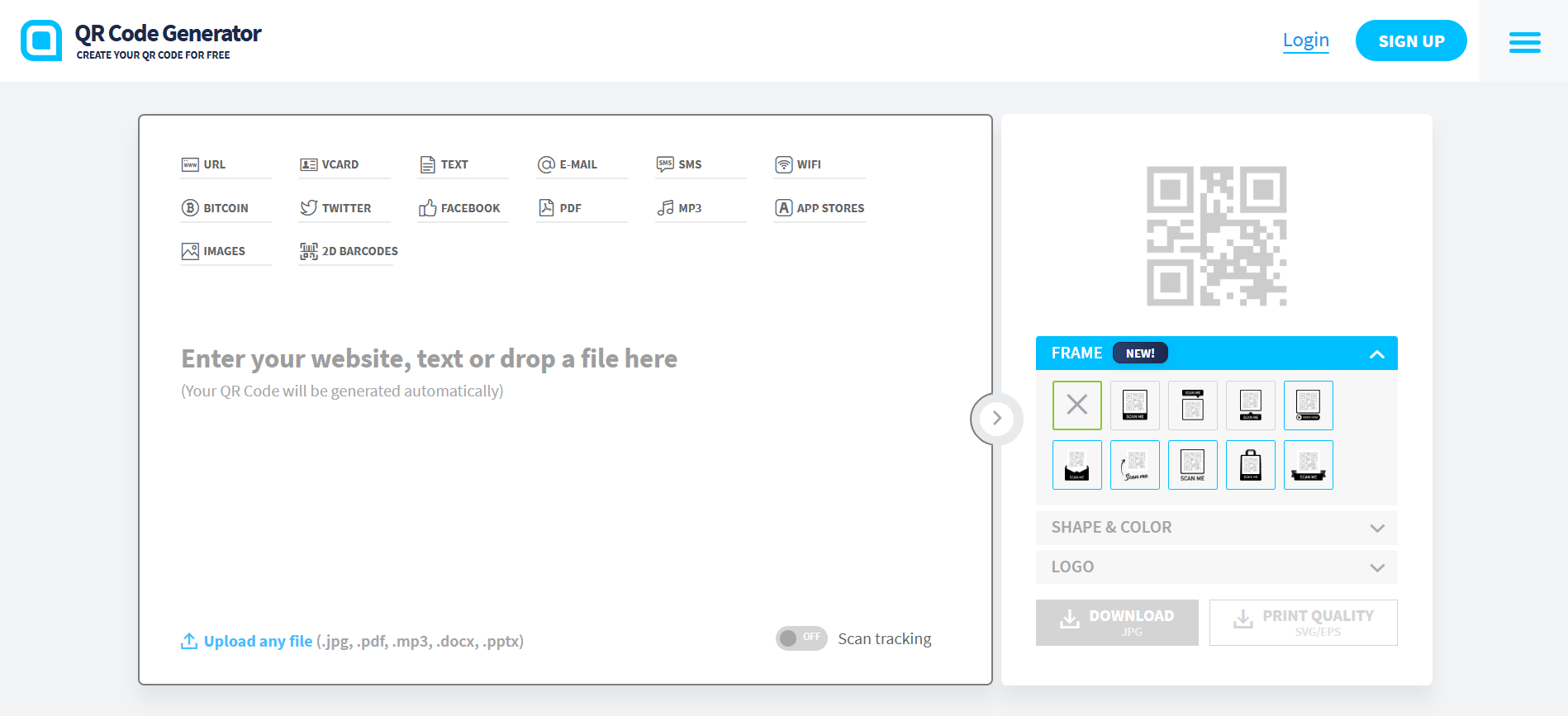
- What it is and does: A managed pro tier for teams that want built-in landing pages and tracked QR creation with trial options.
- Who it’s best for: Small marketing teams that need simple design + tracking without heavy customization.
- Why it moves conversions: The bundled landing pages shorten the execution chain, lowering the time between creation and measurement.
- Use case: An event organizer uses Pro to spin up temporary campaign pages and monitor scan trends during a multi-day conference.
22. Me QR
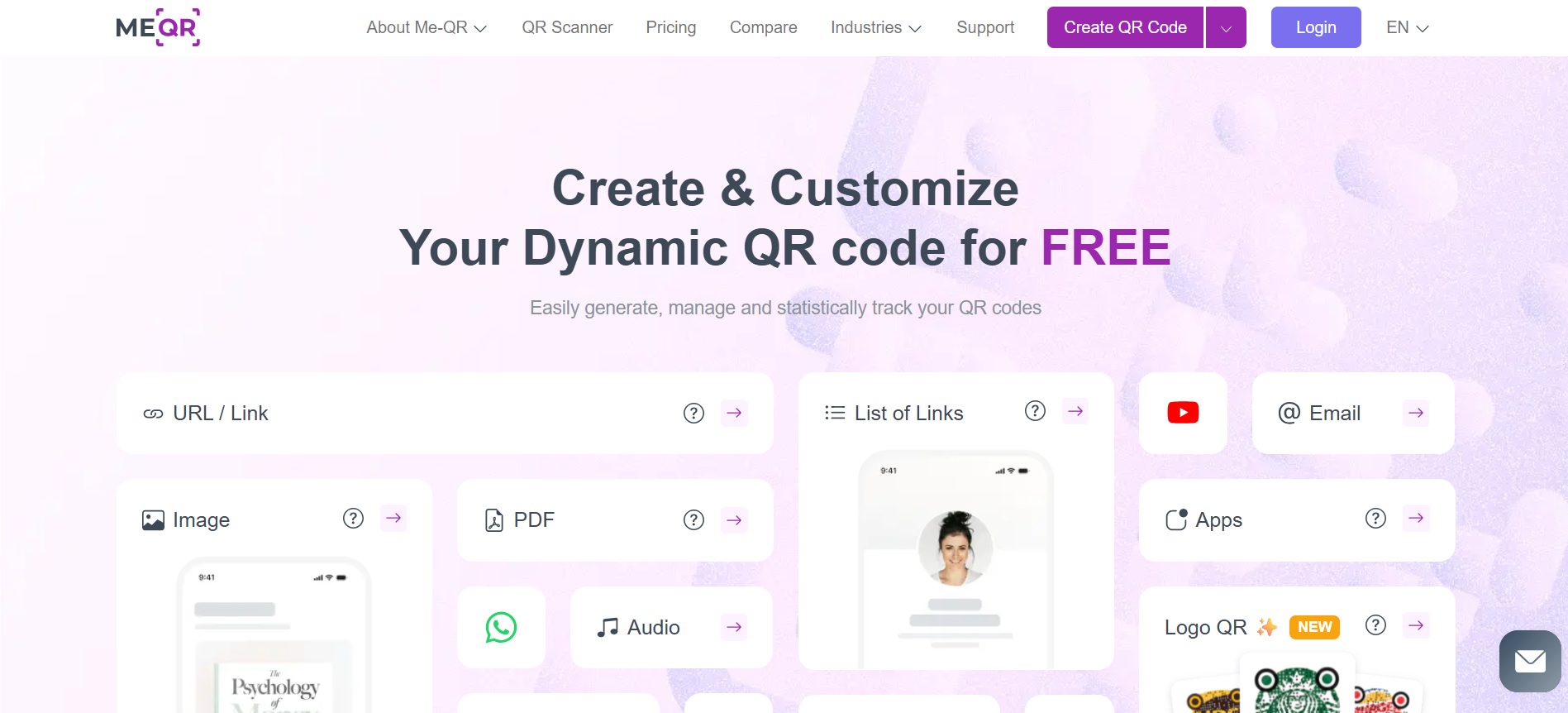
- What it is and does: A flexible generator offering unlimited code creation, bulk uploads, and team accounts with tracking.
- Who it’s best for: Teams that need high-volume production and multi-user workflows at low cost.
- Why it moves conversions: Bulk creation and multi-user access let merchandising and marketing teams synchronize campaigns rapidly, reducing stale content.
- Use case: A loyalty program exports thousands of member-specific codes to print on mailed materials and tracks which micro-campaigns drive enrollments.
The Approval Friction Trap
When teams rely on short pilots and email threads to approve QR rollouts, it may feel safe and familiar at first, but delays and hidden handoffs quickly erode campaign performance. As approvals and stakeholders multiply, manual processes fragment timing and increase staffing requirements for simple tasks such as updating a landing URL or rotating a creative.
Teams find that solutions like Mobilo act as a bridge, centralizing contact capture, enforcing role-based controls, providing CRM connectors, and shortening event follow-up cycles from days to hours while preserving auditability and encryption.
The Pilot-to-Production Chasm
A pattern we see with skeptical buyers is straightforward: they demand measurable outcomes and transparency before committing budget, and they walk when platforms promise innovation without clear revenue signals. After working across several 30-day pilots, the recurring outcome became clear: lack of transparent reporting and near-term ROI breeds skepticism and stalls adoption, so vendors need to show both technical fit and business impact before procurement will sign off.
That expectation helps explain why over 70% of businesses report increased revenue after implementing QR code marketing strategies, as measurable pilot programs can turn initial skeptics into enthusiastic advocates.
A quick practical tip: Match the tool to the choke point you need to fix. If your problem is creative trust, choose a design-first generator. If your blocker is governance or compliance, choose an enterprise platform with RBAC and exportable audit trails. If you need rapid iteration, pick a solution that supports editable redirects, pixel tracking, and one-click CRM webhooks. That decision path keeps your choice tied to business outcomes, not marketing aesthetics.
That’s not the end of the story; it’s where the real challenge begins: what actually defines the best-paid QR generator in practice?
Related Reading
- How to Put Linkedin on Business Card
- How to Share Linkedin QR Code
- How to Add Instagram QR Code to Business Card
- QR Code Instead of Business Card
- QR Code Size on Business Card
- How to Scan QR Code on Iphone
- Aztec Code vs QR Code
- How QR Codes Work
- QR Code Analytics
- Linkedin QR Code Business Card
- How to Create Vcard
What Actually Makes the Best Paid QR Code Generator

The best paid QR code generator is the one that turns each scan into a reliable, auditable business signal you can act on, not just a pretty image file. Use a weighted decision framework that converts features into measurable outcomes, then validate those outcomes through a short, instrumented pilot.
What Outcomes Must the Generator Deliver for Your Team?
Start by naming three measurable outcomes a QR must produce for you, for example, unique scan-to-lead rate, time-to-CRM ingestion, and false-read incidents per 1,000 scans. Assign each outcome a business value in dollars or time saved so technical choices map to P&L. This forces you to prefer features that move the needle, like reliable redirect ownership or near-real-time webhooks, over cosmetic design options that don’t change follow-up velocity.
How Should You Structure a Vendor Scorecard?
Create categorical scores and weights that reflect operational risk, not buzz. A practical weighting looks like this:
- Reliability and uptime, 28%
- Analytics and attribution fidelity, 22%
- Integrations and API quality, 18%
- Data controls and compliance, 16%
- Support and SLAs, 10%
- Pricing predictability, 6%
For each category, define three concrete checks a vendor must pass, score 1 to 5, and multiply by the weight. Use a minimum pass threshold, for example, 70 percent to shortlist vendors for a pilot.
What Specific Pilot Tests Prove Technical Fit and Business Impact?
- Run a focused 14-day pilot against a real event or campaign and measure both technical and commercial KPIs.
- Technical tests: redirect propagation time, webhook delivery success rate under load, scan failure rate across eight device models, and bulk-creation idempotency.
- Business tests: Percentage of scanned contacts that convert to qualified leads within 7 days, average time from scan to CRM record creation, and any support ticket resolution times.
- Define success criteria before you start, then run the same tests across multiple vendors so you can compare apples to apples.
Why Does Vendor Support and Trustworthiness Matter More Than Aesthetics?
Pattern recognition from multiple vendor evaluations shows the same failure mode: when teams encounter suspicious-looking QR behavior or slow support, adoption stalls and campaigns get paused. That loss of momentum is exhausting for field staff and toxic for brand trust, because a single broken flow can erase weeks of outreach. Put support, responsiveness and incident playbooks into your scorecard, and demand sample logs and a customer reference that documents a real outage and how it was resolved.
How Do Security and Compliance Requirements Change Selection?
Treat data controls as functional features. Ask for exportable audit logs with timestamps, proof of data retention policies by role, SSO/SAML setup guides, and evidence of third-party audits. Query the vendor about whether redirect domains are customer-controlled and whether they provide configurable retention windows and field-level encryption.
These are not checkbox items; they are operational constraints that affect legal sign-off and deployment speed.
What Hidden Pricing Traps Should You Watch For?
Problem-first: pricing can balloon due to per-scan overages, API rate limits that force expensive batch work, and paid tiers that restrict programmatic exports. Insist on clear definitions for “unique scan,” document overage rates, and simulate your peak event traffic to see whether the vendor’s throttling will trigger.
Also, check whether domain ownership, white-label URLs, or exportable raw events require the highest tier.
When Does Vendor Lock-In Become the Real Risk?
Constraint-based: Using a vendor’s proprietary landing pages or closed SDKs is fine for pilots, but as volume grows, you need migration paths. Require an exportable event schema, sample raw payloads, and a documented method to swap redirects or bring your own domain. If the vendor cannot provide a complete historical export within 48 hours and a documented DELETE policy, treat it as a red flag.
Status Quo, Cost, and the Enterprise Bridge
Most teams manage QR rollouts with a mix of email approvals and ad-hoc tools because it is familiar and seem low-cost. Over time, approvals scatter, roles blur, and a single misrouted campaign forces manual reconciliation across teams.
Solutions like Mobilo provide centralized governance, multi-channel capture, and native CRM connectors that reduce handoffs, preserve audit trails, and keep admins in control.
How to Convert Vendor Answers Into Procurement Language?
Ask for three deliverables in writing: an incident response SLA with measurable MTTR, a sample webhook payload with field definitions and retention periods, and a scoped pilot plan that lists endpoints, devices, and success metrics. Put those deliverables into the contract as acceptance criteria for payment or expansion, not as informal promises.
How Should You Think About Scale and Future-Proofing?
Confident stance: anticipate continued rapid growth in usage, so plan for peak capacity rather than just average load. QR adoption has surged in recent years, with QR code usage increasing by 96% from 2018 to 2023. This trend underscores the need for vendors to demonstrate the ability to manage rising concurrency and operational complexity.
How to Quantify the ROI Quickly?
Select one high-value channel, instrument it end-to-end for a single week, and measure the incremental leads attributable to the tracked scans. Use a simple formula: (Incremental leads * average lifetime value) minus (vendor monthly cost + estimated ops time saved) over 90 days. If the net is positive and the vendor meets technical SLAs, you have a defensible procurement decision.
A Short Analogy to Keep It Concrete
Think of vendors as bridge builders: some sell a painted plank; others deliver a documented, load-tested overpass with maintenance plans and inspection logs. Choose the latter when trucks will cross it.
The solution sounds tidy, but the real test is what happens when the first significant event goes sideways.
Book a Demo Today and Get your First 25 Cards Free (Worth $950)
The truth is, far too many promising conversations die after a scan, because contact details slip into inboxes and spreadsheets and never turn into follow-ups. Book a demo and let us show you how Mobilo's digital business card and paid QR generator combine NFC, Apple NameDrop, dynamic QR tracking, CRM integrations, lead enrichment, and prospect scoring to turn every share into a tracked, actionable lead.
Join over 59,000 companies, see up to 10x more leads at events, and get your first 25 cards free, worth $950.
Related Reading








