

.avif)

27 Best Business Card Scanner Apps To Digitize Your Networking
On This Page
You leave a networking event with a stack of paper cards and no easy way to follow up. A reliable mobile scanner and OCR reader can turn that clutter into searchable digital contacts, save time, and cut errors. Want the best business card scanner to quickly digitize contacts, sync with your CRM, and keep follow-up organized? This article compares top card scanners, scanning apps, and contact management features so you can pick the right tool to capture and manage your network effortlessly.
Mobilo's digital business card makes that choice simple by converting paper and digital business cards into clean, searchable contacts that sync with your phone and CRM, eliminating manual entry and missed leads.
Summary
- Business card scanners cut manual work and speed follow-up, with 95% of users reporting improved networking efficiency.
- OCR accuracy remains the bottleneck: while about 80% of scanners can accurately capture contact information, unusual fonts and busy backgrounds still cause errors.
- Physical cards are fleeting: over 88% are discarded within a week, making digitizing contacts essential to retain event leads.
- Capture at scale breaks simple pipelines; as many as 90% of business contacts never make it into CRMs. Centralized workflows and deduplication are critical.
- Vendor claims should be validated with pilots, for example, testing time-to-usable-contact and error rates over 1,000 scans or 30 days, and watching for product limits like a 250 contacts per 30-day cap on some platforms.
- The market offers many options and trade-offs, as illustrated by a review of 27 notable scanner apps that vary widely in accuracy, integrations, offline capture, and governance.
This is where Mobilo's digital business card fits in: it converts paper and digital cards into clean, searchable contacts that sync with your phone and CRM, reducing manual entry and missed leads.
What Does a Business Card Scanner Do?

A business card scanner turns a physical card into a usable digital contact by scanning names, phone numbers, email addresses, and company details, and importing them into contact fields or your CRM in seconds. A business card scanner is an app or tool that quickly scans essential contact information from a business card and stores it in a way that’s easy to find, read, and use.
How Does It Capture Information?
It starts with an image from a phone camera or a dedicated scanner, then uses optical character recognition to segment the card into text blocks, assign those blocks to fields such as name or email, and normalize formats so entries appear consistent. Sound systems display the parsed fields for one-tap correction; better ones also include human verification or confidence scores when the OCR is uncertain.
Why Does This Matter for Teams at Events and on the Road?
You save the hours that would otherwise go to manual entry, and you cut follow-up lag when you need to convert a coffee chat into a qualified lead.
The benefit of using modern business card solutions is no longer hypothetical: 95% of users report that business card scanners improve networking efficiency, fundamentally changing how sales teams prioritize and execute outreach after significant events.
What Do You Need to Evaluate When Choosing One?
Start with accuracy, then look at workflow fit. Check whether the scanner can export to VCard or Excel, push contacts to your phone's address book, and sync with your CRM. Consider tagging and grouping tools for segmentation, plus simple sharing and admin controls so teammates can access the same canonical contact list. Finally, test how easy the app is to provision across a team, because complexity kills adoption.
Why Does OCR Accuracy Matter in Practical Terms?
OCR is the engine, and it has limits: unusual fonts, heavy backgrounds, or crowded layouts reduce reliability. When OCR succeeds, it feels like turning a shoebox of cards into a searchable ledger; when it fails, it produces errors that waste more time than manual entry.
High-Accuracy OCR & Validation
This high efficiency is crucial, as 80% of business card scanners can accurately capture contact information, underscoring the need for modern systems to combine high-accuracy Optical Character Recognition (OCR) with quick manual correction and confidence indicators for optimal reliability.
Most teams handle capture as a simple pipeline: scan, export, and hope the CRM reflects reality. That works when you process a few cards, but as events scale, the pipeline breaks down: duplicate entries, missing context, and delayed syncing fragment opportunity.
Unified Lead Capture
Platforms like Mobilo offer an alternative path, combining NFC, QR, Apple NameDrop, and dedicated scanning into a single capture stream, with CRM sync, lead scoring, and admin governance that compress follow-up from days to hours while maintaining SOC 2 Type II and GDPR controls.
What Separates Consumer Apps From Enterprise-Ready Scanners?
Enterprise needs are about governance, not glamour. Look for role-based access, provisioning for large teams, offline capture with later sync, and audit trails that prove who added or edited a contact. Also factor in sustainability and device lifecycle policies if your procurement team cares about corporate responsibility.
These operational details determine whether a pilot can scale into a full rollout without security or compliance surprises.
How Should You Verify Vendor Claims Before Committing?
Run a short pilot with real event cards, include unusual designs and foreign-language entries, and measure time to usable contact plus error rate over 1,000 scans or 30 days. Validate connectors to your CRM, ensure data enrichment and lead routing behave predictably, and insist on an admin provisioning plan to prevent IT from becoming the bottleneck.
The one thing people miss is context: a contact without how and where you met it is just a name. Capture tools that add event metadata, badge or QR code provenance, and enrichment fields enable teams to qualify leads immediately, the real difference between a scanned card and a sales-ready lead.
Related Reading
- What Makes a Good Business Card
- Business Card Trends
- QR Code Marketing Strategy
- New QR Code Technology
- What Are NFC Business Cards
- Professional Networking Tools
- Best Paid QR Code Generator
- What to Include on a Business Card
Which Business Card Scanner App Is Best for Your Specific Use Case?
27 Best Business Card Scanner Apps for Easy Contact Management
No single business card scanner app is the right fit for every professional. A sales rep who needs contacts routed into Salesforce the moment a card is tapped has fundamentally different requirements than a solo operator who scans a handful of cards per month. The sections below cut through the flat-list noise and match tool categories to real-world scenarios.
Best for Sales Teams That Need CRM Integration
For sales-driven organizations, the scan is only the first step. The tool that matters is the one that completes the handoff — getting a scanned contact into your CRM with zero manual re-entry. Reddit users in r/SaaS have flagged exactly this gap: 'Existing free or low-cost business card scanner apps feel incomplete for real-world workflows — users struggle to get scanned data all the way into CRMs, spreadsheets, and follow-up sequences.' Apps that offer direct CRM sync (rather than CSV export followed by manual import) are the only ones worth evaluating at the team level. Mobilo's Contact Exchange and Lead Capture feature is built for this workflow: when a prospect taps or scans a Mobilo Card, their information feeds directly into the user's connected CRM — no scanning step required at all.
Best for High-Volume Event and Conference Scanning
At a trade show or multi-day conference, OCR accuracy under pressure is what separates a useful tool from a frustrating one. As noted across developer communities, 'OCR accuracy degrades with messy business cards, tiny fonts, weird layouts, and logos mixed into text.' For high-volume event scanning, prioritize apps with batch processing, offline mode, and automatic deduplication. Dedicated solutions like ABBYY Business Card Reader and ScanBizCards are built for exactly this context. For teams that want to eliminate the scanning bottleneck entirely, an NFC business card like Mobilo means the rep taps a phone and the contact is captured instantly — no camera, no OCR, no lag.
Best for Individual Professionals Who Just Need Something Simple
Not every use case demands enterprise infrastructure. A consultant attending two or three events per year needs a reliable scanner that stores contacts cleanly and syncs to their phone's address book. Google Lens, HubSpot's free CRM scanner, and Haystack all serve this tier well without a paid subscription. The tradeoff is that none of these tools offer team-level analytics, admin controls, or CRM routing — capabilities that matter the moment you move from individual to team-scale networking.
27 Best Business Card Scanner Apps for Easy Contact Management
1. Mobilo
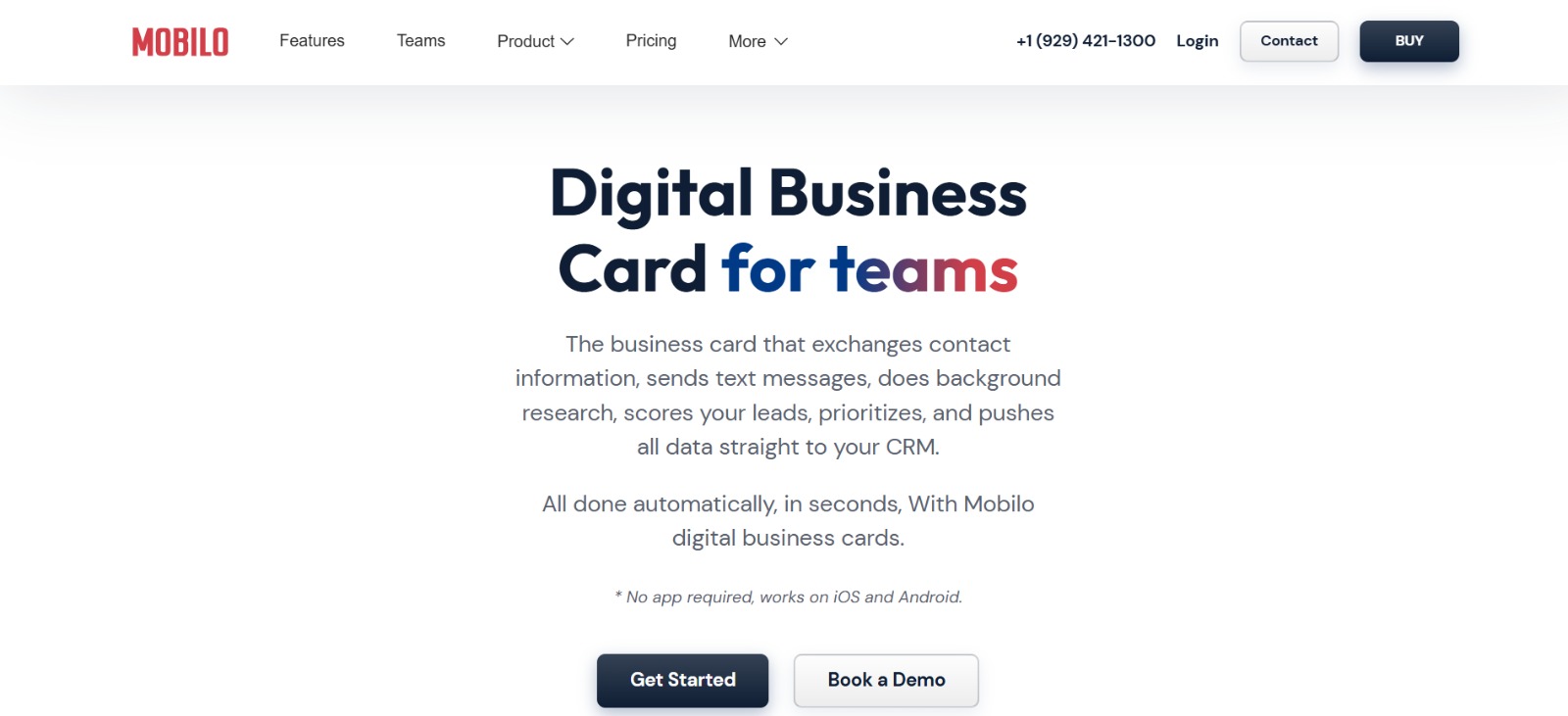
Ready to transform your team's networking and generate 10x more leads at every event with Mobilo's smart digital business cards? Join over 59,000 companies who've made the switch to intelligent digital business cards that automatically:
- Exchange contact information
- Enrich lead data
- Score prospects against your ICP
- Sync directly to your CRM
Book a demo today and get your first 25 cards free (worth $950), because in a world where 90% of business contacts never make it into your CRM, you can't afford to keep using paper cards.
Platform Availability
- Android
- iOS
- Web
Pros
- Centralized admin, provisioning, and audit trails
- NFC, QR, Apple NameDrop, and dedicated scanner capture streams
- CRM sync, lead scoring, and event metadata enrichment
Detailed App Review
Mobilo is built as a platform, not a single-purpose scanner. Its strength is governance: teams can provision cards, enforce templates, and route captured leads to sales queues with scoring rules. For events, that single capture stream reduces follow-up lag and maintains a canonical contact list, so duplicates and unassigned leads are resolved at the source.
For procurement, the sustainability story and centralized device lifecycle policies make it easier to scale pilots into corporate rollouts.
From Card Hits to CRM Handoff
If you want a pure OCR tool, there are simpler apps. Still, for teams that need traceability, compliance, and predictable ROI from events, Mobilo is the system that turns paper and QR hits into synchronized, actionable leads.
2. CamCard
Platform Availability
- Android
- iOS
Pros
- Detailed insights about contacts and companies
- Proofreading contact information
Cons
- Inconsistent auto-scanning accuracy
- Occasional delays in automated corrections
Detailed App Review
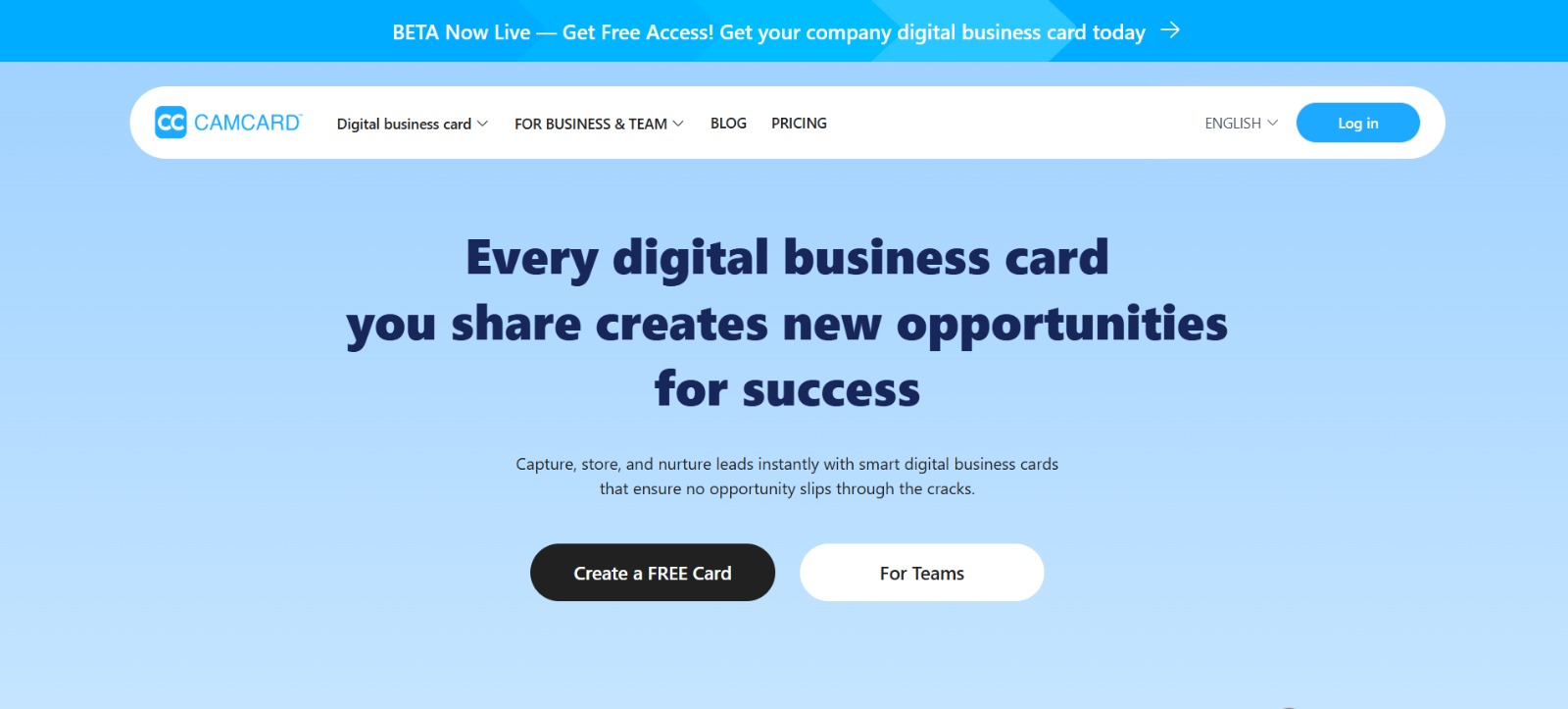
CamCard mixes OCR with a cushioned proofreading stage, so when the initial parse is messy, it often corrects itself within minutes. That proofreading feature is useful when you need a fallback for messy fonts, though the wait can be frustrating if you want immediate exports after a conference.
CamCard also offers integrations and deduplication, making it practical for small teams that need flexible export options to Salesforce or Google Contacts. Expect solid metadata enrichment and signature templates, but plan for manual checks after large-batch scans; if speed and instant accuracy are the priority, there are faster options.
3. Covve
Platform Availability
- Android
- iOS
Pros
- Follow-up reminders and activity logging
- Intuitive interface, AI productivity features
Cons
- Structured more like a personal CRM than a team tool
- Less direct team provisioning and admin controls
Detailed App Review
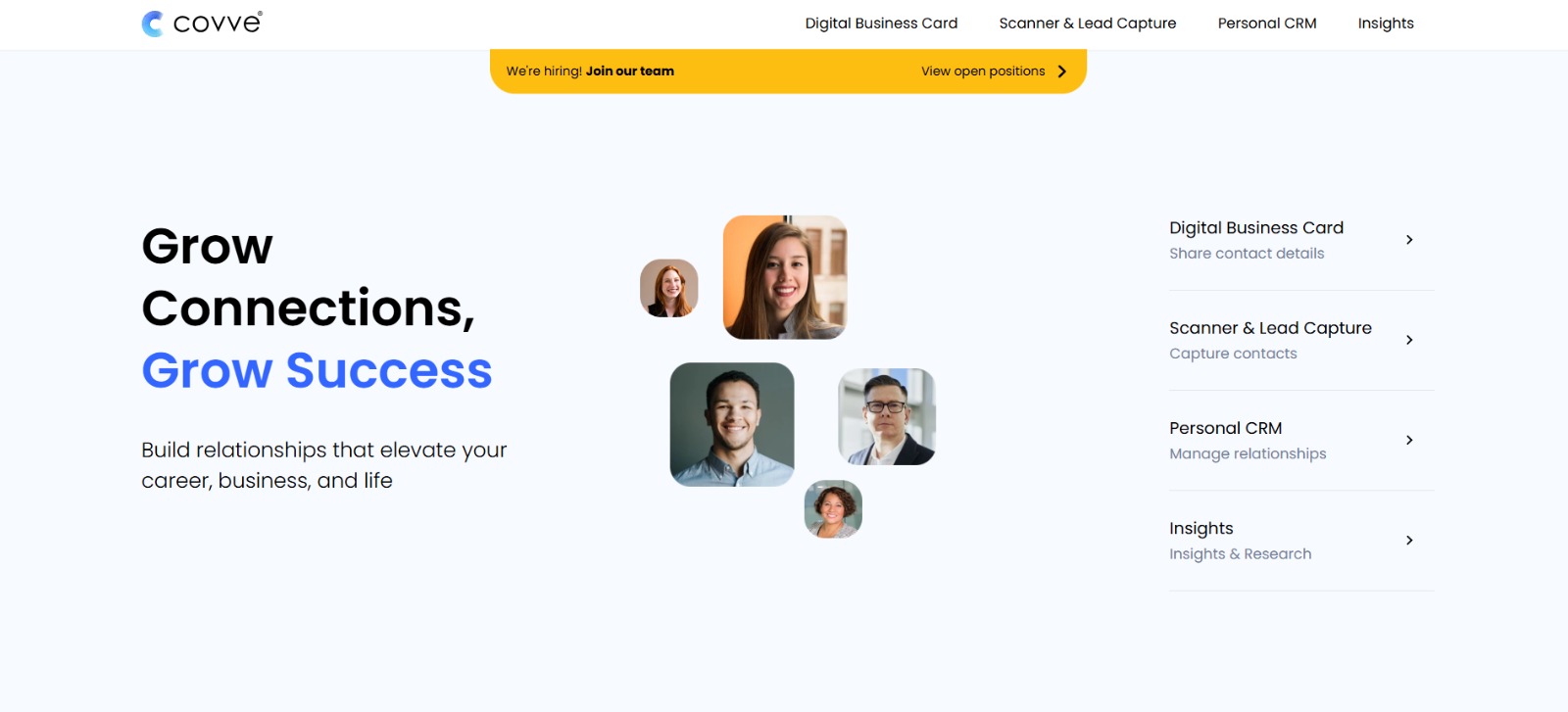
Covve treats contacts as relationships, not just records. When we ran a two-day pilot at a networking event, the automatic three-month reminders and the ability to log touchpoints kept follow-up rates above baseline. The AI assistant that ingests forwarded emails and creates contact entries is intelligent, reducing manual follow-up entries.
For individual sellers or small teams focused on relationship cadence, Covve’s tagging and reminder system beats bare OCR apps. If you need enterprise governance or multi-seat admin control, Covve will feel like a best-in-class personal CRM rather than a centralized capture platform.
4. ABBYY Business Card Reader
Platform Availability
- Android
- iOS
Pros
- Strong OCR pedigree, supports 25 languages
- Good for multinational teams
Cons
- Pricing available only on request
- Enterprise integrations require configuration
Detailed App Review
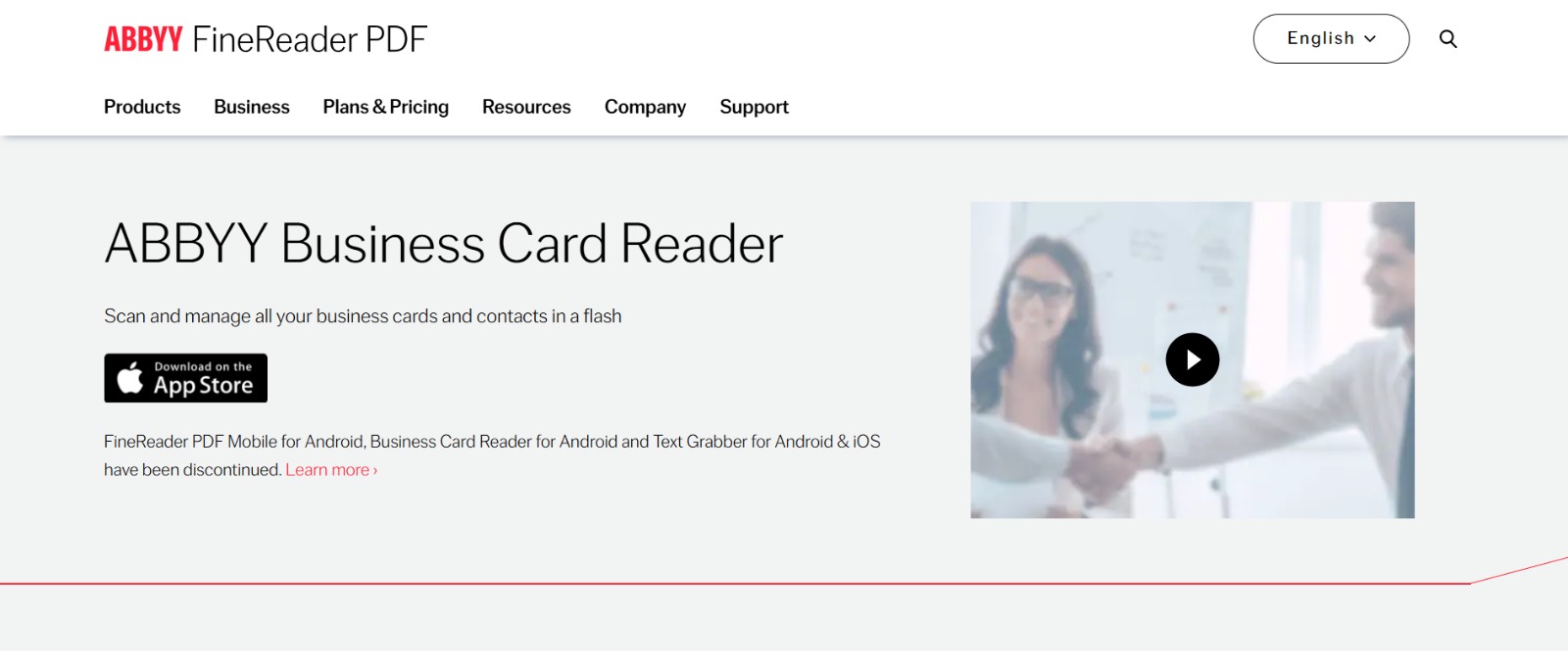
ABBYY leverages years of OCR development to handle multilingual cards and complex layouts. It’s a reliable choice when cards come from multiple language regions, and it makes it easy to share cards with colleagues. For international sales teams, that language coverage reduces manual correction.
The tradeoff is a longer enterprise sales cycle for pricing and setup, so if you need a plug-and-play consumer app, this may feel heavier than necessary.
5. ScanBizCards

Platform Availability
- Android
- iOS
Pros
- Event-focused OCR and conference badge scanning
- Easy CRM exports and API integration
Cons
- Occasional scanning errors on complex designs
- Free tier has functional limitations
Detailed App Review
ScanBizCards excels at event capture, where speed and badge scanning matter. I used it at a mid-sized conference and found exports to major CRMs straightforward, which kept follow-ups timely.
The API makes it a strong choice for teams looking to plug captured leads into marketing stacks quickly. OCR struggles with ornate cards, so pair it with a quick-review workflow for higher-value leads.
6. Snapaddy
Platform Availability
- Web
- Mobile
Pros
- Deep CRM integrations
- Unlimited scanning on some plans
Cons
- Comparable cost, starting at 60 euros/user
- Enterprise pricing requires a quote
Detailed App Review
Snapaddy focuses on integrations, mapping scanned data into whichever CRM you use. For teams with strict CRM field requirements, this mapping can eliminate many downstream cleanup tasks. The pricing structure rewards volume but requires negotiation for large deployments.
If you run frequent trade shows and need reliable exports into a customized sales database, Snapaddy reduces manual mapping work.
7. Bizconnect
Platform Availability
- iOS
Pros
- Multiple export options and team sharing
- Built-in reporting and task management
Cons
- Free tier limits daily scans to 50
- Team features require higher-tier plans
Detailed App Review
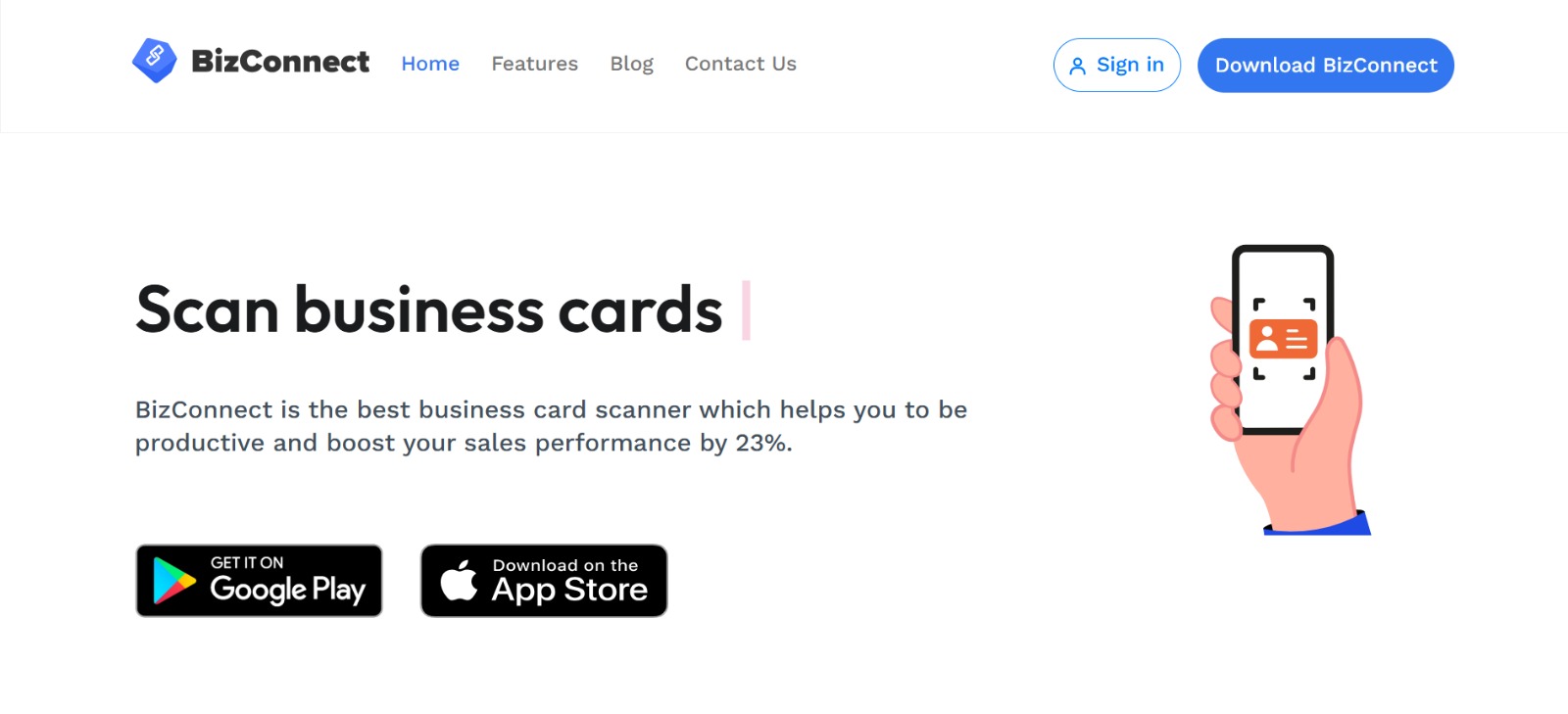
Bizconnect bundles scanning with activity reporting, which is handy for marketing teams measuring event ROI. The corporate offer that supports sharing across 10 licenses helps keep a single contact source across teams. For solo users, the free tier may suffice, but growing teams will want the annual or corporate plans for true collaboration.
8. Zero Keyboard
Platform Availability
- Android
- iOS
Pros
- Tight Salesforce integration
- Offline scanning mode and voice dictation
Cons
- Pricing not listed publicly
- Set up aimed at Salesforce admins
Detailed App Review
Zero Keyboard streamlines capture straight into Salesforce, with offline modes that sync later. The voice dictation and multi-language map recognition are helpful when you’re on the move. It’s ideal for companies that standardize on Salesforce and want minimal manual data entry. Expect admin involvement for provisioning, which is typical for CRM-native tools.
9. HubSpot
Platform Availability
- Android
- iOS
- Web
Pros
- Direct push to HubSpot CRM, free tier available
- Machine learning improves accuracy over time
Cons
- Free tier has limited customization
- Not as feature-rich for scanning-specific workflows
Detailed App Review
HubSpot’s scanner is designed to quickly create CRM contacts, which is ideal if your team already uses HubSpot. The scans feed into existing contact records and workflows, so follow-up sequences trigger without additional manual steps.
If you need broad scanning features like badge capture or offline batch scanning, HubSpot’s simplicity may feel limiting, but as an integrated CRM capture tool, it reduces context switching.
10. Evernote
Platform Availability
- Android
- iOS
- Web
Pros
- Integrates scanning into notes and CRM exports
- Good image enhancement and storage
Cons
- Business card features require paid tiers
- Not as CRM-optimized as dedicated scanners
Detailed App Review
Evernote converts business card images into contacts within its notes ecosystem and can push data to CRMs such as Salesforce. That makes it a solid option when card data belongs in a broader knowledge repository. For teams that want robust contact workflows, a dedicated scanner will usually be faster, but Evernote is useful if you already centralize documentation there.
11. MS OneNote (Office Lens)
Platform Availability
- Android
- iOS
- Windows
Pros
- Free if you have Office
- Simple capture into OneNote and Excel exports
Cons
- Basic parsing, limited CRM exports
- Minimal team governance features
Detailed App Review
Office Lens and OneNote turn cards into images and OCR text that you can drop into Excel. For pilots or individuals embedded in Microsoft ecosystems, this is valuable and cost-effective. But at scale, the manual export and lack of admin controls mean it’s best for lightweight use.
12. Zoho CRM Card Scanner
Platform Availability
- Android
- iOS
Pros
- Instant sync to Zoho CRM, supports multiple languages
- Tight integration with the Zoho suite
Cons
- Requires internet to sync in real time
- Occasional letter recognition issues
Detailed App Review
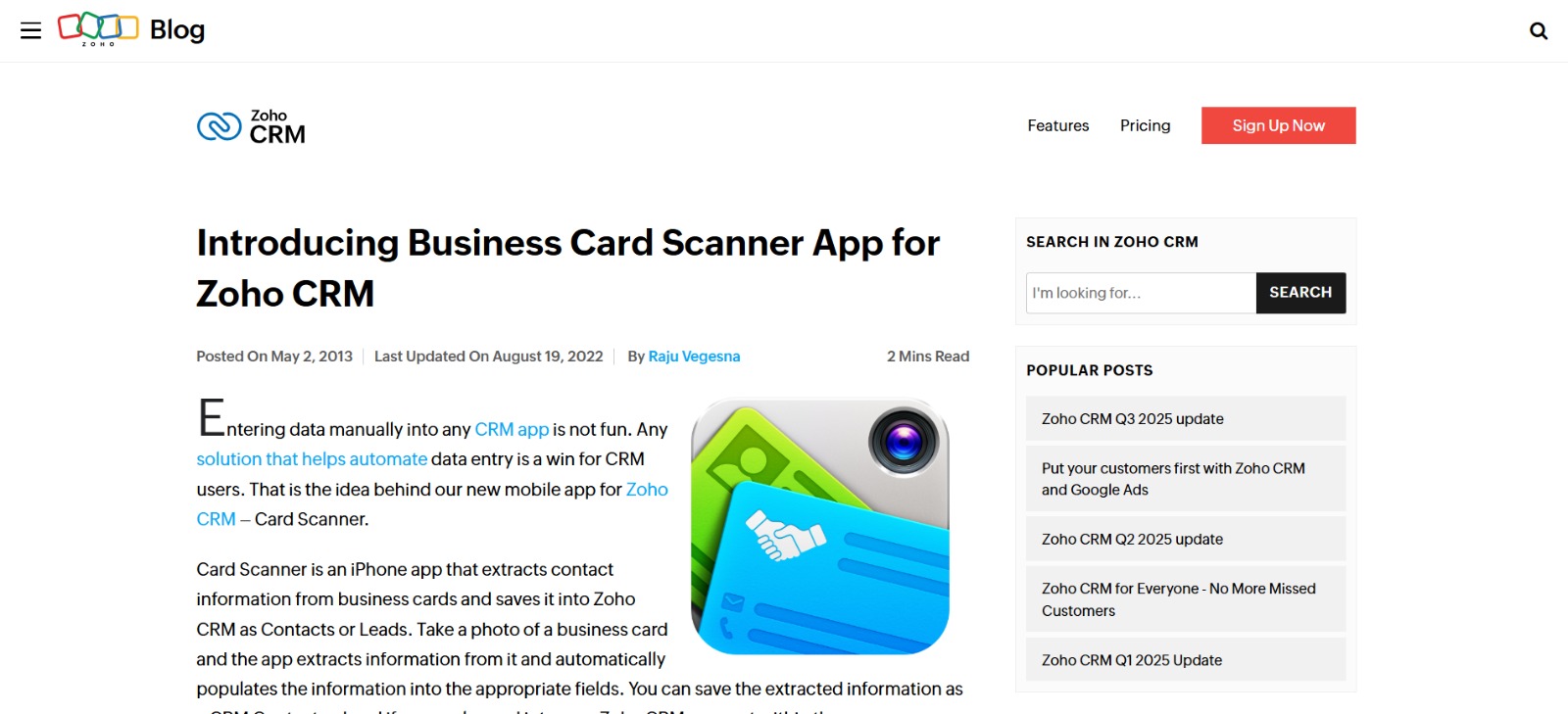
Zoho’s scanner converts cards into CRM-ready contacts and triggers workflows inside Zoho CRM. That reduces switching and enables immediate follow-ups tied to existing sales sequences. The app flags unclear fields for review, reducing data entry errors. It’s a clear choice when the Zoho stack is your backbone, though offline-first teams should plan for intermittent syncs.
13. Scanbot

Platform Availability
- Android
- iOS
Pros
- High-accuracy OCR and local processing options
- Batch scanning and export to CSV/CRM
Cons
- Can be slow on very high-resolution scans
- Some advanced features are paid
Detailed App Review
Scanbot focuses on image quality, local OCR, and privacy. For teams with strict data handling requirements, local processing reduces exposure and supports compliance. Batch capture and export features bridge raw capture and CRM import for teams that prefer to validate before syncing.
14. Eight
Platform Availability
- Android
- iOS
- Web
Pros
- Free unlimited scans in many cases
- Good multi-language accuracy and web access
Cons
- Slower with large batches
- Feature set oriented to individuals and small teams
Detailed App Review
Eight combines fast AI-driven scans with a searchable cloud. The one-touch digital card exchange and cross-device sync are convenient for mobile professionals. For conference-heavy users, the web portal provides a quick way to manage and export large contact sets, although proper enterprise governance is limited.
Mid-Section Status Quo Pattern (Empathize, Reveal, Bridge)
Most teams still treat scanned cards as isolated contact records because that is the most straightforward workflow after a conference. That familiar approach works at a small scale, but as events produce hundreds of cards, it fragments work: duplicates pile up, follow-up assignments are unclear, and routing delays let leads go cold.
Platforms like Mobilo centralize lead capture across NFC, QR, NameDrop, and dedicated scanners, applying lead scoring and admin rules so teams convert leads faster while maintaining audit trails and compliance.
15. Google Lens
Platform Availability
- Android
- iOS (via app)
- Web features
Pros
- Fast, versatile image-to-text capture
- Translates and extracts text in many languages
Cons
- Not a dedicated business card workflow
- Performance varies across devices
Detailed App Review
Google Lens is a Swiss army knife for extracting text from images, so it can capture card details in a pinch and translate foreign-language cards. It is excellent for grabbing a quick phone number or URL, but it lacks CRM connectors and team governance features that companies need to scale.
16. iCapture
Platform Availability
- Android
- iOS
- Web
Pros
- Accurate OCR, group badge scanning for events
- Offline mode and CRM sync
Cons
- Issues with specific non-Latin scripts
- Typically requires integration work
Detailed App Review
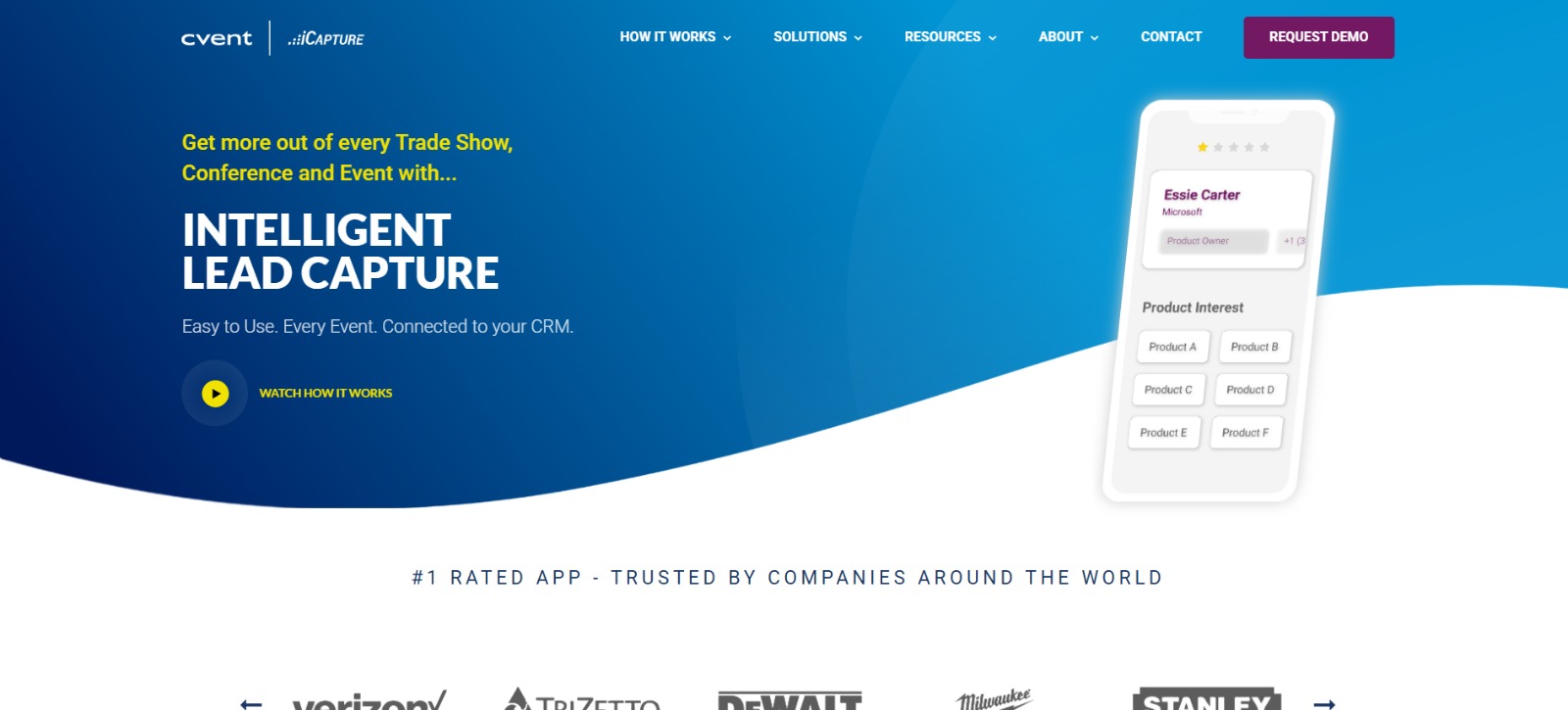
iCapture is built for events, with group badge scanning and immediate CRM syncs. The manual review workflow helps maintain data quality. It’s a reliable event-capture tool for teams that need robust offline capture and a smooth handoff to sales.
17. Contact Plus

Platform Availability
- Android
- iOS
Pros
- Seamless syncing with phone contacts
- Batch scanning and offline functionality
Cons
- Can slow with huge volumes
- Editing after scanning is limited
Detailed App Review
Contact Plus is a straightforward scanner that syncs with device contacts and supports batch imports. For small business users who want a simple, fast capture-to-phone workflow, it works well. Analytics and reporting add value when teams measure event outcomes.
18. DigiCard
Platform Availability
- Android
- iOS
Pros
- Unlimited free scanning and digital card creation
- Sharing via NFC, QR, Bluetooth, and vCard/CSV export
Cons
- Ads in the free version can be intrusive
- Advanced features behind a paywall
Detailed App Review
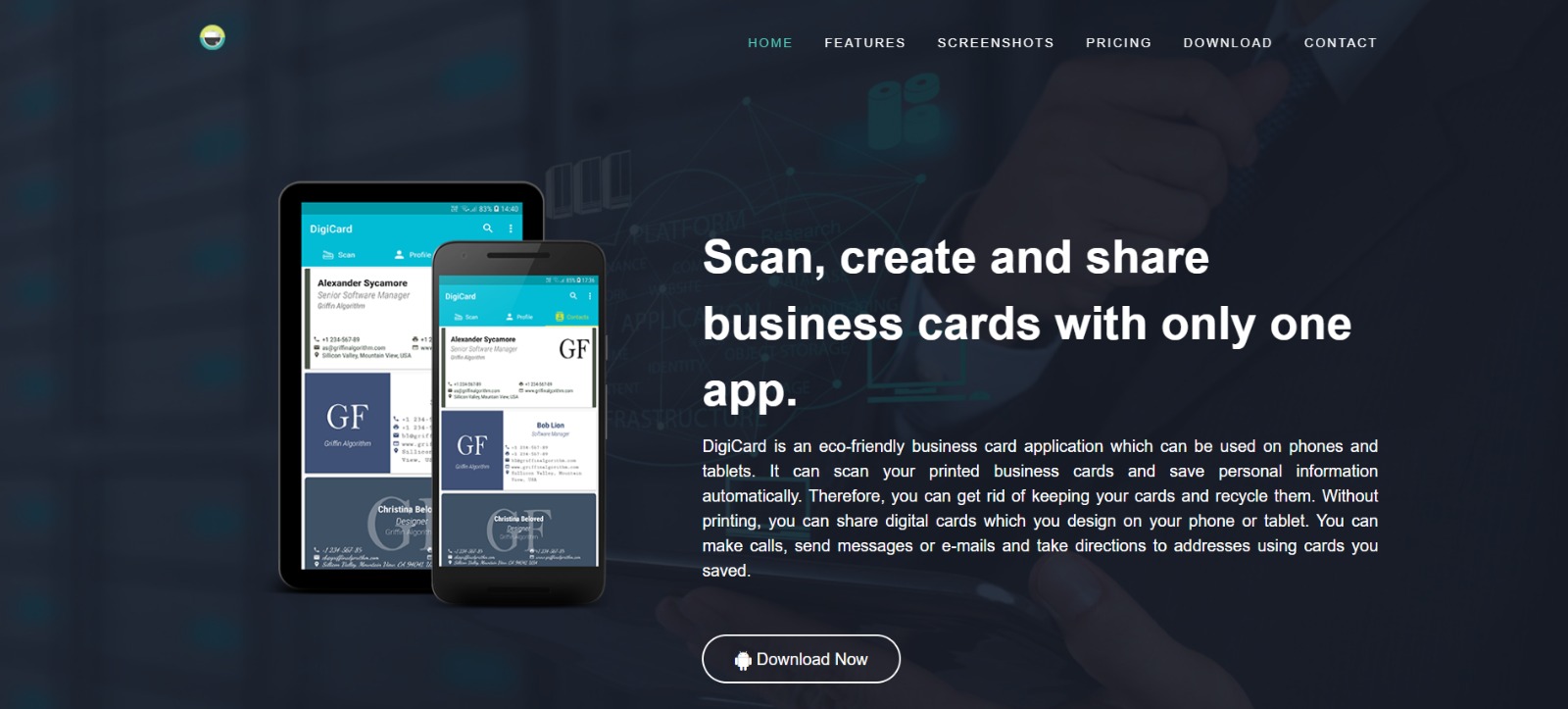
DigiCard combines scanning, digital card creation, and easy sharing. The QR and NFC options reduce the need for paper, and the free unlimited scans make it attractive for small teams. Ads can disrupt workflows, so choose the paid tier for a smoother experience.
19. Nutshell Business Card Scanner
Platform Availability
- Android
- iOS
Pros
- Quick single-sided scans and CRM sync
- Notifications when contacts are created
Cons
- Editing options after the scan are limited
- Parsing can take a couple of minutes
Detailed App Review
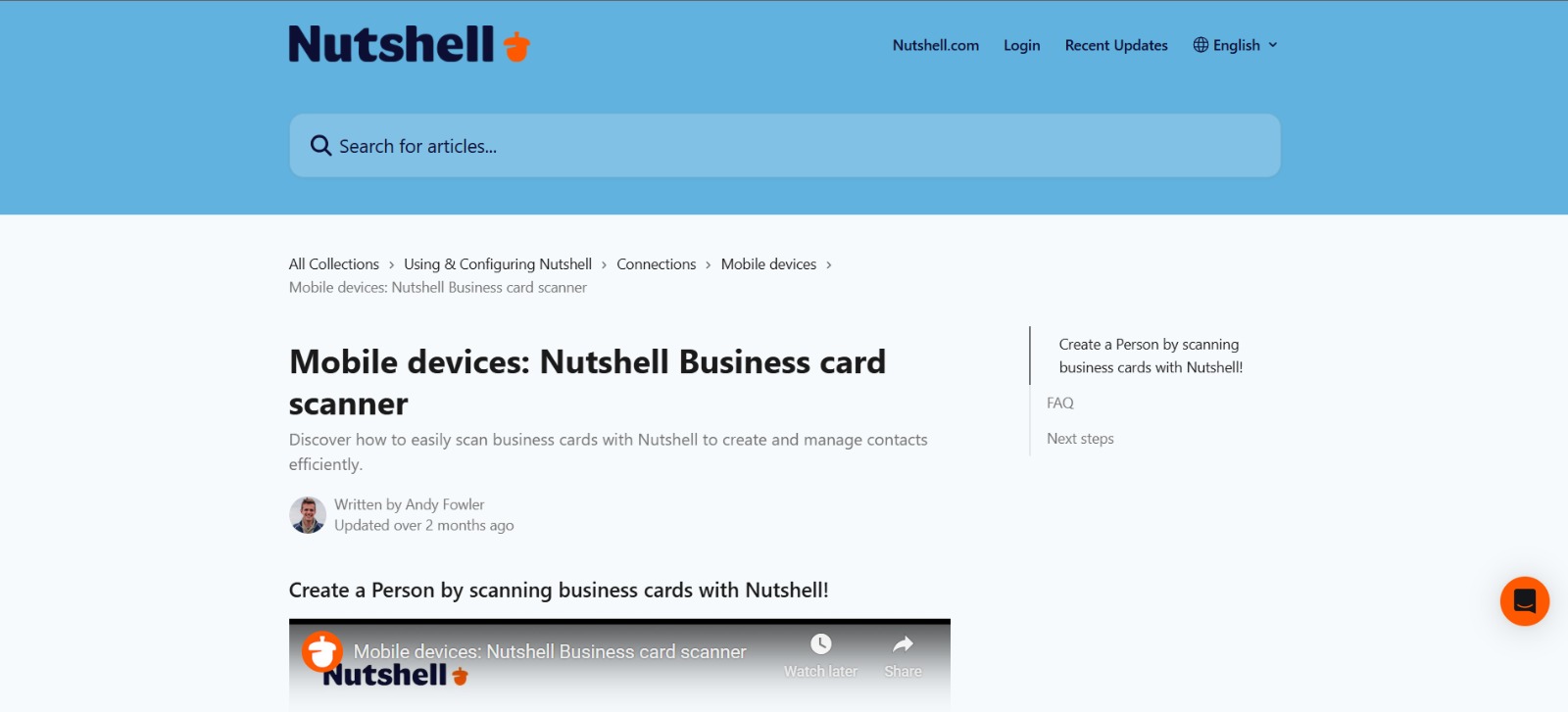
Nutshell’s scanner sits within a sales CRM focused on growth teams, providing fast scans that create contact records without extra mapping—the automatic field mapping and single-sided option speed on-the-fly capture during conversations. For teams on Nutshell, the scanner is a practical, built-in way to keep pipeline data up to date.
20. Nutshell (Full Product)
Platform Availability
- Android
- iOS
- Web
Pros
- Designed for on-the-go capture with automatic field mapping
- Lightweight and fast, included in Nutshell plans
Cons
- Parsing can take a few minutes to update
- Scan limits tied to subscription level
Detailed App Review
Nutshell places the scanner within a broader sales flow, so scanning directly creates CRM contacts with mapped fields. The app is optimized for field teams that need to capture information rapidly during meetings. Expect parsing latency, but the integrated routing and sales features justify the tradeoff for revenue-focused teams.
21. Zoho Scanner (Separate App)
Platform Availability
- Android
- iOS
Pros
- Save to phone contacts or Zoho CRM
- Exports to other Zoho apps and multi-language support
Cons
- Occasional misreads of letters
- The separate app requires additional user steps
Detailed App Review
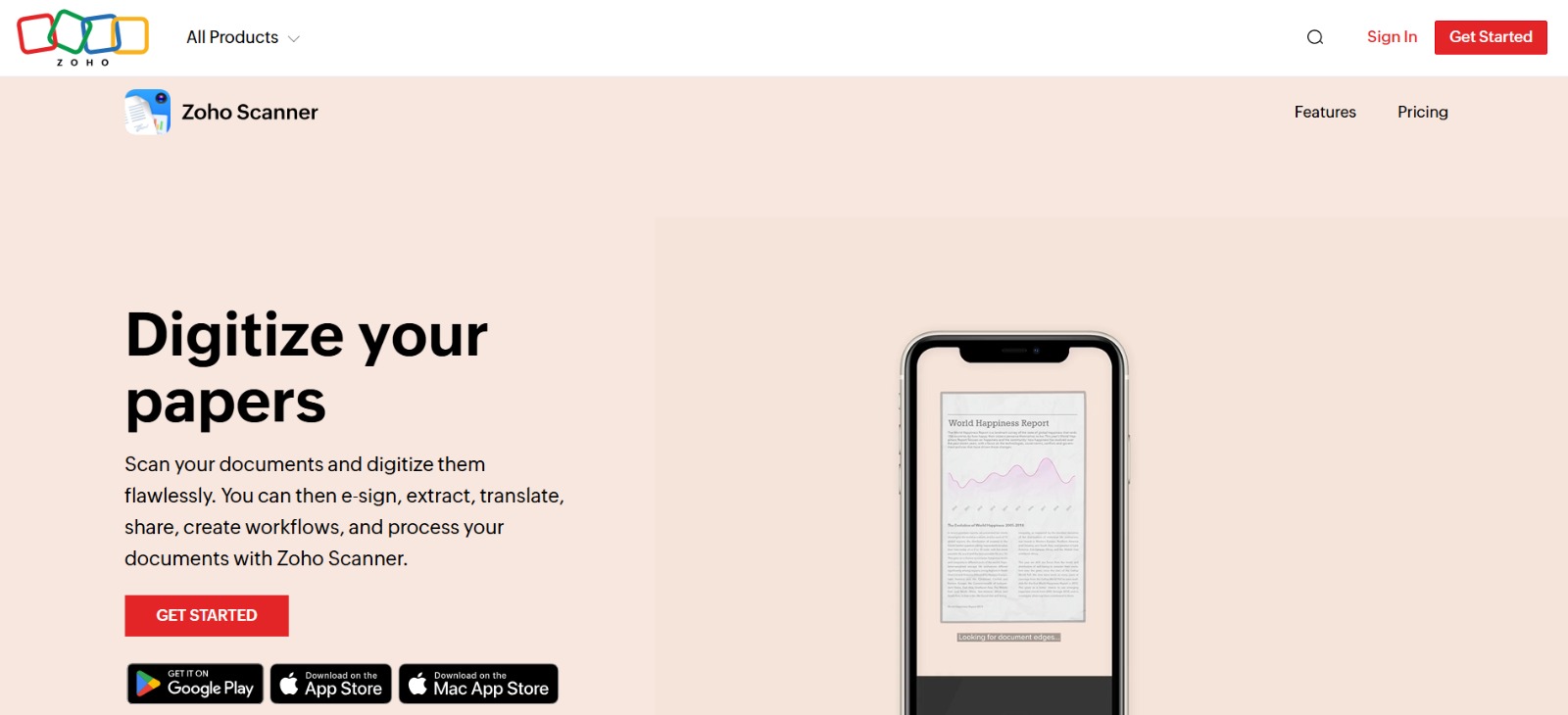
Zoho Scanner serves as a bridge to the Zoho ecosystem, allowing teams to choose whether to add a scanned card to a phone contact or a CRM lead. For companies committed to Zoho, that flexibility and language support reduce friction. The occasional OCR hiccup warrants a short review step.
22. Insightly
Platform Availability
- Android
- iOS
- Web
Pros
- Direct integration into Insightly CRM
- Tagging and basic contact organization
Cons
- Very low monthly scan limits on plans
- Cannot use a photo of the back of the card
Detailed App Review
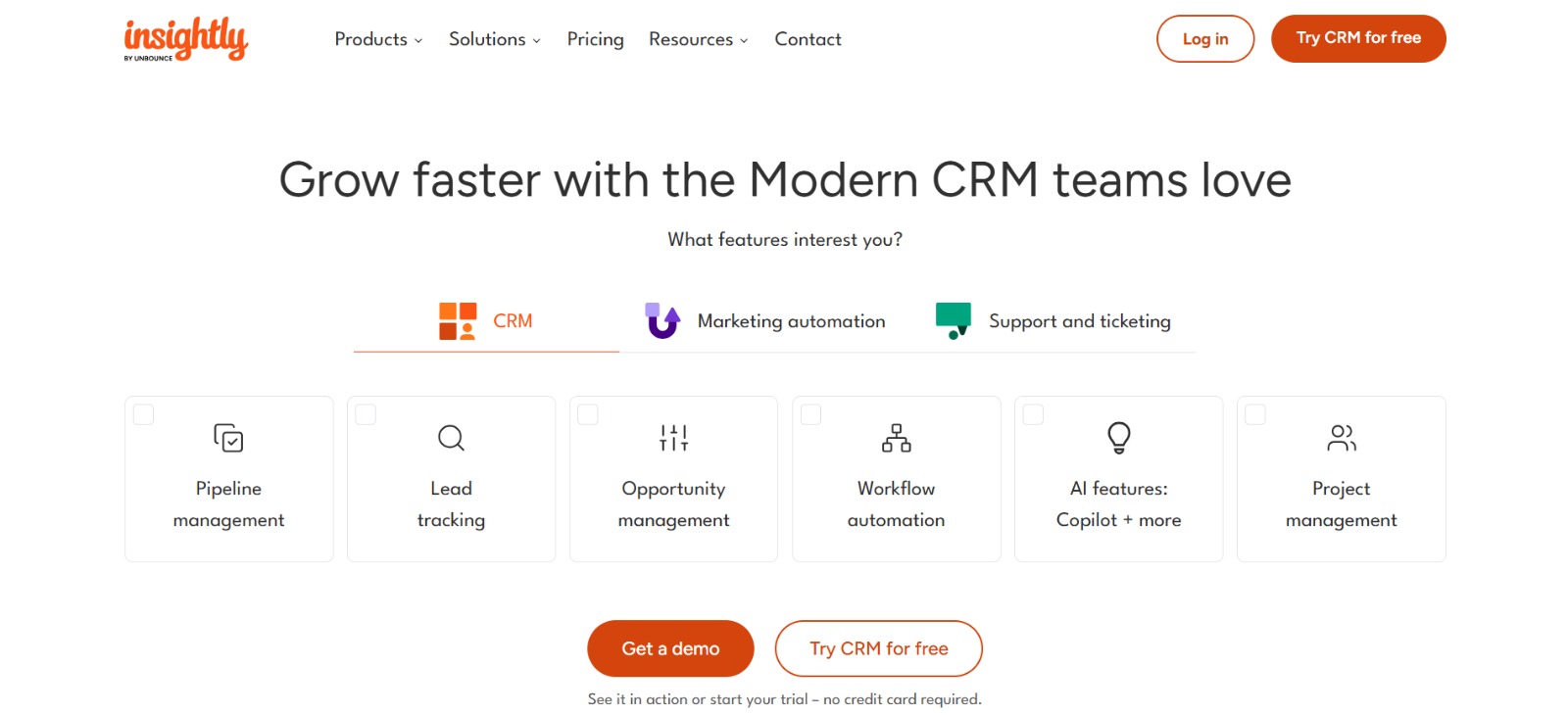
Insightly’s scanner integrates with its CRM but restricts scans heavily by plan, creating an awkward billing model for event-heavy teams. The tagging features help organize leads, but the low scan caps force vendors to either upgrade or run manual processes during busy months. For small, steady workloads, it works, but scaling for events is expensive.
23. Nimble
Platform Availability
- Android
- iOS
- Web
Pros
- Relationship-focused CRM integration
- Adds contacts to Nimble with CRM context
Cons
- Requires manual field mapping after scan
- Reports of mobile app instability
Detailed App Review
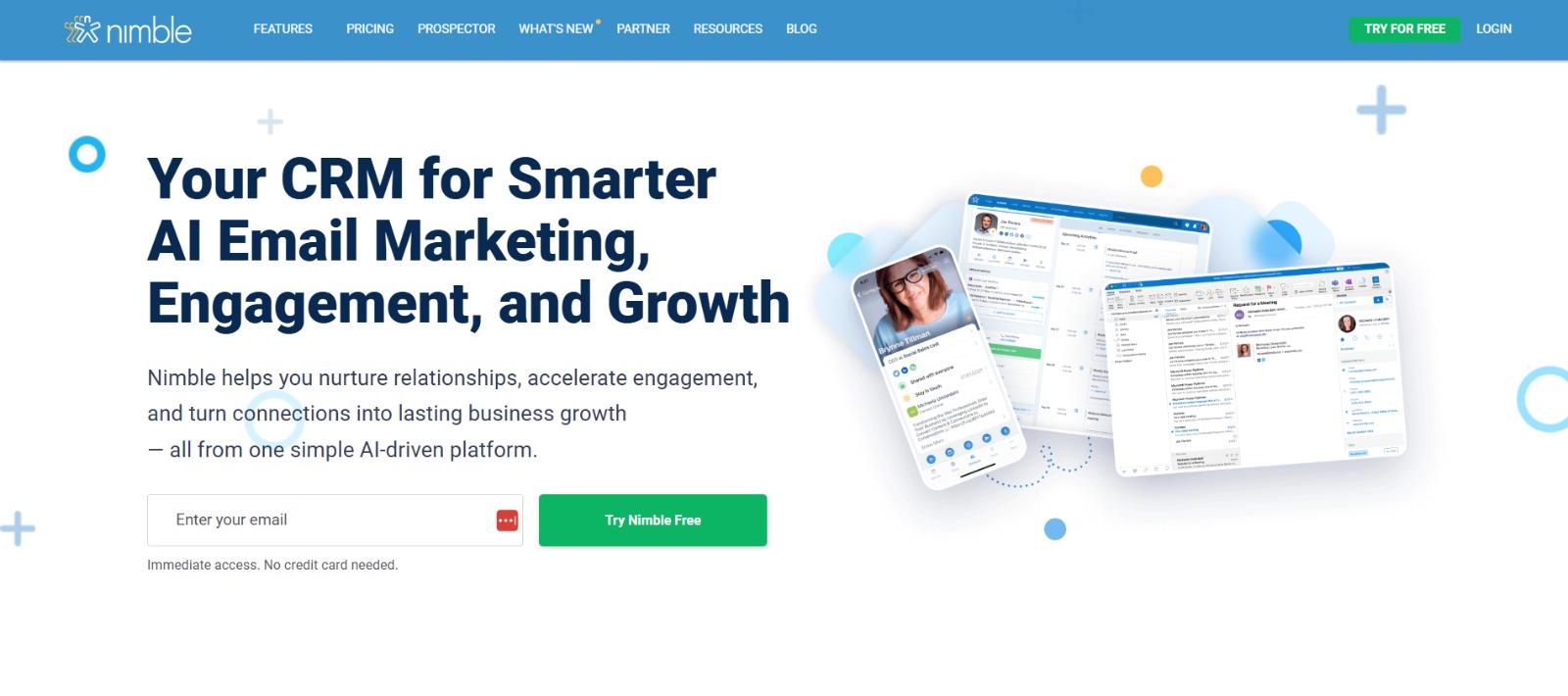
Nimble adds scanned cards to the CRM but requires manual field selection for each phone number and email address, which slows batch capture. For relationship-focused professionals, the CRM features are valuable, but the extra steps make Nimble less suitable for rapid conference scanning. Address app stability concerns before committing.
24. Infusionsoft by Keap
Platform Availability
- Android
- iOS
- Web
Pros
- Automated contact entry into Keap workflows
- Tight follow-up automation
Cons
- Upload limit of 250 contacts per 30 days
- Parsing delay of 15 minutes to two hours
Detailed App Review
Keap’s scanner automates contact ingestion and triggers follow-up sequences, which is excellent for small teams focused on automation. The 250 contacts per month cap and the parsing delay, however, are meaningful constraints if you collect cards at several events. This tool is well-suited for teams that prioritize automation over raw capture volume.
25. Haystack

Platform Availability
- Android
- iOS
- Web
Pros
- Strong digital card creation and sharing
- CRM sync and web search enrichment
Cons
- Focused on digital cards, less on physical-batch scanning
- Some enrichment results require manual validation
Detailed App Review
Haystack focuses on creating and exchanging digital cards with scanning capabilities. When your organization wants to reduce paper use and maintain a shareable web presence, Haystack’s URL and QR sharing options are helpful. Use it alongside a dedicated scanner if your events still produce many physical cards.
26. Popl
Platform Availability
- Android
- iOS
- Web
Pros
- Fast AI transcription and accurate scans
- Automated follow-up emails and rich integrations
Cons
- Limited social media fields, only Instagram and LinkedIn
- Minor UI glitches reported during profile edits
Detailed App Review
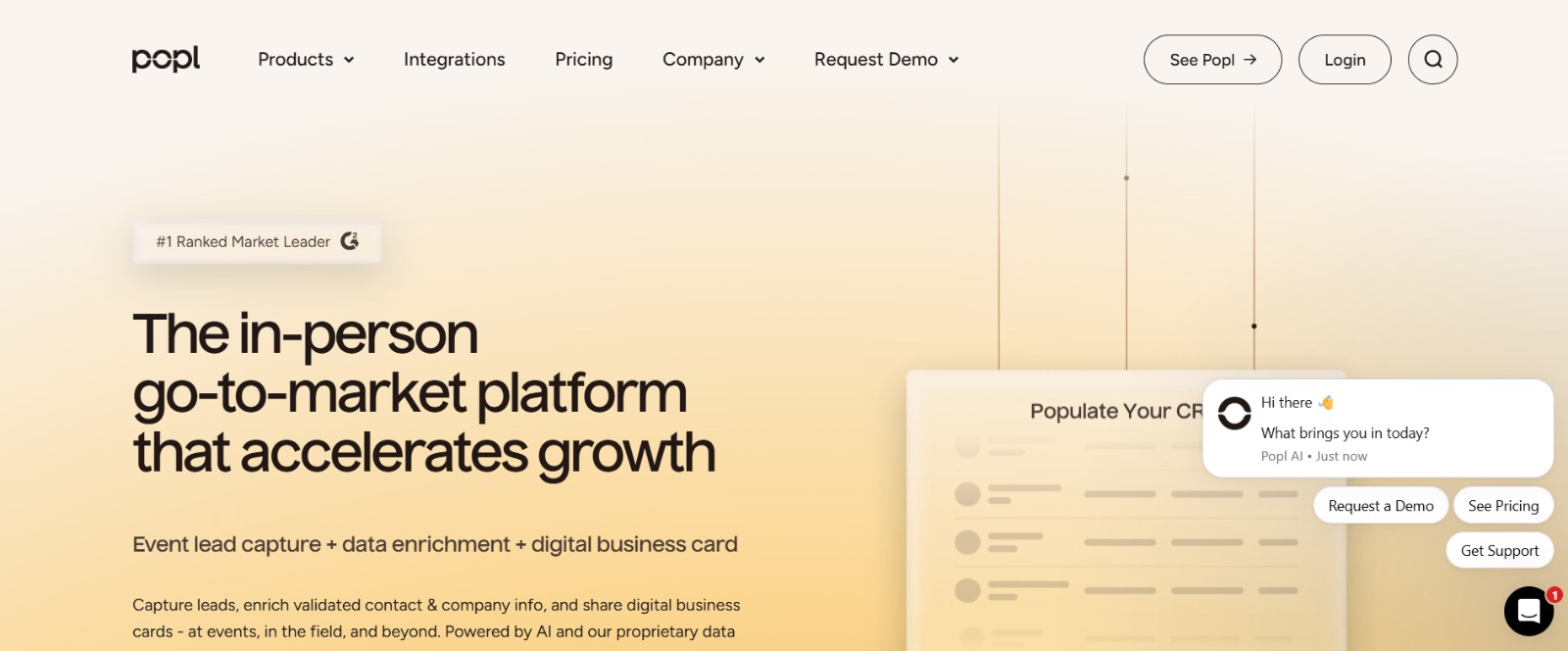
Popl expands digital cards into a lead capture platform, with accurate OCR for paper cards and automated follow-ups that reduce drop-off after exchanges. The desktop dashboard provides insights like leads generated and link taps, which is helpful for marketing reporting. For teams that want both digital sharing and solid scanning with automation, Popl hits the sweet spot.
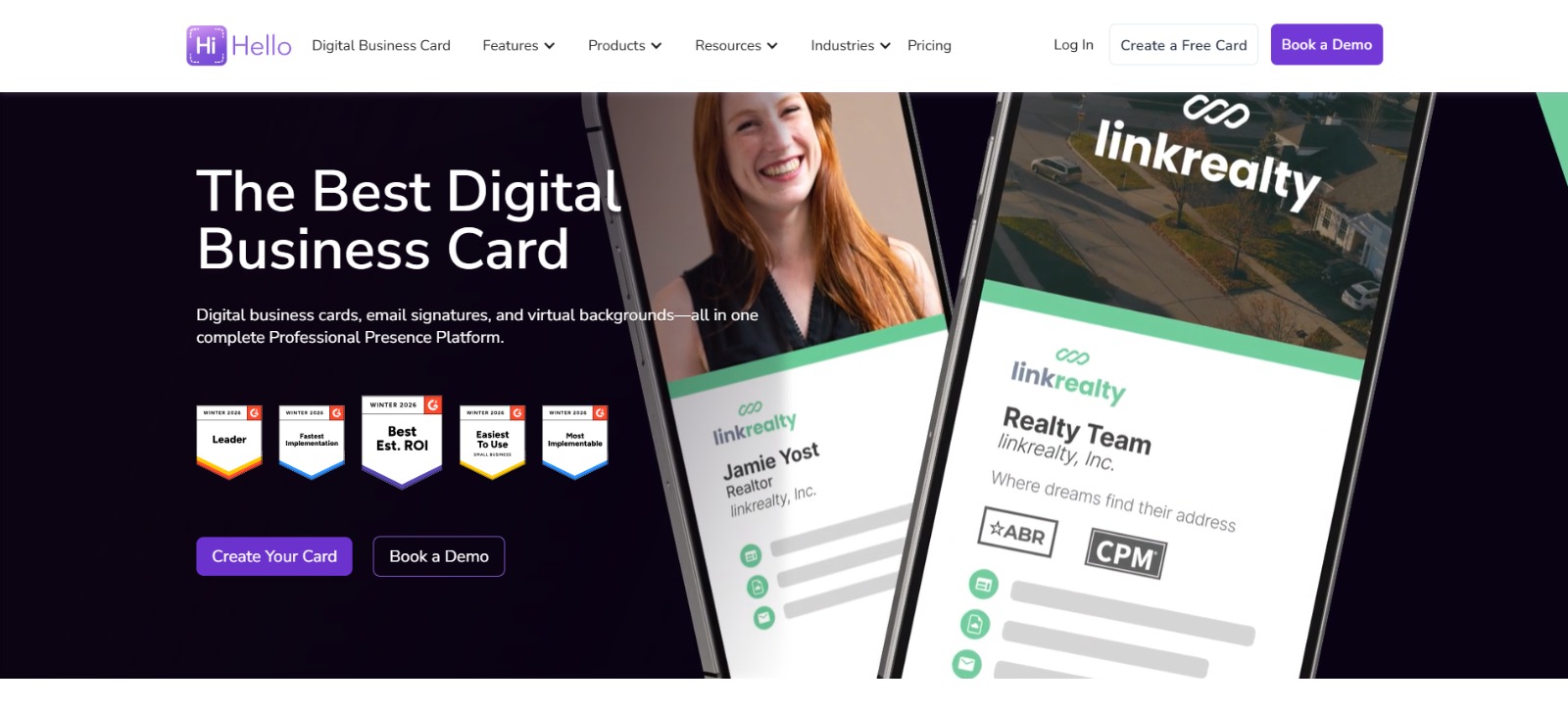
27. HiHello
Platform Availability
- Android
- iOS
- Web
Pros
- Extensive customization and a wide social field support
- High scanning accuracy with quick AI transcription
Cons
- Significantly fewer meaningful weaknesses were reported
Detailed App Review
HiHello focuses on polished digital cards and precise scanning. I found the 10 to 15-second transcription fast and reliable, with accurate automatic sorting into work and personal buckets. The breadth of social and payment fields makes it ideal for professionals whose contact methods extend beyond phone and email.
Given how much first impressions matter in high-value networking, that attention to polish pays off significantly. This is critical because 72% of people judge a company or person by the quality of its business card, underscoring why design customization remains essential for image-conscious teams.
Additional Practical Note on Paper vs Digital
The dynamic of losing physical contact information makes digital capture not only a convenience but a necessary channel to retain contacts and convert event attention into a measurable pipeline, given that over 88% of business cards are thrown away within a week.
That unexpected detail changes everything about how you value a scanner, and that’s where the next step becomes interesting.
Related Reading
- How to Put Linkedin on Business Card
- How to Share Linkedin QR Code
- How to Add Instagram QR Code to Business Card
- QR Code Instead of Business Card
- QR Code Size on Business Card
- How to Scan QR Code on Iphone
- Aztec Code vs QR Code
- How QR Codes Work
- QR Code Analytics
- Linkedin QR Code Business Card
- How to Create Vcard
What Is the Most Accurate Business Card Scanner App Right Now?

OCR accuracy makes or breaks a business card scanner. No matter how well a scanner integrates with your CRM, a mis-read phone number or mangled email address turns a live lead into a dead end. Here is how the leading apps stack up on accuracy.
Why OCR Accuracy Claims Are Hard to Verify
Zapier tested dozens of Android and iPhone business card scanner apps to produce its best-apps list, yet publishes no quantitative accuracy benchmarks or head-to-head OCR comparison results alongside its recommendations. That gap matters because OCR accuracy varies by app and card design: a dark-background card with a script font will defeat a scanner that excels on clean white stock. When a vendor says their app is 'highly accurate,' ask for error-rate data on non-standard card layouts before committing to a team rollout.
Apps That Consistently Score Highest on Accuracy in Real-World Use
ABBYY Business Card Reader sets the accuracy bar in this group. Its recognition engine was built for document-heavy workflows and handles multi-language cards, non-standard layouts, and dense type with fewer manual corrections than most consumer apps. CamCard and ScanBizCards both perform reliably on standard Western business card layouts; like most consumer scanners, they need more manual correction on cards with heavy graphic design or non-Latin characters. Google Lens is surprisingly capable for a free tool: as one iOS user noted on Reddit, 'it recognized all of the text, and I could select all, and copy, it just seems like this was an easy win,' though it still requires the user to manually route that text into a contact record or CRM, which is where accuracy gains get lost.
When Accuracy Is the Wrong Question to Lead With
For sales teams running high-volume events, the accuracy problem compounds because existing scanner apps require photographing each card individually, making them impractical for processing the large batches of cards collected at a conference. That is a workflow bottleneck, not just an OCR problem. Mobilo's approach sidesteps the OCR question entirely: when a prospect taps or scans a Mobilo NFC business card, their information is captured digitally and routed directly into the user's CRM, no photo, no OCR, no manual correction. Contact Exchange and Lead Capture removes the photograph step from the process altogether, and for the stacks of cards other people still hand you, Mobilo's AI-powered business card scanner digitizes and enriches each contact automatically.
What Are the Best Free Business Card Scanner Apps Right Now?
Several of the 27 apps listed above offer genuinely capable free tiers, but they are scattered across the full list with no direct comparison. If budget is the primary filter, the three options below are worth evaluating first — with clear notes on where each one hits a ceiling.
Google Lens: Free, Instant, But Manual After the Scan
Google Lens is built into Android and available on iOS, making it the most accessible no-cost scanner on this list. It reads and extracts text from a business card accurately in most conditions. The critical limitation is what happens next: Google Lens does not natively save contacts directly to Outlook, Google Contacts, or Excel without additional manual steps. For a one-off scan, that friction is manageable. For a rep returning from a conference with forty cards, it is not a workflow.
HubSpot Business Card Scanner: Free If You Are Already in the HubSpot Ecosystem
HubSpot's mobile app includes a business card scanner that routes scanned contacts directly into its free CRM tier. If your team already uses HubSpot, this is the most frictionless no-cost option available. The constraint is platform lock: the scanner is only useful if HubSpot is your system of record. Teams running Salesforce, Pipedrive, or another CRM will need a separate tool or a middleware integration.
BizConnect: Free to Download on Android
BizConnect Card Scanner is available as a free download on the Google Play Store and handles standard card scanning for individual users. It is a practical option for Android users who need a lightweight, standalone scanning tool without a subscription. Like most free-tier scanners, it lacks team management, CRM sync, and analytics — which matters once networking becomes a measurable business activity rather than a personal habit.
How Do Business Card Scanner Apps Compare Across Android and iOS?
Platform availability is a first-filter decision for most buyers evaluating business card scanner apps, because a tool that your Android-heavy field team cannot install is a gap in your stack. The apps reviewed in this roundup are not all available on both platforms, and several have meaningful feature gaps between their iOS and Android versions that do not show up in marketing copy.
iOS vs. Android: Where the Gaps Show Up Most
Apps built iOS-first often lag on Android in scan speed, CRM sync reliability, and widget support; Android-first apps tend to trail on iOS in the same way. Google Lens runs at full capability on both platforms with no version gap, though its post-scan workflow remains entirely manual on either device. When evaluating any scanner for a mixed-device team, confirm: does the Android build support the same CRM integrations as iOS? Is the contact-capture flow identical, or does one OS require additional manual steps?
The Platform Question Disappears With NFC-Based Digital Cards
NFC tap-to-share technology is natively supported on both modern Android and iOS devices, which is why Mobilo's digital business card removes the platform compatibility question from the equation entirely. A rep taps their Mobilo card against any smartphone, Android or iPhone, and the recipient receives a contact-ready digital profile with no app required on their end. For a Sales Director managing a mixed-device team across field and office, that consistency means no version gap, no OS-specific onboarding variation, and no scanner accuracy variance to manage.
Frequently Asked Questions About Business Card Scanners
The questions below surface repeatedly in high-intent searches around business card scanning. They are answered here in plain terms, without vendor spin.
Does Google Lens Scan Business Cards?
Yes, Google Lens can read and extract text from a business card using camera-based OCR. It recognizes names, phone numbers, email addresses, and company names from a card image reliably in standard lighting conditions. However, it does not automatically save that data as a contact in Google Contacts, Outlook, or any other address book — that final step requires manual copy-paste or additional configuration. For occasional personal use, that is an acceptable tradeoff. For a sales team scanning cards at volume, the manual step compounds into real pipeline latency.
Is There an App to Scan Business Cards Into Outlook or Excel?
Yes. Microsoft Lens (formerly Office Lens) is the most direct answer: it is built by Microsoft, integrates with the Microsoft 365 ecosystem, and can export scanned business card data into Outlook contacts. CamCard and ABBYY Business Card Reader also support exporting scanned contacts to external platforms, including spreadsheet formats. For teams that need scanned contacts in Excel for reporting or bulk CRM import, ABBYY and CamCard are the most commonly cited options. One important nuance: even with these tools, the quality of the exported data depends heavily on OCR accuracy, which degrades with unusual fonts, dense layouts, and cards that mix logos into the contact text area.
What Is the Difference Between a Business Card Scanner and a Digital Business Card?
A business card scanner digitizes a physical card someone else hands you — the workflow is reactive and dependent on OCR accuracy. A digital business card like Mobilo flips the model: the cardholder shares their own contact details instantly via NFC tap or QR scan, and the recipient's information can be captured at the same moment through two-way contact exchange. There is no scanning step, no OCR error rate, and no manual cleanup. For sales teams where every event contact is a potential pipeline entry, that difference in workflow reliability is the operational argument for moving beyond scanner apps entirely.
Book a Demo Today and Get your First 25 Cards Free (Worth $950)
If you want to test Mobilo in real conditions, book a demo and claim your first 25 cards free to run at your next event. Run a focused pilot that maps capture to your CRM, applies lead scoring, and delivers a concise report showing captured contacts, qualified leads, and time-to-first-contact so procurement can see clear, attributable ROI.
Related Reading








