

.avif)

How to Put LinkedIn on a Business Card for Modern Networking
On This Page
At networking events, paper cards pile up and good leads slip away when no one connects online. Adding a LinkedIn profile, QR code, or profile link to your card turns a brief meeting into an ongoing professional connection. This article gives simple, step-by-step options, from a scan-friendly URL and QR code to a vCard or NFC touch, so you can seamlessly add LinkedIn to a business card and make every in-person connection a lasting professional relationship online.
Mobilo’s digital business card combines your LinkedIn profile, contact info, and shareable link into a single, easy-to-scan or tap experience, helping you save time, track connections, and grow your network without fumbling for paper cards.
Summary
- Including a LinkedIn URL or QR code on a business card converts a static token into a verifiable touchpoint, which matters because LinkedIn generates 80% of B2B leads from social media.
- LinkedIn reach is massive, with over 930 million members as of March 2025, so a single card-linked connection can lead to referrals and introductions across industries.
- Practical design choices pay off, since 75% of business cards that include LinkedIn links see increased engagement, showing small changes yield measurable responses.
- Placement and immediacy matter for adoption, given that over 90% of professionals use LinkedIn for networking as of August 2025, so making the link scannable or easy to type serves the vast majority of recipients.
- Teams that rely on static printed URLs face hidden operational costs as they scale, especially when 58 million companies are listed on LinkedIn as of March 11, 2025, creating a need for consistent company signals and governance.
- Follow-up process and timing drive conversion, so aim to send a personalized connection note within 24 hours and track conversion metrics such as scan-to-connection acceptance and acceptance-to-booked-meeting within seven days.
Mobilo's digital business card addresses this by consolidating LinkedIn profiles, contact details, and a shareable link into an updateable, scannable, or tappable landing experience that can be tracked and changed after cards are distributed.
Why Put LinkedIn on a Business Card?
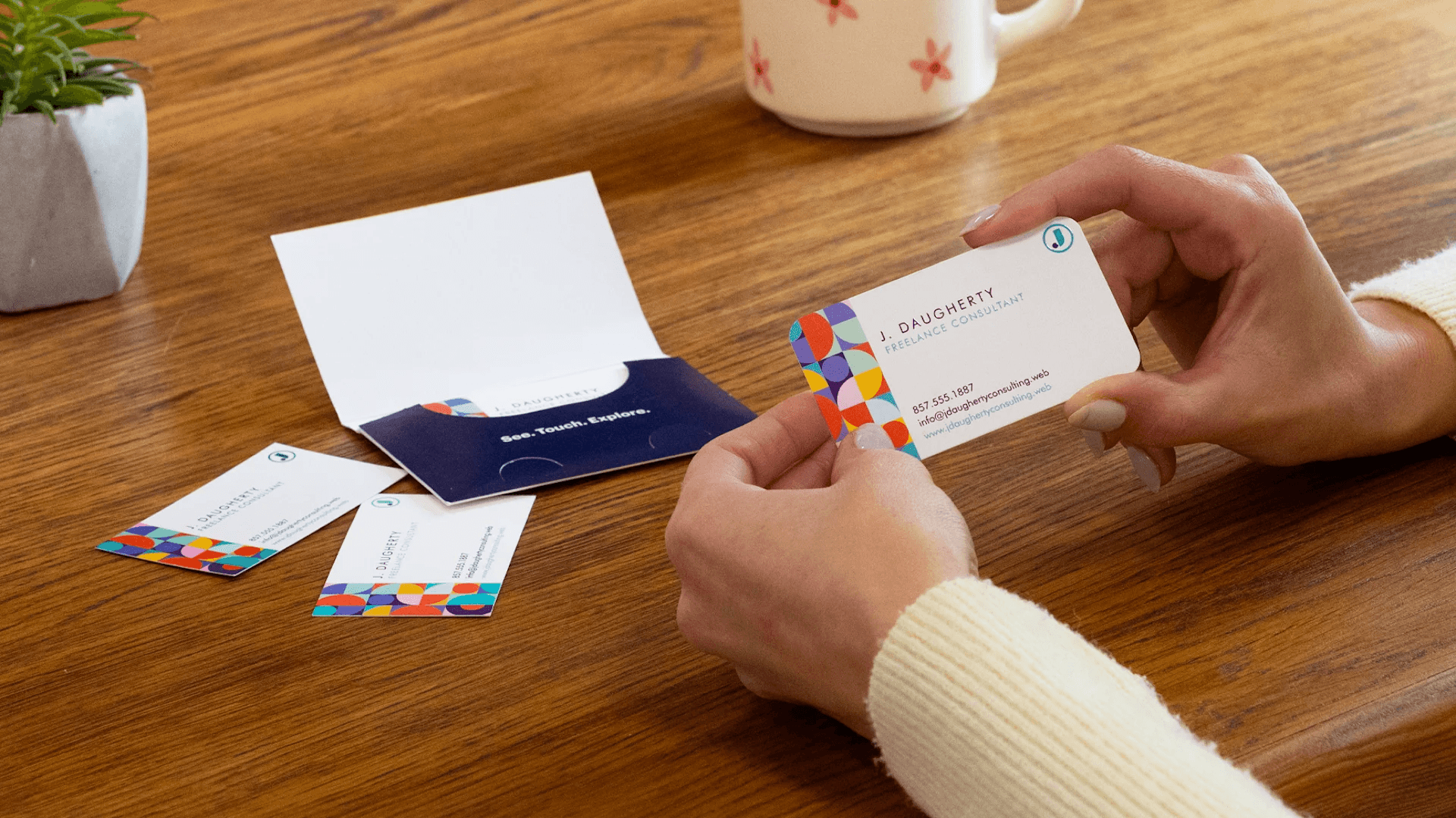
Adding your LinkedIn to a physical business card fixes the common failure of paper-first networking by giving contacts an immediate, verifiable way to keep the conversation alive. It turns a static token into a living touchpoint where people can verify who you are, view endorsements, and reach out on their schedule, rather than hoping they remember you later.
What Happens When Someone Can Open Your Profile Instantly?
Including a LinkedIn URL or QR code removes the friction of scribbling notes and guessing email addresses. People can review your work history, endorsements, and mutual connections before deciding whether to reply, which makes follow-up faster and more likely.
How Does LinkedIn Actually Increase Credibility and Trust?
Your LinkedIn profile is proof, not a promise. When a contact can read recommendations, see projects, and view third‑party validation, it reduces uncertainty and accelerates decisions. That matters because networks drive outcomes. LinkedIn’s dominant role as a B2B channel, as reported by Hootsuite, indicates it accounts for 80% of B2B leads from social media in 2025, underscoring why directing people there moves conversations from casual to commercial.
Why Does Adding LinkedIn Expand Networking Beyond One Meeting?
This is a platform question, not a gimmick. LinkedIn connects professionals at scale, with over 930 million members worldwide as of March 2025. That breadth means a single connection can lead to referrals, introductions, and unexpected opportunities across industries. In practice, a LinkedIn link on a card converts an ephemeral exchange into an entry point into someone’s larger professional sphere.
Can a Link or QR Code Actually Drive Follow-Up?
Yes, because it eliminates error and delay. A scan or a single click ensures accurate contact details, avoids transcription errors, and preserves context. The typical pattern I see at conferences and client meetings is cards tucked into pockets, then into drawers, and, without a digital prompt, the relationship quietly peters out. That emotional letdown is preventable when the card immediately delivers a profile people can act on.
How Does This Improve Daily Workflows for Teams and Enterprises?
When teams adopt dynamic cards instead of fixed URLs, they retain control and capture signals. Marketing maintains brand consistency, sales automatically tag leads in the CRM, and IT maintains the audit trails they need for compliance. Those capabilities move a business card from a hopeful gesture to a measurable touchpoint that contributes to the pipeline and governance.
What Is the Experience for the Person Receiving the Card?
It feels effortless. Instead of fumbling for a pen or guessing a domain, they scan, tap, or click and see a concise, current view of you, plus call-to-action buttons, attachments, or a calendar link for immediate scheduling. Think of the paper card as a snapshot, and the LinkedIn connection as the camera’s live feed, letting the relationship evolve rather than freeze.
Related Reading
- Best Business Card Scanner
- What Makes a Good Business Card
- Business Card Trends
- QR Code Marketing Strategy
- What Are NFC Business Cards
- Professional Networking Tools
- New QR Code Technology
- Best Paid QR Code Generator
- What to Include on a Business Card
How to Put LinkedIn on a Business Card
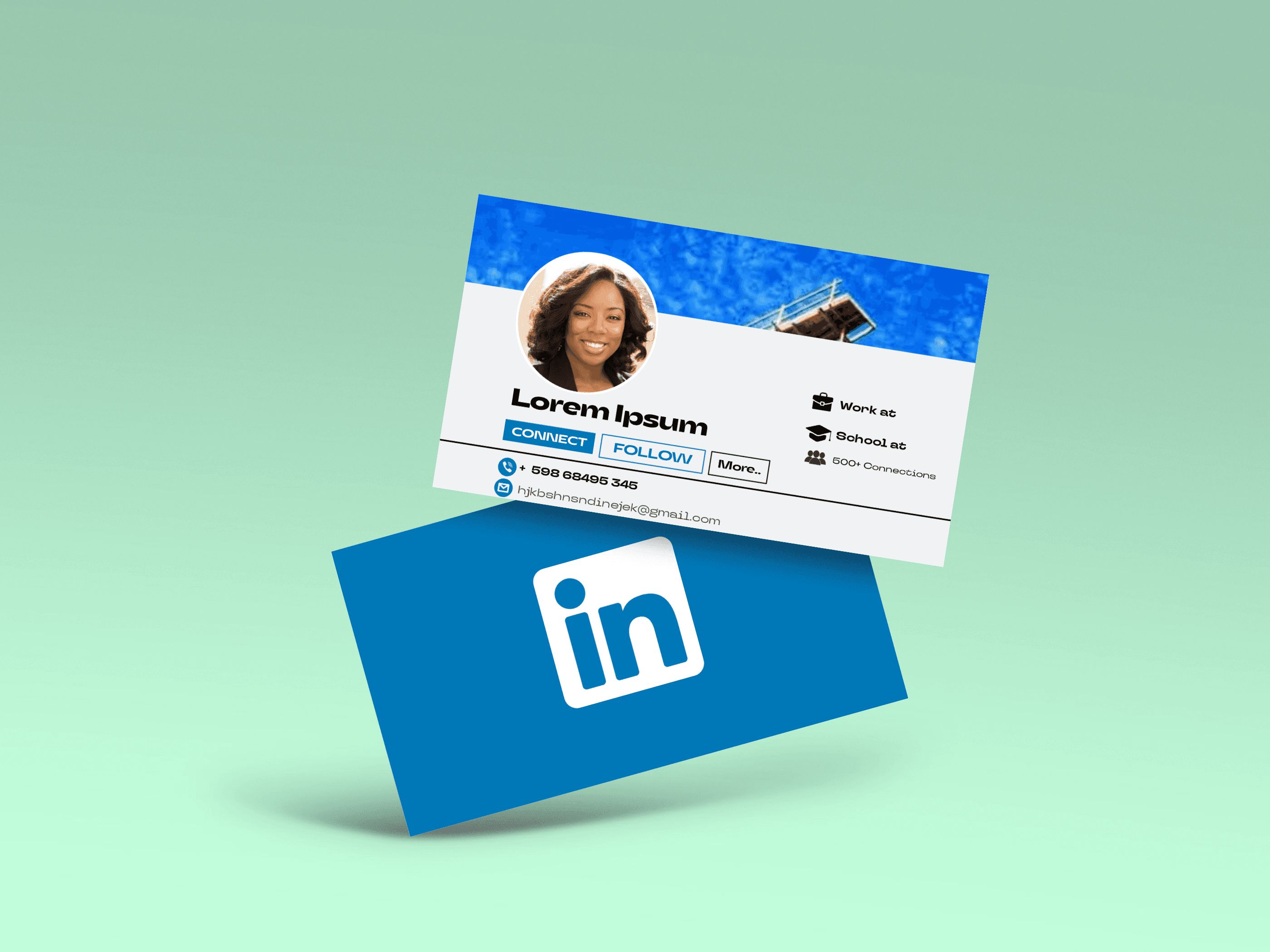
Make the LinkedIn element immediate and low-friction. A short, human-readable URL, plus a scannable QR code or a tap option, covers most situations and keeps the card usable whether someone is at a table or across the room. Use placement and formatting to avoid clutter, and prefer a dynamic landing page or programmable link when your team needs control after the card leaves your hands.
Where to Place LinkedIn on Your Business Card
- Back of the card. Put a single clear touchpoint here, either a QR code or a short URL. This keeps the front uncluttered and gives the recipient a dedicated action to scan later. Treat the back as an interaction zone, not a dump for extras.
- Directly below your name. This is where eyes land first. A concise custom URL under your name reads like a second line of introduction; pair it with a small, unintrusive LinkedIn icon if space allows.
- In the contact block. When you list email and phone, include LinkedIn alongside them. That group's digital channels logically guide recipients to the right action.
Pattern to Watch For, and Why It Breaks
This placement challenge appears across consultants and in-house teams. They try to show everything at once, and the card ends up competing with itself. Logos and QR codes crowd out essential details, making the message unclear. If you want quick wins, pick one primary action for the recipient and make it obvious.
Practical Layout Rules That Save Printing Runs
- Give any QR code breathing room on all four sides so camera auto-detection works reliably.
- Keep icons single-color and straightforward when paired with text, and avoid tiny icons that need a magnifying glass.
- Use a legible sans serif at 8–10 point for URLs; if your custom URL is longer than 20 characters, shorten it.
Because people get frustrated when cards look busy, these small constraints keep the design both professional and functional.
How to Put LinkedIn on a Business Card
1. Pick the URL First, Then Decide the Delivery Method
Choose a clean custom LinkedIn handle for print, and then decide whether to present it as text, a QR code, an NFC tap, or a combination.
2. Create a Short, Shareable Link or a Dynamic Redirect
If you cannot change printed cards later, redirect via a short branded domain or a dynamic card so links can be updated without reprinting. Short links are easier to type, but make sure they look trustworthy.
3. Generate a QR Code Correctly
Use a reputable generator such as QR Code Generator, QR Stuff, or QR Code Monkey, customize colors to match your brand, and test scans with multiple phones and apps. Avoid browser-generated QR images with overlays or artifacts, as they can disrupt scanning and appear unprofessional.
4. Add NFC and Proximity Options When Appropriate
Buy programmable NFC tags or smart cards, encode them with your profile URL or a dynamic landing page using a standard phone app, and test them on Android and iPhone devices. For iPhone users who use proximity sharing, include a small label such as “Tap to connect” so recipients know the card supports tap-to-connect.
5. Place and Proof in Your Design Tool
In your editor, add the QR as an image file, size it to be easily scannable without dominating the card, and maintain white space. Export at 300 dpi and run a print proof, then physically scan and test the final printed sample.
Practical Formatting Choices that Keep the Card Readable
Use a single accent color for interactive elements; place the LinkedIn icon in one corner or beside the URL; and never pair two interactive elements without a clear visual hierarchy. When both QR and URL are present, designate one as the primary call to action and the other as secondary.
Customizing Your LinkedIn URL for Branding
- Keep it short, readable, and name-focused. Prefer formats such as www.linkedin.com/in/firstnameLastname, or a slight variation that signals a profession or location, if needed.
- Use lowercase, avoid special characters, and skip trailing slashes or session parameters. If your chosen handle is unavailable, add a single short identifier such as a city or role.
- Consider a branded short domain or a dynamic landing page for team cards so the visible link remains stable while the destination can change later.
When to Use a URL Shortener, and When Not To
Shorteners are helpful for long custom URLs, but some recipients distrust shortened links. If you use a shortener, pick a recognizable provider or use a branded short domain that points to your landing page so trust and tracking coexist.
Bringing Design and Technical Choices Together
Think of the QR as a doorway, not a billboard. It invites action and should be left uncluttered, while the printed URL is the label on the door that people read if they cannot scan. Arrange those elements so the card communicates a single, operable next step.
A Common Implementation Failure and How to Avoid It
When teams try to make every card interactive, governance and measurement vanish. Use a single controlled landing target for your cards to ensure branding remains consistent, analytics are reliable, and IT can enforce security. That choice saves time on audits and prevents divergent, untrackable links from multiplying across the company.
Related Reading
- How to Share Linkedin QR Code
- How to Add Instagram QR Code to Business Card
- QR Code Instead of Business Card
- QR Code Size on Business Card
- How to Scan QR Code on Iphone
- Aztec Code vs QR Code
- How QR Codes Work
- QR Code Analytics
- Linkedin QR Code Business Card
- How to Create Vcard
Tips To Maximize the Potential of LinkedIn on Business Cards
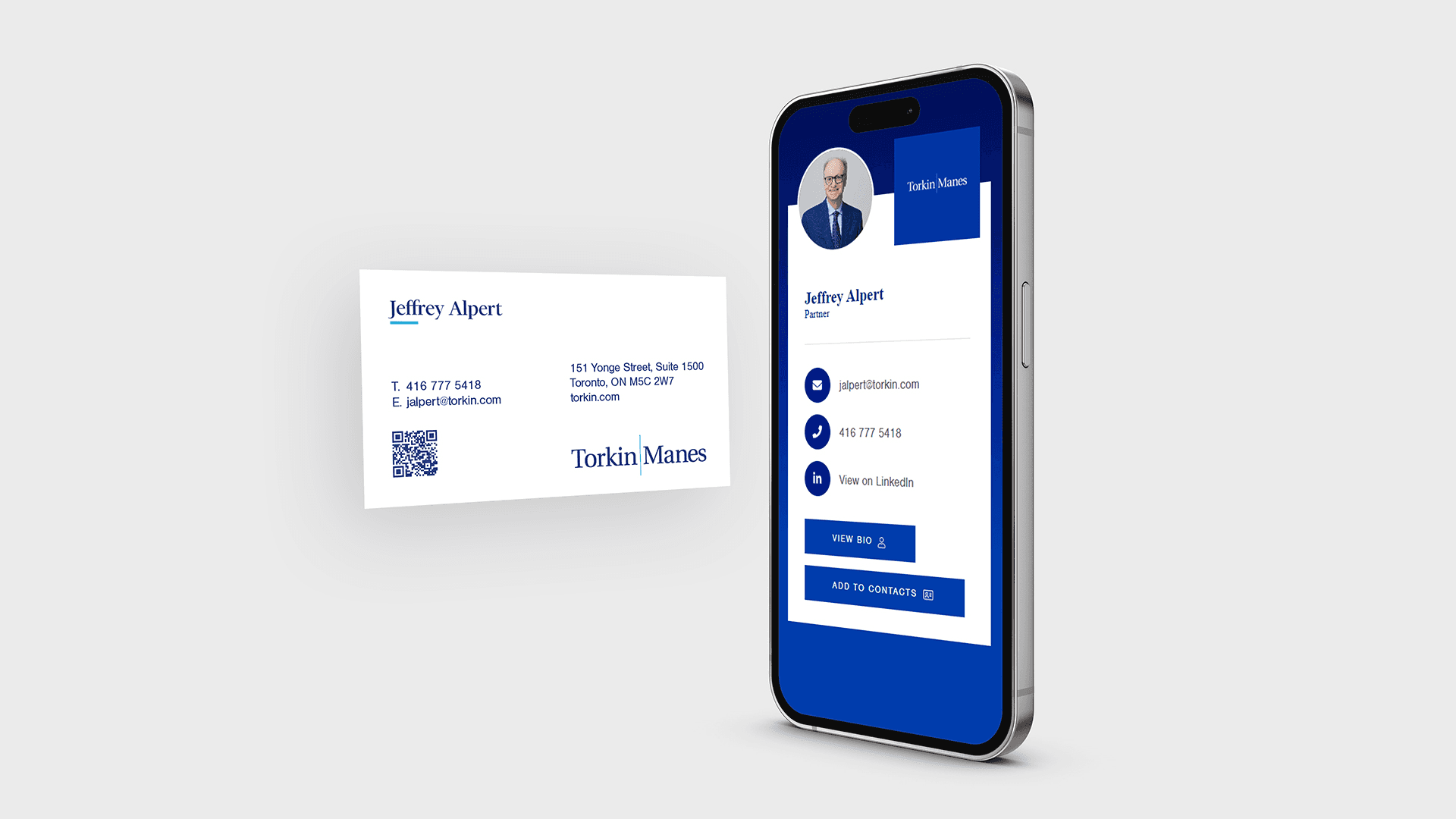
Your LinkedIn profile must be a deliberate, conversion-focused destination, not a passive directory entry; craft every section so that a scan or tap leads directly to a clear next step, such as a message request or meeting. Focus on outcome language, visible trust signals, and a predictable follow-up path that matches the call to action on your card.
1. Have an Up-to-Date Profile
When we audited enterprise-facing reps during a six-week ramp, the pattern was clear. Profiles that read like a single-page pitch, with three outcome-focused bullets and current role dates, got more replies. Treat the About section as a miniature landing page, not a résumé. Lead with one crisp value sentence, follow with two to three quantified results (use numbers or timeframes when possible), then finish with one explicit next step. For example, “If this fits, message me to schedule 15 minutes.” Use the Featured area to pin the single asset that supports the next step, such as a one-page PDF, a short case study, or a calendar link, so visitors have an explicit action without hunting.
2. Make Sure You Have a Recent Photo on Your Profile
People forget faces faster than names. Your headshot should be recent, high-resolution, and cropped tightly so your face fills about 60 percent of the frame, with a neutral background and natural lighting. Avoid heavy filters, low-contrast images, or busy backgrounds that break recognition when someone glances at a profile from their phone. Add a short profile video when appropriate, 20 seconds or less, where you say who you help and how, because a quick voice and smile accelerate trust in ways a static picture cannot.
3. Have a Lot of Connections
Quality matters more than vanity metrics, but relevant connections still serve as social proof. If you want a higher conversion rate from a scan to a conversation, prioritize adding mutuals and people you meet at events, and always send a one-line personalized invitation that notes where you met and includes a suggested next step. In a small pilot with event-facing sellers over eight weeks, switching to a tailored two-sentence invite that referenced the meeting and offered a specific follow-up increased acceptance and response rates. Personalization reduces friction and clarifies intent. Also, curate endorsements and the top three skills so they align with the role you’ll be contacted about; mismatched skills create doubt and slow responses.
4. Build a Strong Logo for Your Business and Have It on Your Profile
A logo that reads well in a tiny avatar and on a printed card must be simple, not decorative. Use a single-color, high-contrast mark for the avatar, and place a full logo or wordmark in your background banner so the card and profile read as a single visual unit. Provide the logo to your marketing team in vector format, plus a 400x400 PNG for profile use, and include accessible alt text for the banner that repeats the exact brand name people will see on the card. Consistency across card, banner, and any short URLs removes a small but powerful cognitive friction, and that steady recognition makes recipients more likely to act.
How Should You Write the Headline to Drive Conversions?
Use a simple formula, then test variations. Start with Role + Outcome + Niche, for example, “Head of Sales, Helping SaaS startups hit ARR targets faster.” Keep it under 120 characters so the mobile view shows the whole message. Replace company-sounding job titles with the problem you solve when you meet strangers, because someone scanning a card wants to know what you do for them within one breath. Use Creator mode or a custom headline only if the messaging aligns with the card’s call to action; mixed signals cost you engagement.
What Follow-Up Behavior Turns a Connection Into an Opportunity?
Follow-up is a process, not a hope. Within 24 hours of exchanging cards, send a connection request that includes a one-line reminder of where you met, and one suggested next step, such as “Can I send a 10-minute demo?” If you don’t get a reply, send a single, short nudge at day four that adds value, for example, a link to a relevant case study or a calendar suggestion. Track which messages produce meetings and iterate on the copy; small wording changes often change response rates more than additional outreach volume.
How Do You Measure Whether a Scan Becomes a Meeting?
Select two short conversion metrics and instrument them, such as scan-to-connection acceptance and connection acceptance-to-booked meeting within seven days. Use a tracked, configurable landing page or a UTM-enabled redirect, and review results weekly for the first month after an event. Then iterate on the headline, featured asset, or follow-up message based on which path produces the most meetings. Change one variable at a time, measure for two event cycles, then keep the winner.
How Does Company Context Change Your Profile Choices?
If you represent a large enterprise or list your company on your card, mirror the corporate language and security cues, as enterprise buyers look for governance. If you are an independent consultant, lead with client results and case studies. Given that over 58 million companies are listed on LinkedIn as of March 11, 2025, aligning your profile with recognizable company signals helps recipients quickly identify you. Also, remember that LinkedIn is used in more than 200 countries and territories worldwide as of March 11, 2025, so localizing language and time references for cross-border contacts reduces friction and increases the odds of a timely reply.
A Quick Checklist You Can Apply in Under 30 Minutes
- Update headline to outcome-first sentence.
- Add one Featured item that supports your card’s call to action.
- Replace the banner with a card-matching visual and include the same logo.
- Send a personalized connection note within 24 hours of the exchange.
Do these four things consistently, and you change a fumbled handoff into a predictable pipeline moment.
Related Reading
- Static vs Dynamic QR Code
- How to Put a QR Code on a Business Card
- RFID vs QR Code
- How to Track QR Codes
- Is QR Code Generator Safe
- How Much Does a QR Code Cost
- QR Code Accessibility
- QR Code Lead Generation
- Business Card Ideas With QR Code
- Dynamic QR Code Example
Book a Demo Today and Get your First 25 Cards Free (Worth $950)
Turn every handshake into a measurable pipeline by moving your team to Mobilo's digital business cards, a platform trusted by over 59,000 companies to capture and convert far more leads at events. Book a demo and claim your first 25 cards free, worth $950, and we will show you how to stop losing roughly 90% of business contacts to paper and start feeding real prospects into your CRM.








