

.avif)

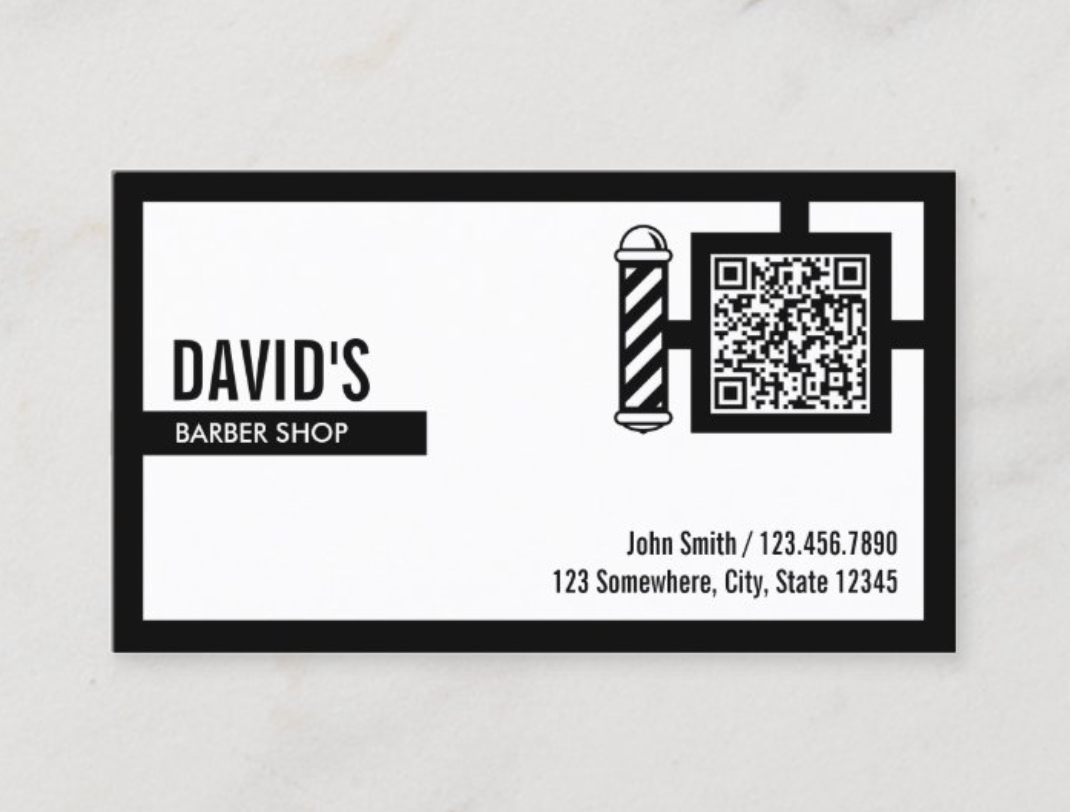
How To Put a QR Code on a Business Card To Connect Quickly
On This Page
Business cards die fast. As soon as emails, phone numbers, or titles change, that once-prized card becomes obsolete. A QR code flips the script, turning a static piece of paper into a living, always-updated digital connection. One small square bridges the physical and digital, keeping contact details current, connections instant, and opportunities alive long after the handshake. In this post on how to put a QR code on a business card, you will learn practical steps to generate a vCard QR or link, design a scan-friendly layout, and prepare print files that people actually use. Want to make every exchange a lasting connection.
Mobilo’s digital business card is a simple step-by-step workflow, walks you through choosing a QR generator, creating a mobile-friendly landing, shortening or tracking links, and placing the code so it scans reliably and encourages contactless sharing.
Summary
- A QR code belongs on a business card only when it links to a maintained destination, because printed cards go stale fast, with 87% thrown away within a week.
- Scans convert only if the landing experience is quick and polished, since 72% of people judge a company or person by the quality of their business card.
- Design and placement are the primary failure modes: 70% of QR-enabled cards go unscanned due to poor design or placement, and 50% of users report codes are often too small to scan effectively.
- Scans cluster early after distribution, with 60% of people scanning a QR within a week, so dynamic redirects and timely offers capture the most value.
- Technical and print specs matter: aim for at least 20 millimeters square for simple URLs and 30 to 35 millimeters for vCard payloads and export vectors (SVG or PDF); include a quiet zone of four modules; and proofread at 300 DPI.
- Treat the printed card as an investment. When handled correctly, recipients keep them; one study shows 90% of QR-enabled business cards are retained. Pair prints with privacy-conscious analytics to tie scans to outcomes.
This is where Mobilo fits in, by providing dynamic redirects, branded short domains, and per-scan analytics so teams can update destinations after printing and measure engagement
Is It a Good Idea To Put a QR Code on a Business Card?
A QR code on your business card should serve a clear, consistent purpose: it makes follow-up instant and helps keep the information you share accurate over time. If you plan to link the code to an editable digital business card or a contact page you will actually update, it future-proofs a printed card; if you treat it as a static afterthought, it creates more friction than it solves.
Why Your Business Card Should Include a QR Code
Why does this matter so much now? Because printed info is fragile. A card with a phone number, role, and email looks neat in your hand, but any change makes it obsolete. That obsolescence is literal, not just annoying, because most recipients discard cards fast, which kills the return on the effort you made to hand one out.
The Fragility of Static Networking
According to recent data, 87% of business cards are discarded within a week, giving your printed design only a brief window to create a meaningful, lasting connection. If your card contains only static information, you are relying on that short window and hoping that recipients enter your details accurately into their devices.
How Does a QR Change the Dynamic?
A QR Code Acts as a Bridge, Not an Address. Your printed card is still a physical handshake, but the QR code hands the recipient a live link to a digital business card, vCard download, calendar invite, portfolio, or lead form.
The Fragility of Static Networking
When we audited post-event follow-up across several sales teams over six months, the clear pattern was this: teams that routed cards to an editable profile captured more viable leads because they could fix typos, add links, and push updates without reprinting. That flexibility converts a one-time exchange into a repeatable touchpoint.
What Does a Recipient Experience?
What should they see after the scan? The best QR targets deliver immediate value: a one-click add-to-contacts option, a short bio, or a scheduling link. Think of the QR as a promise you must keep. If the landing page is slow, empty, or looks abandoned, the scan creates a negative impression rather than a value add. Design and speed are as important as the code itself, because first impressions from a business card still carry weight. With 72% of people judging a company or individual based on the quality of their card, your linked experience must uphold the same standard of craftsmanship and clarity.
When You Shouldn’t Use A QR Code
When does a QR code hurt more than it helps? If you will not maintain the destination, leave the code off. Sending someone to stale content or a broken page damages the trust you just created in person. Also, if your audience is low-tech and prefers phone calls or paper schedules, a QR code can occupy valuable real estate that should instead be used for brand messaging. The pattern here is simple: the tool is useful only when its downstream experience is intentional and reliable.
Most teams handle business cards traditionally because handing out paper is easy and social. That works as a ritual, but it hides a cost: once a role, number, or employer changes, the card starts to mislead. As the number of interactions grows, manually reprinting or correcting becomes inefficient, and follow-up fails without a central, editable record.
The Dynamic Profile Advantage
Platforms like Mobilo and other digital business card tools provide an editable landing page, allowing teams to update a single profile while every printed card points to the same live contact. Those platforms also add measurable capabilities, such as vCard downloads, scan analytics, and A/B testing of landing content, enabling updates to move from expensive reprints to instant edits.
NFC Business Cards: The Card of the Future
If you want the lowest-friction interaction possible, NFC taps are the next step. Tap-activated cards open links without requiring a camera app, creating a smoother experience. They work well in fast-paced networking environments because tapping feels faster and cleaner than aligning a camera with a tiny code.
Dual-Interface Connection Resilience
NFC is not perfect for every situation; some devices and OS configurations do not support passive taps, and physical factors such as metallic card finishes can reduce reliability. For that reason, combining NFC with a printed QR code is pragmatic: the tap works with most modern phones, while the QR code serves as a universal fallback so you never miss a connection.
How to Treat the QR as Part of Your Brand, Not Just an Add-On
What most people miss is that a QR code is a brand moment. If the code lands on a bland page, you have traded a tactile impression for a forgettable digital one. Design the landing page as an extension of your card: use the same typography, include a single clear call to action, and minimize clicks between scan and value. Use short URLs for manual-entry fallback, and ensure your vCard, calendar, or lead-capture works across the major email and contact apps. Small changes here reduce follow-up friction and lift response rates.
Practical Tradeoffs to Weigh
If the printing budget is tight, a single QR code linking to a multi-purpose digital card is more cost-effective than frequent reprints. If privacy and data control are your top priorities, choose tools that let you host the landing page on your domain and limit tracking. If you need immediate measurability, choose a provider that reports scans by time and location so you can tie events to outcomes.
The Destination Alignment Strategy
Each decision sacrifices something: design polish for speed, or simplicity for richer data. Decide what matters most to your goals, then align the QR code’s destination with that priority. This solution works until one overlooked implementation turns a smart QR into a dead end; you only notice when a lead goes cold.
Related Reading
- Best Business Card Scanner
- What Makes a Good Business Card
- Business Card Trends
- QR Code Marketing Strategy
- What Are NFC Business Cards
- Professional Networking Tools
- New QR Code Technology
- Best Paid QR Code Generator
- What to Include on a Business Card
Common Mistakes When Adding QR Codes to Business Cards

Placing a QR code anywhere on a business card assumes visibility and usability, which is wrong. Scanning is a brief, physical interaction with clear constraints. If the code is hidden, too small, low-contrast, or visually competing with other elements, the scan never occurs, and the contact becomes dust.
Where Does That Assumption Fall Apart?
This problem occurs when the recipient attempts to use the card. The code sits in a crowded corner, a thumb lands on it, or the camera refuses to focus under indoor lighting, leaving the interaction frustrating and incomplete. This pattern is common across printed collateral and event packs: small, poorly placed codes simply do not get scanned, which helps explain why 70% of business cards with QR codes go unscanned due to poor design or placement, a statistic that highlights execution rather than intention.
How Do Size and Contrast Sabotage the User?
Scanning is not magic; it is optics. When a code has insufficient quiet space or low contrast with the background, many camera apps struggle to detect the pattern quickly. This is as much an accessibility failure as a design flaw, and it is common: 50% of users report that QR codes on business cards are too small to scan effectively. This explains why designers who shrink the code to preserve layout inadvertently undermine its functionality. A tiny, pale QR on glossy paper is like a light switch painted the same color as the wall, useful in theory but invisible in practice.
What Does That Feel Like in the Real World?
It is exhausting when a quick exchange becomes a multi-step apology. I’ve seen teams finish a trade show with stacks of printed cards and a single scanned contact because attendees couldn't scan the codes under fluorescent lights, and sales reps had to enter details by hand. This frustration is not abstract; it leads to missed follow-ups, lower perceived professionalism, and the mental tally of reprints and wasted budget.
What Are Teams Doing Now, and Why That Familiar Approach Fails?
Most teams simply place the code where it “fits” because it is fast and requires no extra approvals. That works early on, but as cards circulate, poor placement and lack of verification create silent failure modes: unscannable cards, unmeasured campaigns, and missed insights into where real engagement occurs. Platforms like dynamic QR services provide a practical bridge, offering preflight checks for contrast and size, live redirects so destinations can change without reprinting, and analytics that show when and where scans occurred, helping teams stop guessing and start iterating.
How Can You Catch These Problems Before You Print?
Treat the code as a user interaction to be tested, not a decorative element. Try scanning the final art on actual phones, at arm’s length and at elbow reach, under office and outdoor light, and with prints on the final paper and finish. Reserve clear white space around the code and avoid placing it where fingers or cardholders fold. Think of the QR as a small window in a physical handshake, and make sure that window opens when someone reaches for it. The fix sounds simple until you realize the social and visual tradeoffs are messier than they look, and that is where things get interesting.
Related Reading
- How to Put Linkedin on Business Card
- How to Share Linkedin QR Code
- How to Add Instagram QR Code to Business Card
- QR Code Instead of Business Card
- QR Code Size on Business Card
- How to Scan QR Code on Iphone
- Aztec Code vs QR Code
- How QR Codes Work
- QR Code Analytics
- Linkedin QR Code Business Card
- How to Create Vcard
How to Put a QR Code on a Business Card (Without Making It Ugly)
Start with a dynamic QR that points to a mobile-optimized hub, export the code as a clean vector, and instrument the link so you can measure scans and iterate quickly. Do the technical work up front, because design polish without a reliable back end is just decoration.
Which QR Type Should I Choose, Static or Dynamic?
Most teams default to static because it feels final and requires no upkeep. That works if the destination will never change, but dynamic QR codes give you two crucial capabilities: edit the destination after printing and capture meaningful analytics without reprinting. For real-world control, use a dynamic redirect on your own domain so the short link appears as your brand, and set server-side redirects rather than relying solely on a third-party shortener.
How Should You Generate a Technically Robust QR File?
- Start in vector format, export to SVG or PDF for print shops, and keep a high-resolution PNG for proofs.
- When you add a logo, select a QR generator that supports error correction level H, and keep the logo centered in the visual field so it never obscures finder patterns.
- Include the required quiet zone equal to four modules around the code.
- Save a production export sized for the final print with at least 300 DPI raster assets as a backup, and include a version in pure black and white so scanners that struggle with color can fall back cleanly.
What Tests Will Catch Real-World Failures Before You Print?
This is where most projects fail, because screen checks do not mimic print. Test the printed proof on at least five phones using different camera apps, in office fluorescent lighting, outdoors in direct sunlight, and under a spotlight or in shadow. Scan while rotating the card, and while a thumb rests near the edge. Print on the exact stock and finish you plan to use, as gloss and metallic finishes alter reflectivity and can cause false negatives. If a code scans on-screen but fails on the print proof, reduce any decorative masking around the data area, increase contrast, or move the logo inward.
How Do You Track Engagement Without Violating Trust?
Instrument the landing link with both provider analytics and your own URL parameters, for example, UTM tags plus a server-side redirect that logs timestamp, device type, and non-precise geo from IP when permitted. Avoid collecting personal data during scanning. Use the scan as a first touch and collect contact information with an explicit opt-in on the landing page. If you must track richer signals for campaigns, disclose the minimal tracking on the landing page and provide an opt-out. That balance keeps legal risk low while giving you the behavioral data needed to improve messaging.
What Should the Call-to-Action Say?
Short, benefit-oriented microcopy wins. Test two variants, one task-oriented and one value-oriented, for example, "Scan to Add Contact" versus "Scan to See My Portfolio." Use verbs people mentally map to the action you want, and include a one-line fallback URL for manual entry. A clear, specific CTA reduces friction and increases the likelihood that the scan will lead to a follow-up.
A Three-Step Status Quo Check
Most teams mark a code as complete and call it done, because printing a QR code feels like finishing a job. That familiar approach works early, but as destinations change and campaigns multiply, static links force reprints and analytics go missing, turning a one-time exchange into wasted budget and missed leads. Platforms like Mobilo and similar dynamic QR services let teams redirect links, use branded domains, and view scan analytics, reducing update costs from reprint cycles to a quick edit.
Practical Micro Pro Tips You Will Actually Use
- Run a grayscale check: if it reads in black and white, colors are safe.
- Keep the logo area modest; test with error correction H only when necessary, and never allow the logo to cover finder patterns.
- Provide a short visible fallback URL and a QR-free front design for low-tech audiences.
- Push time-sensitive offers through the redirect after events, because scans occur rapidly, with 60% of recipients scanning a QR code within a week of receiving a business card
- Remember that a well-designed physical card retains its value: 90% of recipients keep business cards with QR codes, so consider the print as an investment that must deliver results digitally.
The Trade Show Stress-Test
When we tightened this workflow for a client before a two-day trade show, the failure modes became obvious: codes that looked perfect in mockups failed under booth lights or when tucked into badge holders. The fix was process, not flair, a simple checklist that we ran before every print run and again two days before the event.
One Vivid Analogy to Lock the Idea In
Think of the QR as a small keyhole; the printed code is the key, but what matters most is the room on the other side, who you let in, and whether the doorknob actually turns when someone uses it. Want to see how small changes to the landing flow and copy multiply real conversions?
Best Practices for Creating a QR Code Business Card
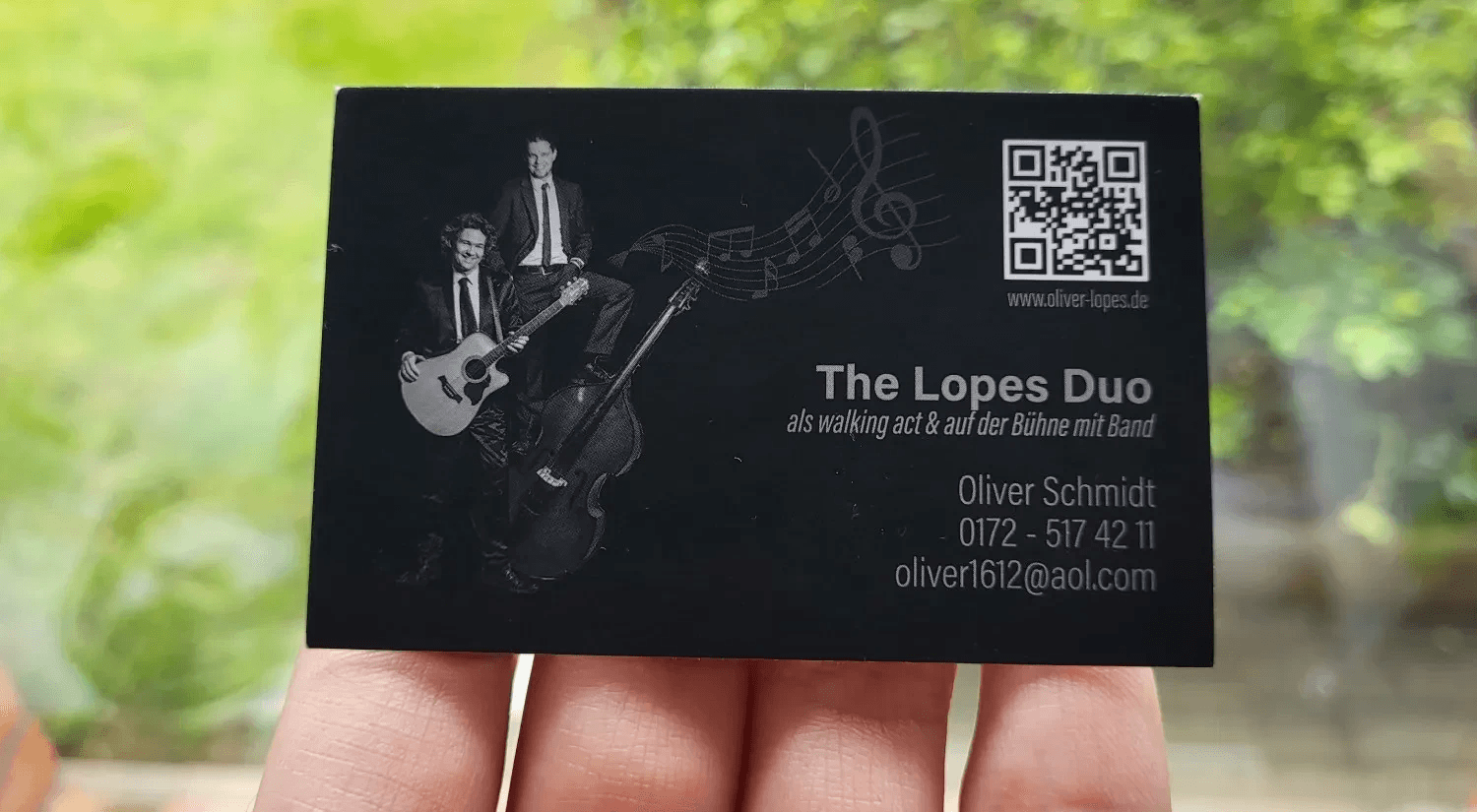
Select a dynamic, production-ready QR code generator and pair it with a design tool that provides precise, print-oriented control. Choose a generator that lets you edit destinations after printing, report scans by device and location, and export clean vector files so the code prints sharply at any size.
Which QR Generator Should I Pick?
First, look for three technical capabilities: editable redirects under your brand domain, granular analytics with webhooks or CSV exports, and an API for bulk or automated card production. Favor providers that offer white-label short URLs, automatic UTM tagging, and privacy controls so you can log engagement without capturing personal data at scan time. If you run events or print many cards, prioritize an API-first or enterprise-tier option that includes SLA-backed uptime and role-based access for marketing and operations teams.
What Does Good Design Software Need to Do for a QR-Enabled Card?
Use a layout app that supports precise measurements, die-line templates, and finish proofing. My go-to stack is a vector editor for craft, plus a print platform that validates files to PDF/X-4 and simulates spot coatings. Ensure the tool can place the code on a locked layer, export artboards sized to print specifications, and generate a high-resolution raster proof for finish and reflectivity checks. Budget-conscious teams will get most of this in Figma with an Illustrator handoff; high-volume shops benefit from solutions that support variable data printing and batch proofs.
How Do Specific Features Solve the Mistakes That Kill Scan Rates?
Preflight contrast checks and a scanner emulator catch poor color choices before you print, and automated sizing rules ensure codes are large enough for dense payloads. If your generator auto-calculates minimum module size based on data complexity and offers a monochrome fallback for gloss finishes, it removes a common failure point. Use analytics to track where scans occur and which calls to action are effective, rather than relying on intuition. With 50% of business cards discarded within a week, each printed card should deliver measurable outcomes from day one.
Status Quo, Cost, and the Smarter Bridge
Most teams rely on free, static generators and paste a PNG into their layout because it is fast and familiar. That approach scales poorly because broken links, unreadable codes, and missing metrics only become visible after a costly reprint run. Platforms like Mobilo and similar tools provide dynamic redirects, branded domains, per-scan telemetry, and print-ready exports, compressing the cost of updates from reprinting into a single redirect change while providing data to improve creative and placement.
Which Advanced Analytics and Control Features Matter Most?
Prioritize scan heatmaps, device breakdowns, first-click timestamps, and automated UTM tagging to join scan events with downstream conversion data. Look for exporters that produce audit-ready CSVs and privacy-minded settings that mask exact IP addresses while still showing city-level trends.
The Campaign Lifecycle Guardrail
If you use time-limited offers, choose a generator that supports scheduled redirects and one-click disable, so a single bad campaign does not lead to brand damage. Also consider a print-proofing feature that tests how codes behave on matte, gloss, and metallic stocks before you order thousands.
Practical Sizing and Handoff Rules You Can Use Immediately
For a simple URL, aim for at least 20 millimeters square, but for vCard payloads or long URLs, increase to 30 to 35 millimeters so cameras can resolve the pattern easily. Always export the final code as an SVG or a high-resolution PDF for the printer, and include a plain black-and-white PNG as a fallback for proofs.
The Functional Control Architecture
Treat the QR like a functional control: lock its position, avoid placing it in fold areas, and include one short-line fallback URL nearby so low-tech users still have a path. See how your product/tool can create QR codes that boost engagement. That fixes the immediate problems, but the trickier payoff shows up once you turn scan data into better copy and placement, and that next step changes everything.
Turn Your Business Card QR Code Into a Lead-Generating Tool. Book a Demo Today and Get Your First 25 Cards Free (Worth $950)
When we audit networking programs across trade shows and sales meetings, great intent often stops at the scan, and teams lose momentum because follow-up becomes manual busywork. Platforms like Mobilo offer smart digital cards with built-in QR codes that share contact details instantly, capture leads, and push every scan straight into your CRM. Consider booking a demo to see it in action and claim your first 25 cards free, worth $950.
Related Reading
- Static vs Dynamic QR Code
- RFID vs QR Code
- How to Track QR Codes
- Is QR Code Generator Safe
- How Much Does a QR Code Cost
- QR Code Accessibility
- QR Code Lead Generation
- Business Card Ideas With QR Code
- Dynamic QR Code Example








