

.avif)

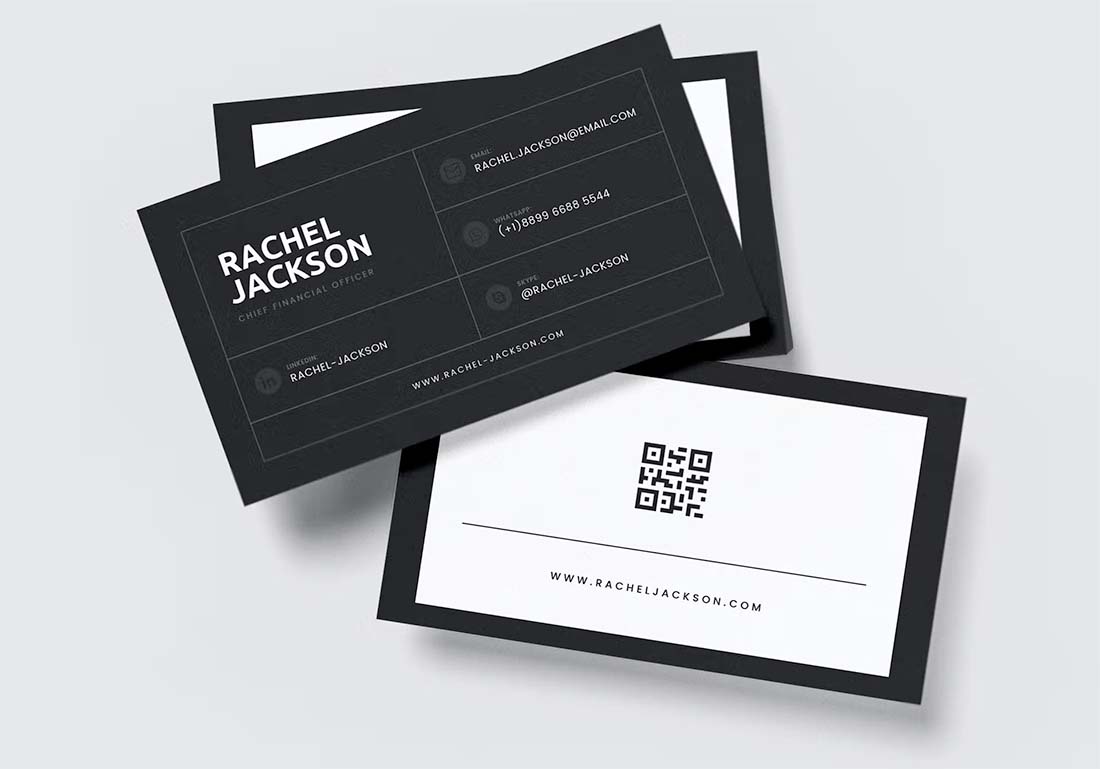
How To Use a QR Code Instead of Business Cards for Networking
On This Page
You know the scene, like a conference table piled with paper cards that never make it into your phone or your follow-up list. Choosing a QR code instead of a Business Card gives you instant, contactless vCard transfers, cleaner lead capture, and a paperless way to make your details stand out. This article outlines practical steps, real-world use cases, and simple setup tips for replacing traditional cards with QR-enabled profiles so every new contact stays within reach.
Mobilo's digital business card helps you do precisely that. It turns a QR scan into a complete editable contact profile you can share, update, and sync with your CRM, so follow-up becomes automatic.
Summary
- Paper business cards create predictable waste and obsolescence: 88% are discarded within a week, and over 10 billion cards are printed annually, driving recurring costs and supply logistics.
- Static printed contact details break follow-up sequences, while QR-enabled digital cards show a 40% higher engagement rate than traditional cards, making updates and measurable outreach more effective.
- Adoption favors QR workflows, with 72% of people preferring a QR code over a traditional card, indicating broad user comfort with contactless, trackable handoffs.
- Creating a polished, trackable QR vCard is fast in practice, with a complete workflow that can be completed in under ten minutes and a two-week pilot showing reps produced profiles in about five minutes each.
- Practical event guidance matters, from printing a code at roughly 1.5 by 1.5 inches for handoffs to using at least three by 3 inches on tabletop displays, and keeping landing pages under two seconds to preserve scan-to-action conversion.
- The environmental and market case is clear, with paper production using roughly 24,000 gallons of water per tonne and digital business cards projected to be a USD 6 billion market by 2030, while digital options can cut paper waste by up to 90%.
Digital business cards address this by turning a QR scan into an editable contact profile that can be updated and synced with CRM systems to streamline follow-up and track conversions.
What's Wrong with Handing Out Business Cards in 2026?
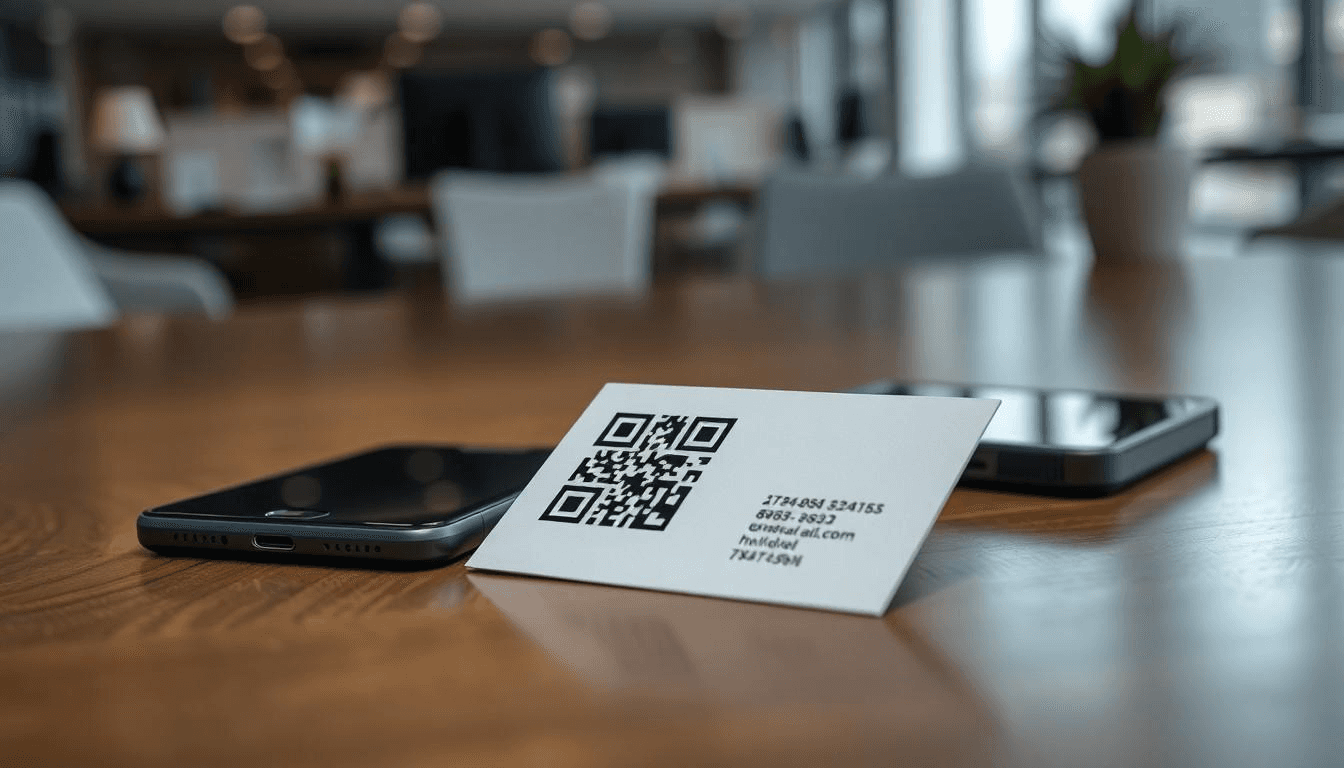
Paper business cards create predictable friction. They go out of date, get lost, and produce no feedback, so relationships stall before they start. Recognizing those specific failure points makes it easy to pick alternatives that keep contact details current, measurable, and reusable.
Why Does Outdated Information Ruin Follow-Ups?
The familiar approach is to print contact details and treat them as permanent. That works until someone changes roles, swaps numbers, or the company rebrands. This static snapshot behavior breaks follow-up sequences because you either chase wrong details or spend hours reconciling who said what. The failure point is simple and expensive. Reprinting to correct one field means discarding hundreds of cards that are still otherwise usable.
How Do Cards Vanish Before You Can Act?
This pattern appears across sales meetings, conferences, and client dinners. You collect a stack of cards, and two weeks later, you can only find three. It feels sloppy, and it is, because paper requires physical custody to work. When contacts live only on paper, you miss the window to respond while interest is fresh, and prospects slip from warm to cold without a trace.
Why is This an Environmental and Scale Problem?
According to Tapni, 88% of business cards distributed are discarded within a week. Most paper cards have a very short lifespan, making every networking event a small landfill. When you factor in production volume, the scale becomes clear. More than 10 billion business cards are printed worldwide each year. In context, that number translates into recurring costs, supply logistics, and a brand message that clashes with any sustainability claim.
Why Does Limited Space and No Analytics Kill Conversion?
Paper forces you to prioritize what to print, so you leave out links, bios, or context that would make a connection actionable. Worse, it provides no feedback. Without analytics, you cannot tell which conversations led to visits, or which card message prompted a click. That lack of signal means your networking is theater, not a pipeline you can tune.
What Happens When You Run Out at the Worst Moment?
Most teams handle swapping cards because it is familiar and requires no training. That familiarity hides a hidden cost. When traffic spikes at a tradeshow or a regional event, running out of cards interrupts momentum, and duplicate or improvised exchanges introduce errors into your CRM. Solutions like multi-channel digital exchange change the dynamics by enabling teams to share via NFC, QR, or proximity, update landing pages instantly, and push leads directly into CRM and HRIS systems for immediate action. Teams find that platform-based sharing streamlines manual follow-up, preserves context, and maintains governance with SOC 2- and GDPR-aligned controls, while reducing routine waste and reprint cycles.
How Does This Feel in Practice?
After working with marketing and sales teams across industries, I've found the emotional pattern to be consistent. Frustration at the logistics, relief the first time someone scans a live profile instead of asking for a card, and then quiet satisfaction when follow-up becomes measurable. People tell me the relief is practical, not performative; they stop apologizing for lost cards and start measuring conversations that actually convert.
Related Reading
- Best Business Card Scanner
- What Makes a Good Business Card
- Business Card Trends
- QR Code Marketing Strategy
- What Are NFC Business Cards
- Professional Networking Tools
- New QR Code Technology
- Best Paid QR Code Generator
- What to Include on a Business Card
Why Smart Professionals Are Ditching Paper for QR Codes
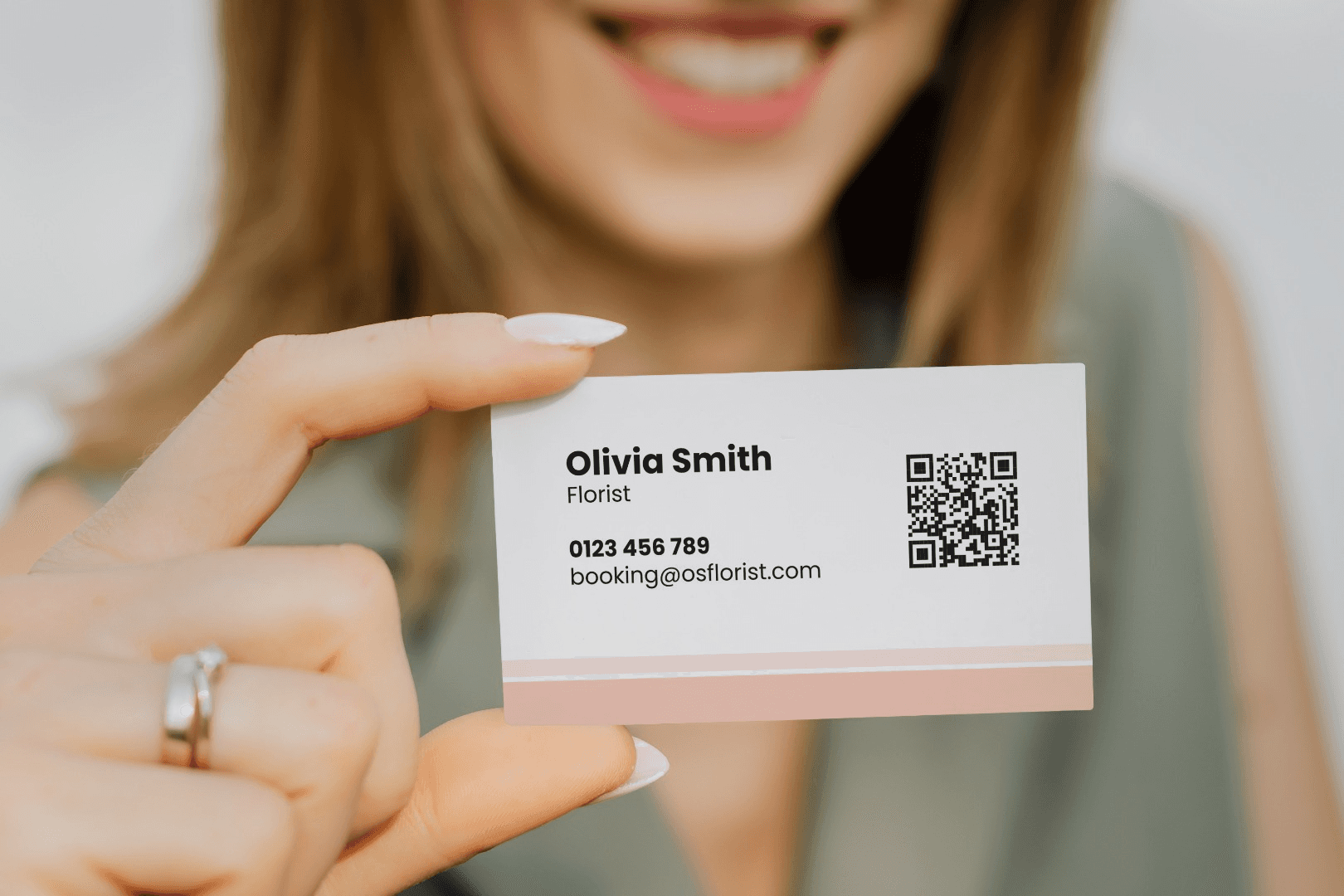
QR codes address the credibility problem by allowing you to retain the familiar, physical touch of a card while delivering instantly updateable, secure digital profiles that feel professional rather than flashy. They remove the awkward choice between old habits and new tools, giving teams a no-fuss entry point into multi-channel sharing that integrates with enterprise controls and reporting.
Instant Updates Without Reprinting
When we ran a six-week pilot with a 60-person sales team, the pattern was clear. People stopped apologizing for old numbers and started sending contextual links instead. A QR code on a card links to a live landing page, so changes to job titles, phone numbers, or legal disclaimers occur once, not per print run. That single edit keeps compliance and brand language consistent across hundreds of handoffs without a procurement cycle.
Unlimited Content That Builds Trust
Paper forces you to prioritize; QR-enabled pages do not. Embed a 30-second intro video, a one-page case study, a credential PDF, or a calendar link so recipients get context immediately. When someone scans and sees concrete proof of competence in the moment, the interaction moves from exchange to engagement. It also reduces the cognitive load your contact faces after the event, increasing the likelihood they will respond.
Contactless Sharing That Still Reads as Professional
Some professionals find NFC or purely mobile methods gimmicky; a well-designed card with a printed QR keeps a tactile cue while offering contactless convenience. In crowded settings, you can hand a durable card, tap the code, and preserve the ritual people value while delivering the speed and hygiene of digital transfer. That low-friction presentation is why QR often serves as the credibility-preserving bridge between analog and digital.
Real-Time Analytics That Turn Conversations Into Pipelines
Scan data gives you actionable signals, like who scanned, when, and which resources they opened, producing a priority list instead of a stack of anonymous paper. Time-stamped interest helps teams follow up within the high-conversion window, and matched links let marketing see which messages actually resonated. Put another way, QR sharing converts networking from vague memory work into measurable, prioritizable tasks.
Sustainability and Long-Term Cost Logic
Printing fewer replacement runs matters for more than cost. Producing one tonne of paper uses approximately 24,000 gallons of water. Producing one tonne of paper uses approximately 24,000 gallons of water, which shows how candidate choices scale into real environmental impact. At the same time, the sector is attracting investment and professional buyers, as the digital business card market is projected to reach USD 6 billion by 2030, signaling that organizations are treating these tools as durable infrastructure rather than a passing novelty.
How Do You Handle Skeptics in the Room?
When a senior director calls QR codes gimmicky, focus on the outcome, not the novelty. Offer a brief demonstration that highlights speed, privacy controls, and a CRM push. In recruiting scenarios, point to a tailored talent page; in client lunches, show a case study link that plays immediately. Those concrete moments, done in under 20 seconds, defuse skepticism because people feel the result, not the tech.
What Happens at High-Volume Events?
If you expect a surge of exchanges, use multi-channel cues, such as a premium card with a visible QR code, a quick line you can say while handing it over, and a follow-up automation that tags leads by event. That combination preserves the ritual of handing a card while ensuring no lead is buried in pockets or inboxes.
Related Reading
- How to Put Linkedin on Business Card
- How to Share Linkedin QR Code
- How to Add Instagram QR Code to Business Card
- QR Code Size on Business Card
- How to Scan QR Code on Iphone
- Aztec Code vs QR Code
- How QR Codes Work
- QR Code Analytics
- Linkedin QR Code Business Card
- How to Create Vcard
How to Use a QR Code Instead of a Business Card Effectively
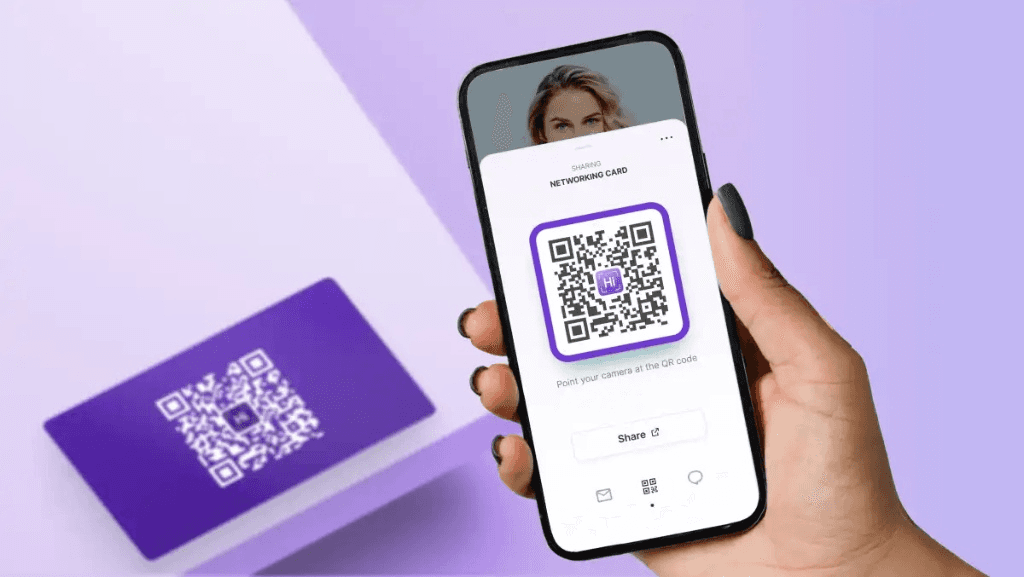
Treat the QR as an intentional handoff, not a passive stamp on your card. Optimize the destination for mobile, rehearse a crisp call-to-action line, choose the right on- or offline placement for the moment, and use QR codes to follow up quickly. When you do those things, scanning becomes an expected, comfortable step, and engagement rises substantially.
How Should the Landing Page Behave on a Phone?
Make it one clear choice. Deliver a single-column page that loads under two seconds, shows a Save to Contacts button up top, and offers one primary action, like Schedule a Call or View Portfolio. Keep images under 100 KB, defer nonessential scripts, and surface proof immediately, a one-line credential or a 30‑second intro clip. Track which CTA they click with UTM tags so you can A/B test copy and layout, and push results into your CRM for measurable follow-up.
What Short Script Actually Gets People to Scan?
- Use a 3-second hook, an instruction, and the value: “Scan this QR, it saves my contact and a one-minute portfolio clip.”
- In tight spaces, try: “Quick scan, I’ll follow up with that deck.”
- At a tradeshow, pair the line with a cue: “Point your camera here for the one-minute case study.”
Rehearse until it flows; the same line should be usable whether you hand someone a card, point to a badge, or flash the code on your screen.
Where Is the Best Place to Show a Code, Physically and Digitally?
Match placement to proximity. For handoffs, print the code at approximately 1.5 by 1.5 inches so phones can scan it at arm’s length; for tabletop displays or posters, use at least three by 3 inches. On slides, place the code in the lower-right corner with 30-40 pixels of clear space. In email signatures, use a small icon that links to the same dynamic vCard. Always include a short fallback URL in plain text near the code for older phones or when corporate camera restrictions apply.
How Do You Make a QR Look Branded Without Breaking Scans?
Treat the QR like typography. Keep a high contrast between foreground and background, reserve the quiet zone, and use a centered logo only if you set error correction to a high level, then test. Use brand colors that maintain at least 50 percent luminance contrast, export vector formats for print, and avoid patterned backgrounds behind the code. A small, tasteful slogan above the code increases recall. Generate a tight one-liner with an AI slogan tool, and test which version drives more scans.
What Real Tests Will Catch Problems Before You Print a Hundred Cards?
Test the code on at least three Android models and three iPhone generations, across low-light and bright sunlight, with and without a protective case, and using native camera apps and two common scanner apps. Verify that Save to Contacts works on both platforms, check redirect latency on cellular networks, and confirm that analytics registers unique scans, not duplicate refresher hits. Log every failed scan with a short note so you can spot pattern failures, such as low contrast or placement too close to a folded edge.
How Should You Use Scan Data to Follow Up Without Sounding Robotic?
Prioritize by signal. A timestamped scan at the event, plus a click on your pricing page, indicates high intent; escalate that lead into a 24-hour personalized outreach.
Use this script:
“Hi [Name], thanks for scanning my card at [Event]. You viewed our case study on X; can we set 15 minutes to discuss how that might work for you?” Automate tagging and routing into CRM so event leads hit the right rep, and use scanned-audience retargeting for those who visited but did not convert. Keep privacy transparent, and limit location-level detail to what you need for relevance.
What Backup Options Stop a Missed Connection from Becoming a Lost Lead?
Have three fallbacks on hand:
- NFC tap
- Short printed URL
- Plain-text phone number or email
If a scanner fails, offer the short URL and say, “If scanning won’t work, type this quick link, and I’ll message you the resource.” For sensitive exchanges, use password-protected dynamic vCards or expiring QR links and log access so compliance teams can audit who saw what.
Quick Design Checklist to Implement Right Away
- Minimum printed size and clear margin guidance, with vector files for print.
- High error correction and controlled use of logos.
- One mobile-first CTA, UTM tagging, and CRM mapping.
- Cross-device scan matrix and a documented fallback script.
How to Create Your QR Code Business Card in Minutes
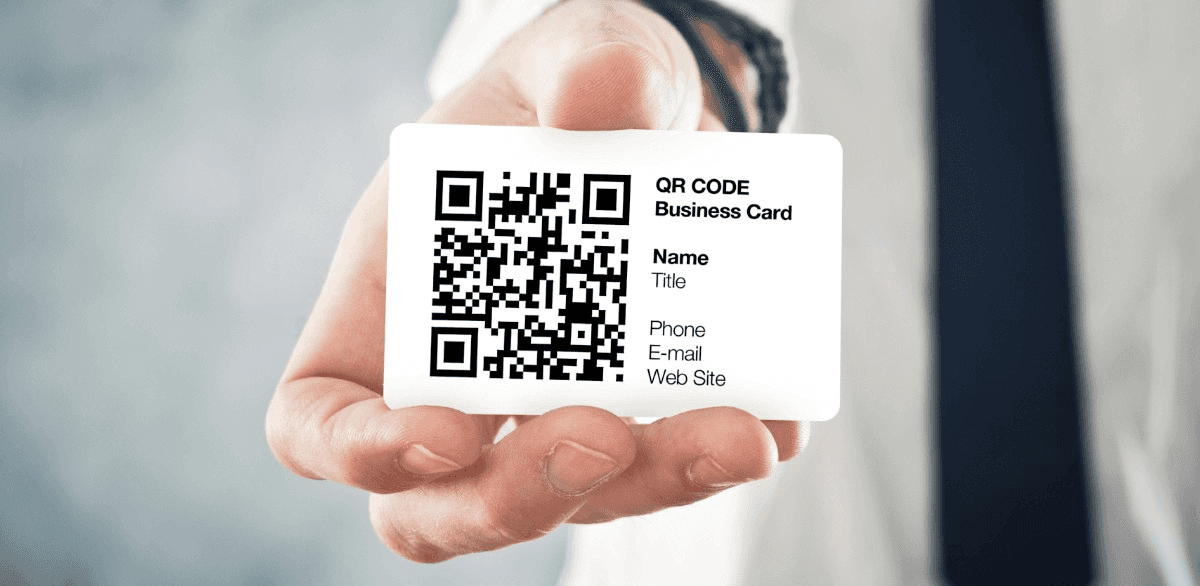
Creating a QR code digital business card is fast and non-technical, and you can complete a polished, trackable vCard workflow in under ten minutes by following a tight process. Below is a practical six-step playbook with specific tool choices, quality checkpoints, and the mistakes that waste time or break scans.
Pick a Trustworthy QR Code Generator
Choose a generator that supports dynamic QR codes, custom short domains, and exports in vector formats. Look for these features before you sign up:
- Editable destination URLs
- Built-in vCard support
- Per-code analytics
- HTTPS enforcement
- SVG or PDF export for print
Recommended names include platforms that let you map scans into CRM or webhooks, and those that can host the landing page on a custom domain to avoid corporate filters.
Design Your Digital Business Card
Keep the content lean and action-focused, include the name, title, a one-line value proposition, a Save contact button, and 2–3 primary links, such as LinkedIn, calendar, or a one-page pitch PDF. For branding, export logos as SVGs, select two brand colors with strong contrast, and use a single clear font. Save a mobile preview and test with the smallest screen you expect your audience to use. When we ran a two-week pilot with a 20-person sales group, each rep reliably produced a complete profile and a QR code in under five minutes, which eliminated the “too hard” objection they had at the start.
Generate the QR Code
Use dynamic QR codes instead of static ones so you can change the landing page without reprinting. Configure error correction high enough to allow a small logo inside the code if you need branding, but never rely on a logo to save a bad design. Use a custom short domain name when possible, as branded domains reduce false positives on corporate networks. Export the QR code as an SVG for print and as a PNG at 600 DPI for any raster needs.
Test and Tweak
Run three technical checks before finalizing anything:
- Scan on at least three distinct device models and two camera apps
- Print a 1.2-inch sample and scan from arm’s length in varied lighting
- Measure redirect latency so the landing page loads under two seconds on cellular
Also, verify the vCard saves correctly to both iOS and Android contacts and that UTM parameters survive redirects. Common pitfalls here include using ephemeral URL shorteners that expire, embedding heavy tracking scripts that slow load time, and skipping a printed proof to catch color or contrast failures.
Share and Distribute
Match the medium to the moment. For handoffs, print a tidy card with the QR in a reserved square and a one-line call to action; for events, use larger poster sizes and table tents. Prepare three fallbacks for every public use:
- NFC-enabled card,
- Plain short URL
- Visible contact line
When ordering physical materials, ask your printer for a CMYK proof, confirm vector file delivery, and request a matte or soft-touch finish to avoid glare that reduces scan quality. Also, plan how scanned leads enter your workflows, using UTM values and a push into CRM so you never have to re-key a lead.
Monitor Analytics
Decide what success looks like before you publish, like unique scans, contact saves, link clicks, or meetings booked. Set UTM templates at creation time, then map events to lead stages in your CRM. Watch for two warning signs:
- High repeat-refresh rates that inflate scan counts
- Long redirect chains that drop UTM data
If your analytics show an early drop-off on the landing page, replace the secondary content with a single primary CTA and rerun the test.
Practical Quality Checkpoints and Pitfalls to Avoid
- Don’t use static QR codes if you expect any changes, as reprints are an unnecessary cost.
- Never print without a vector file and a printed preflight proof, especially if you use brand colors that shift in CMYK.
- Avoid placing the QR code too close to folds, edges, or punched holes; leave a quiet zone equal to the code size.
- Don’t rely on decorative backgrounds or low contrast; a scanner needs a clear two-tone separation to work reliably.
- Monitor adhesive and lamination choices for stickers or cards, test peel strength, and insist on UV-stable inks for outdoor use.
Quality checkpoints to tick off include a unique short domain set, vCard tested on both ecosystems, SVG exported and approved by the print vendor, analytics mapped to CRM, and a fallback short URL printed next to the code.
Related Reading
- Static vs Dynamic QR Code
- How to Put a QR Code on a Business Card
- RFID vs QR Code
- How to Track QR Codes
- Is QR Code Generator Safe
- How Much Does a QR Code Cost
- QR Code Accessibility
- QR Code Lead Generation
- Business Card Ideas With QR Code
- Dynamic QR Code Example
Book a Demo Today and Get your First 25 Cards Free (Worth $950)
If you're weighing a QR code instead of a business card but need a clear sense of which solution actually fits your team's workflow and compliance requirements, book a personalized demo so we can show a live QR/NFC setup, CRM sync, and how scans convert into prioritized leads. Mobilo pairs premium card design with advanced analytics and seamless CRM and HRIS integrations, and for a limited time you can book a demo and get your first 25 cards free (worth $950) to test performance risk-free and see how it can multiply your event leads.








