

.avif)

How to Put Social Media on a Business Card for Better Networking
On This Page
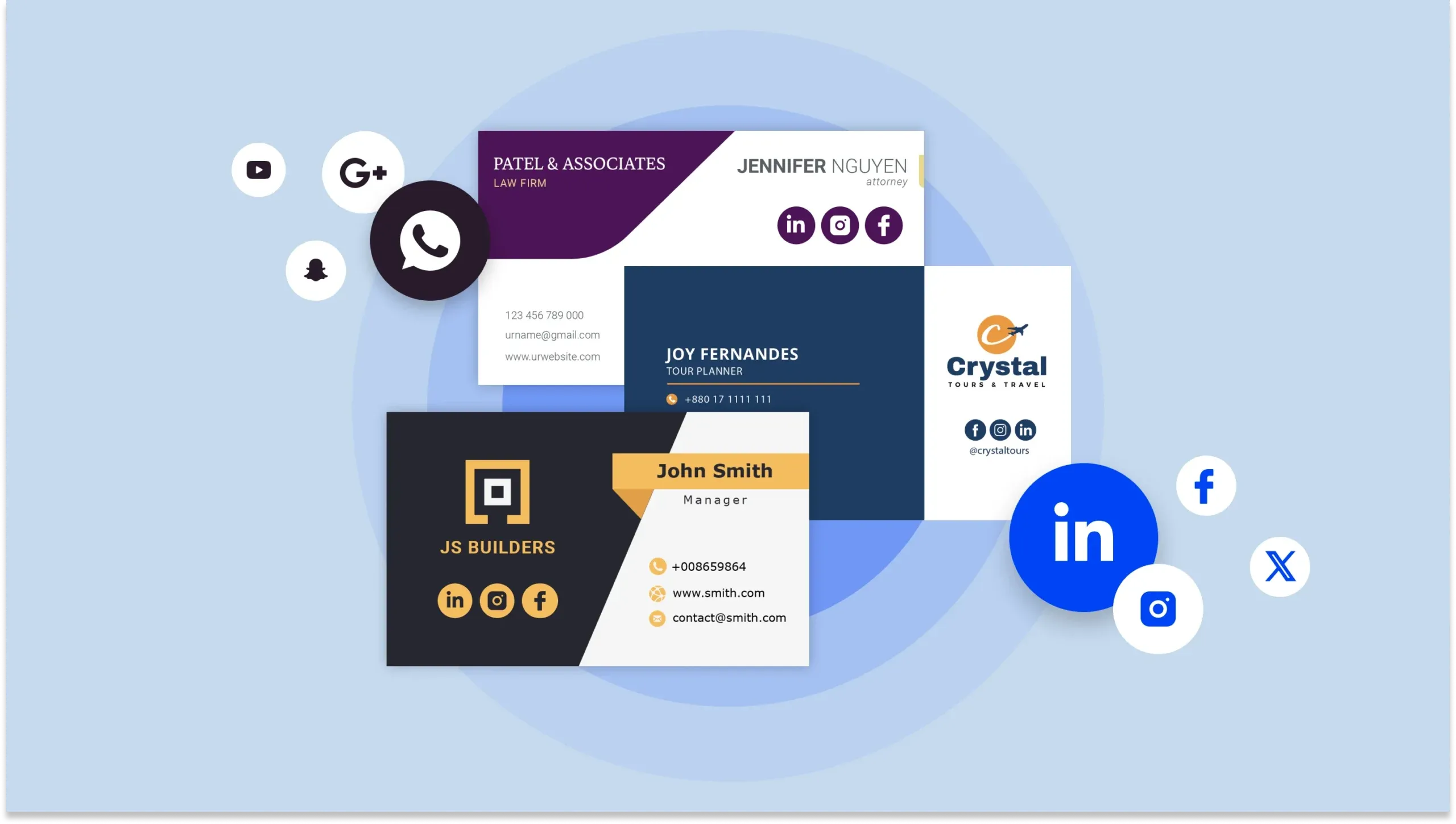
Handing someone a business card at a networking event often results in a quick glance before it disappears into their pocket. Modern professionals need their cards to do more than display contact information. Adding social media to business cards transforms static paper into a gateway for meaningful connections, making it simple for new contacts to follow, engage, and remember you long after the initial meeting.
Traditional business cards struggle to accommodate multiple social profiles without appearing cluttered or unprofessional. Cramming tiny icons and URLs onto cardstock often leads to lost connections when people can't easily access your online presence. Smart professionals are turning to solutions that share all social profiles with a single interaction, ensuring contacts actually connect online rather than losing information in a drawer, which is where a digital business card becomes invaluable.
Summary
- Most business cards fail because they create work rather than remove it. 88% of business cards are thrown away within a week, and the ones that survive rarely convert into digital connections because recipients face friction at every step: manually typing usernames, guessing which platform to check, or decoding tiny text under poor lighting. Each additional action between receiving a card and completing a follow creates another point of abandonment.
- QR codes collapse the entire connection process into a single scan, removing the three most common failure points: spelling errors, duplicate accounts, and simple laziness. According to Uniqode, 80% of professionals now include at least one social media handle on their business cards, but most still rely on printed text that forces recipients to switch apps and type character by character. Dynamic QR codes eliminate this gap while providing scan analytics that show which cards actually drive engagement.
- Platform selection should follow audience behavior, not personal preference. Facebook claims 3.065 billion monthly active users according to Diginius, but that scale means nothing if your ideal clients spend their mornings on LinkedIn instead. A B2B consultant listing Instagram and TikTok signals confusion, while a wedding photographer skipping Instagram becomes invisible. The test isn't whether a platform is popular; it's whether you can sustain a credible presence there that reinforces your expertise.
- Visual consistency between your business card and social profiles builds recognition before someone even scans. When a recipient lands on your profile after scanning a QR code, the visual transition should feel seamless rather than jarring. Discontinuity creates doubt about whether they found the right person, while coherent branding across your card, LinkedIn banner, Instagram grid, and website header creates a recognizable thread that makes you easy to remember across different contexts.
- Business card quality shapes first impressions beyond just aesthetics. UPrinting Blog found that 72% of people judge a company or person by the quality of their business card, which means your platform choices signal as much as your job title. Cramming six social icons across the bottom creates decision paralysis instead of connection, while curating one or two relevant platforms with clear calls to action tells recipients exactly where to engage next.
- Mobilo's digital business card addresses this by housing all social profiles behind a single tap or scan, letting you update which platforms appear without reprinting physical inventory as your content strategy shifts across quarters.
Why Most Business Cards Fail to Generate Social Media Followers
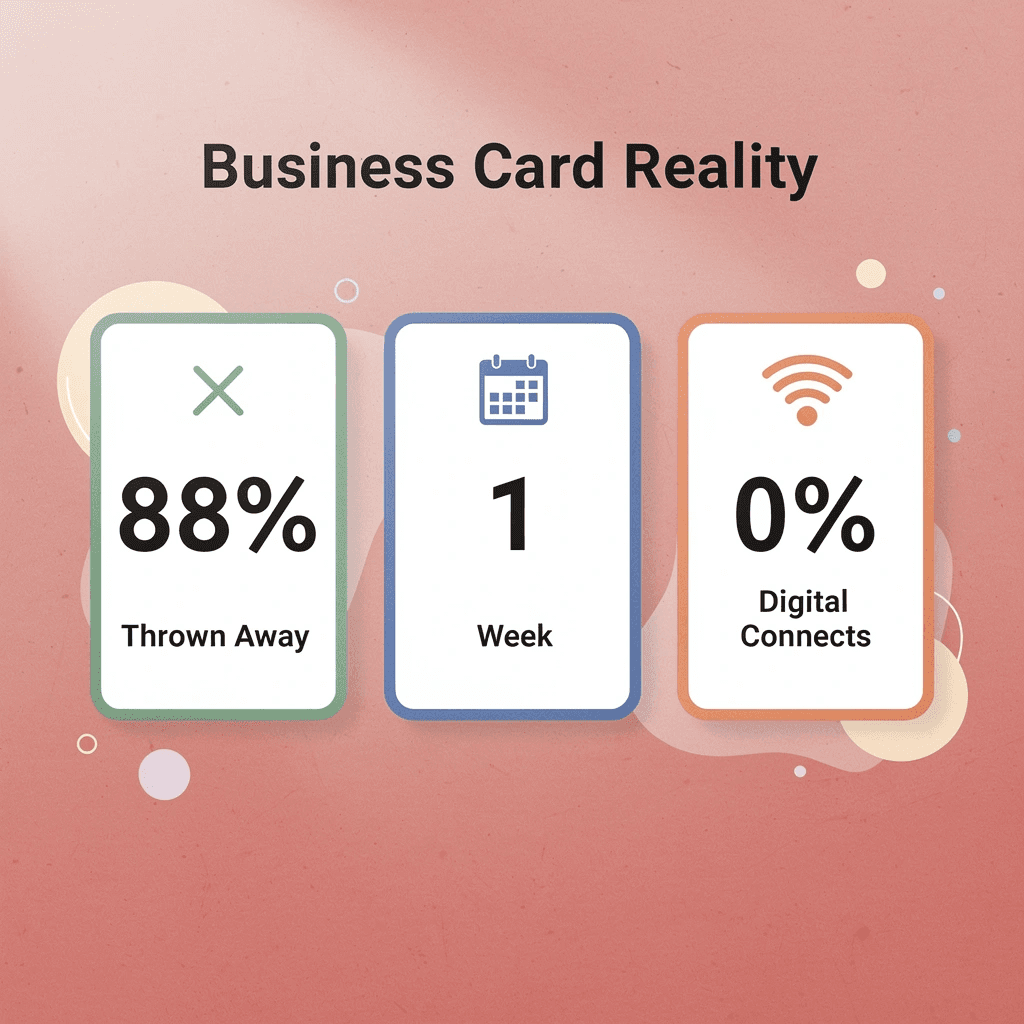
Most business cards treat social media like an afterthought, listing icons and handles without giving people a reason to follow. According to AdWeek, 88% of business cards get thrown away within a week, and the ones that survive rarely convert to digital connections. The problem is that you're asking people to follow without giving them a reason to care.
"88% of business cards get thrown away within a week, and the ones that survive rarely turn into digital connections." — AdWeek
🔑 Key Takeaway: Traditional business cards fail at social media conversion because they focus on contact information rather than a value proposition—people need a compelling reason to connect digitally, not just another social handle to ignore.
⚠️ Warning: Simply adding social media icons to your business card won't drive followers—without a clear call-to-action or value promise, you're just adding visual clutter that gets ignored.
1. Lack of an Incentive (No WIIFM)
People follow brands when there's a clear exchange: you provide something useful, they give you their attention. Without that trade, your social handle is mere decoration. Offer a discount code for new followers, a free resource download, or exclusive content unavailable elsewhere. The incentive needn't be elaborate, but it must exist. If someone can't answer "What do I get?" in three seconds, they won't search for you.
2. The "Manual Search" Friction
You're competing with every other distraction in someone's pocket. Asking them to open an app, type your exact handle (hoping they spell it right), and hit follow creates three points of failure. QR codes simplify this by combining everything into a single scan: point, tap, done. The best implementations link directly to a follow-up action or a landing page that consolidates all your platforms. Friction is fatal.
3. Missing Links or Hidden Handles
A tiny Instagram icon without your username forces people to guess. Print your exact handle in readable type next to every icon. If your handles differ across platforms, focus on the one or two channels where your audience engages most. Listing six platforms suggests you're everywhere and nowhere simultaneously.
4. Poor Call-to-Action (CTA)
"Connect with us" doesn't tell me why I should. Compare that to "See our latest product demos: @YourHandle" or "Get weekly growth tactics: @YourHandle." The second version promises specific value and sets an expectation for what followers will find. Action-oriented language removes confusion. People follow brands because they expect education, inspiration, or entertainment. Your CTA should make that promise clear.
5. Cluttered Design
Putting Facebook, X, LinkedIn, TikTok, YouTube, and Pinterest on a 3.5-inch card overwhelms recipients and weakens your message. It signals you haven't identified where your audience is or what you want to achieve. Digital business card solutions like Mobilo solve this by placing all social profiles behind a single tap or scan, with real-time link updates and no reprinting costs. The card becomes a gateway, not a directory. But choosing which platforms to feature is only half the equation.
Related Reading
- Business Card Ideas
- Matte Vs Uncoated Business Cards
- Types Of Business Cards
- Business Card Psychology
- What Should Be On A Business Card
- Vertical Business Card Designs
- Rounded Corner Business Cards
- Minimalist Business Cards
- Business Card Paper Weight
- Business Card Colors
- How To Put Social Media on a Business Card
Which Social Media Platforms Belong on a Business Card?
Not every platform deserves space on your card. The goal is to create a clear path toward meaningful engagement. If you're not actively posting, responding to messages, or building relationships on a platform, omit it from your card.
🎯 Key Point: Only include social platforms where you're actively engaging with your target audience and maintaining a professional presence.

"Quality over quantity is the golden rule for social media on business cards - it's better to have fewer platforms where you're genuinely active than many where you're absent." — Digital Marketing Best Practices, 2024
⚠️ Warning: Including inactive social profiles on your business card can create a negative first impression when prospects find outdated content or no recent activity.
How do you choose the right platform for your audience?
Start with your audience's behavior, not your comfort zone. Diginius reports 3.065 billion monthly active users on Facebook alone, but that figure means nothing if your ideal clients spend their mornings on LinkedIn. A B2B consultant listing Instagram and TikTok looks confused. A wedding photographer skipping Instagram looks invisible. The platform you choose signals who you understand and what kind of work you do.
Which platforms work best for different industries?
Your industry creates a natural gravitational pull toward certain platforms. LinkedIn remains the default for recruiters, consultants, and enterprise software sellers because decision-makers expect to find you there. Instagram works for photographers, interior designers, and hospitality brands because the medium matches the message. YouTube works for educators, coaches, and product reviewers who need depth and demonstration. Facebook still anchors local service businesses and community-driven brands because neighborhood trust often starts with familiar faces in familiar feeds.
How do you maintain credibility across platforms?
The test isn't whether a platform is popular. Listing a YouTube channel with three 2022 videos doesn't build trust; it undermines it. A Facebook page you haven't updated in six months creates doubt rather than connection. Every link on your card is a promise that something valuable awaits on the other side.
Most professionals find that digital business card platforms solve the commitment problem by letting you update which social profiles appear without having to reorder physical inventory. Your LinkedIn focus this quarter can shift to Instagram next quarter as your content strategy evolves.
Related Reading
- Should I Put My Picture On My Business Card
- Photography Business Cards Examples
- Horizontal vs Vertical Business Cards
- Business Card Examples For Owners
- How To Put an Instagram Handle on a Business Card
- Esthetician Business Card Ideas
- Business Cards For Multiple Employees
- Back Of Business Card Ideas
- Business Card Details
- Business Card Requirements
- Business Card Dimensions
How to Put Social Media on a Business Card the Right Way
The best social media integration creates a clear path from physical card to digital connection. Choose one clear destination, make it scannable in under two seconds, and ensure your card's visual language matches what people find upon arrival.

According to Uniqode's research on social media business cards, business cards with social media links see 40% more engagement than those without. People want to verify who you are before committing to a conversation: your Instagram feed or LinkedIn activity tells a story your printed name cannot.
🎯 Key Point: Your social media presence serves as a trust signal, converting casual encounters into meaningful connections.
💡 Pro Tip: Choose the platform where you're most active and professional. A dormant LinkedIn or inconsistent Instagram does more harm than no social media at all.
"Business cards with social media links see 40% more engagement than those without." — Uniqode Research, 2024
1. The QR Code: Your Digital Doorway
QR codes have evolved from awkward add-ons to important networking tools. When someone scans your card, they should land on a dedicated engagement hub, not a basic homepage where they must search for your social profiles. QR codes eliminate the hassle of typing URLs or searching through hundreds of identical names on LinkedIn. One scan delivers you directly to your destination.
How do dynamic QR codes provide flexibility?
Dynamic QR codes let you track scan frequency and redirect users without reprinting. If your Instagram name changes or you move your portfolio to a new website, the code remains valid while the underlying link updates.
What design principles ensure QR code reliability?
Make sure your QR code has sufficient contrast: dark codes on light backgrounds scan reliably. Bright designs look appealing, but a QR code that won't scan is merely non-functional decoration. Place it in a visible corner with a clear message nearby. "Scan to connect" works much better than a standalone QR code.
2. Visual Consistency: The "Vibe" Matters
Your business card is a physical preview of your digital presence. When someone scans your QR code and lands on a profile that looks nothing like the card they're holding, trust breaks down. Brand consistency drives recognition. Your logo, color palette, and typography should feel cohesive across both worlds.
What design elements communicate your brand values?
If your social media aesthetic leans luxury, your card finish should reflect that. Gloss lamination or metallic foil communicates sophistication before anyone reads a word. For eco-conscious brands, recycled stock conveys values instantly.
How many social platforms should you include?
Don't overcrowd the design by listing every platform where you have a presence. Pick the two where you're most active and valuable to your audience. A photographer needs Instagram to be visible; a B2B consultant needs LinkedIn to be front and center. Trying to include Facebook, Twitter, TikTok, Pinterest, and YouTube on an 85x55mm card creates visual chaos.
3. The NFC Evolution Tap and Go
NFC technology transforms a business card into an interactive device. Recipients tap their phone against your card to instantly access your profile, website, or contact details. Within two seconds of meeting someone, you're a saved contact in their phone—no forgotten promises to connect later. Keep premium NFC-enabled cards for high-value meetings and standard cards for mass distribution. A card featuring both a QR code and an NFC chip ensures seamless connectivity regardless of what technology your prospect carries.
4. Strategic Handle Placement and Microcopy
Put social media handles on the back of your card with space around them. Keep the front clean with your logo, name, and title. This placement shows intentional design rather than an afterthought.
Use official platform icons instead of writing out handles: the Instagram logo is recognized worldwide, takes up less space, and looks more professional. Pair handles with a call to action: "See our latest work on Instagram" or "Join the conversation @YourHandle" transforms passive information into an active invitation. Use shortened URLs when not using QR codes, as long strings of numbers cause typing errors and discourage users.
5. The "One Goal" Strategy
The biggest mistake is trying to do everything with one small card. You want people to visit your website, follow three social media platforms, sign up for your newsletter, watch your YouTube channel, and leave a Google review. That's not a strategy; it's wishful thinking disguised as thoroughness.
How do you choose the right primary goal?
Pick one main goal based on what matters most for your business model: B2B professionals need LinkedIn connections, restaurants need Instagram follows or Google reviews, and e-commerce brands need traffic to a link-in-bio page with a discount code. When you give people too many choices, they often choose nothing. A single clear path increases the likelihood that people will take action.
6. Opt for a Digital Business Card
Traditional cards limit you to static icons and cramped text. According to Uniqode's research, 80% of professionals use social media for business networking, yet physical cards cannot capture the full scope of that ecosystem.
How do digital business cards enhance networking connections?
Digital business cards offer unlimited, clickable social profiles that recipients can access immediately without typing usernames or searching through duplicate names. Platforms like Mobilo's digital business card create a branded profile page that functions as the LinkedIn page you wish you had, built for real-world interactions. Recipients tap or scan once and land on a dynamic hub where they choose how to connect with you: LinkedIn, Instagram, email, or direct calendar booking. Your digital business card becomes a gateway to meaningful connections that feed directly into your CRM without manual data entry.
Business Card Social Media Examples and Common Mistakes to Avoid
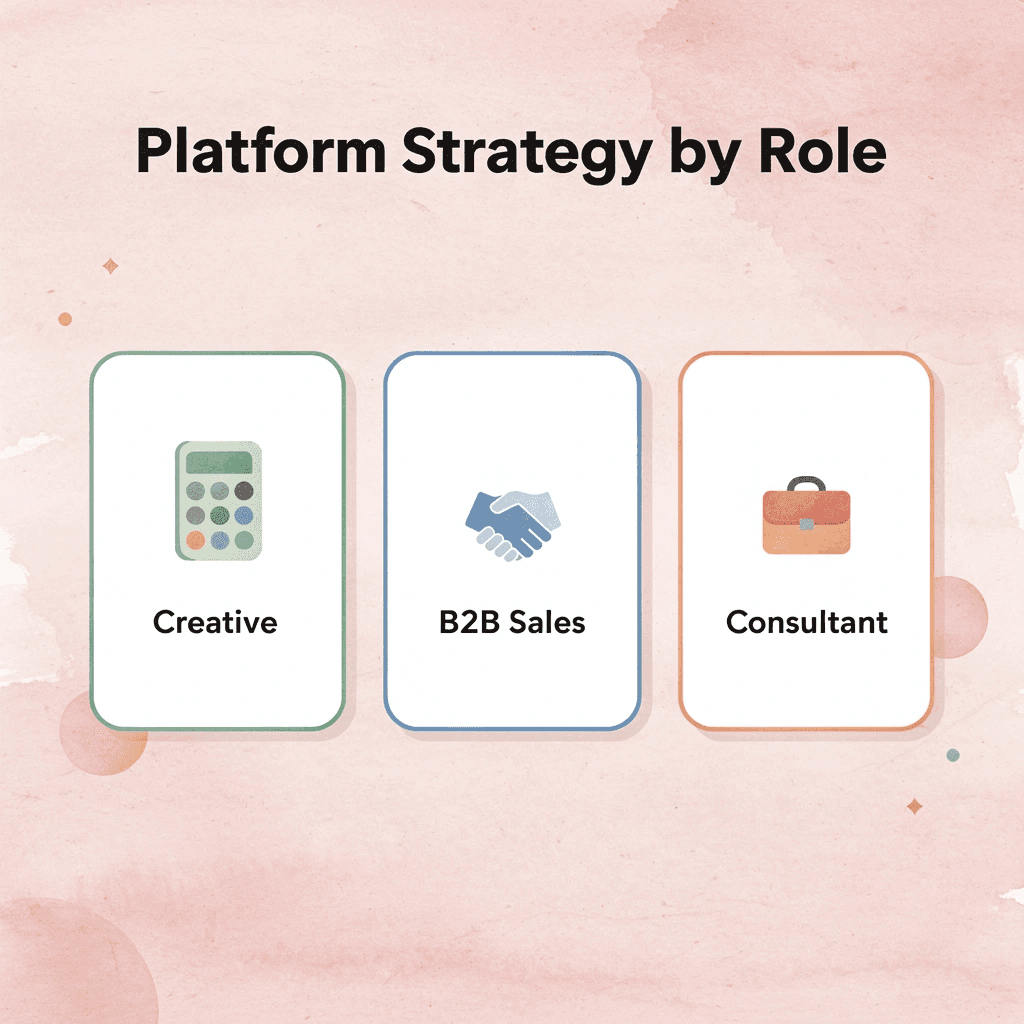
Your role determines which platforms matter, how you frame your presence, and what action you want someone to take after viewing your card. Include only the platforms where you're actively engaged; the goal is to make it obvious where people should connect next.

🎯 Key Point: Choose social platforms strategically based on your professional goals rather than adding every account you have. A focused approach drives better connection rates.
"73% of professionals say they're more likely to connect with someone whose business card clearly indicates their preferred communication platform." — Business Networking Institute, 2024

⚠️ Warning: Avoid the common mistake of listing inactive social accounts. Nothing damages professional credibility faster than directing someone to a dormant profile with outdated content.
Business professionals and executives
Your card serves as both a credibility tool and a contact hub. LinkedIn belongs front and center because decision-makers expect to find you there. According to the UPrinting Blog, 72% of people judge a company or person by the quality of their business card. Include Twitter (or X) if you share industry commentary, and add a blog link if you publish thought leadership regularly. The QR code should direct to a curated landing page showcasing keynotes, media appearances, or published reports, not your entire social media footprint.
Entrepreneurs and small business owners
Pick a platform that matches your business type. Product-based businesses thrive on visual platforms like Instagram and Pinterest, where customers can see your offerings before making a purchase. B2B businesses benefit from LinkedIn and X, where professionals discuss problems and solutions. Your QR code can link to customer testimonials, product demos, or exclusive offers, converting casual connections into customers. Choose the platform where your customers already spend time, then give them a reason to follow you.
Digital marketers and social media managers
Show that you know what you're doing by using real numbers and case studies. Link to campaign results, video testimonials, or analytics dashboards that prove you understand the platforms you manage. Include a "Featured In" section if you've been quoted in industry publications or collaborated with notable brands. Use UTM-tracked links to measure engagement and improve follow-up strategies based on which connections convert to customers. Highlight only the platforms where you've achieved measurable results, not every account you've managed.
Freelancers and creative professionals
Turn your card into a powerful portfolio tool by linking to platforms that match your work: Instagram for photography, Behance for design, LinkedIn for writing. Use QR codes to direct clients to interactive case studies and behind-the-scenes content. Platforms like Mobilo let you update QR code destinations without reprinting, so you can rotate featured projects by client type. Avoid linking to static portfolios that show everything you've done; instead, choose what matters most to the person holding your card.
Common mistakes that kill engagement
According to UPrinting, 72% of people judge a company or person by the quality of their business card. First impressions happen in seconds. The difference between cards that engage and those that are forgotten comes down to smart design choices and an understanding of your card's purpose.
Single Platform Cards: When Focus Wins
LinkedIn-focused cards work best for consultants, recruiters, and B2B professionals whose network lives on one platform. The card displays your name, title, LinkedIn handle, and a QR code linking directly to your profile. This approach removes decision fatigue and increases connection rates because recipients know exactly what action to take.
QR-Focused Cards: The Gateway Approach
Some professionals skip social handles entirely and use a single QR code linking to a branded landing page. The card displays only essential contact information (name, role, company) plus one scannable code. That code opens a mobile-optimized hub where visitors can select their preferred platform: LinkedIn for professional updates, Instagram for portfolio work, email for direct contact, or a calendar link for meetings. This approach treats the card as a gateway rather than a directory, reducing visual clutter while expanding connection options.
Personal Brand Cards: Multi-Platform Done Right
Creators and entrepreneurs with active audiences across platforms need different architecture. These cards feature 2-3 carefully chosen social icons (Instagram, YouTube, LinkedIn) with short, memorable handles beneath each. The back includes a QR code linking to a link-in-bio tool or personal website that consolidates all content channels. Each platform serves a distinct purpose: Instagram shows behind-the-scenes processes, LinkedIn shares industry insights, and YouTube hosts long-form tutorials. The card communicates specialization, not scattered presence.
Six Social Icons: The Credibility Killer
Cards filled with Facebook, Twitter, Instagram, LinkedIn, TikTok, and YouTube icons create confusion instead of connection. Most people examine a card for about three seconds before deciding whether to keep it. Six tiny logos make the card look messy and obscure what makes you special, suggesting you don't know where your audience spends time online. Mobilo solves this by consolidating all your social links in one easy-to-read place, letting people choose how they want to connect with you without cluttering your card.
Tiny Unreadable Handles and Multiple QR Codes
Handles printed at 6-point font are hard to read, and multiple QR codes (LinkedIn, Instagram, website) disrupt the user experience. Each extra code reduces the likelihood that people will scan anything. The goal isn't to fit every platform on your card; it's to make clear where people should connect next. But a perfectly designed card loses its value if those connections disappear after you hand it out.
Stop Losing Social Media Connections After Networking Events. Turn Every Business Card Into a Digital Connection
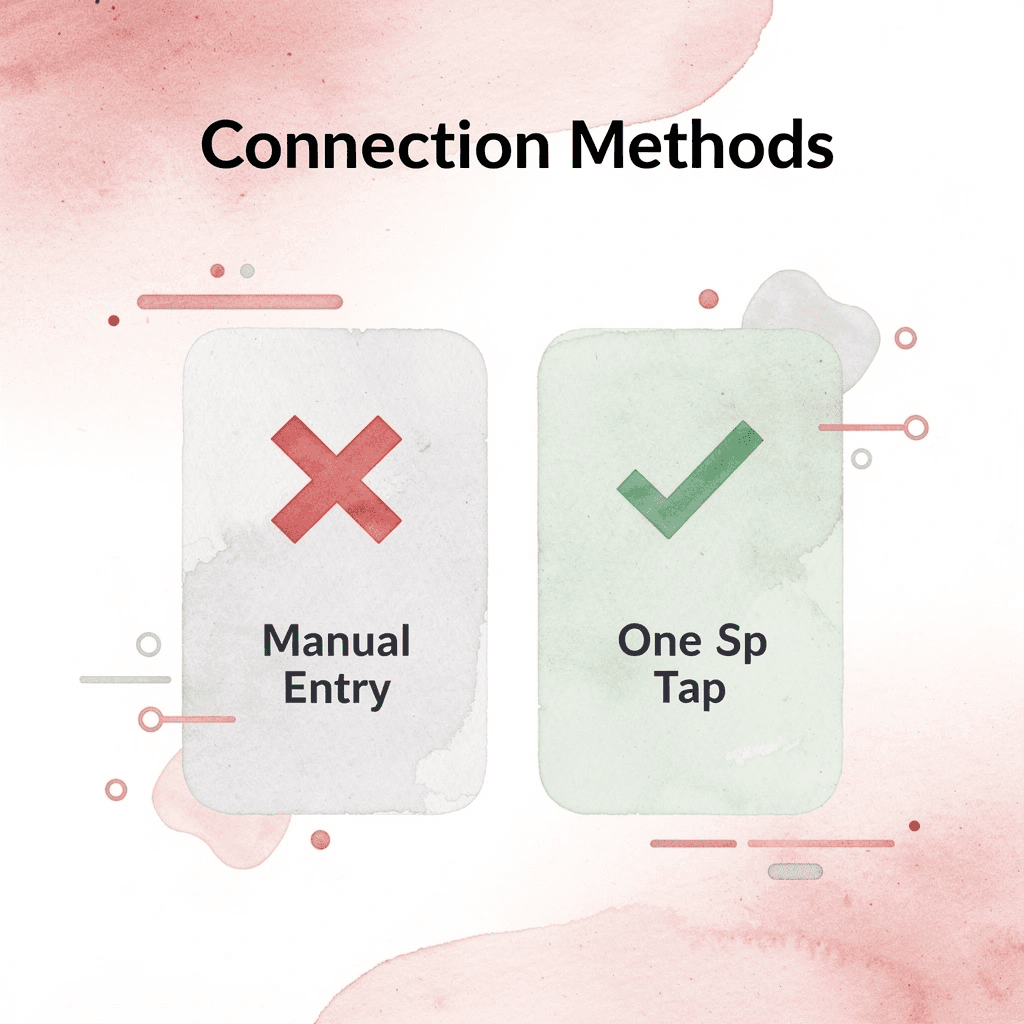
Most business cards fail because they create friction. When someone must manually type your Instagram handle, search for the LinkedIn profile among similar names, or decode a QR code in poor lighting, most won't bother. The gap between a good conversation and follow-up isn't about interest—it's about the effort required.
💡 Tip: The easier you make it for people to connect with you, the more likely they'll actually follow through after your conversation ends.
Digital business cards eliminate this friction. Mobilo replaces paper with a single tap that automatically shares your details, captures lead information, enriches prospect data, and syncs to your CRM. You're creating a connection that starts working immediately.

"The gap between a good conversation and actual follow-up isn't about interest—it's about how much effort is required."
🎯 Key Point: Over 59,000 companies are already transforming their networking approach by making connections effortless and trackable.
Ready to generate more value from every conversation? Book a Mobilo demo today and receive your first 25 digital business cards free (a $950 value). Over 59,000 companies are already turning introductions into trackable, qualified opportunities instead of forgotten paper cards.
Related Reading
- Plumbing Business Cards Examples
- HVAC Business Cards Examples
- Electrician Business Card Ideas
- Unique Business Card Ideas
- Artist Business Cards Examples
- Therapist Business Cards Examples
- How To Put Social Media On Business Card
- Best Real Estate Business Cards








