.avif)

16 Best Contact Management Software for Tracking Customers and Leads
On This Page
Scattered contact details, lost sticky notes, and forgotten follow-ups cost businesses real opportunities every day. Without proper contact management software, promising leads slip through the cracks while customer relationships suffer from disorganization and missed communications. The right system transforms chaotic contact handling into streamlined relationship management that drives sales and improves retention. Modern contact management tools offer features like automated data entry, follow-up reminders, and seamless CRM integration to keep every connection organized and actionable.
The best contact management software goes beyond simple storage to create systematic processes for nurturing relationships. Advanced solutions now include real-time contact capture, automatic cross-platform syncing, and intelligent tracking that turns every interaction into a measurable opportunity. For businesses looking to modernize their contact collection process, Mobilo's digital contact card offers instant information capture and seamless integration with existing management systems.
Summary
- Managing customer relationships without proper contact management software creates a pipeline leak that most teams never measure. B2B contact data decays at 25 to 30 percent per year, which means a database of 10,000 contacts loses 2,500 to 3,000 usable records every 12 months. Without systems that actively fight this decay, your outreach campaigns run on a foundation that erodes faster than you can update it.
- Most businesses treat contact management as a storage problem when it's actually a maintenance problem. Sales reps spend hours researching contacts only to discover the person left the company six months ago, marketing campaigns bounce because email addresses are no longer valid, and follow-up calls go to disconnected numbers. According to Nextiva, 96% of customers will leave a company after multiple bad customer service experiences, and nothing says "we don't care" louder than contacting someone at a job they no longer hold.
- CRM systems can increase sales by up to 29%, according to Salesgenie, but there is a gap between storage and intelligence. The platforms that actually work identify duplicate entries, enrich missing data, verify deliverability, and automate follow-up workflows without requiring manual intervention. Strong systems automatically pull missing fields from public databases and company websites, letting sales reps focus on conversations that close deals rather than administrative tasks that drain momentum.
- Traditional networking creates a contact graveyard where business cards sit in pockets until they go through the wash or get filed in a drawer. The gap between meeting someone and recording their information is where most contact data gets lost or entered incorrectly. When contact capture happens at the point of interaction rather than hours later from memory, you preserve context, response speed, and the momentum that turns introductions into opportunities.
- Automation separates contact management from contact administration. When assigning leads, tagging prospects, scoring engagement, and triggering follow-ups require manual effort, your system creates bottlenecks instead of removing them. Platforms that scale let you build workflows in which a contact who downloads a whitepaper is automatically tagged, scored, and added to a nurture sequence, and when a rep logs a meeting, the system updates the record and schedules the next touchpoint without human intervention.
- Over 91% of companies with more than 11 employees use CRM software, according to Salesgenie, which means pricing structure isn't a minor detail. Per-seat pricing forces hard decisions when adding reps, limiting access to the people who need it most. The difference between systems that grow with your team and ones that become prohibitively expensive shows up at the exact moment you need scalability.
- Mobilo's digital contact card addresses this by capturing contact information at the moment of interaction and automatically syncing updates into your CRM without manual data entry, eliminating the gap where most contacts get lost.
Why Most Businesses Lose Track of Their Contacts Even When They're Using Software
Contact management software should organize your relationships, not bury them. Most businesses lose track of their contacts even after using a CRM because the software stores information without keeping it up to date. You enter data once, and from that point forward, it deteriorates.
🎯 Key Point: The biggest problem isn't lack of software—it's that static data becomes outdated data faster than most businesses realize.
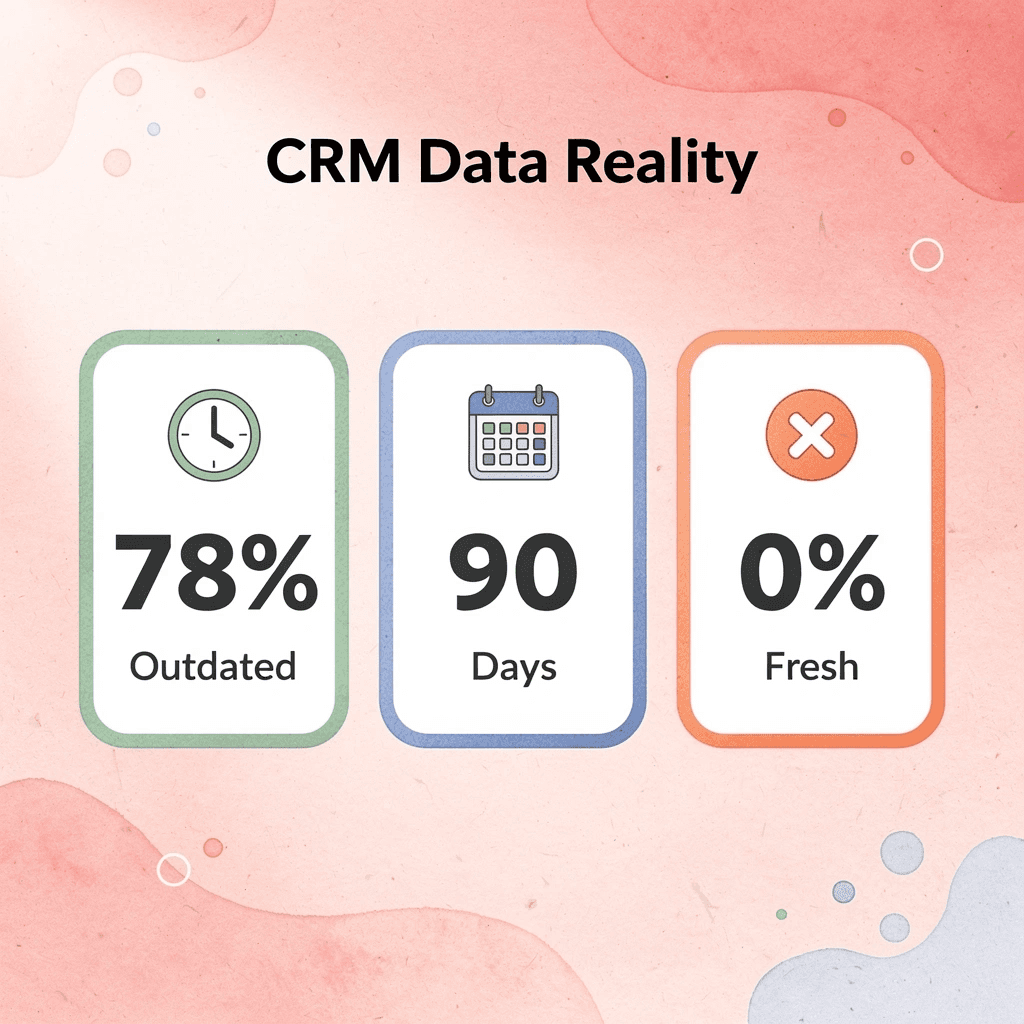
"78% of sales professionals report that their CRM data becomes outdated within 90 days of initial entry, leading to missed opportunities and wasted outreach efforts." — Sales Technology Research, 2023
⚠️ Warning: Even the best CRM becomes a digital graveyard if you don't have a systematic approach to keeping contact information fresh and relevant.
How fast does contact data actually decay?
B2B contact data decays at 25 to 30 percent per year as people change jobs, companies rebrand, phone numbers get reassigned, and email addresses stop working. A database of 10,000 contacts loses 2,500 to 3,000 usable records every 12 months. If your contact management tool does not actively combat this decay, you build outreach campaigns on a foundation that erodes faster than you can keep up with.
Why is contact management really a maintenance problem?
Most teams treat contact management as a storage problem when it's a maintenance problem. They choose a CRM, move their contacts over, and assume the work is done. Contact data requires constant attention: job titles change, companies merge, decision makers move on. Without a system that captures these changes in real time, your database becomes outdated, wasting your team's time and damaging credibility.
How does outdated contact data affect your outreach metrics?
The consequence shows up in your outreach metrics. Sales reps spend hours researching contacts only to discover the person left the company six months ago. Marketing campaigns bounce because email addresses are invalid. Follow-up calls go to disconnected numbers. According to Nextiva, 96% of customers will leave a company after multiple bad customer service experiences. Contacting someone at a job they no longer hold signals indifference.
Why do traditional manual update approaches fail?
The traditional approach relies on manual updates, which depend on people remembering to update records after every conversation and interaction. Reps focus on closing deals, not maintaining databases. By the time someone realizes a contact is outdated, dozens of other records have deteriorated the same way. You end up with a contact list that looks organized but functions like a broken map.
How can automated capture solve contact data problems?
Solutions like Mobilo's digital contact card capture contact information when you meet someone and automatically update your CRM without manual entry. The system tags each contact with details about where and when you connected, eliminating the problem of lost or incorrectly entered data. Every handshake becomes a record you can act on, and every conversation turns into a tracked opportunity.
But automated capture solves only half the problem without a plan for organizing contacts, deciding when to follow up, and tracking relationships. The best contact management software helps you understand who matters most, when to reach out, and what information matters for each relationship. Without that intelligence layer, you're collecting contacts, not managing them.
Related Reading
- Benefits Of Business Networking
- Digital Networking
- Types Of Business Networking
- Professional Networking
- Digital Presence
- Virtual Networking Tips
- Networking Business Card
What Actually Makes the Best Contact Management Software (And Why Most Tools Look the Same at First)
The Seven Criteria That Separate Contact Management from Digital Filing
Intelligence means understanding which contacts matter, when to reach out, and what context shapes each relationship. Most platforms store names and numbers. The ones that work identify duplicate entries, enrich missing data, verify deliverability, and automate follow-up workflows. According to Salesgenie, CRM systems can increase sales by up to 29%. This gap between storage and intelligence explains why some teams close deals faster while others remain stuck in outdated spreadsheets.
How does duplicate detection prevent database chaos?
Duplicate detection stops problems before they start. When you import 1,000 contacts with 120 known duplicates, weak systems create issues: reps reach out to the same person twice, credibility drops, and your database becomes a problem. Strong platforms identify variations in email addresses, phone numbers, and company names, then automatically combine records. The difference is a clean pipeline versus one filled with ghost contacts.
Why does data enrichment eliminate manual labor?
Data enrichment separates manual labor from automated intelligence. If your team spends hours filling in job titles, company size, industry tags, and phone numbers, you're paying people to do what software should handle. The best systems automatically pull missing fields from public databases, LinkedIn profiles, and company websites. Sales reps should build relationships, not update spreadsheets.
How does email verification protect the sender's reputation?
Email verification protects the sender's reputation before damage occurs. Invalid addresses bounce, signaling to email providers that you're careless with data and lowering delivery rates across your domain. Strong platforms validate addresses before outreach, flagging role-based emails, disposable domains, and syntax errors. Prevention costs nothing. Recovery costs deals.
How does import/export fidelity reveal platform reliability?
Import and export fidelity shows how well a platform handles real-world complexity. Special characters break, field mappings fail, and data gets corrupted when systems can't preserve formatting across transitions. Platforms that handle UTF-8 encoding, custom fields, and multi-line addresses without data loss save teams from having to rebuild databases.
Why does automation separate contact management from administration?
Automation separates contact management from contact administration. If assigning leads, tagging prospects, scoring engagement, and triggering follow-ups require manual effort, your system creates bottlenecks instead of removing them. When a contact downloads a whitepaper, they should be automatically tagged, scored, and added to a nurture sequence.
When a rep logs a meeting, the system should update the record, notify the team, and schedule the next touchpoint without human intervention. Automation eliminates repetition, freeing reps to focus on relationships that require nuance.
How do integrations determine workflow centralization?
Integrations determine whether your contact management system becomes the center of your workflow or remains a separate tool. Native connections to email, calendar, dialer, and marketing automation platforms enable bidirectional data flow without manual syncing. When a rep sends an email, the system logs it. When a prospect books a meeting, the contact record updates.
When a lead fills out a form, they're added to the CRM and assigned to the right rep based on territory or product fit. Platforms like Mobilo turn every event interaction into a trackable, CRM-integrated opportunity, capturing leads in seconds and automating follow-ups. Disconnected tools force reps to toggle between apps, copy and paste data, and manually update records, guaranteeing that contacts get lost.
What do pricing models reveal about platform scalability?
Pricing models reveal whether a platform grows with your team or hinders it. Per-seat pricing forces tough choices when adding sales reps, limiting access to those who need it most. Credit-based or flat-rate models let teams expand without having to recalculate return on investment for each new hire. Salesgenie reports that 91% of companies with more than 11 employees use CRM software. Pricing structure determines whether a system grows with you or becomes prohibitively expensive when you need it most.
Related Reading
- How To Use Social Media For Networking
- Social Networking For Business
- Icebreaker Examples Business Networking
- How To Build A Professional Network
- Business Networking Ideas
- How To Get Business Contacts
- Small Business Networking
16 Best Contact Management Software to Organize Contacts & Close More Deals
The best contact management software depends on where your contacts come from, how they move through your business, and what happens after the first interaction. A platform built for event networking will not work well for teams using Gmail every day, and a tool designed for social relationship building will frustrate sales teams who need to see their pipeline clearly.

🎯 Key Point: The right contact management solution aligns with your specific workflow and contact sources rather than offering generic features that don't match your business model.
"73% of businesses report that misaligned contact management tools reduce team productivity and lead to missed opportunities in their sales pipeline." — Sales Technology Research, 2024

💡 Pro Tip: Before evaluating features, map out your contact journey from initial capture to final conversion - this will reveal which capabilities are essential versus nice-to-have for your team's success.
1. Mobilo
What it does
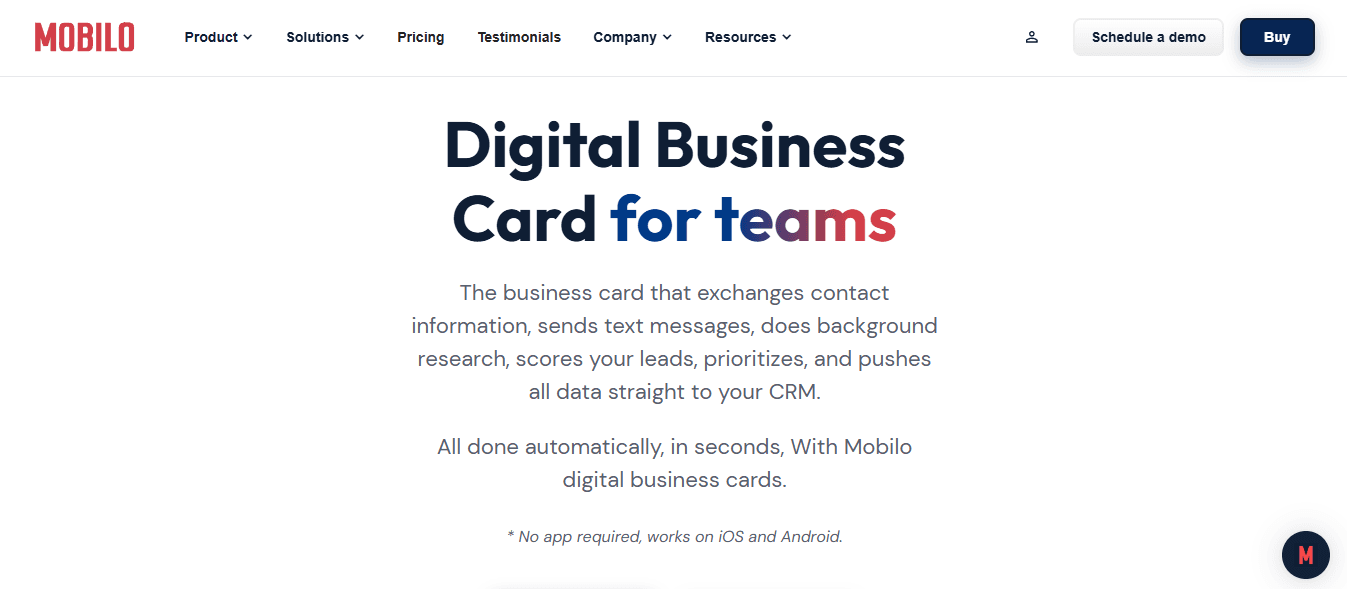
Mobilo replaces paper business cards with smart digital cards that automatically exchange contact information, enrich lead data, score prospects against your ideal customer profile, and sync directly to your CRM without manual entry.
Best for
Teams that attend events, conferences, and networking functions where the speed of contact capture determines lead volume. If your business depends on face-to-face interactions and your current process involves collecting business cards that never enter your system, Mobilo solves that problem.
Why it works
Traditional networking creates a contact graveyard: cards sit in pockets or drawers and never make it into your CRM. Over 59,000 companies have switched to Mobilo because it eliminates the gap between meeting someone and having their information in your system. Contact exchange happens in seconds through tap or QR code, lead scoring occurs automatically based on your criteria, and your sales team sees the new contact in their pipeline before you've left the conversation. Your team gains real-time visibility into who's networking, which events generate quality leads, and how quickly contacts progress from introduction to conversation.
Limitation
Mobilo requires upfront investment in digital business cards and delivers maximum value when your team consistently attends in-person events. If your contacts primarily come through email, social media, or inbound web forms, other tools will better match your workflow.
Ready to transform your team's networking?
Book a demo today and get your first 25 Mobilo business cards free (worth $950). With 90% of business contacts never making it into your CRM, paper cards are no longer viable.
2. HubSpot CRM

What it does
HubSpot integrates contact management with sales, marketing, and service tools. It automatically logs emails and meetings, tracks deal progress, and displays dashboards showing contact history, task assignments, and pipeline status.
Best for
Teams are growing from simple contact tracking into full sales operations. The free plan includes task tracking, deal stages, and email logging, plus marketing automation, service ticketing, and sales pipeline management on a single platform.
Why it works
HubSpot pulled my Gmail history in minutes during testing. Every email thread, calendar invite, and meeting note appeared in contact timelines without manual setup. Custom views and filters made it simple to segment warm leads from long-term clients, and the mobile app kept contact data accessible during field meetings. The interface feels polished without nested menus obscuring interaction history.
Limitation
HubSpot becomes bloated for teams needing only simple contact management. The platform targets organizations that run marketing campaigns, track deals through multiple stages, and manage customer service tickets. A clean contact list with basic follow-up reminders doesn't require its full feature set. Paid tiers escalate rapidly—from $50/month to $800/month—once you need email sequences or advanced automation.
3. Airtable
What it does
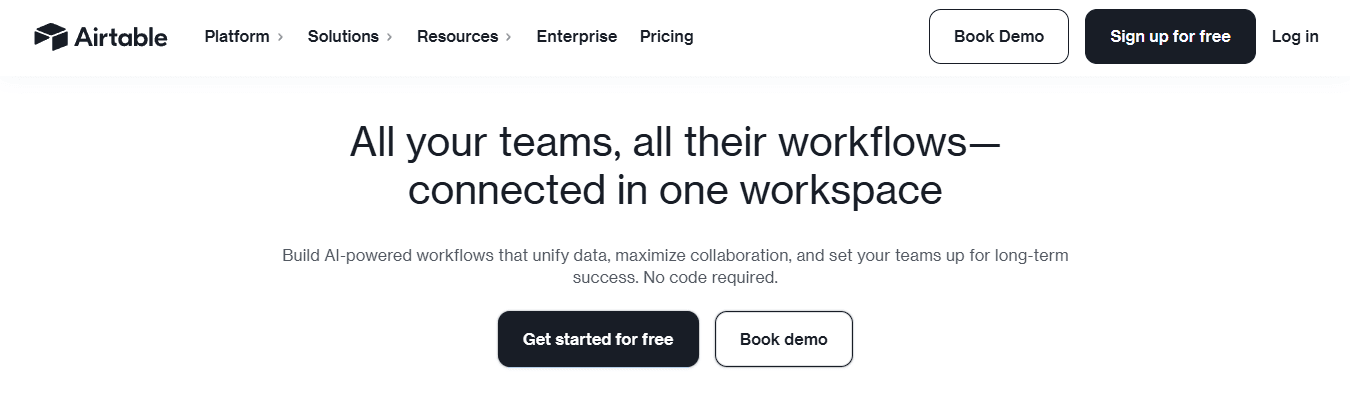
Airtable combines spreadsheet flexibility with database structure, enabling custom contact management systems across grid, kanban, calendar, and gallery views. You control field types, relationships, and workflow logic.
Best for
Solo users or small teams who want complete control over contact organization without coding. If you need more power than Excel or Google Sheets but your workflow doesn't fit standard CRM tools, Airtable provides that middle ground.
Why it works
I set up a contacts base using a template and had a working tracker in 20 minutes. The real appeal is flexibility: I sorted contacts by tags, filtered by deal stage, and switched to kanban view to see follow-ups. You can create linked tables (contacts tied to companies, deals tied to contacts) and build custom views for different team members without forcing a single layout.
What are Airtable's contact management limitations?
Limitation
Airtable lacks built-in email and call history tracking or activity logging. You'll need to use Zapier or another integration to connect Gmail to your calendar. You're building workflows from scratch instead of using pre-built CRM logic. For teams wanting automatic email logging and timeline views, Airtable creates more administrative work than it solves.
4. Bigin by Zoho CRM
What it does
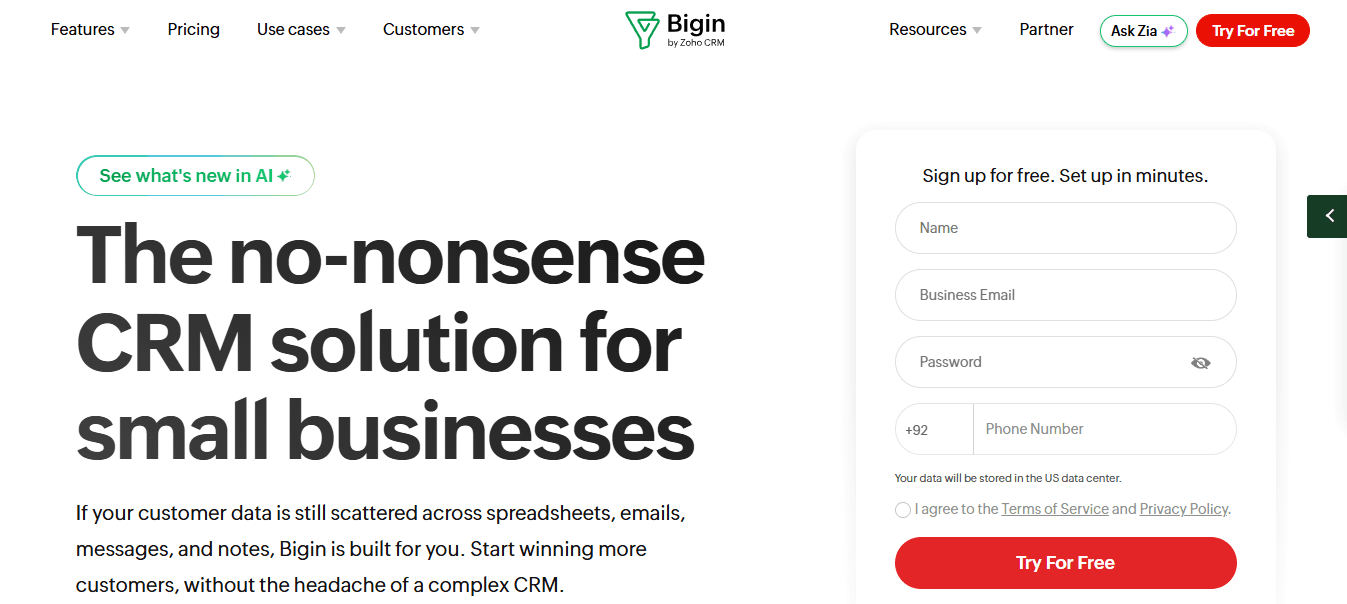
Bigin is Zoho's simplified CRM for small teams, offering clean pipeline views with drag-and-drop stages, contact timelines showing emails and calls, and basic workflow automation.
Best for
Small teams (under 10 people) new to CRM seeking immediate results without spreadsheets or enterprise complexity. Setup takes under 15 minutes.
Why it works
Bigin feels designed for regular people. The setup wizard is clear, the interface is uncluttered, and contact views are simple yet effective. Filters, tags, and timelines consolidate emails, calls, and notes in one place. Gmail and Outlook sync worked smoothly during testing, and mobile support kept contact data easily accessible. Zoho is transparent about data collection and storage, with straightforward contact data export.
Limitation
Integrations are more limited than Zoho's full CRM or HubSpot. You get basics (email, calendar, a few third-party apps), but advanced connectivity requires upgrading to Zoho CRM. Bigin also struggles with large contact databases, as managing thousands of contacts or complex segmentation logic exceeds the platform's capabilities.
5. Freshsales

What it does
Freshsales provides contact scoring, automatic activity logging, and AI-powered nudges for timely follow-ups. Built-in email, phone, and calendar tools consolidate your workflow, while smart views help you prioritize leads by engagement level.
Best for
Teams that prioritize lead prioritization over manual control. Freshsales surfaces warm leads automatically, eliminating guesswork about who to contact next.
Why it works
During testing, Freshsales automatically logged every email and call. The contact timeline provided a clean view of all activity, and I could quickly filter and tag contacts to create targeted views. Smart Views segmented leads by stage or score, and the AI assistant nudged me when someone opened an email or went quiet for too long. Setup was faster than expected: I synced Gmail in minutes, and Freshsales pulled in calendar, emails, and contact info without fuss.
Limitation
Freshsales can feel overwhelming for basic contact management. The platform was designed for sales teams running active pipelines, not a simple contact organization. If you need a lightweight contact list with minimal setup, Freshsales offers unnecessary complexity.
6. Monday CRM
What it does
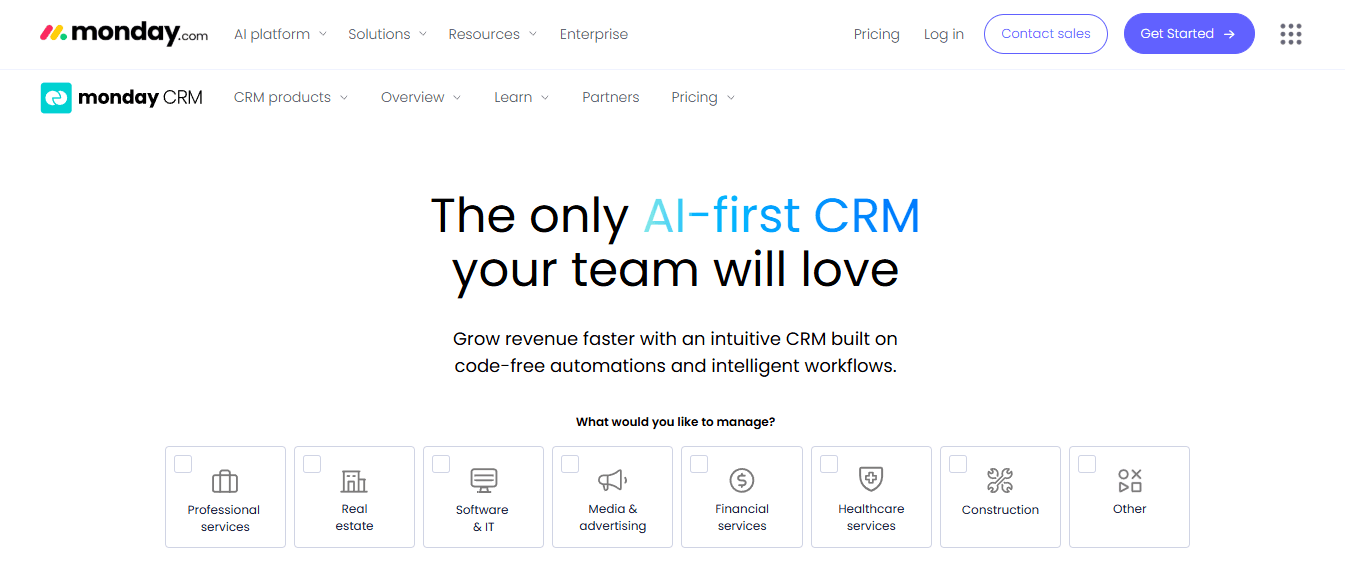
Monday CRM offers flexible contact views and automations built on a visual workflow platform. Customize pipelines, create color-coded deal stages, and build automations that trigger based on contact activity or status changes.
Best for
Teams that want to track deals and relationships visually and need flexible workflows rather than rigid CRM structures. If you've outgrown spreadsheets but prefer spreadsheet logic, Monday CRM fits that need.
Why it works
I set up a pipeline in under 10 minutes, dragging contact cards between deal stages like digital Post-its. The default CRM template includes contact info, activity logs, and follow-up reminders, all of which are customizable to your process. I connected Gmail to track emails, set up Slack notifications for follow-ups, and color-coded contacts by deal stage. You're not locked into traditional CRM layouts: that flexibility matters if you've outgrown spreadsheets but aren't ready for enterprise CRM complexity.
Limitation
Activity tracking requires manual input unless you build automations or integrations. Monday CRM prioritizes project management, so CRM features are secondary rather than core functions. Power users miss built-in timeline views or automatic logging beyond email. Pricing scales with features and user count, becoming costly as your team or contact data grows.
7. Contacts+
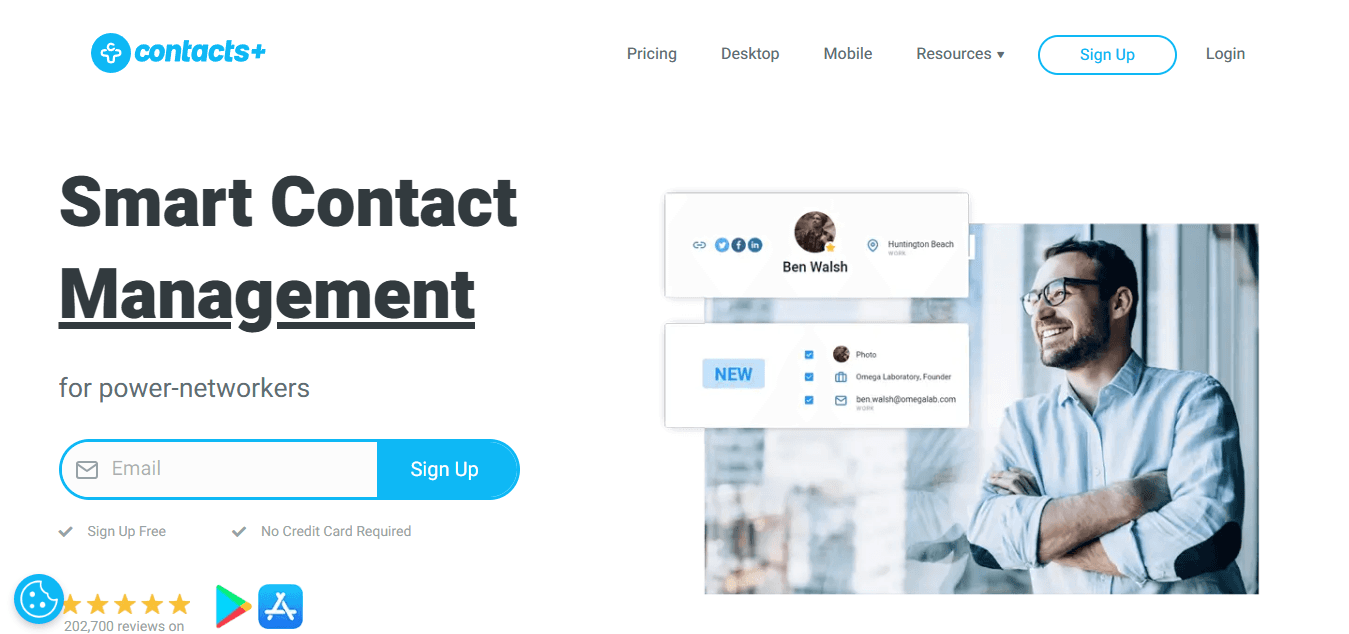
What it does
Contacts+ syncs contacts across Gmail, Outlook, iCloud, and other accounts into one unified list, merging duplicates and automatically updating records with current photos and information.
Best for
Anyone whose contacts are scattered across multiple inboxes, their phone, and forgotten accounts. If you need to sync, unify, and remove duplicate contacts across personal and work accounts without manual effort, Contacts+ does it for you.
Why it works
I connected Gmail and Outlook in a few clicks, and within minutes, Contacts+ pulled everything into one clean list. Duplicates merged, contact photos were added, and I stopped emailing the same person at different addresses.
The mobile app is fast and lets you tag and favorite contacts, filter by source, and easily back up or export everything.
Limitation
This isn't a CRM. It lacks automatic tracking for calls or meetings, pipeline tools, and customization options. Contacts+ solves fragmented contact data, but won't manage deals or track sales activity.
8. Copper
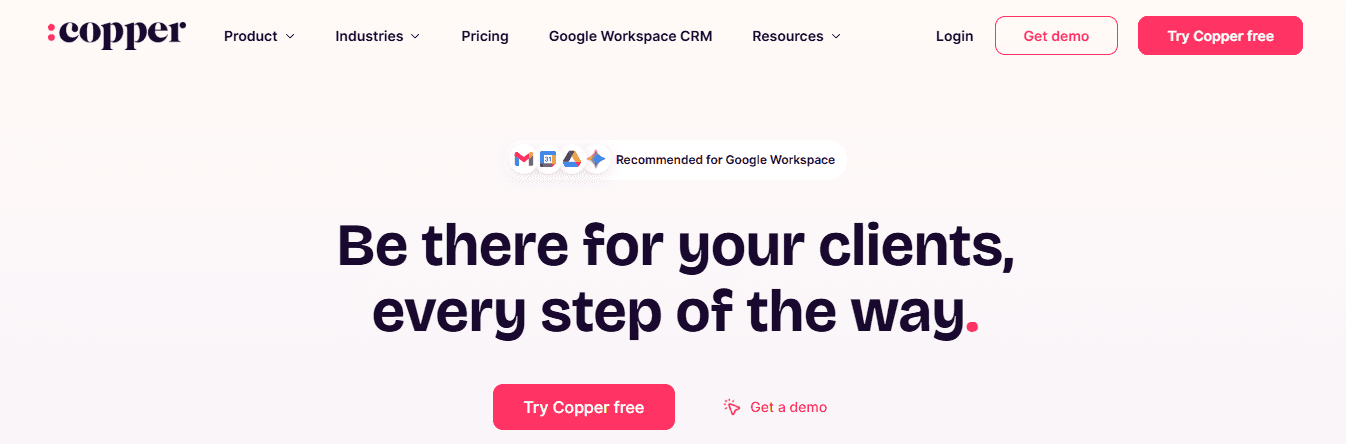
What it does
Copper is a CRM that lives inside Gmail, displaying contacts, tasks, and deals in a panel beside your inbox. It automatically logs emails, links meeting notes, and lets you tag or segment contacts without leaving your email thread.
Best for
Teams that already use Google Workspace and want their CRM to feel like an inbox add-on rather than a separate system. Copper removes the friction of switching tools for Gmail-heavy teams.
Why it works
The setup took less than 10 minutes. Copper pulled in recent email threads, meetings, and tasks tied to each contact, offering context-based suggestions such as creating opportunities or assigning follow-ups. Views are flexible, data exports are simple, and while Zapier integration is available, most Google Workspace users find built-in features sufficient.
Limitation
Copper works only for Google users. Outlook and other email systems render it unusable. There is no free plan, creating a cost barrier for small teams, and the tight integration with Google's ecosystem is either a major advantage or a dealbreaker, depending on your tech stack.
9. Nimble
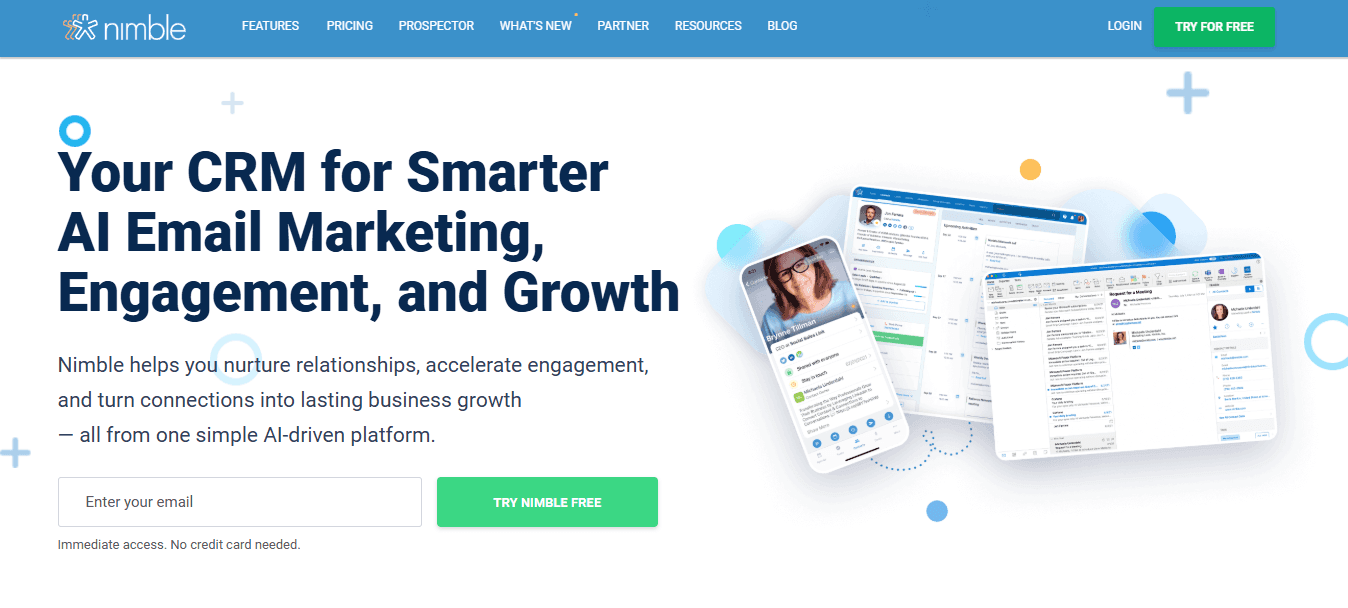
What it does
Nimble pulls contact information from social media, automatically enriches profiles with social and company details, and consolidates email, social messages, and tasks into one inbox. A Chrome extension lets you tag contacts, add notes, and schedule follow-ups from LinkedIn or Gmail without leaving the page.
Best for
Teams that benefit from relationship-building. Nimble makes LinkedIn activity, company information, and network connections instantly available.
Why it works
I connected Gmail and LinkedIn, and Nimble instantly built rich profiles with company bios, social handles, and recent tweets. The browser extension is the standout feature: hover over a LinkedIn connection or email signature to tag the person, add notes, or schedule follow-ups without leaving the page. The Smart Contacts panel pulls in email history, calendar events, call notes, and social messages.
Limitation
Social syncing depends on profile visibility; private LinkedIn or Twitter profiles cannot be pulled. Marketing automation is basic compared to HubSpot, limited to email sequences and group messaging. Advanced campaign tools and detailed analytics are unavailable.
10. Pipedrive
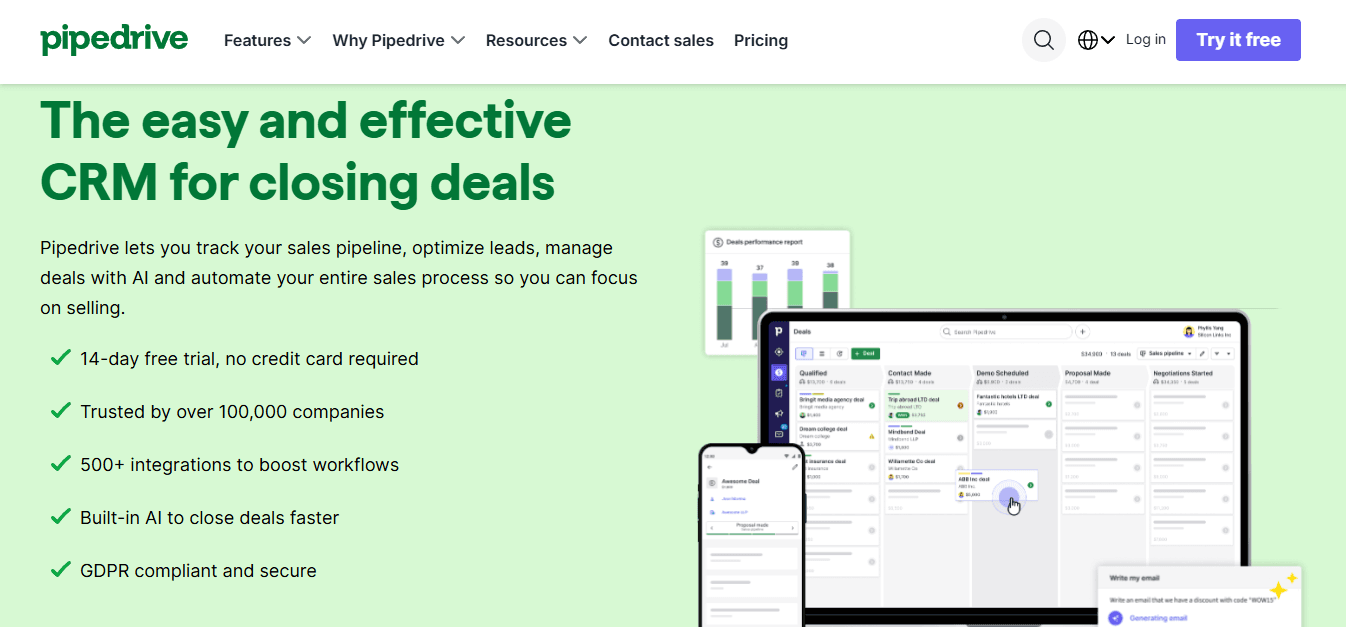
What it does
Pipedrive organizes contacts around visual pipelines, letting you track deals intuitively. Contact records consolidate activities, emails, and notes in one place. You can add custom fields and use filters to organize contacts by role, company size, or deal stage.
Best for
Sales teams that think in terms of leads, opportunities, and closed deals. Pipedrive was built to support that pipeline-focused workflow.
Why it works
Every lead displays a complete timeline of emails, calls, notes, and scheduled activities in a single view, without switching between tabs. Setup took under 20 minutes: I imported contacts, configured custom fields for buyer personas, and used tags to organize by deal stage or industry. Filters quickly identify warm leads from specific time periods. Pipedrive tracks email opens and link clicks through Gmail or Outlook sync, logging activities automatically once scheduled.
Limitation
Pipedrive has no free plan, which can be costly for small teams. Reporting tools are limited on lower-priced tiers, requiring higher-priced plans for detailed analytics. Full workflow automation also requires a higher-tier plan, though basic pipeline management works well.
11. Squaretalk

What it does
Squaretalk is a cloud-based contact center platform combining voice, messaging, and contact management tools. It provides real-time access to customer data during calls, lead follow-up features, and customizable call routing workflows.
Best for
Sales and support teams across multiple locations that rely on voice calls and messaging. If your team spends most of their time on calls and needs to access contact information during conversations, Squaretalk eliminates the need to switch between tools mid-call.
Why it works
Squaretalk's built-in contact management lets you access customer data and past interactions in real time, all within the call interface. Lead capture and tracking features enable quick follow-ups, while customizable IVR and call routing workflows match your team's structure. Higher tiers include AI tools for sentiment analysis, call summarization, and auto-generated messaging templates.
Limitation
Advanced features cost extra, and Squaretalk lacks a built-in CRM—you'll need to connect an external CRM to manage full sales pipelines. The platform suits teams that prioritize voice and messaging, so email- or event-based contacts might be better served by other tools on this list.
12. Zendesk Sell
What it does
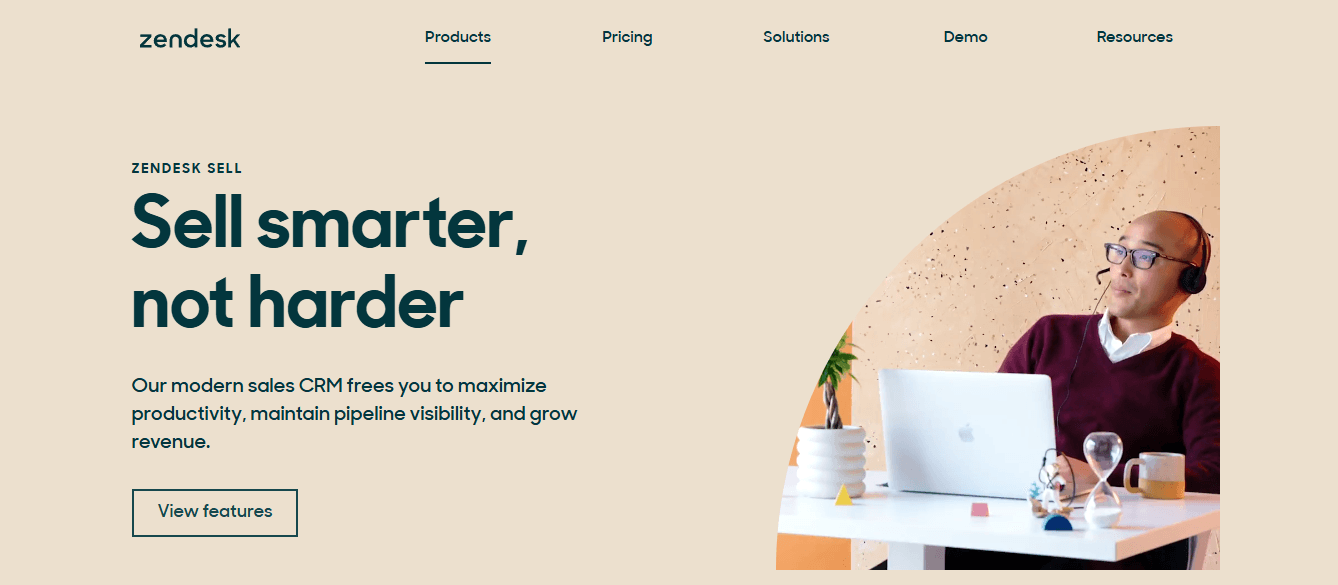
Zendesk Sell is a sales CRM that manages contacts, tracks communications, and organizes deals in one place. A communication hub tracks interactions across calls and messages, with predefined reports providing ready-made insights.
Best for
Businesses need a complete customer service package with strong contact management. If your team handles both sales and support and wants contact management connected with service ticketing, Zendesk Sell provides that integration.
Why it works
You can organize contacts by leads, companies, phone numbers, contracts, or deals to build automated pipelines that collect customer details and keep your team engaged. The simple dashboard lets teams access features without extra steps, while predefined reports save time on setup and customization.
Limitation
Zendesk Sell lacks advanced sales forecasting and deep report customization compared to Salesforce or HubSpot. It suits organizations prioritizing customer connection over advanced sales features.
13. Affinity
What it does
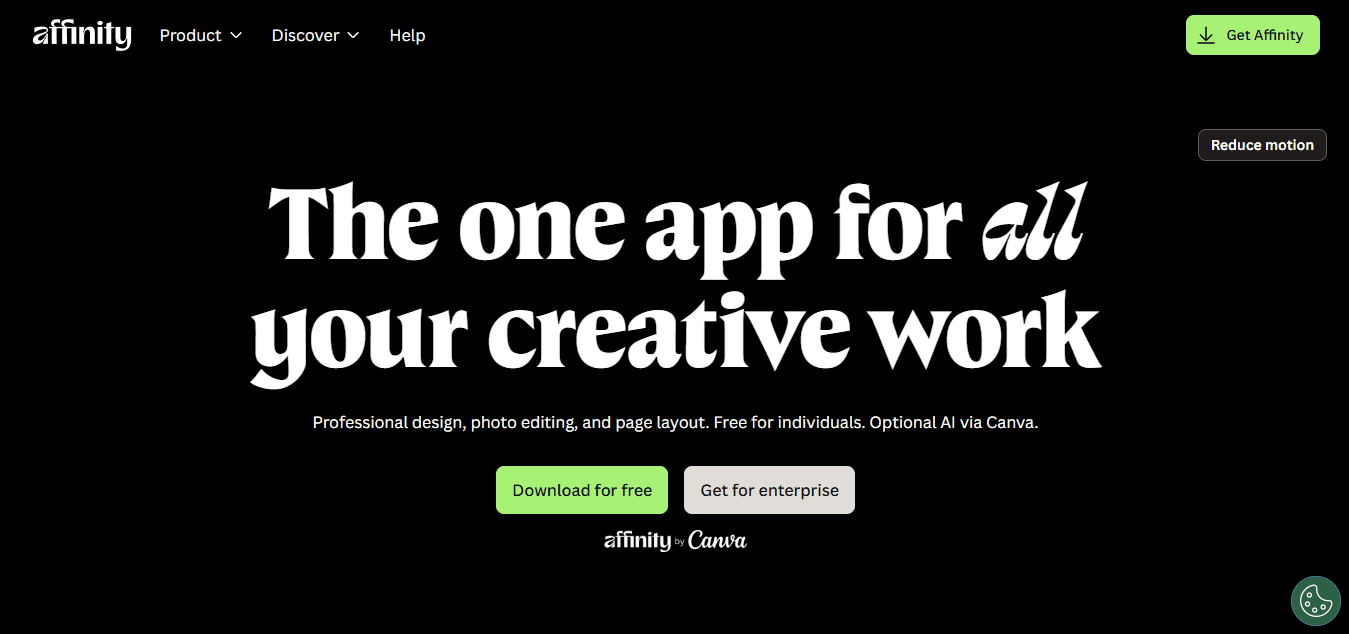
Affinity provides relationship intelligence that analyses and displays relationship data to help you make better decisions. Automated contact tracking keeps your network up to date, while pipeline management tools let you track deals and collaborate with your team.
Best for
Investment firms, financial institutions, and professional service providers focused on relationship-driven deal-making. Affinity works well if understanding your connection strength and interaction patterns shapes your outreach strategy.
Why it works
Affinity's relationship intelligence dashboard displays how your connections interact, including who knows whom and the strength of those connections. Automated contact updates keep records current, while pipeline management tools help track deals and enable team collaboration.
Limitation
Affinity is complex for small teams with straightforward sales processes. It's designed for relationship-driven industries where network analysis drives decisions, making it overkill for basic contact tracking. Customization options are also more limited than on platforms like Airtable or Monday CRM.
14. vCita

What it does
vCita is an all-in-one business management platform for small service providers, offering online scheduling, invoicing and payment processing, and client communication tools.
Best for
Freelancers, consultants, and small business owners who need to manage client interactions, scheduling, and payments in one place.
Why it works
Online scheduling lets clients book appointments directly through your calendar, eliminating email back-and-forth. Invoicing and payment processing streamline financial transactions, while client communication tools keep you connected and improve service delivery. The platform prioritizes simplicity without sacrificing functionality for solo practitioners and small businesses.
Limitation
vCita requires a learning curve and lacks scalability for large teams. Designed for solo practitioners and small businesses, it lacks advanced features and complex workflow automation. Teams of more than 10 people will find it limiting.
15. Covve

What it does
Covve is a personal CRM for professionals who manage relationships, featuring a business card scanner, automatic contact updates, and outreach reminders.
Best for
Individuals and small teams who need to maintain a dynamic contact list with minimal manual effort.
Why it works
The business card scanner digitizes contacts with ease, while automatic updates keep your address book current. Outreach reminders help you maintain professional relationships, and networking insights reveal your relationship patterns.
Limitation
Covve lacks a desktop app, requires an internet connection, and is mobile-only. It's designed for individuals rather than teams, so it doesn't include collaboration features.
16. Capsule CRM

What it does
Capsule CRM provides contact management with sales pipeline tracking, task management, and email integration for small businesses.
Best for
Small businesses (under 20 people) need basic contact management, deal tracking, and task assignments without a steep learning curve.
Why it works
Capsule's clean interface lets you organize contacts, track deals through pipeline stages, and assign tasks without complex menus. Email integration with Gmail and Outlook automatically logs communications, and field customization lets you adapt the CRM to your workflow without unnecessary complexity.
Limitation
Capsule CRM’s reporting and automation features are limited compared to larger CRM platforms. Businesses with complex sales processes or advanced analytics needs may outgrow it over time.
Related Reading
- Tips For Networking Events
- Professional Networking Platforms
- Business Networking For Entrepreneurs
- Networking Tips For Small Business Owners
- Business Networking Strategies
Turn Every Conversation Into a Saved CRM Contact Without Manual Entry
If you've ever left a meeting or event and realized later that half your new contacts never made it into your CRM, the problem isn't effort—it's the gap between real-world networking and digital tracking systems. Paper cards get lost in pockets, business card photos sit unprocessed in your camera roll, and manually typing contact details after events feels like homework.

🎯 Key Point: The familiar approach is collecting contact information in whatever format feels easiest, then promising yourself you'll input it later. As networking activity increases, that later never comes. You end up with fragmented records across email signatures, LinkedIn messages, phone notes, and physical cards stacked on your desk. The people you met become orphaned contacts with no context, no follow-up timeline, and no way to measure which conversations mattered.
"78% of sales professionals report losing potential leads due to poor contact management and delayed follow-up after networking events." — Sales Management Association, 2023
Solutions like Mobilo replace that collect-and-forget cycle by turning contact exchange into instant CRM entries. When you share a digital business card, the system captures the interaction, enriches the contact record with company data and lead intelligence, and syncs it directly into your CRM without manual typing. Every conversation becomes a structured record with context already attached.

⚠️ Warning: The shift transforms networking from a manual process into an automated lead generation system where every handshake, booth visit, or coffee meeting flows seamlessly into your sales workflow. When contact capture happens at the point of interaction rather than hours later from memory, you preserve context, response speed, and the momentum that turns introductions into opportunities.
💡 Tip: Book a demo to see how Mobilo works in a live networking scenario, and we'll send you your first 25 digital business cards free so you can test it immediately at your next event.