

.avif)

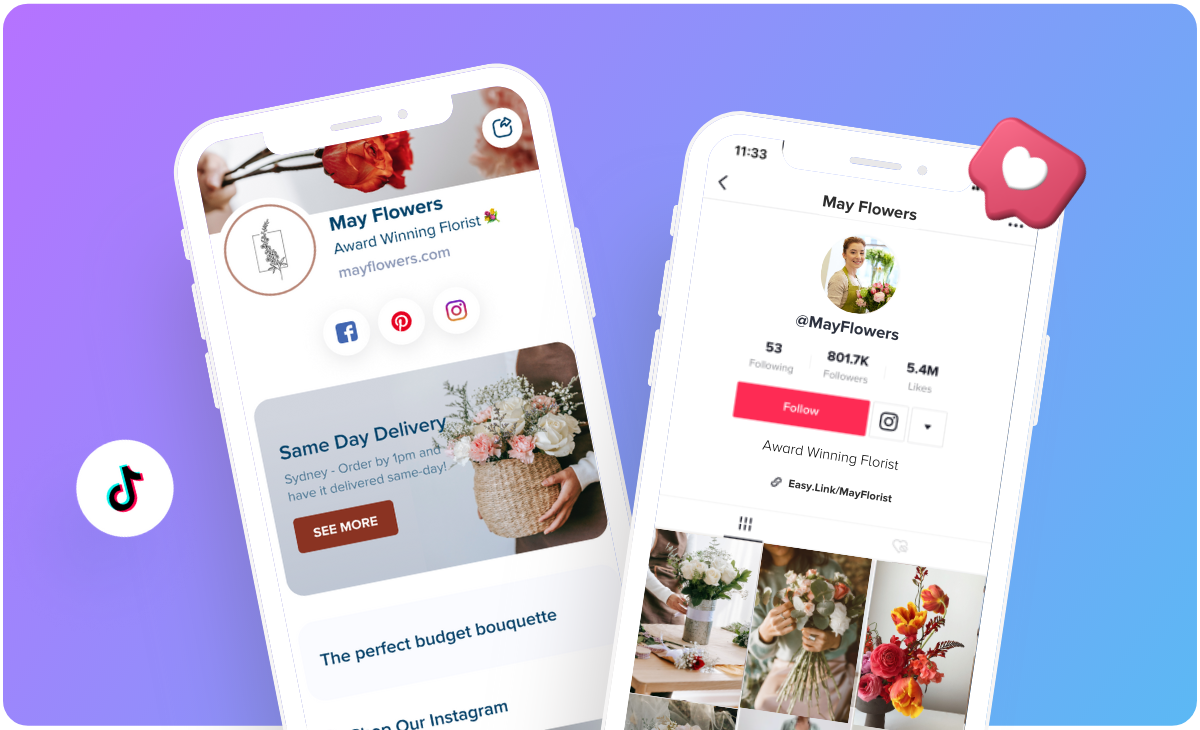
How to Add a Link to TikTok Bio and Drive More Leads and Traffic
On This Page
You've built a following on TikTok, and now your audience wants more. They're asking where to find your products, how to access your website, or how to connect with you beyond the app. Learning how to add a link to a TikTok bio is the bridge between casual viewers and committed customers. This article walks you through the exact steps to add a link to your TikTok bio effectively, so you can drive more leads, traffic, and engagement from your audience. Whether you're promoting a business, sharing content across platforms, or building your personal brand, your bio link is your most powerful tool for converting followers into action-takers.
That single link in your TikTok bio can do even more when you use Mobilo's digital contact card. Instead of sending people to just one destination, Mobilo lets you create a customized landing page where your audience can access multiple links, save your contact information instantly, and engage with everything you offer in one place.
Summary
- TikTok locks clickable bio links behind two hard requirements: a business account and at least 1,000 followers. Personal accounts don't receive this feature regardless of engagement metrics, and the platform measures commitment by followers rather than views or likes.
- Homepage links reduce waste conversion potential by forcing visitors to search for what they already want. When someone clicks your bio link after watching a specific video, they arrive with intent, but homepages serve multiple audiences and optimize for no one.
- Static bio links can't keep pace with dynamic content strategies. If you're posting about different topics or running time-sensitive campaigns, sending all visitors to the same generic destination misses the chance to capitalize on their specific interests. Aligning your bio link with current content focus creates a seamless experience where clicking feels intuitive, whether that means directing to a product launch page during a promotion or a YouTube playlist when growing cross-platform audiences.
- Short, memorable URLs reduce friction and increase follow-through rates. Long, auto-generated links look untrustworthy and are impossible to remember if someone sees your profile in a screenshot or hears about it secondhand. Custom domains or shortened URLs make it possible for people to type your link from memory, which matters when converting casual interest into actual visits.
- Most link-in-bio tools route traffic without capturing any information about who clicked or what they care about. You get volume metrics but no way to follow up, segment your audience, or understand which videos drive the most valuable engagement.
Mobilo's digital contact card addresses this by treating your TikTok bio link as a lead-capture system that lets visitors save your information and share their details automatically, with data syncing directly to your CRM.
Why Can't I See the “Add Website” Option on TikTok?
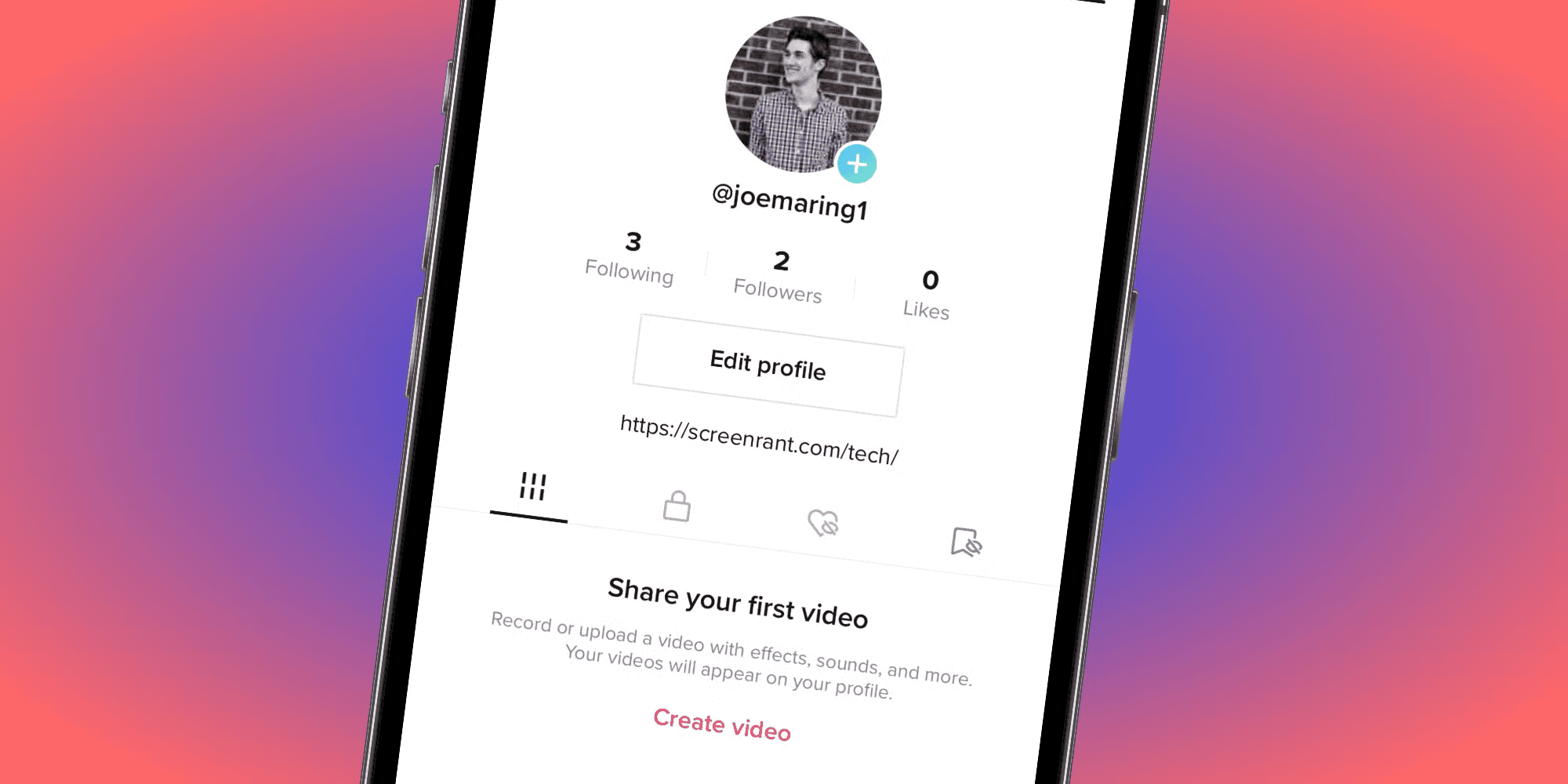
You can't see the website option because TikTok restricts this feature to two users with a business account and at least 1,000 followers. Personal accounts don't receive clickable bio links, regardless of how much engagement you generate. If you're missing either requirement, the option simply won't appear in your profile settings.
The Logic Behind TikTok’s Restrictions
This isn't a bug or a regional quirk. It's a deliberate platform design. TikTok wants to ensure that users adding external links have demonstrated some level of credibility and audience building. The 1,000-follower threshold acts as a quality filter, separating casual users from those actively building a presence worth connecting to external destinations.
The Business Account Requirement
When you first create a TikTok profile, you're automatically assigned a personal account. Even if you're representing a brand or promoting a business, the platform doesn't assume you want business features. You have to manually switch your account type. Go to your profile, tap the hamburger menu in the top right, select Settings and Privacy, then tap Account. If you see the "Switch to Business Account" option, you're still on a personal account. That's the first barrier. Complete the switch, select your business category, and you've cleared step one.
The Business Account Paradox
The confusion happens because having a business account feels like it should unlock everything. According to discussions across creator communities, many users switch their account type, expecting immediate access to bio links, only to find the website field still missing. The business account is necessary but not sufficient. You still need those 1,000 followers.
The 1,000 Follower Threshold
This is where momentum stalls for most creators. You've got 4,000 profile views, strong engagement on recent videos, and people actively asking how to find your other content. But you're sitting at 800 followers, watching potential traffic slip away because you can't direct anyone to your YouTube channel, online store, or portfolio.
Engagement vs. Audience Commitment
The follower requirement exists regardless of engagement metrics. You could have a video go viral with 100,000 views, but if your follower count hasn't crossed 1,000, the link option stays locked. TikTok measures commitment through follows, not views or likes. It's their way of ensuring you're building a sustainable audience, not just catching a moment of algorithmic luck.
Navigating the Non-Clickable Link Friction
When you're below the threshold, the only workaround is adding a non-clickable link directly in your bio text field. Go to Edit Profile, scroll to the Bio section, and paste your URL there. It won't be clickable, so visitors will need to manually copy and paste it into their browser or type it. That friction kills conversion. Short, memorable URLs become essential. Use a custom domain or a shortened link that's easy to remember and type without errors.
Device and App Version Issues
Right now, bio link functionality only works through the TikTok mobile app. If you're trying to add a website link from your desktop browser or the web version of TikTok, the option won't appear even if you meet all other requirements. You need the iOS or Android app, updated to the latest version. Outdated app versions can also hide features. If you recently crossed 1,000 followers or switched to a business account but still don't see the website option, update your app first. Sometimes the interface doesn't reflect your new eligibility until you're running the current version.
Regional Variations and Platform Restrictions
Some users report differences based on location, though TikTok hasn't officially confirmed regional restrictions on bio links. What's more consistent is the platform's reluctance to allow you to link directly to competitors' social media sites. If you're trying to add a YouTube link, Instagram profile, or another social platform, TikTok may block it even when you're eligible for bio links. This is where link-in-bio tools become necessary. Instead of sending traffic to a single destination, you create a single landing page that hosts all your links.
Converting Profile Traffic
Your TikTok bio points to that page, and visitors can choose where to go next:
- Your YouTube channel
- Online store
- Email list
- Portfolio
It's a workaround that actually improves the user experience by giving your audience options rather than forcing a single path.
The Limitation of Static Link Services
Traditional link-in-bio pages solve the competitor platform problem, but they don't capture any information about who's clicking through. You get traffic, but you lose the ability to follow up, segment your audience, or understand which TikTok videos drive the most valuable engagement.
Transforming Your Bio Into a Relationship Tool
Platforms like Mobilo reframe the bio link as a lead capture system rather than just a traffic router. Instead of a static list of links, you're creating a digital contact card that lets visitors save your information, access multiple destinations, and engage with your content while you track who's interested and what they care about. That shift turns your TikTok bio from a directory into a relationship-building tool.
The Consequences of Being Locked Out
Lost traffic is the obvious cost. Every profile view that doesn't convert to a follow-through action is a missed opportunity. If you're promoting a product launch, a new video series, or a limited-time offer, not having a clickable link means you're relying entirely on people manually typing a URL. Most won't bother.
The Credibility Cost of Manual Links
The frustration compounds when you're actively growing. You're posting consistently, engagement is climbing, and you're doing everything right except you can't capitalize on the momentum. Followers ask where to find your music, your shop, and your other content, and the best you can offer is a "link in bio" that requires them to copy text. It creates confusion and erodes the professional credibility you're trying to build.
Related Reading
- Best Link in Bio Tool
- What is Link in Bio
- How to Improve Linkedin Profile
- How To Build Personal Branding
- How to Add Portfolio to Linkedin
- How To Add Link To Tiktok Bio
- How to Add Instagram Link to Tiktok
- Where is Link in Bio on Instagram
- How to Add Link to Linkedin Post
- How to Add Website Link to Linkedin Profile
- Link in Bio Examples
- How To Add Link To Tiktok Bio
- How to Add Instagram Link to Tiktok
How to Add a Link to Your TikTok Bio (Step-by-Step)
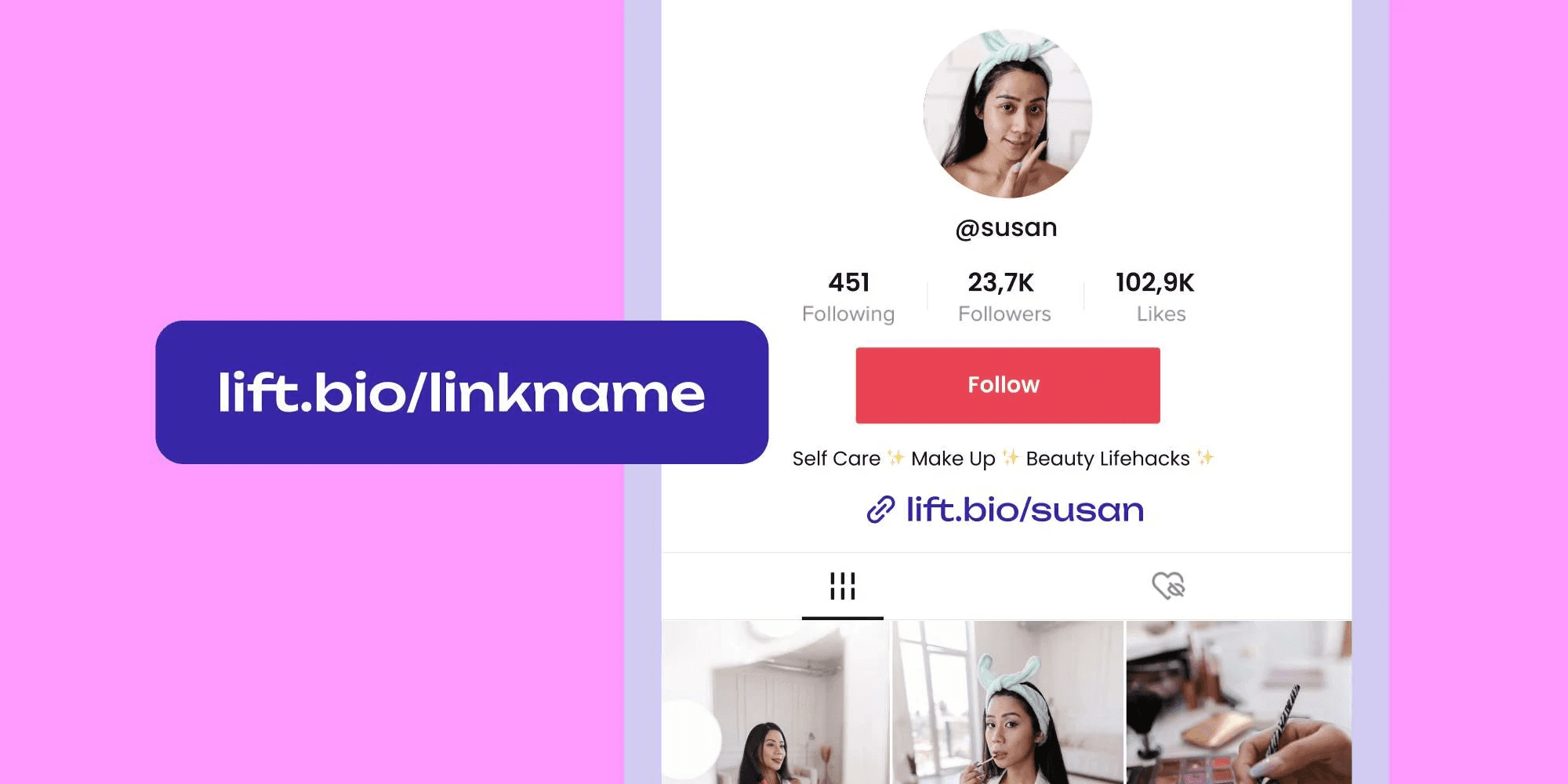
Adding a clickable link to your TikTok bio requires switching to a business account, reaching 1,000 followers, and navigating to the website field in your profile settings. The process takes less than five minutes once you meet the requirements, but each step matters; missing a detail can prevent you from accessing the feature. The instructions below assume you've already cleared the eligibility hurdles. If you're still building toward 1,000 followers or haven't switched to a business account yet, handle those first. Once you're ready, adding the link is straightforward.
Switch to a Business Account (If You Haven't Already)
- Open the TikTok app and tap your profile icon in the bottom right corner.
- From your profile page, tap the three horizontal lines in the top right to open the menu.
- Select Settings and Privacy, then tap Account.
- Scroll until you see Switch to Business Account. If that option doesn't appear, you're either already using a business account or your region doesn't yet support the feature.
- Tap Switch to Business Account, and TikTok will prompt you to choose a category that best describes your business or content type. This isn't just cosmetic. The category you select influences how TikTok's algorithm surfaces your content and which analytics you'll see in your dashboard.
Choose the option that aligns most closely with what you're promoting, whether that's creator, retail, education, or something else. Tap Next to complete the switch immediately. Your username stays the same. Your existing content remains untouched. You're now eligible to:
- Add contact information
- Access marketing tools
- Unlock the website field in your bio
Add Your Website URL in the Profile Settings
- Go back to your profile and tap Edit Profile.
- Scroll past your profile photo and username to the Website field. If you don't see it, verify that you've completed the business account switch and that your follower count is at least 1,000. Both conditions must be met for the field to appear.
- Tap the Website field and paste your URL. TikTok accepts full URLs, including https:// prefixes, but you can also paste a shortened link if you're using a custom domain or a link management tool. The platform doesn't limit URL length, but shorter links look cleaner in your profile and reduce the risk of user error when someone manually types them.
- After pasting your link, tap Save in the top right corner. TikTok processes the change immediately, but it's worth verifying that the link works.
- Log out of your profile, navigate back to it as a visitor, and tap the website link. It should open in an in-app browser or redirect to your default mobile browser, depending on your device settings.
- If the link doesn't respond or shows an error, double-check that you pasted the full URL without extra spaces or characters.
What to Do if the Website Field Doesn't Appear
The most common reason the website field stays hidden is outdated app versions. Open your device's app store, search for TikTok, and check whether an update is available. Install it, restart the app, and check your profile settings again.
Navigating Feature Deployment Lag
According to Bitly's analysis of TikTok's link-in-bio functionality, the platform serves over 1 billion monthly active users, yet feature rollouts sometimes lag across different app versions and devices. This scale means that while some creators enjoy immediate updates, others may experience delays due to how TikTok manages feature deployment across its global user base.
Troubleshooting Through Force Refresh
Ensuring your app is up to date is the most reliable way to keep pace with evolving profile capabilities. If updating doesn't resolve the issue, log out of your account and log back in. This forces TikTok to refresh your account permissions and can trigger the appearance of features you're newly eligible for. Some users report that switching between personal and business accounts multiple times resolves the issue, though this shouldn't be necessary if you've followed the steps correctly.
Compliance and Regional Availability
Region-specific restrictions are rare but not impossible. TikTok operates under different regulatory frameworks by location, and certain features may be delayed or unavailable in specific countries. If you've confirmed your business account status, follower count, and app version are all correct, but still can't access the website field, check TikTok's official support documentation for your region or contact their support team directly.
Alternative Linking Options When Direct Website Links Aren't Available
If you're ineligible for a clickable link but need to direct traffic somewhere, you can add a non-clickable URL directly into your bio text. Tap Edit Profile, scroll to the Bio section, and paste your link into the text field. It won't be clickable, so visitors will need to manually copy and paste it into their browser or type it in character by character. Friction kills conversion rates, so use the shortest, most memorable URL possible. Custom domains are more effective than long, auto-generated links with random characters.
The Closed Loop Algorithmic Barrier
Some creators try to circumvent TikTok's restrictions by linking to Instagram or YouTube profiles rather than external websites. TikTok's algorithm doesn't favor competitor platforms, and those links may be deprioritized or blocked outright as platform policies evolve. If your goal is cross-platform growth, a link-in-bio landing page solves this by consolidating all your destinations in one place. Your TikTok bio points to that page, and visitors choose where to go next. Traditional link-in-bio tools give you a list of clickable buttons, but they don't tell you who's clicking or what they care about. You're routing traffic without capturing any information to support follow-up.
Moving From Traffic Routing to Lead Capture
Platforms like Mobilo reframe the bio link as a lead capture system rather than just a directory. Instead of a static page, you're creating a digital contact card that lets visitors:
- Save your information
- Access multiple destinations
- Engage with your content while you track who's interested and what they're exploring.
That shift turns your TikTok bio from a traffic router into a relationship-building tool, where every click becomes a potential connection you can nurture over time.
Business Registration for Accounts Under 1,000 Followers
If your business account has fewer than 1,000 followers, you can unlock clickable bio links through business registration. This process requires documentation and approval, but it bypasses the follower threshold entirely.
Verifying Legitimacy Through Business Registration
Open the TikTok app and go to Settings. Select Business Suite, then tap Business Registration. You'll be prompted to enter your legal business name, address, phone number, and business license ID. TikTok uses this information to verify that you're operating a legitimate business rather than a personal account masquerading as one.
Regional Documentation and Compliance
After entering your details, you'll need to upload supporting documentation. Acceptable documents include a business license, official tax forms, or other government-issued paperwork that confirms your business exists. The exact requirements vary by country, so check TikTok's guidelines for your region before starting the process.
Bypassing the Follower Threshold
Once you submit your application, TikTok reviews it within one to five business days. You'll receive an in-app notification and a confirmation email when your application is approved. After approval, the website field appears in your profile settings even if you have fewer than 1,000 followers. This route takes longer than simply growing your audience, but it's the only workaround if you need clickable links immediately and can't wait to hit the follower threshold.
Related Reading
- How to Add Linktree to Tiktok
- How To Add Linktree To Instagram
- How To Add A Link To Instagram Story
- How To Add Link To Instagram Profile
- Personal Landing Page Examples
- Graphic Design Portfolio Websites
- Personal Portfolio Website Design Examples
- Small Business Bio Examples
- One Page Website Examples
- Best Photography Portfolio Websites
- Instagram Landing Page Examples
How to Optimize Your TikTok Bio Link for Clicks and Conversions
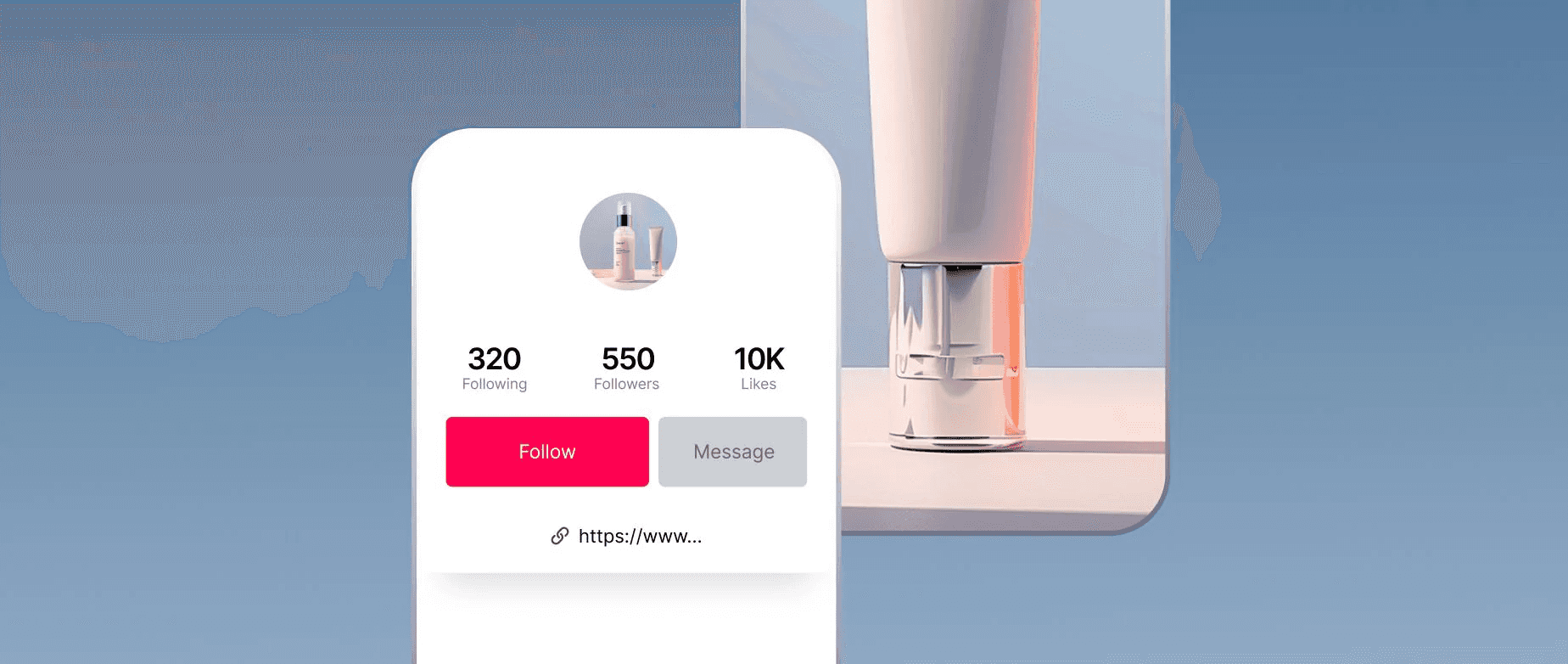
A link alone doesn't convert. Clarity does. You can have the cleanest URL and perfect placement, but if visitors land on a generic homepage or a page that doesn't match what brought them to your profile, they'll leave. The goal isn't just getting clicks. It's turning those clicks into actions that matter:
- Sales
- Email signups
- Content consumption
- Meaningful connections
Aligning Content Promises With Link Destinations
Most creators treat their bio link like a set-it-and-forget-it detail. They add their homepage URL, assume people will figure out what to do next, and wonder why traffic doesn't translate into results. The problem isn't the traffic. It's the disconnect between what your TikTok content promises and what your bio link delivers. If your video promotes a new product launch but your link directs people to a generic "About Us" page, you've created friction where momentum should exist.
Why Sending Traffic to a Homepage Wastes Potential
Your homepage serves multiple audiences:
- First-time visitors
- Returning customers
- Investors
- Press
- Potential employees
It's designed to accommodate everyone, which means it's optimized for no one in particular. When someone clicks your TikTok bio link, they're coming from a specific context. They just watched your video about productivity tools, or your tutorial on meal prep, or your behind-the-scenes look at your design process. They have intent. Your homepage doesn't. Homepages force visitors to search for what they already want. They scan navigation menus, scroll past irrelevant sections, and often give up before finding the thing that brought them there.
Overcoming the Data Attribution Gap
According to TokPortal's analysis of TikTok link-in-bio behavior, the platform's internal redirects often strip UTM parameters, resulting in up to a 40% loss of conversion attribution. This technical friction means you are not only losing potential customers but also the vital ability to track which specific content drives traffic. To maintain visibility into your marketing ROI, use a link management strategy that preserves UTM tracking data during redirects, ensuring every visit is accurately accounted for in your analytics. You're flying blind while also frustrating your audience.
Mastering Content-to-Link Continuity
The better approach is matching your bio link to your current content focus. If you're running a product launch, link directly to the product page. If you're promoting a YouTube series, link to the playlist. If you're building an email list, link to a landing page with a clear signup form and a compelling reason to subscribe. Every click should feel like the natural next step, not a detour.
Use Link-in-Bio Tools to Direct Traffic Strategically
Link-in-bio tools solve the single-destination problem by creating a landing page that acts as a hub. Instead of forcing a single choice, you give visitors options: your online store, your latest blog post, your email signup, and your other social profiles. The page becomes a curated menu of your most important destinations, updated to match your current priorities.
The Power of Restraint
The key is restraint. Don't link to everything you've ever created. Highlight what matters right now based on your goals. If you're focused on driving sales, lead with your store or your best-selling products. If you're growing followers on another platform, put those social links at the top. If you're building brand awareness, feature press mentions or your portfolio. According to creator discussions, the temptation to include every possible link dilutes focus and confuses audiences about what action to take.
Building Trust Through URL Clarity
Short, memorable URLs matter more than most people realize. Your bio link displays in full, and long, auto-generated URLs look untrustworthy and are impossible to remember. If someone sees your link in a screenshot or hears about your profile secondhand, they need to be able to type it from memory. Custom domains or shortened URLs, using tools like Bitly or TinyURL, reduce friction and increase the likelihood that someone will follow through.
Show Value Upfront to Hook New Visitors
First impressions happen fast. When someone clicks your bio link, they decide within seconds whether to engage or bounce. That decision hinges on whether they immediately see value. Generic landing pages with vague descriptions and cluttered layouts lose people before they scroll. Clear, benefit-driven pages that communicate what you offer and why it matters keep them engaged.
Driving Action With Value-First Incentives
Exclusive offers work because they reward the click. A discount code for people who visit via your TikTok bio, a free template, and a downloadable guide create immediate value and give visitors a reason to take the next step. The offer doesn't have to be expensive or elaborate. It just has to be relevant and easy to claim. If you're a fitness creator, offer a free workout plan. If you're a designer, share a template pack. If you're selling products, give a first-time buyer a discount.
Mastering the Verbal and Visual CTA
Your bio text matters as much as the destination. Use clear calls to action that tell people exactly what they'll find when they click. "Shop our new collection" is better than "Check out our website." "Get your free guide" is better than "Link below." Emojis like 👉 or ⬇️ draw attention and create visual cues that guide the eye toward your link. Mentioning your link in your video content reinforces the action you want people to take rather than assuming they'll discover it on their own.
Match Your Link to Your Current Content
Static links waste dynamic content. If you're posting about different topics, promoting various products, or running time-sensitive campaigns, your bio link needs to evolve with your content. The video that drives someone to your profile today might be completely different from the one that brings someone tomorrow. If both visitors land on the same generic page, you're missing the chance to capitalize on their specific interest.
Maintaining Campaign Agility and Alignment
Update your link when you launch campaigns, release new content, or shift focus. If you post a video about a limited-time sale, your bio link should go directly to that sale page for the duration of the promotion. When the campaign ends, update it to reflect your next priority. This alignment between content and destination creates a seamless experience, with clicks that feel intuitive rather than confusing. Traditional link-in-bio tools provide a directory, but they don't capture who's clicking or what they care about. You route traffic without building relationships.
The Evolution of Lead Capture
Platforms like Mobilo reframe the bio link as a lead capture system rather than just a traffic router. Instead of a static list of links, you're creating a digital contact card that lets visitors:
- Save your information
- Access multiple destinations
- Engage with your content while you track who's interested and what they're exploring.
That shift turns your TikTok bio from a directory into a relationship-building tool, where every click becomes a potential connection you can nurture over time.
Track Clicks and Test What Works
You can't improve what you don't measure. Most creators add a link and assume it's working without checking whether anyone's actually clicking or what happens afterward. Basic click tracking tells you volume, but it doesn't tell you intent, conversion, or which content drives the most valuable traffic.
Enhancing Data Visibility with UTMs
Use UTM parameters when possible to tag your links with campaign information, though be aware that TikTok's redirect behavior can strip some tracking data. Even partial attribution is better than none. If you're using a link-in-bio tool, check which buttons get the most clicks. If you're running multiple campaigns, test different landing pages to see which converts better. Small changes, such as headline adjustments, button placement, or offer wording, can significantly impact results.
Low-Barrier A/B Testing for Maximum Impact
A/B testing doesn't require sophisticated tools or large budgets. Try two different bio link destinations over a week each and compare conversion rates. Test different CTAs in your bio text. Experiment with link placement in your videos versus relying solely on profile visits. The patterns you discover will inform smarter decisions about where to direct attention and how to structure your conversion path.
Turn TikTok Profile Visits Into Real Leads With Mobilo
Getting clicks is only half the equation. The other half is knowing who clicked, what they care about, and how to reach them again. Most bio link tools route traffic without capturing any information that would enable follow-up. You get a number in your analytics dashboard, but no way to turn that anonymous visitor into a conversation, a sale, or a lasting connection.
Transforming Clicks Into CRM-Ready Leads
Mobilo's smart digital contact cards solve this by treating your TikTok bio link as a lead-capture system rather than just a redirect. When someone visits your profile and clicks through, they're not just landing on a static page. They access a digital contact card that lets them:
- Save your information
- Choose where to engage
- Automatically share their details with you
You're not just sending traffic somewhere. You're building a database of people who've shown real interest, complete with the context of which TikTok content brought them there. That data syncs directly to your CRM, so every profile visit becomes a qualified contact you can nurture over time. Book a demo today and get your first 25 digital contact cards free (worth $950). Don't let TikTok clicks go to waste. Turn them into real connections instantly.
Related Reading
- Bio Site vs Linktree
- Linktree Alternatives
- Shorby Vs Linktree
- Linkinbio vs Linktree
- Linktree vs Carrd
- Beacons vs Linktree
- Beacons vs Stan Store
- Milkshake vs Linktree
- Taplink vs Linktree








