

.avif)

19 Best Link in Bio Tools to Capture Leads and Track Clicks
On This Page
You've built an audience on Instagram, TikTok, or LinkedIn, but you're limited to a single clickable link in your bio. That single link forces you to choose between your latest blog post, your product page, your newsletter signup, or your contact form. This article breaks down the best link-in-bio tools available today, showing you exactly how to capture leads, track every click, and turn your social media followers into customers without losing opportunities due to scattered links or missed connections.
The right link-in-bio solution does more than just list your links. Mobilo's digital contact card transforms that single bio link into a lead-generation engine, providing detailed analytics on who clicks what, when they engage, and how to follow up effectively. Instead of sending followers to a static page, you create a dynamic hub that collects contact information, integrates with your CRM, and helps you understand which content actually drives business results.
Summary
- Social platforms like Instagram and TikTok limit users to a single clickable bio link, which forces creators and businesses to constantly swap URLs based on their latest content. This manual process creates friction that costs momentum, according to research from Solo. To show Instagram users spend an average of 53 minutes per day on the platform, making the opportunity to convert even a fraction of that attention significant.
- Scattered links and poor timing lead directly to lost conversions. When someone clicks a bio link expecting content related to a recent post but lands on last week's promotion instead, they immediately bounce. Without consolidated links and proper tracking, businesses run campaigns blind with no data on which posts triggered clicks or what visitors did after landing on the page.
- Branded domains build trust and recognition in ways that generic third-party URLs cannot. According to Sked Social Blog, over 1 billion users access Instagram monthly, which means bio links compete with countless others for attention and credibility. Research shows branded links increase click-through rates by up to 39% because visitors recognize and remember custom domains far more easily than generic platform strings.
- The gap between clicks and conversions is where most opportunities die. Someone taps a link, browses offers, and maybe fills out a form, but if contact details are copied into spreadsheets and follow-up occurs days later, the warm lead has gone cold. Manual processes between attention and action create delays that kill momentum, and prospects who were interested when they clicked have moved on by the time outreach happens.
- Lead scoring and automatic CRM integration eliminate manual work that delays follow-up. When systems compare new contacts against ideal customer profiles and assign scores based on fit, high-value prospects get flagged immediately so teams know who to prioritize. Context, like where contacts found you, what they clicked, and when they engaged, gets recorded alongside contact information, which transforms generic outreach into warm messages that reference specific interactions.
Digital contact card addresses this by capturing and scoring leads directly from social profiles, syncing automatically with CRM and marketing tools, and replacing messy link lists with a single hub that tracks who engaged, when, and with what content.
Why You Need a Link in Bio Tool for Social Media and Marketing
A link-in-bio tool consolidates all your important destinations into a single, clickable hub. Instead of forcing your audience to choose between your latest product launch, your newsletter signup, and your booking calendar, you give them a single landing page where all options live. That page becomes your traffic command center, measuring what gets clicked, when people engage, and which content actually drives action.
One Link, Too Many Needs
The constraint is real. According to Arena, Instagram allows only one clickable link in your bio. TikTok follows the same rule. You've built an audience that spends time watching your content, but when you want them to take the next step (buy something, book a call, download a guide), you're stuck with one URL. Without a link-in-bio tool, you have to constantly swap links based on your latest post. Update your bio for Monday's webinar, then again for Wednesday's product drop, and again for Friday's affiliate offer. It's manual, it's messy, and you lose momentum every time someone clicks an outdated link.
What a Link in Bio Tool Actually Does
Think of it as a micro landing page. You add the tool's URL to your Instagram or TikTok bio once, and that page displays all the key destinations, such as your shop, email list, latest video, contact form, and podcast. Each element on the page is a call to action. Visitors land there, scan their options, and choose what's relevant to them at that moment. The format is intentionally snappy. No long paragraphs, no navigation menus, no distractions. Just buttons or tiles with clear labels. "Shop the new collection." "Book a free consultation." "Download the checklist." The page loads quickly, works well on mobile, and takes users where they want to go with minimal friction.
Why Content Creators, Marketers, and Small Businesses Depend On This
Content creators monetize through multiple streams, such as affiliate links, digital products, sponsorships, and memberships. A link-in-bio tool lets them surface all those revenue sources in one place, instead of burying them in captions or hoping people remember to check their Linktree from three posts ago. When research shows Instagram users spend an average of 53 minutes per day on the platform, the opportunity to convert even a small fraction of that attention into clicks becomes significant.
Measure, Test, Repeat
Marketers use these tools to track performance. Which campaign drove the most traffic? Did the audience engage more with the product page or the lead magnet? Without analytics, you're guessing. With them, you know exactly where to double down. Small businesses face the same challenges, such as limited resources, multiple offers, and no patience for tools that require a developer to update. A link-in-bio tool gives them control. They can swap out promotions, test new CTAs, and measure results without touching a line of code.
The Cost of Not Having One
When you don't consolidate your links, you scatter your audience. Someone watches your video about a new service, clicks your bio link expecting to learn more, and lands on last week's promotion instead. They bounce. You've lost the click, the interest, and the chance to convert them while they're warm. The same pattern repeats across every platform where bio links matter. Missed timing, confused visitors, zero data on what's working.
Analytics That Reveal Behavior
Poor analytics make it worse. You post content, drive traffic to your bio, but you have no idea which post triggered the click or what the visitor did next. Did they scroll past your main offer and click the secondary link? Did they leave immediately? Did they come back later? Without tracking, you're running campaigns blind. You can't optimize what you can't measure.
Engagement Drives Visibility
The frustration compounds when you're managing engagement manually. Posts reach nowhere because the algorithm doesn't prioritize content without interaction. You need comments, shares, votes, anything that signals value. But if your CTA sends people straight to a purchase link instead of building engagement first, the algorithm buries your content. You end up working harder for less visibility, and your bio link sits there collecting dust because no one even sees the post that's supposed to drive traffic to it.
From Clicks to Leads
A digital contact card changes that dynamic. Instead of treating your bio link as a static URL, you turn it into a lead generation system. Visitors don't just click through; they share their contact information. You capture who engaged, when, and with what. That data flows into your CRM, so follow-up happens automatically instead of slipping through the cracks. You're not just measuring clicks anymore. You're building a list of people who've already shown interest, and you have the context to reach one with something relevant.
Related Reading
- What is Link in Bio
- How to Improve Linkedin Profile
- How To Build Personal Branding
- How to Add Portfolio to Linkedin
- How To Add Link To Tiktok Bio
- How to Add Instagram Link to Tiktok
- Where is Link in Bio on Instagram
- How to Add Link to Linkedin Post
- How to Add Website Link to Linkedin Profile
- Link in Bio Examples
- How To Add Link To Tiktok Bio
- How to Add Instagram Link to Tiktok
5 Key Features to Look for in the Best Link in Bio Tools

1. Custom Domain Support
Your bio link should carry your brand, not advertise someone else's. When you use a generic domain like "toolname.link/yourname," you're telling visitors they've left your ecosystem and entered a third-party platform. That subtle shift erodes trust. People hesitate before clicking unfamiliar domains, especially when they're already suspicious of links that might lead to spam or phishing attempts.
Why Custom Domains Matter
A custom domain changes the equation. "yourbrand.co/links" or "yourbrand.com/connect" signals professionalism and ownership. You control the experience from the moment someone sees the URL in your bio to the second they land on your page. The visual consistency matters. When your domain matches your handle, your website, and your email signature, you reinforce brand recognition at every touchpoint rather than fragmenting it.
Trust and Recall at Scale
The trust factor compounds over time. According to Sked Social, over 1 billion users access Instagram monthly, which means your bio link competes with countless others for attention and credibility. A branded domain helps you stand out in a sea of generic URLs. People remember "yourbrand.co" far easier than "platform.link/randomstring." That recall becomes valuable when they're ready to return, share your link, or recommend you to someone else.
2. Analytics and Data Ownership
You need to know what's working. Not just total clicks, but which links get attention, what time of day drives the most traffic, and where visitors come from. Surface-level metrics (total clicks, page views) tell you something happened. Detailed analytics tell you why it happened and what to do next.
See What Actually Converts
Look for platforms that show click patterns across individual links, not just aggregate traffic. If you're promoting three offers (a lead magnet, a product page, and a booking calendar), you need to see which one resonates. Maybe your audience ignores the product link but consistently downloads the lead magnet. That insight shifts your content strategy. You double down on educational content that feeds into the lead magnet instead of pushing direct sales.
Understand Where Traffic Comes From
Traffic sources matter just as much. Are clicks coming from Instagram stories, TikTok bios, or YouTube descriptions? If one platform drives 80% of your traffic, you know where to focus your effort. If another platform generates clicks but no conversions, you adjust your messaging or reconsider whether that audience aligns with your offer.
Own Your Data Long-Term
Data ownership is non-negotiable. You should be able to export your analytics, integrate them with your CRM, and retain access even if you switch platforms later. Some tools lock your data behind proprietary dashboards or delete it if you downgrade. That's a problem when you're building a long-term strategy based on historical performance. You need full control over the insights you've earned.
3. Platform Reliability
Downtime doesn't just cost you clicks. It damages credibility. Someone watches your video, feels motivated to act, clicks your bio link, and hits a broken page. They don't think, "Must be a server issue." They think, "This person doesn't have their act together." You've lost the conversion and planted doubt about your professionalism.
Downtime Costs Real Money
The frustration multiplies when you're running time-sensitive campaigns. You launch a product, promote it across platforms, drive traffic to your bio link, and the page goes down during peak hours. Every minute of downtime is lost revenue and wasted ad spend. You can't recover that momentum once it's gone.
Reliability Is Non-Negotiable
Check uptime guarantees before committing to a platform. Look for 99.9% uptime or higher, backed by service-level agreements. Read user reviews to see how the platform handles outages. Do they communicate transparently? Do they resolve issues quickly? A tool with great features but poor reliability becomes a liability the moment your audience grows, and the stakes rise.
4. Customization Options
Your bio link page should feel like an extension of your brand, not a template you borrowed from someone else's playbook. Generic layouts with default fonts and colors signal that you haven't invested in your presence. Visitors notice. They might not articulate it, but they sense when something feels off-brand or low-effort.
Brand Consistency Matters
Customization starts with visual identity.
- Can you match your brand colors exactly?
- Can you upload your logo and position it where it makes sense?
- Can you choose fonts that align with your website and marketing materials?
These details create cohesion. When someone moves from your Instagram profile to your bio link page to your website, the experience should feel continuous, not disjointed.
Flexibility That Supports Your Goals
Beyond aesthetics, consider layout flexibility. Some tools force you into rigid button grids. Others let you arrange elements (images, videos, text blocks, CTAs) to support your goals. If you're a content creator documenting a build or project over time, you need space for detailed descriptions, photos, and links to parts or resources. If you're a service provider, you need clear CTAs that guide visitors to book or submit inquiries without clutter.
Customization Beyond Clicks
Teams managing digital networking often hit a wall with generic link tools. You post content, drive engagement, and send people to a bio link that looks identical to thousands of others. That lack of differentiation costs you conversions. Solutions like digital contact cards let you customize not just the design, but the entire interaction. Visitors share contact information directly on the page, and that data flows into your CRM automatically. You're not just collecting clicks anymore. You're building relationships with people who've already shown interest, and you have context to follow up with something relevant rather than a cold pitch.
5. Pricing and Value
Price alone doesn't tell you if a tool is worth it. A free plan with limited analytics and no custom domain might save you money upfront, but it costs you credibility and insight. A premium plan with robust features might feel expensive until you realize it replaces three other tools and saves you hours of manual work each week.
Know What You’re Paying For
Evaluate what you're getting for the cost.
- Does the platform include detailed analytics, or do you need to pay extra for usable data?
- Are custom domains included, or is that a separate fee?
- How many links can you add before hitting a paywall?
- What happens if you exceed your click limit?
Some platforms throttle performance or lock features mid-month, creating friction when scaling.
Support That Actually Helps
Support quality factors into value. When something breaks, or you need help setting up an integration, can you reach a real person, or are you stuck with a chatbot and a knowledge base? Fast, helpful support becomes invaluable when you're troubleshooting an issue that's costing you conversions in real time.
Related Reading
- How to Add Linktree to Tiktok
- How To Add Linktree To Instagram
- How To Add A Link To Instagram Story
- How To Add Link To Instagram Profile
- Personal Landing Page Examples
- Graphic Design Portfolio Websites
- Personal Portfolio Website Design Examples
- Small Business Bio Examples
- One Page Website Examples
- Best Photography Portfolio Websites
- Instagram Landing Page Examples
19 Best Link in Bio Tools to Capture Leads and Track Clicks
1. Mobilo
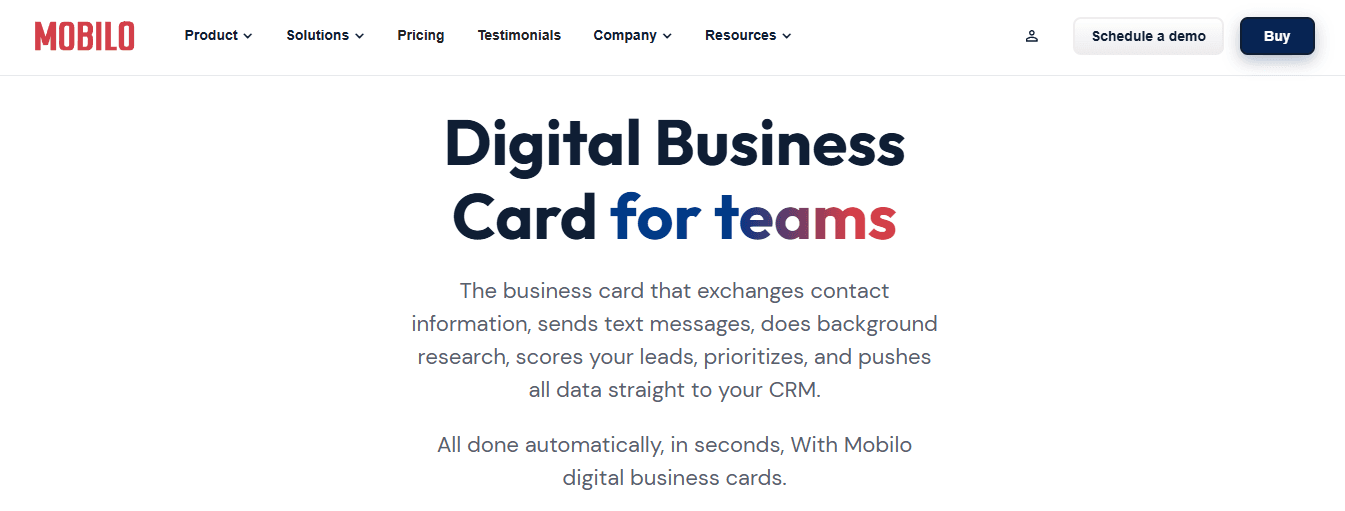
Mobilo turns networking into a lead generation system. Instead of handing out paper cards that disappear into pockets and never make it into your CRM, you share a digital contact card that automatically exchanges information, enriches lead data, scores prospects against your ideal customer profile, and syncs directly to your CRM. Over 59,000 companies use Mobilo because it solves the core problem. 90% of business contacts never convert into actionable leads when you rely on manual entry.
Key features:
- Smart digital contact cards that exchange contact information automatically
- Lead enrichment and scoring against your ICP
- Direct CRM integration with automated sync
- Real-time analytics on who engaged, when, and with what content
- Team management for enterprise networking at scale
Pros:
- Eliminates manual data entry and the 90% loss rate from paper cards
- Captures context (where you met, what you discussed) alongside contact details
- Scores lead automatically, so you prioritize high-value prospects
- Syncs to CRM instantly, no spreadsheet exports or copy-paste workflows
- Scales across teams with centralized management and reporting
Cons:
- Higher price point than basic link in bio tools because it's a complete lead generation platform
- Overkill if you only need a simple landing page for social media links
- Requires CRM integration to unlock full value
Best for teams that attend events, conferences, or networking sessions and need to convert conversations into a pipeline. If you're generating leads in person but losing them to manual follow-up, Mobilo transforms how you capture, qualify, and route prospects. Book a demo and get your first 25 digital contact cards free (a $950 value).
2. Rebrandly Link Gallery
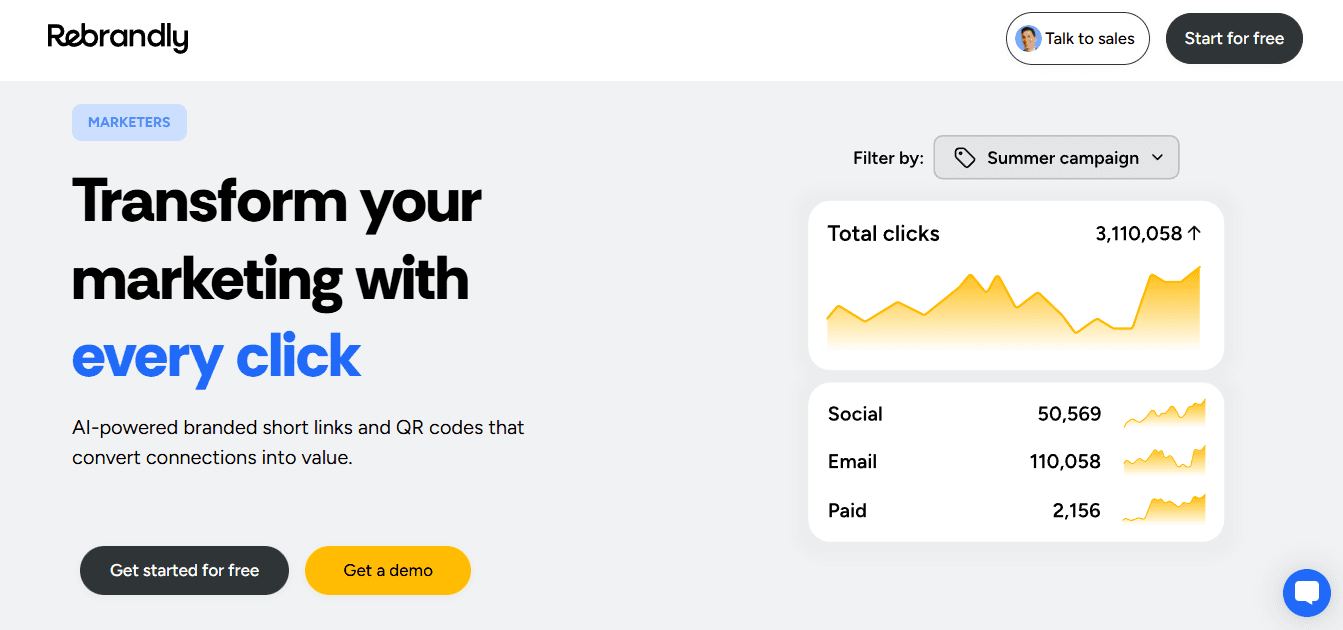
Rebrandly prioritizes branded experiences and complete data ownership. You host your link gallery on your own domain, so visitors see your brand at every touchpoint rather than a third-party URL. The platform gives you full control over first-party data, so you're not locked into proprietary analytics or dependent on a vendor's dashboard to understand your audience.
Key features:
- Custom domain hosting on free and paid plans
- Complete data ownership with no platform lock-in
- Real-time analytics with performance tracking and engagement metrics
- Smart traffic routing based on device type, location, or language preferences
Pros:
- Custom domain support, even on the free plan, strengthens brand recognition
- Branded links increase click-through rates by up to 39%
- Detailed analytics you control, not the platform
- Helps avoid social platform restrictions and spam filters
Cons:
- Higher price point than basic tools because of robust feature set
- Casual users may not realize the value when they only want a simple bio link
Best for marketing teams and agencies running multiple campaigns that need professional link management with branded experiences. If you're working with clients, need detailed analytics, or want data ownership, Rebrandly delivers more than a basic link-in-bio tool.
3. Linktree
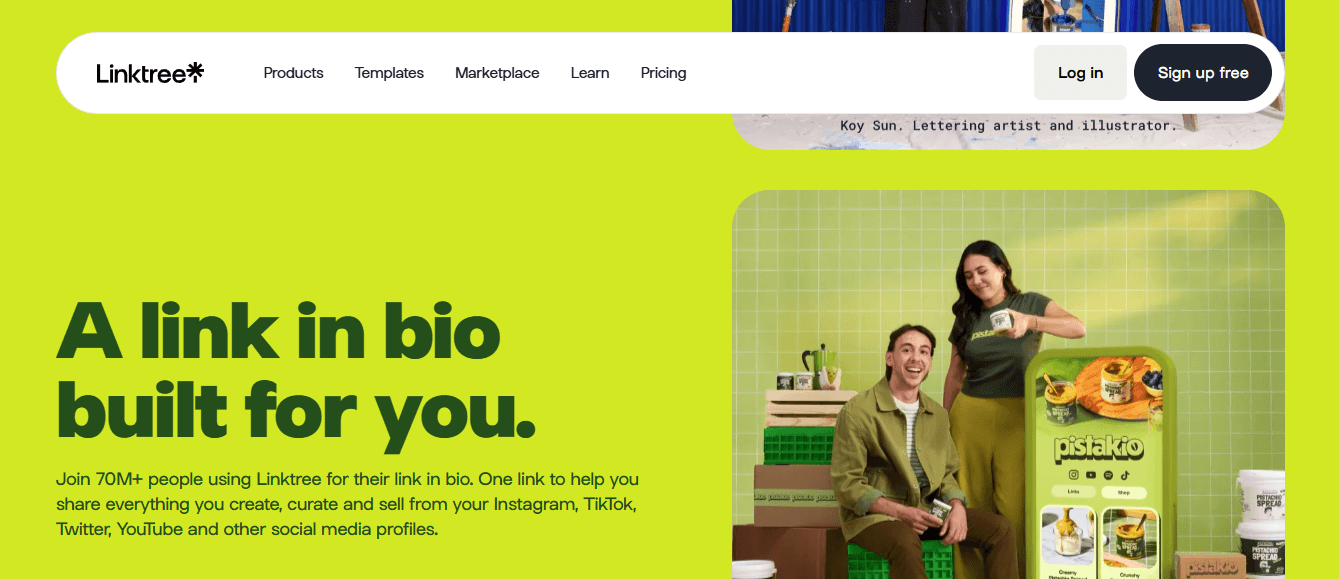
Linktree is the most recognized link-in-bio brand, so audiences immediately know what to expect when they click. The platform offers a broad feature set, easy setup, and a user-friendly interface, enabling you to get up and running quickly.
Key features:
- Simple, streamlined functionality with minimal learning curve
- Template options to match different campaigns or content types
- Basic analytics that track engagement metrics
- Integration with 53 different apps and platforms
Pros:
- The most recognized brand creates instant familiarity with audiences
- Simple interface makes setup and management easy
- Free plan available for budget-conscious creators and small teams
Cons:
- No custom domain support limits branding opportunities
- Generic templates on free plans restrict visual customization
- Limited customization makes it harder to create seamless brand experiences
- Comprehensive analytics require paid plans; free users get basic insights only
- Platform dependency becomes problematic as needs grow
Best for beginners who need a quick and easy setup for their Instagram bio. As your needs evolve, the limited link management features will make it challenging to scale your strategy.
4. Beacons
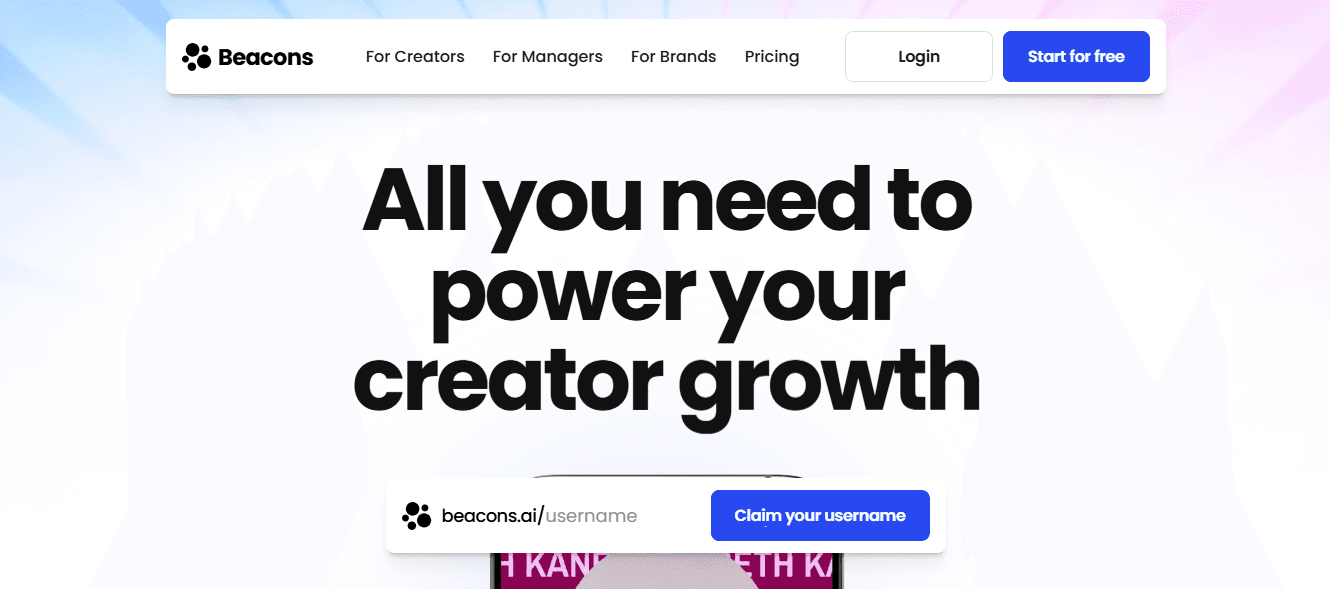
Beacons combines link-in-bio functionality with built-in eCommerce and marketing automation. The platform is designed specifically for creators and influencers who want to sell products or courses directly from their social media presence.
Key features:
- Built-in store functionality to sell products and courses directly from your bio link
- Email capture and automation for prospect and customer engagement
- Social media scheduling to plan and automate posts across platforms
Pros:
- All-in-one platform designed specifically for creators and influencers
- Simple storefront lets you sell products directly through social media
- Combines link management with basic marketing automation
Cons:
- A feature-heavy interface can overwhelm users who just want a simple link in bio tool
- Steeper learning curve due to eCommerce and social media management features
- May be overkill if you don't need selling or automation capabilities
Best for creators and influencers who want to sell products or courses directly from their social media presence. Works well if you need a link-in-bio tool that also doubles as a simple online store.
5. Campsite
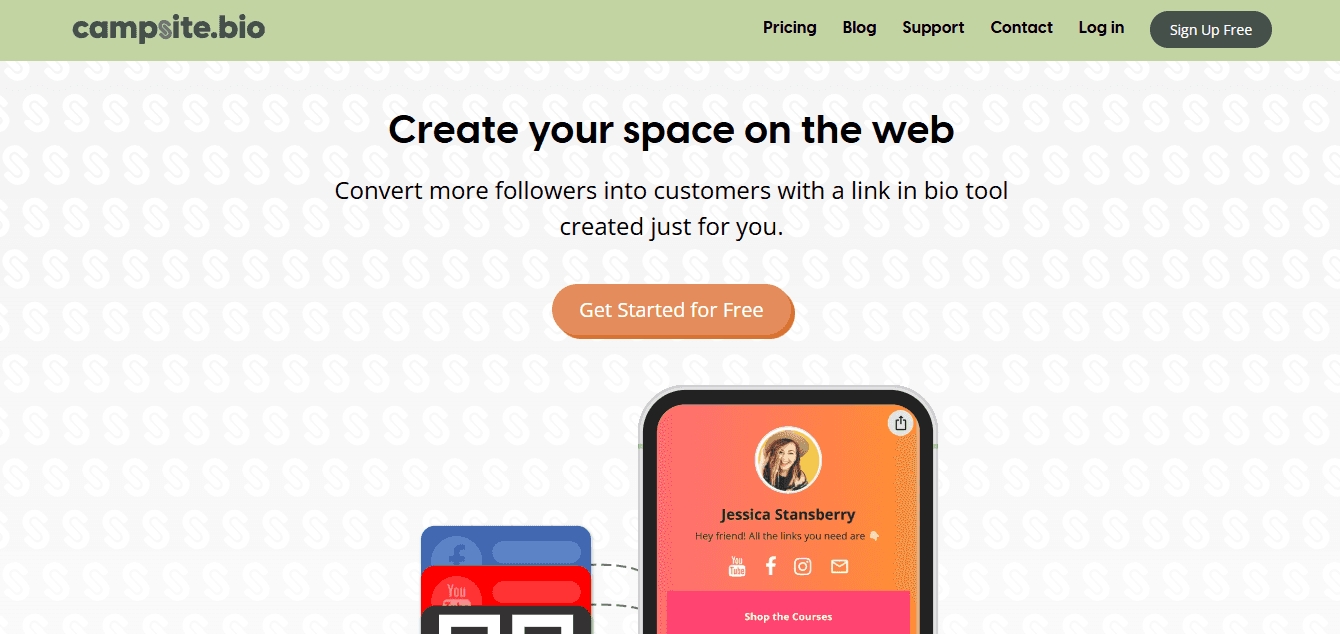
Campsite focuses on minimalist design and fast loading times. The platform offers clean, polished layouts that are easy to navigate, free of visual clutter, and optimized for speed, with seamless mobile performance.
Key features:
- Minimalist design options with clean, polished layouts
- Fast loading times optimized for mobile-first performance
- Basic customization across all pricing tiers, including the free plan
Pros:
- Intuitive, distraction-free interface that puts focus on your links
- Fast loading speeds with a mobile-first design
- Customization options are available even on free plans
Cons:
- Limited analytics make it hard to track which links perform best
- No custom domain support on the free tier reduces branding opportunities
- Lacks the data insights that marketing teams need for optimization
Best for creators and new brands seeking a minimalist, distraction-free link-in-bio tool to share information with their audience.
6. Lnk.Bio
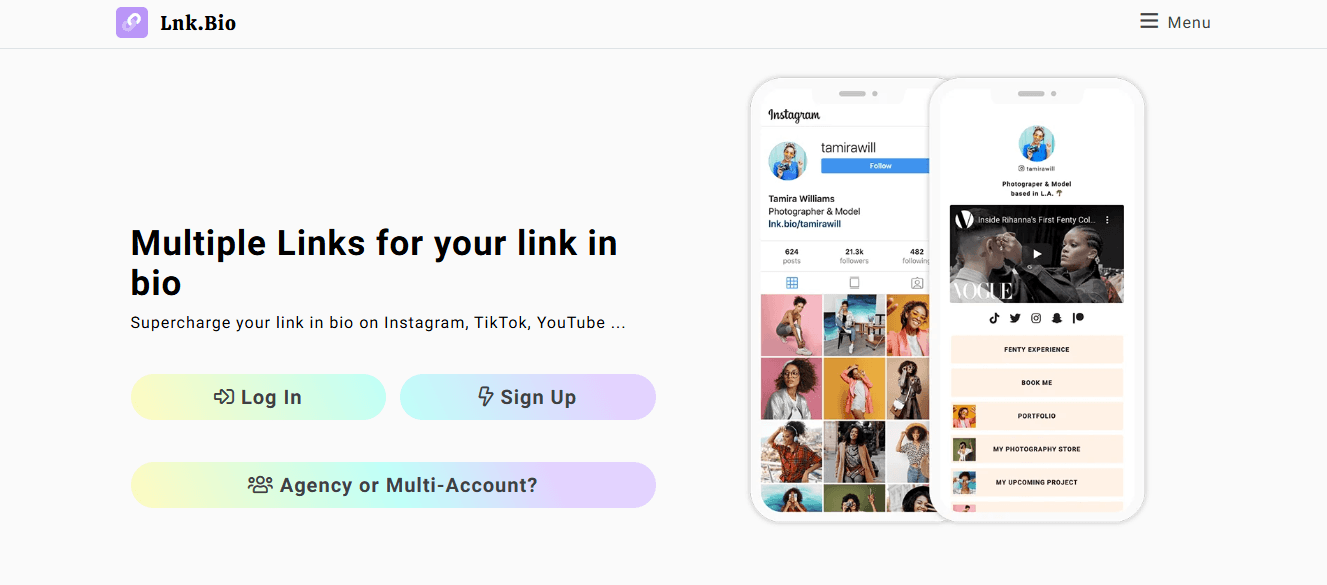
Lnk.Bio offers a budget-friendly option with a free forever plan and one-time lifetime pricing. The platform provides basic customization and simple analytics for personal use.
Key features:
- Free forever plan with no long-term cost
- Basic customization with limited layout and styling options
- Simple analytics for basic traffic and click tracking
Pros:
- Free forever plan and one-time lifetime pricing make it very affordable
- Quick setup with minimal learning curve
- Good entry point for testing link in bio functionality
Cons:
- Analytics is limited to basic metrics with no strategic insights
- No custom branding or domain support hurts brand visibility
- Outdated interface compared to modern competitors, especially on mobile
Best for budget-conscious users and individuals who want a simple, set-it-and-forget-it tool.
7. ContactInBio

ContactInBio prioritizes contact and communication features. The platform is built for service-based businesses that need appointment booking, contact forms, and direct messaging integration.
Key features:
- Contact form integration for direct visitor outreach
- Appointment booking for scheduling sessions and consultations
- WhatsApp integration for instant communication
Pros:
- Built for service-based businesses needing appointment booking and contact forms
- Supports messaging platforms like WhatsApp for real-time communication
- Includes payment links and email capture for monetization
Cons:
- More cluttered interface compared to cleaner competitors
- Limited custom branding options make it harder to match your visual identity
- Better for transactions than content sharing or community building
Best for service providers, coaches, and consultants who prioritize client communication and booking over content sharing. Good choice if direct messaging and appointments are core to your business.
8. Shorby
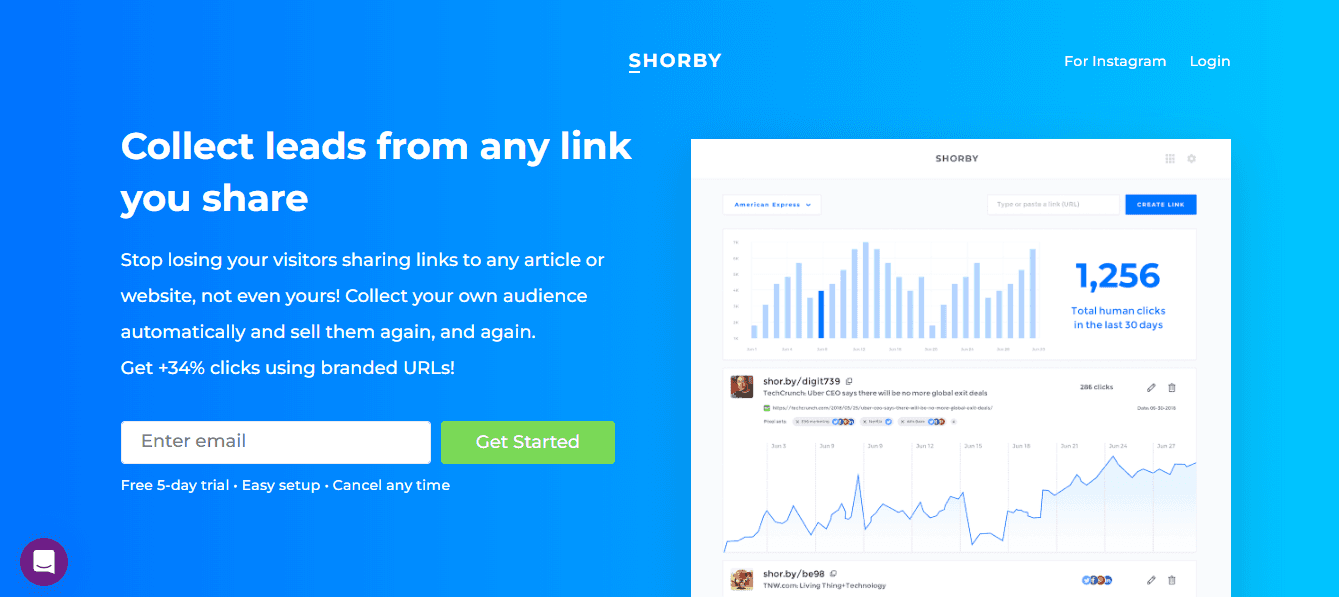
Shorby focuses on messenger app integration and chat-based engagement. The platform is designed to work specifically with apps like WhatsApp, Telegram, and Facebook Messenger.
Key features:
- Messenger app integration built for WhatsApp, Telegram, and Facebook Messenger
- Chat functionality for real-time conversations directly from the link page
- Social media focus is designed to complement the Instagram bio and similar platforms
Pros:
- Tight focus on chat-based engagement for creators who use messaging as primary communication
- Real-time communication features turn profile links into live interaction touchpoints
- Strong focus on mobile experience with layouts built for speed and responsiveness
Cons:
- Pricing is higher than that of similarly featured tools, especially given the limited analytics
- SEO optimization is minimal, which can affect discoverability
- Branding options and design flexibility are limited
Best for brands and influencers who rely heavily on messaging apps to drive conversions.
9. Squarespace
Squarespace offers Bio Sites as a link in the bio tool, but the full website builder provides more value for most users, especially if you already have a Squarespace website. The platform's beautiful templates and flexible blocks let you create a customized bio page that matches your existing site.
Key features:
- Beautiful templates that look fantastic with minimal customization
- Flexible blocks for headlines, lists, galleries, images, quotes, videos, products, newsletter forms, calendars, and social embeds
- Free for existing Squarespace website owners (just create a new page)
Pros:
- Most Squarespace websites look fantastic thanks to beautiful templates
- You can add different blocks to create a customized experience
- Free if you already have a Squarespace website
Cons:
- Overkill and not worth the money if you just need a bio link landing page
- Better value if you don't have a website and want one
Best for users who already have a Squarespace website or need a full website in addition to a bio link page. Pretty much everyone needs a website (accountants, photographers, podcasters, politicians, artists), so Squarespace makes sense if you're building both.
10. Feedlink
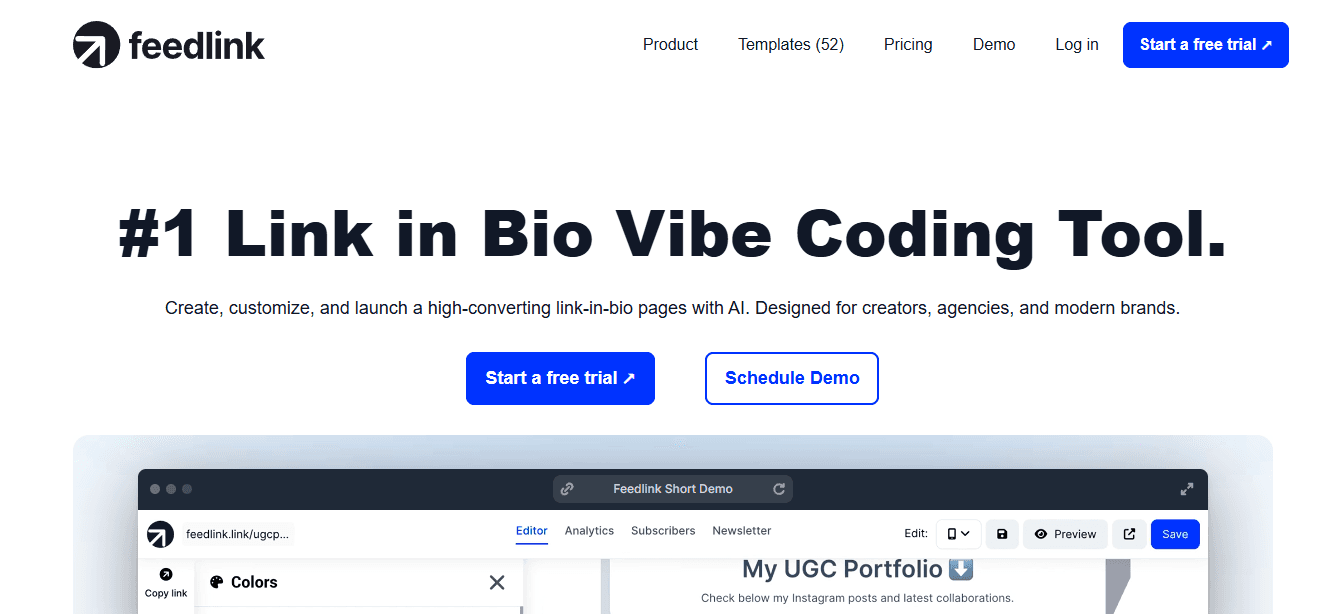
Feedlink solves the core problem that created the need for link-in-bio tools. It helps you add links to your Instagram and TikTok posts indirectly. You embed your Instagram and TikTok feeds on Feedlink landing pages and add clickable links to each post.
Key features:
- Embed Instagram and TikTok feeds with clickable links on each post
- Multiple header layouts with and without banner options
- Beautiful link blocks with title, cover image, and description
- EmbedSocial block integration for forms, reviews, and stories
- Custom colors and custom CSS support
Pros:
- Solves the main problem by embedding social media feeds with clickable post links
- Beautiful link blocks showcase links in unique, gorgeous ways
- Affordable plans are cheaper than most comparable tools
- Free plan includes more features and better aesthetics than many paid plans
- Separate product with separate plans (not bundled with unnecessary features)
- AMP version for fast mobile loading
Cons:
- Overall customization limitations (can't use different fonts or add custom text)
- Poor analytics (only shows the number of visits, no deeper insights)
- Only video block (can't embed Spotify or other content)
- Integrations are limited to EmbedSocial products only
Best for TikTok and Instagram creators who want to embed social feeds with clickable links. Excellent option for most creators, especially those looking for a free tool.
11. Bio Sites
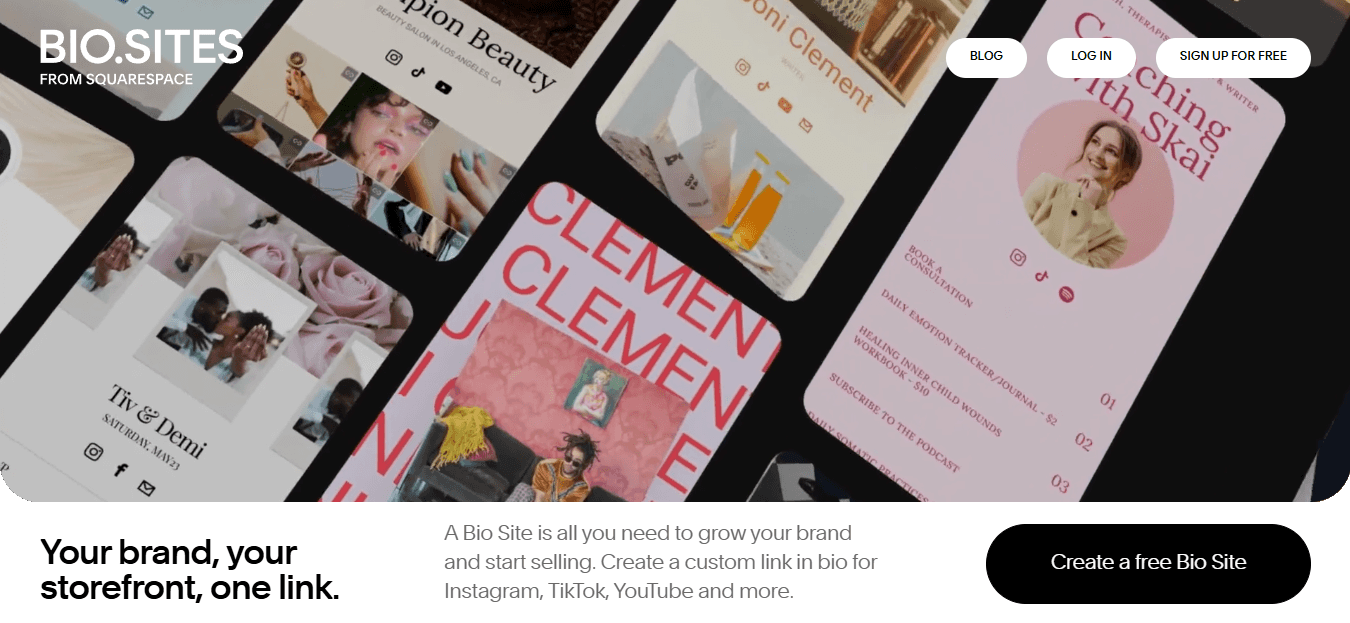
Bio Sites is only accessible through the Unfold mobile app (iOS and Android). If you primarily use your smartphone and don't need extensive customization, Bio Sites offers mobile-optimized pages with four beautiful templates.
Key features:
- Four distinct, beautiful templates optimized for mobile
- Sections for links, embedded content (YouTube, Spotify, Soundcloud, Apple Music, Vimeo, Twitch, Instagram, TikTok, Twitter, Facebook, Telegram, Pinterest)
- Pre-made "Support Me" section for GoFundMe, Patreon, PayPal links
Pros:
- Design and templates are fantastic, with perfect font choices and loading animations
- Ease of use with intuitive section adding and shuffling
- Clean bio.site URL format
- Affordable Unfold Plus and Pro plans include the Instagram story toolkit and photo/video editor
Cons:
- Limited free plan (only five sections, no custom background color)
- Transaction fees on "Support Me" platforms (8% free, 5% Plus, 0% Pro)
- Mobile-only (can't edit from PC or browser)
Best for mobile-first creators who primarily operate from smartphones and want gorgeous, professionally designed bio link pages.
12. LinkPop
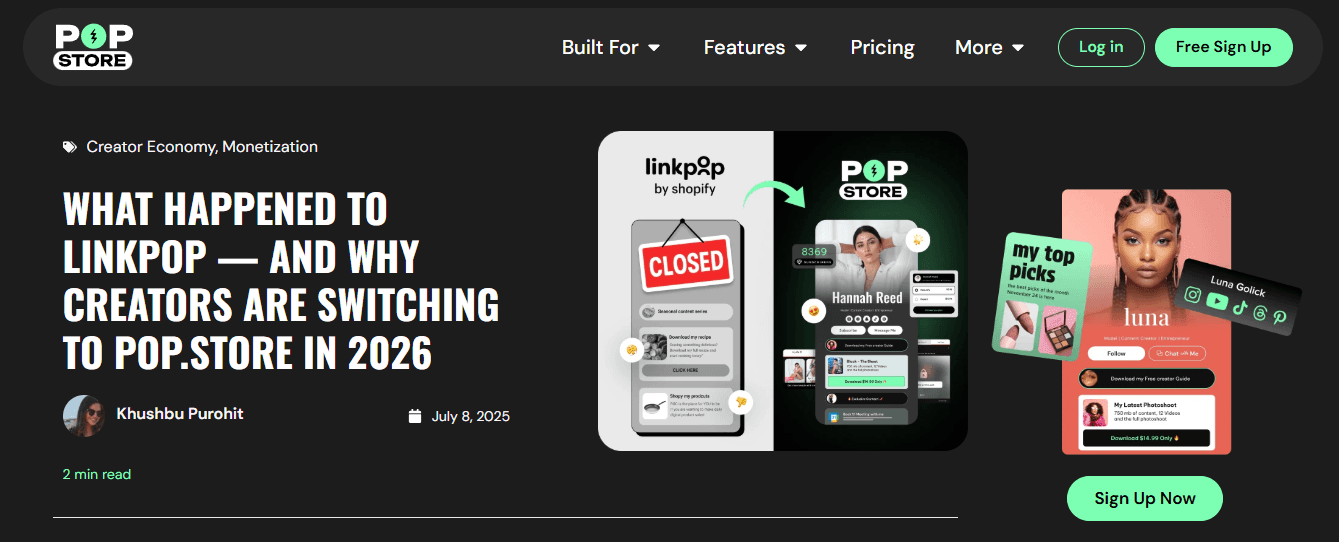
LinkPop is Shopify's link-in-bio tool with deep integration into the Shopify platform. According to Shopify, shoppers are 2x more likely to buy through a LinkPop shoppable link compared to other link-in-bio tools, thanks to fast, secure checkout.
Key features:
- Deep Shopify integration with seamless product embedding and checkout
- Standard link in bio features (links with title and thumbnail, YouTube embed, Spotify embed, social media links)
- Customization options for colors, link styles, card shapes, and font
Pros:
- Shopify integration delivers 2x higher conversion rates
- Customizable colors, link styles, card shapes, and font
- Free (no paid plan)
Cons:
- No templates (build from scratch)
- Can only embed YouTube and Shopify
- UI not as easy to use as other bio link tools (scroll to top to add links/products)
Best for shopify store owners who want seamless eCommerce integration and higher conversion rates. Only makes sense if you're already on Shopify.
13. Milkshake
Milkshake is a mini-website builder for mobile-optimized Instagram websites. The platform is tailored for influencers, bloggers, and new Instagram users who do not have their own websites.
Key features:
- Minimalist designs and cards that work for any branding
- Mobile-optimized pages created and edited on iOS and Android devices
- Simple interface for limited link options (YouTube channel, blog post, email, affiliate page)
Pros:
- Minimalist designs work even if you don't have branding assets
- Mobile editing on iOS and Android devices
- Simple interface for quick setup
Cons:
- Limited link options make it unsuitable for creators with multiple resources to share
Best for influencers, bloggers, or new Instagram users who don't have their own website and want a simple, mobile-optimized solution.
14. Pallyy
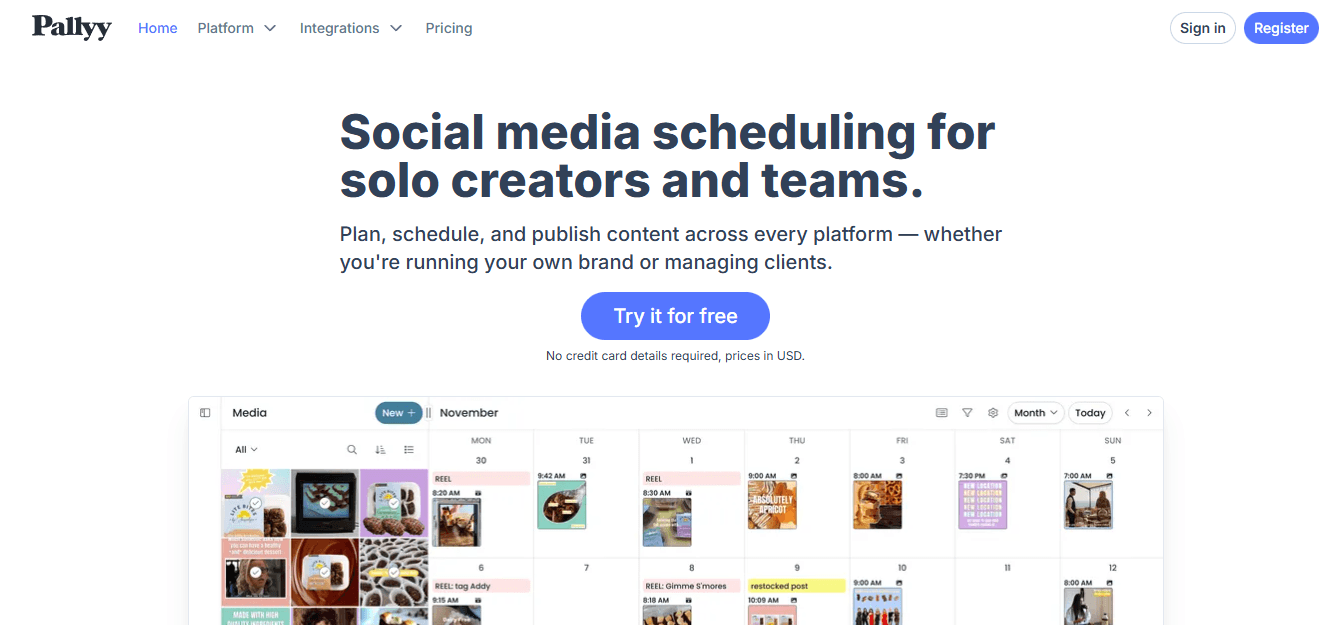
Pallyy combines exceptional bio link functionality with social media management features. It's easy to use and offers greater value, including an Instagram feed planner, post scheduling, a unified social media inbox, and detailed Instagram analytics.
Key features:
- Two display options: List of clickable buttons or grid of clickable images (like an Instagram feed with links)
- Automatic biolink page updates when scheduling Instagram posts
- Instagram feed planner, post scheduling, unified inbox, and detailed analytics
- Custom URL slugs (pal.bio/slug format)
Pros:
- Build link in bio pages quickly with list-style and grid-style links
- Includes Instagram feed planner and drag-and-drop post scheduling
- Automatic biolink updates when creating promotional posts (huge time-saver)
- Custom URL slugs
Cons:
- Biolink pages are fairly simple/basic
- Limited customization options
Best for most users who want exceptional bio-link functionality and useful social media features. Best choice for users who want an all-in-one value.
15. Woorise
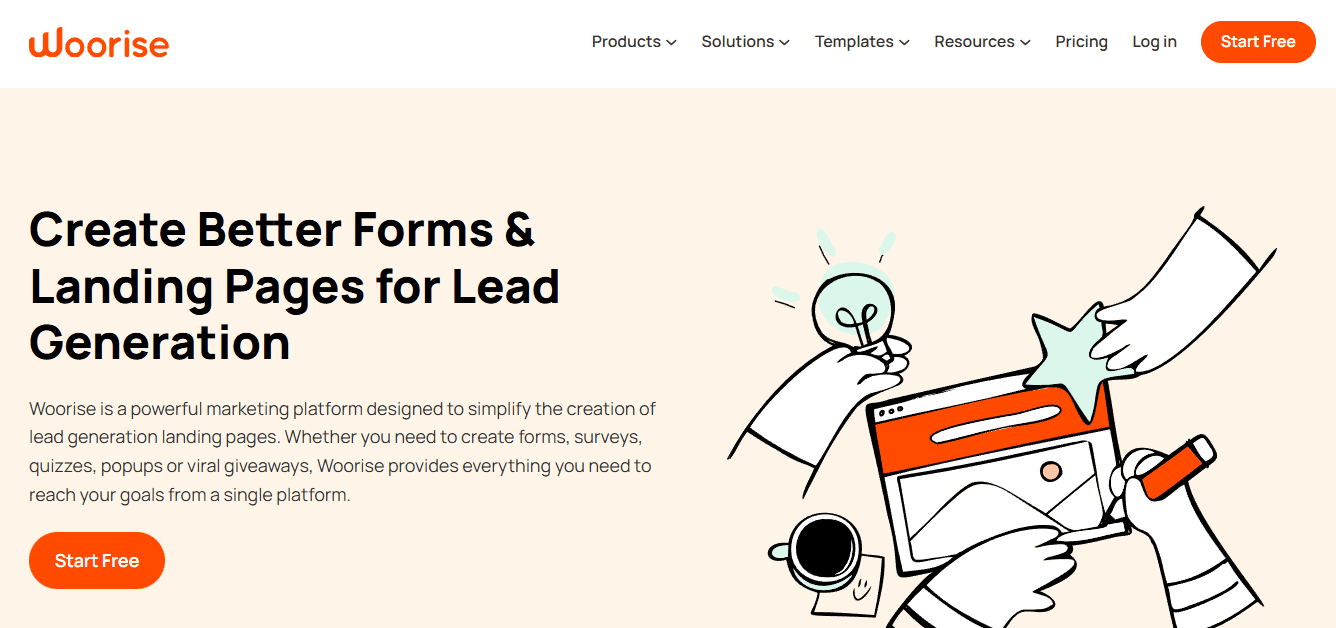
Woorise is an all-in-one lead generation solution that lets you create contests, quizzes, forms, landing pages, and biolink pages. The platform offers greater design flexibility than other tools.
Key features:
- Huge library of pre-built, professionally designed templates
- Drag-and-drop editor with full customization control
- Content blocks for images, forms, videos, and payment forms
- Flexible publishing (your website or Woorise subdomain)
Pros:
- Build all sorts of pages and campaigns (including link in bio pages)
- Great template library with high-converting designs
- Fully customizable pages with a drag-and-drop editor
- Add all sorts of content blocks beyond just links
Cons:
- Takes longer to set up than other link-in-bio tools
- Higher starting price than other options
Best for users who need flexibility to create multiple types of interactive marketing materials beyond bio links. Good choice if you want complete design control.
16. Replug
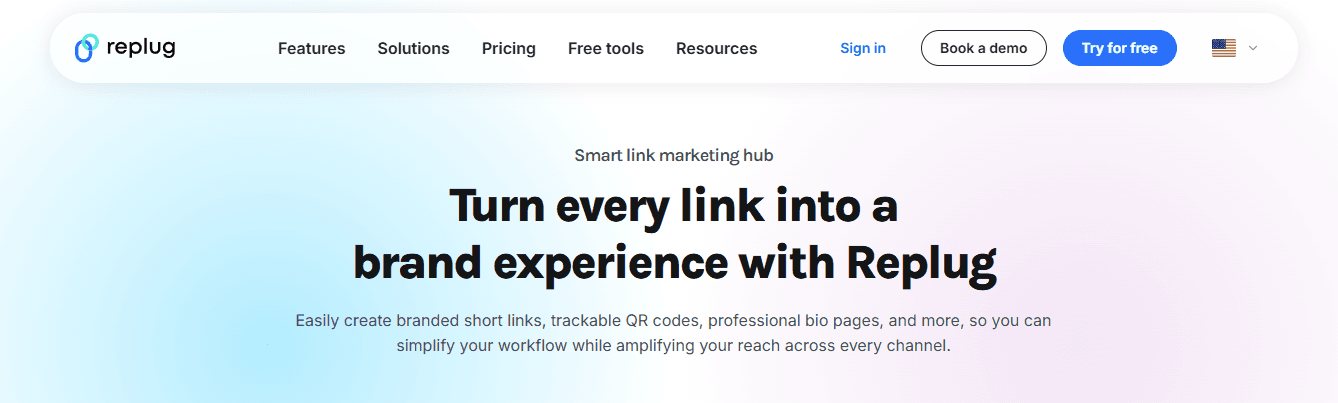
Replug is a comprehensive link management solution with advanced features that marketers will appreciate. The platform offers more than basic link-in-bio functionality, including A/B testing, retargeting, and link rotation.
Key features:
- Drag-and-drop page builder with granular customization
- Content blocks for videos, images, buttons, forms, and interactive elements
- Fully white-label (remove third-party branding, add your own)
- Retargeting features with tracking pixels
- Link rotation for personalized pages based on audience segments
- Advanced features: A/B testing, QR generation, password-protected links, RSS automation, and link expiration
Pros:
- Best link in bio tool for marketers with comprehensive link management
- Includes advanced features (A/B testing, deep links, link rotation)
- Fully white label with custom branding everywhere
- Best-in-class link insights and analytics
- Intelligent traffic routing based on country, date/time, etc.
Cons:
- Not beginner-friendly (complex and difficult to use)
- No free version
Best for marketers who need comprehensive link management with advanced features like retargeting, link rotation, and A/B testing. Good choice if you need white-label solutions and detailed analytics.
17. Tap.bio
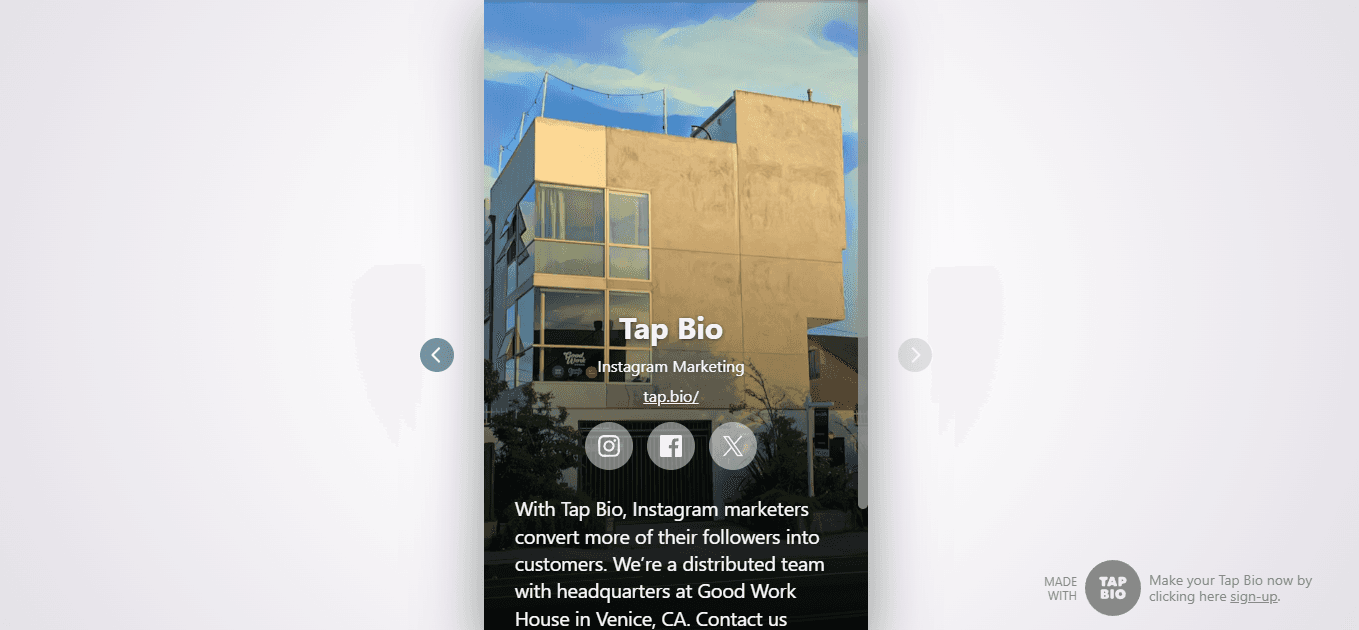
Tap.bio reimagines what a link-in-bio page should look like. Instead of a static page with button links, you get dynamic, interconnected cards that users swipe through, similar to Instagram Reels or TikTok videos.
Key features:
- Swipeable, card-based microsites with dynamic layouts
- Multiple card templates (Instagram Links, Shop, Email Collection, etc.)
- Each card is a separate landing page optimized for specific goals
- Profile card plus 1 additional card free (3 additional on Silver, unlimited on Gold)
Pros:
- Build highly stylish link in bio pages with a unique card-based approach
- Flexible and dynamic page layouts
- Good selection of templates optimized for conversions
Cons:
- Pages don't look good or work well on desktop
- Analytics not included in free plan
Best for users who want highly stylish, swipeable card-based microsites that mimic familiar social media interaction patterns.
18. HopperHQ
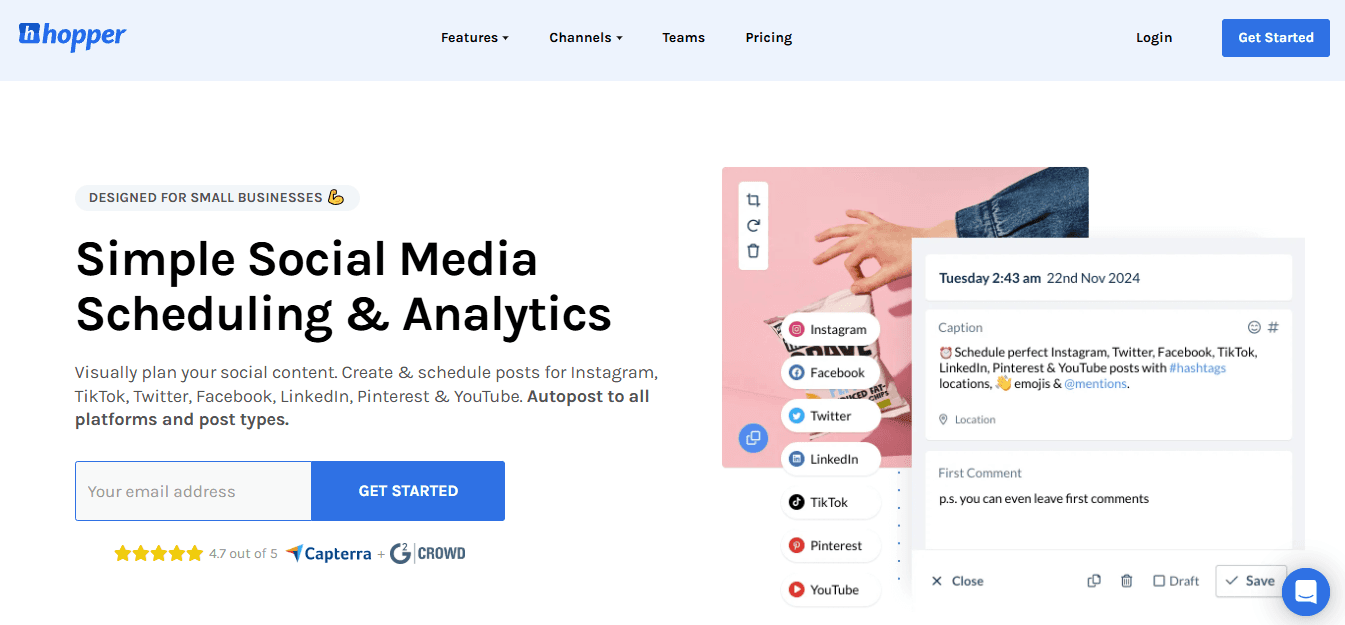
HopperHQ combines link-in-bio functionality with social media scheduling and team collaboration features. The platform is a great choice for teams because it allows you to add unlimited users at no additional cost.
Key features:
- Link in bio builder with color themes and custom use1.link shorturl
- Unified calendar for planning, scheduling, and auto-publishing unlimited posts
- Analytics board for tracking metrics across platforms
- Unlimited users at no extra cost
Pros:
- Best link in bio tool for teams (add unlimited users)
- All-in-one solution with lots of features
- Plan and schedule posts to all your socials
- Team collaboration with shared access
Cons:
- Short URLs look ugly (use1.link/slug format
Best for teams that need unlimited user access and collaborative social media management, with link-in-bio functionality.
19. Leadpages
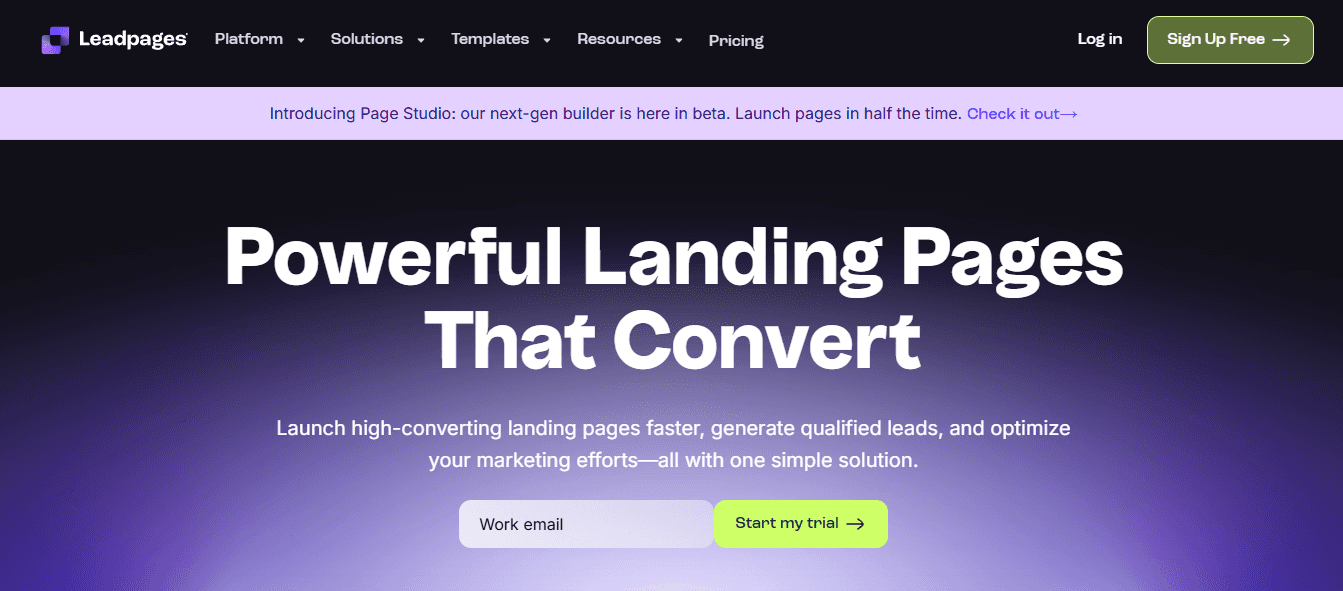
Leadpages is a general landing page builder that lets you create social bio link pages alongside other landing page types. The platform gives you complete control over design with a drag-and-drop editor.
Key features:
- Drag-and-drop editor with complete design control
- Professionally designed template library (sorted by conversion rate)
- Multiple landing page types: Bio links, lead capture, checkout, about, contest, thank you
- A/B testing, pop-ups, alert bars, lead management database, and payment tools
Pros:
- Powerful and flexible page builder with complete design control
- Create biolink pages and other landing page types
- High-converting template library sorted by conversion rate
- Great optimization features (A/B testing, pop-ups, alert bars)
Cons:
- No free plan
- Expensive compared to other options
- Most features won't be needed if you just want to create bio link pages
- Longer biolink page URLs (more characters) than other tools
Best for users who want complete design control and high-converting templates across multiple landing page types. Good choice if you need flexibility beyond basic bio links, but expensive if you only need simple link sharing.
Related Reading
- Bio Site vs Linktree
- Linktree Alternatives
- Shorby Vs Linktree
- Linkinbio vs Linktree
- Linktree vs Carrd
- Beacons vs Linktree
- Beacons vs Stan Store
- Milkshake vs Linktree
- Taplink vs Linktree
Transform Your Social Links Into Smart Lead-Generating Assets
Most link-in-bio tools stop at aggregation, which means you're sending traffic somewhere but learning almost nothing about who clicked, what they care about, or whether they're worth following up with. That gap between visibility and action is where opportunities disappear.
Track Every Engagement
Mobilo's digital contact cards make every social link actionable, automatically exchanging contact information and enriching lead data whenever someone taps your link. Trusted by over 59,000 companies, Mobilo lets teams capture and score leads directly from social profiles, sync automatically with your CRM and marketing tools, maximize networking opportunities with analytics and insights, and replace messy link lists with a single, clickable hub. The difference isn't cosmetic. It's structural. You're not just organizing links anymore. You're building a system that turns profile visits into pipeline entries with full visibility into who engaged and when.
Turn Clicks Into Results
Book a demo today and get your first 25 digital contact cards free (worth $950). Start turning your social bio links into real, measurable business results instead of hoping clicks eventually convert into something you can track.








