

.avif)


13 Amazing Examples of Digital Business Cards That Stand Out
On This Page
Picture this: at a conference, you tap a card or your phone and pass along contact info instantly through NFC technology, no paper and no fumbling. Examples of digital business cards show how NFC business cards, contactless and virtual business cards, electronic business cards, QR-linked vCard pages, and mobile wallet-friendly designs can make your introduction faster and more memorable. What creative, professional, and effective digital business card ideas will help you upgrade your networking, make a lasting impression, and generate more leads?
Mobilo's digital business card turns those ideas into simple action with tap-to-share NFC cards, easy-editable profiles, and engagement analytics so you can share contact details, follow up faster, and convert more leads.
Summary
- Digital business cards are mainstreaming, with the market valued at USD 1.19 billion in 2020, indicating adoption beyond experimental pilots.
- The sector shows sustained growth, projected to expand at a compound annual growth rate of 11.2% from 2021 to 2028, which signals steady enterprise investment.
- Cost comparisons favor digital options, with one estimate showing that digital business cards can save up to 90% compared to traditional paper reprints.
- Waste and retention are significant inefficiencies for paper, since over 88% of business cards are thrown away within a week, while frictionless digital profiles can boost user retention by up to 75%.
- Pricing and complexity create adoption barriers, as feature bloat and sticker shock around $10 to $15 per month often reduce real-world uptake in team rollouts.
- Analyst projections underscore the market's scale potential, with one forecast estimating that the digital business card market could reach US$389.3 billion by 2024, which helps explain the increased procurement scrutiny.
- This is where Mobilo's Digital Business Card fits in, providing centralized provisioning, SSO, SOC 2 level controls, and CRM routing so teams can compress follow-up cycles from days to hours.
What are Digital Business Cards?

Digital business cards are digital profiles you share instantly, replacing static paper with an updateable, interactive contact page that lives on a phone. They differ from printed cards because the data is dynamic, shareable by tap, scan, or link, and can include actions like:
- Booking a meeting
- Playing a video
- Pushing a contact into a CRM
How Do People Share Details in Real Situations?
Tap to open a mini profile, scan a printed QR, or paste a short link into chat. Each method routes recipients to the same live record: phone numbers and emails save directly, calendar buttons schedule a follow-up, and analytics record who clicked what. Picture this: after a thirty-minute walk-through with a facilities manager, you tap your NFC card, and their phone opens:
- One-page brief with photos
- Licensing info
- “Request quote” button that logs the lead to the sales queue
No manual entry, no missed follow-up.
Why Do Professionals Prefer NFC and QR Methods?
This pattern appears across sales teams and creative freelancers: NFC cards convey a premium, tactile impression while QR codes serve high-volume touchpoints like kiosks and signage. People like the certainty of a contact that lands in their phone rather than a paper slip that gets lost.
That emotional relief matters, especially when trade show fatigue makes follow-up feel like one more task on top of travel and meetings.
What Features Matter for Teams, Not Just Individuals?
Enterprises need more than a pretty card. They need centralized branding and governance, so every rep shares approved messaging, plus SSO, provisioning, and audit trails to satisfy procurement and security reviewers. They also need CRM integrations and analytics so clicks convert into pipeline, not just impressions.
Predictable Pipeline Channel
When these pieces work together, a digital card stops being a novelty and becomes a predictable channel for:
- Pipeline generation
- Faster follow-up
- Cleaner compliance
Most teams handle networking with handed-out cards and scattered spreadsheets, because it is familiar and requires no new systems. As event volume and headcounts grow, that approach fractures: brand consistency slips, audit trails vanish, and follow-ups take days instead of hours.
NFC/QR, Cloud Control, and CRM Leads
Platforms like Mobilo bridge the gap by combining NFC/QR hardware with a cloud control plane that enforces branding, provides SOC 2 level controls, supports SSO and provisioning, and pushes verified leads into CRMs, compressing manual admin and improving event-to-opportunity conversion.
How Big is This Trend in the Market?
The trend is no longer a niche experiment: the global digital business card market was valued at USD 1.19 billion in 2020, highlighting why procurement teams are paying close attention. The market is projected to grow at a compound annual growth rate of 11.2% from 2021 to 2028, signaling steady enterprise adoption rather than a fleeting trend.
How Should Teams Measure Success?
Trackable metrics replace guesswork: contact saves, unique clicks, demo bookings initiated from the card, time-to-first-follow-up, and conversion from card-sourced leads into qualified opportunities. Think of a digital card not as a piece of stationery but as an intake form that drops a warm lead into your CRM, which makes ROI visible and repeatable.
There is also a sustainability dividend, since updating a single digital profile beats reprinting thousands of paper cards when titles or numbers change.
A Short, Concrete Analogy
A digital business card is like handing someone a key that drops a contact file directly into their phone, rather than sliding a paper note under a drawer where it may never be found. That simple change feels small in the moment, but it quietly changes how deals start—and what comes next will make that more straightforward.
Related Reading
- Best NFC Business Cards
- Sales Networking
- Digital Sales Transformation
- Professional Networking Strategies
- Exhibition Lead Capture
- Are Business Cards Still Relevant
- How to Make Your Business Card Stand Out
- Why is My NFC Not Working
- Contact Sales Management
13 Great Examples of Digital Business Cards
1. Mobilo: Best Digital Business Card for Lead Generation
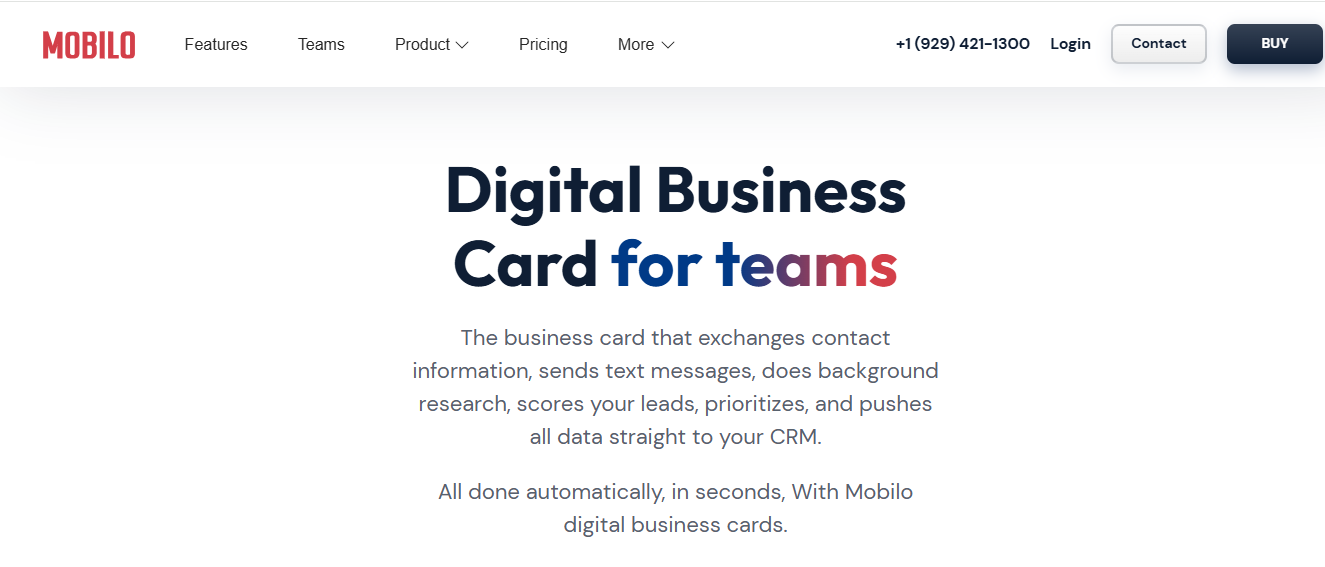
Mobilo pairs innovative NFC/QR hardware with a cloud control plane designed for teams that need measurable lead flow, not just contact swaps. The product leans into event workflows, lead capture, and follow-up automation while keeping a tactile, premium feel through metal and plastic NFC cards.
Why Mobilo Excels for Lead Generation
- Automatic follow-ups via SMS or email to speed time-to-first-touch.
- Organization-wide lead tracking and role-based dashboards.
- Shareable lead forms so reps collect permissioned info on the spot.
- CRM syncs captured leads to existing pipelines.
Pros
- Enterprise-ready lead boards
- Premium-feeling physical NFC options
- A simple Teams dashboard, Zapier, and CRM integrations
If your goal is to turn every in-person interaction into a predictable lead source, this hardware-plus-cloud approach is worth testing at a single team before rolling out enterprise-wide.
2. Popl: Best for Enterprises and Teams
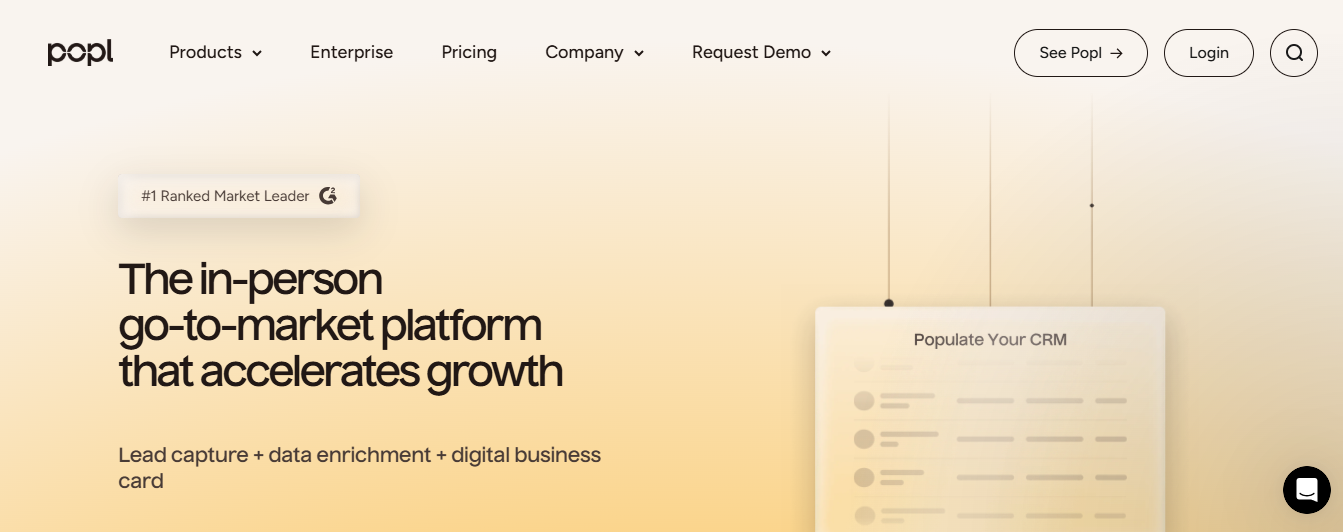
Popl combines physical share tiles and NFC cards with an enterprise admin console and AI-powered enrichment, built to scale across hundreds of employees and events.
Why Popl Excels for Teams and Enterprises
- Centralized team dashboard for lead and usage visibility.
- Contact enrichment that auto-fills titles, profiles, and validated emails.
- Offline capture and badge scanning at events to avoid missed leads.
- Native integrations with HubSpot, Salesforce, and many other systems.
Pros
- Highly brandable pages
- Robust sharing options
- SOC 2
- GDPR compliance
Cons
- Advanced features require a subscription
- Lacks native Make or N8N integrations
Pricing
- Individual tiers
- Teams require custom quotes
- Pro+ recommended for AI enrichment
Recommendation
Book a demo if you need centralized governance, enrichment, and enterprise-grade connectors for event-driven sales ops.
3. Blinq: Best User Experience Digital Business Card Solution

Blinq is a minimalist, fast-to-adopt tool that emphasizes instant sharing and a near-zero learning curve, useful for professionals who want reliable exchange without feature noise.
Why Blinq Excels for User Experience
- Create a polished card in about a minute, no training required.
- Universal sharing via QR code, link, widget, or NFC; no app required for recipients.
- Templates that update across all share methods when you change info.
Features That Support This
- One-click sharing
- Automatic updates
- Simple templates
- Basic analytics
Pros
- Extremely low friction
- Reliable share behavior
- Affordable team pricing
Cons
- No lead-management features or card scanner
Pricing
Teams: About $4.99 per card per month for CRM integrations and admin controls.
Recommendation
Choose Blinq when you want consistent, predictable sharing and don’t need heavy lead workflows.
4. Wave Connect: Newest Competitor to the Market
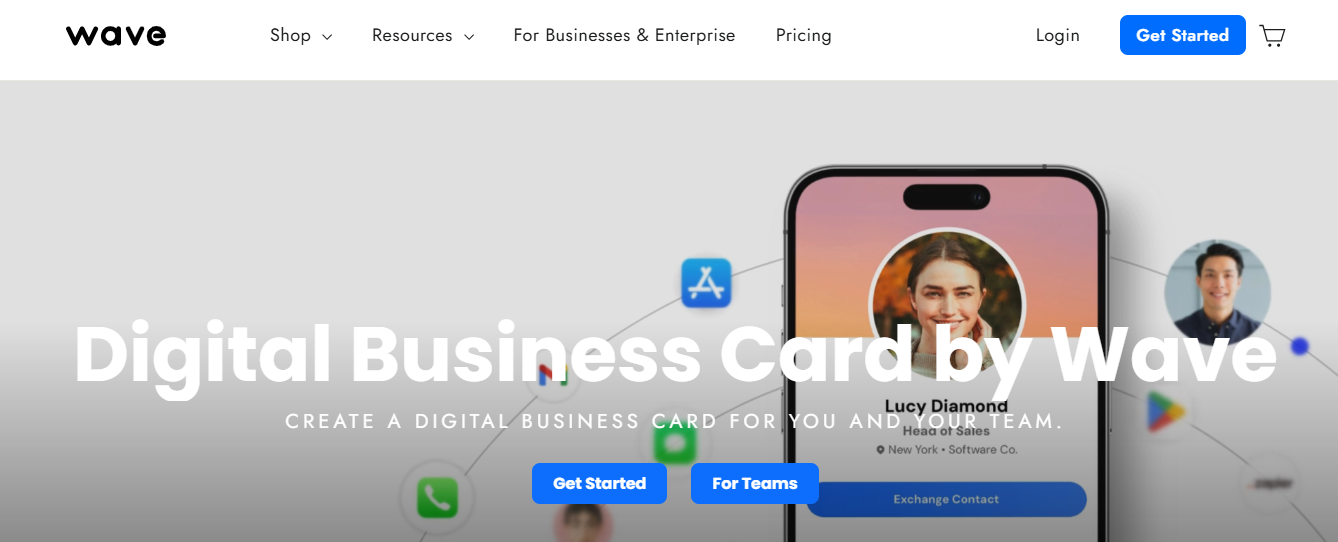
Wave is a newcomer with a clean design and a unique front-facing NFC tag so you don’t flip the card to scan it, paired with a simple drag-and-drop editor.
Why Wave Stands Out for Simplicity and Design
- Clean landing pages with essential CRM integrations.
- Built-in analytics for views and CTR.
- Easy scanning of paper cards into profiles.
Features
- QR
- SMS
- Email sharing
- Zoom virtual backgrounds
- Zapier integrations
Pros
- Attractive templates
- simple UX
- NFC on the front of the card
Cons
Fewer customization options compared to older platforms.
Pricing
Subscription costs around $6.99 per month for full features.
Recommendation
Try Wave if you want a modern-looking card and front-facing NFC for smoother in-person shares.
5. Uniqode (Formerly Beaconstac): Best with QR Code Focus
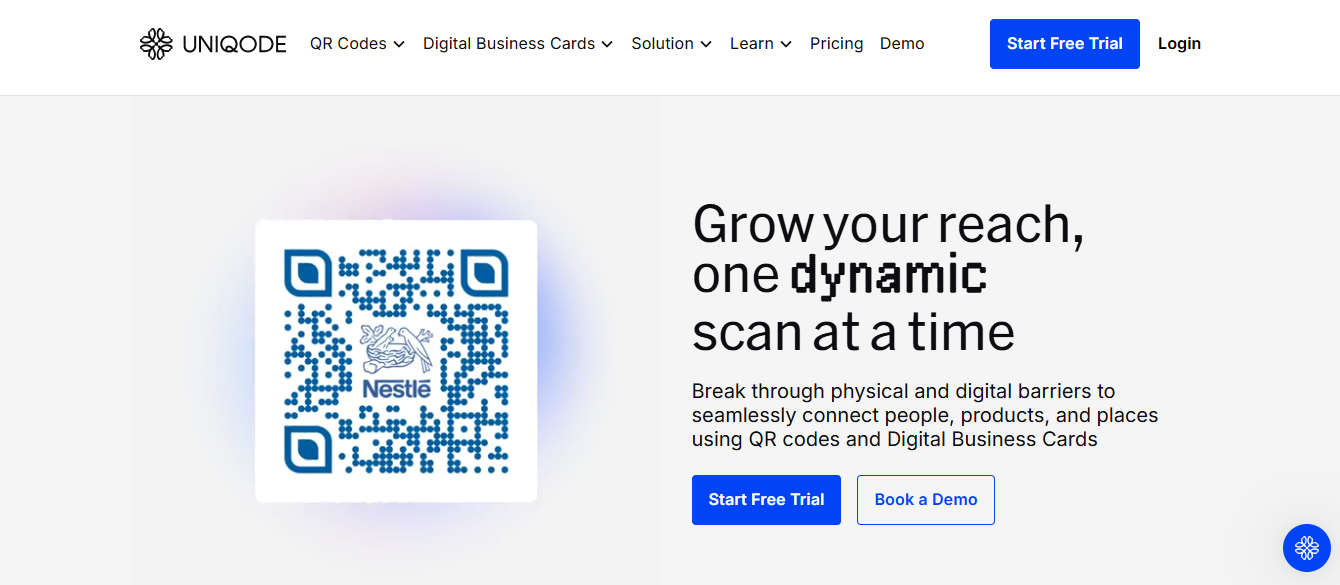
Uniqode focuses on dynamic QR codes backed by enterprise-grade tracking and security, ideal for organizations using codes at scale across print and digital touchpoints.
Why Uniqode Excels for QR-First Deployments
- Dynamic QR codes that update content without reprinting.
- Detailed scan analytics by time, location, and device.
- Bulk card creation for large rollouts, plus SOC 2 and GDPR compliance.
Features
- QR generator
- Apple/Android wallet cards
- No dedicated consumer app required
Pros
- Strong security posture
- Excellent analytics
- Reliable bulk operations
Cons
- No NFC hardware
- No video embeds or physical cards
Pricing
- Free static QR code option
- Dynamic QR plans start at about $5 per month
- 14-day trial available
Recommendation
- Use Uniqode for controlled
- Updateable QR codes across marketing materials and signage
6. Linq: Best for Diverse NFC Products
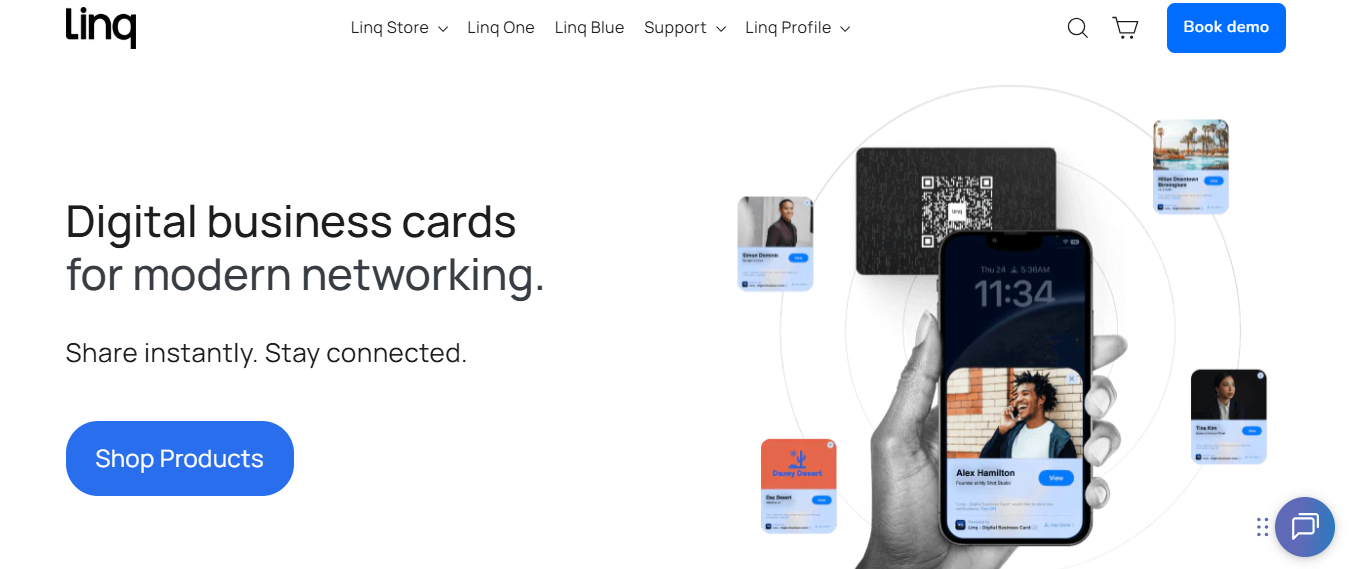
Linq was built early in the NFC space and offers a wide product catalog from cards to watch bands, plus a configurable enterprise console for managing many employees.
Why Linq Excels for Hardware Variety and Company Governance
- Broad NFC product lineup for diverse use cases.
- Template-based admin controls to govern company branding.
- CRM integrations for HubSpot, Salesforce, Gmail, and Outlook.
Features
- Embed links and videos
- Multi-channel sharing
- Role-based admin
Pros
- Strong enterprise controls
- Customizable landing pages
- Many product SKUs
Cons
- Slightly steeper dashboard learning curve on iOS
Pricing
- Hardware pricing varies
- Core app is free with Pro upgrades for advanced embed features
- Teams require quotes
Recommendation
Pick Linq when your program needs multiple NFC form factors and tight admin controls.
Status Quo Disruption
Most teams still hand out cards and manage follow-ups by emailing spreadsheets because that workflow is familiar and requires no new vendor approvals, which makes procurement comfortable. As headcounts and event volume grow, those threads fragment, approvals slow, and leads slip days behind, costing pipeline momentum.
Teams find that platforms like Mobilo centralize capture and governance with audit trails, SSO, and CRM routing, compressing follow-up cycles from days to hours while keeping procurement and security teams satisfied.
7. Warmly: Best for Virtual Meetings
Warmly outfits your virtual presence with context-rich name tags and meeting overlays, so every video call starts with a concise, professional identity.
Why Warmly excels for remote-first teams
- Zoom app integration that surfaces names, titles, and links during video calls.
- Customizable overlays that make introductions automatic.
Features
- Zoom nametag, meeting context, simple profile setup
Pros
- Free Zoom nametag
- Quick setup
- Sharp virtual presentation
Cons
- Occasional data mismatches like incorrect local weather
- Not a complete CRM or card product
Pricing
- Zoom nametag is free
- Broader Warmly AI features exist separately
Recommendation
Use Warmly to lift the first 30 seconds of every virtual meeting into a credible, memorable introduction.
8. HiHello: Best for the Solo Entrepreneur
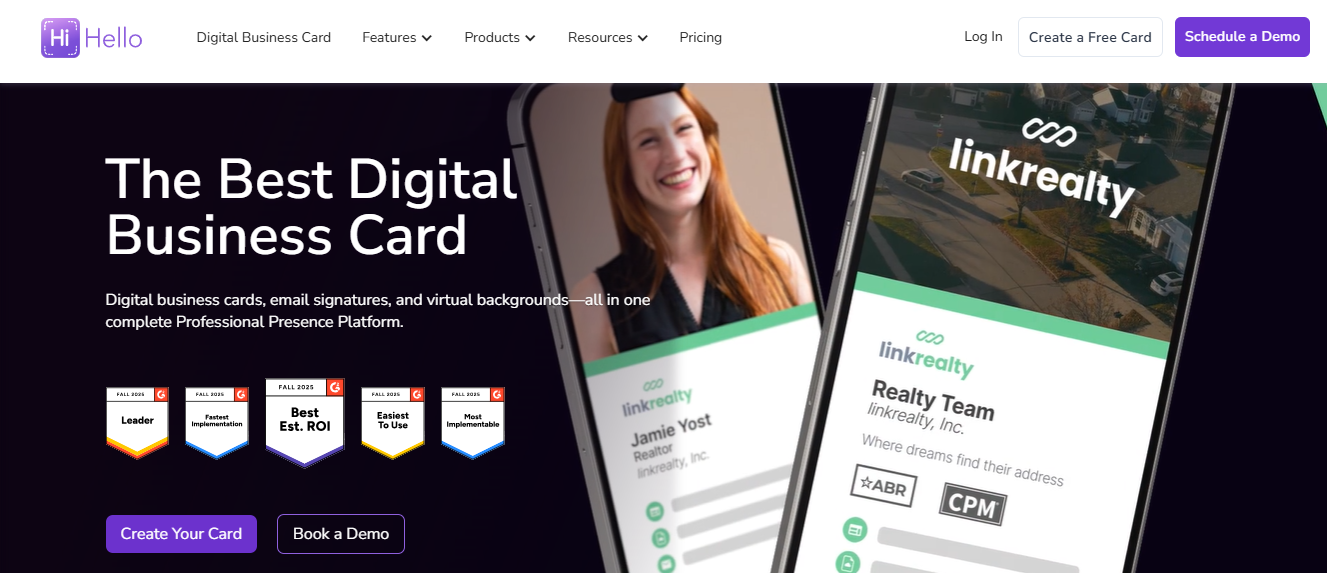
HiHello provides a simple app-driven card, virtual backgrounds, and an address book with sharing that does not force recipients to install an app.
Why HiHello Excels for Solo Operators
- Easy to build a polished card and to share broadly without app friction.
- Business card scanner plus human-verified entries for better accuracy.
Features
- QR
- NFC sharing options
- Address book sync
- Scanner
Pros
- Free tier that covers basics
- Cross-platform
- Good contact management
Cons
- No company-grade NFC product offerings
- Limited brand-accurate color controls
Pricing
- Free tier available
- Professional plans unlock logos and colors
Recommendation
Choose HiHello if you want a robust, free app that organizes contacts and replaces casual paper swapping.
9. SwitchIt: Best for Small Businesses
SwitchIt focuses on multimedia virtual cards with strong calendar and contact management integration for small teams who need follow-up reminders.
Why SwitchIt Helps Small Businesses
- Embed video directly into profiles
- Link eight share channels
- Sync reminders to calendars
Features
- SMART contact management
- Business card scanning
- Rule-based reminders
Pros
- Rich template suite
- Deep calendar integration
- Strong contact actions
Cons
- No NFC hardware options
- The user interface can feel feature-heavy for newbies
Pricing
- Free basic plan
- Paid upgrades for advanced features
Recommendation
- Pick SwitchIt when you need more than a card
- Specifically, follow-up reminders tied to calendars
10. Kado Network: Best for Large-Scale Networking Professionals
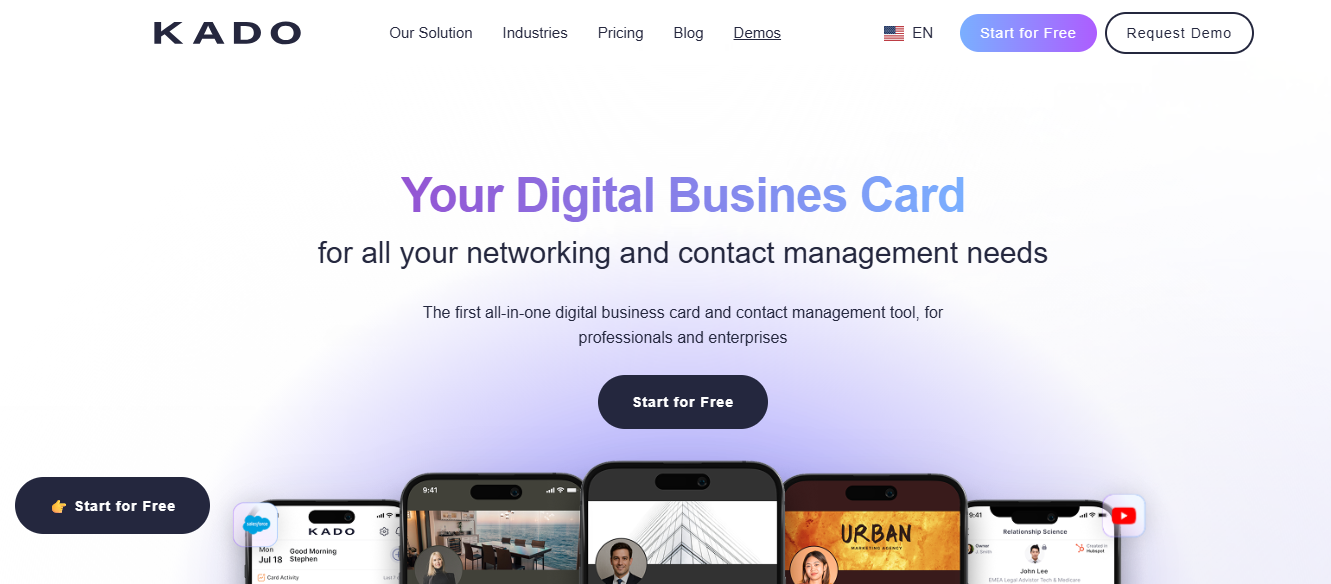
Kado is built as an all-in-one networking workspace where every contact becomes a mini-project with tasks, reminders, and syncs to email and calendars.
Why Kado Excels for Networking Pros
- Assign tasks per contact and monitor interaction history to enforce disciplined follow-up.
- Syncs with Outlook and Gmail to centralize contacts.
Features
- Templates
- Paper card scanner
- CRM sync
- Task assignment
Pros
- Great for disciplined follow-up
- Affordable team pricing
Cons
- The free tier is limited to three users
Pricing
- Free limited tier
- Paid plans offer more seats and features
- Roughly $4 per month for expanded use
Recommendation
Use Kado when your role depends on repeating reliable follow-up and you want to treat contacts like opportunities.
11. CamCard: Best Business Card Organizer
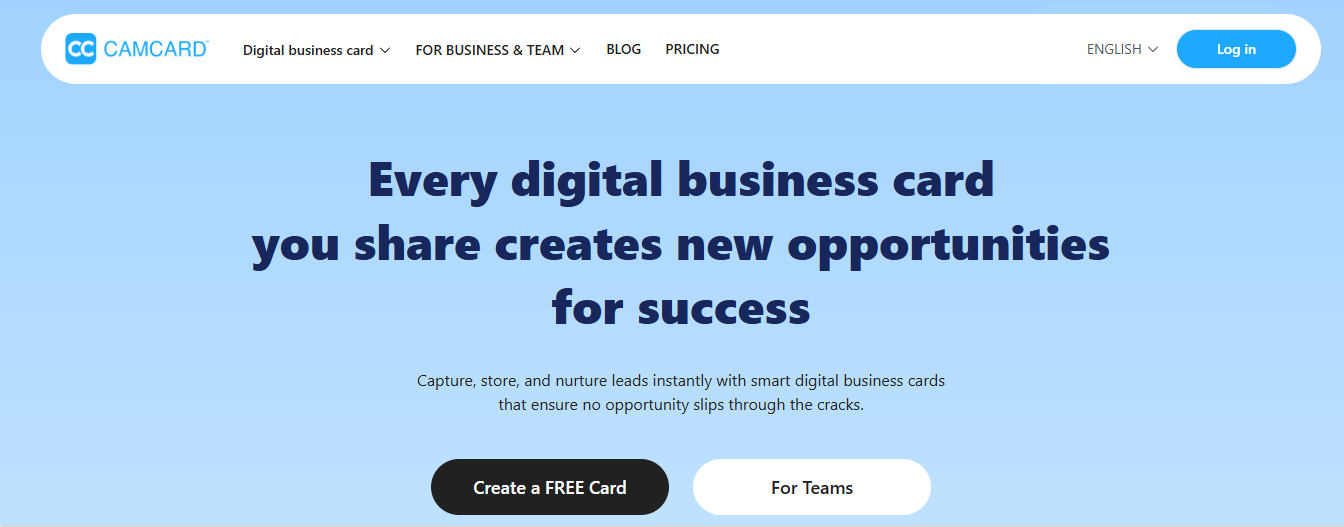
CamCard focuses on scanning and managing physical cards, turning stacks of paper into searchable, annotated contacts.
Why CamCard Excels as an Organizer
- Fast OCR and manual verification to reduce errors.
- CRM integration and the ability to attach notes that capture meeting context.
Features
- Card scanning
- Exchange of e-cards
- CRM exports
- Note fields
Pros
Strong organizer for teams that still collect paper cards.
Cons
- Does not create new digital cards
- Ads in the free tier
Pricing
- Free with ads
- Ad-free individual plan around $46.99 per year
- Enterprise plans available
Recommendation
If your team still receives many printed cards and needs a reliable scanner with CRM exports, CamCard is the right tool.
12. Canva: Best for Designing Business Cards

Canva is a design workbench with thousands of templates for both printed and digital cards, and it pairs well with card managers for distribution.
Why Canva Excels for Creators
- Massive template library and simple export pipeline for print or upload to sharing platforms.
Features
- Drag-and-drop editor
- Print services
- Brand kit
- Gallery assets
Pros
- Fast
- Inexpensive design production
- Print-on-demand option
Cons
- Not a card-sharing platform itself
- You will still export to another tool for sharing
Pricing
- Free tier
- Pro unlocks brand kits and premium assets
Recommendation
Bring Canva into the workflow when you need custom, on-brand creative assets for both digital landing pages and printed collateral.
13. Haystack: Best for Marketing Analytics
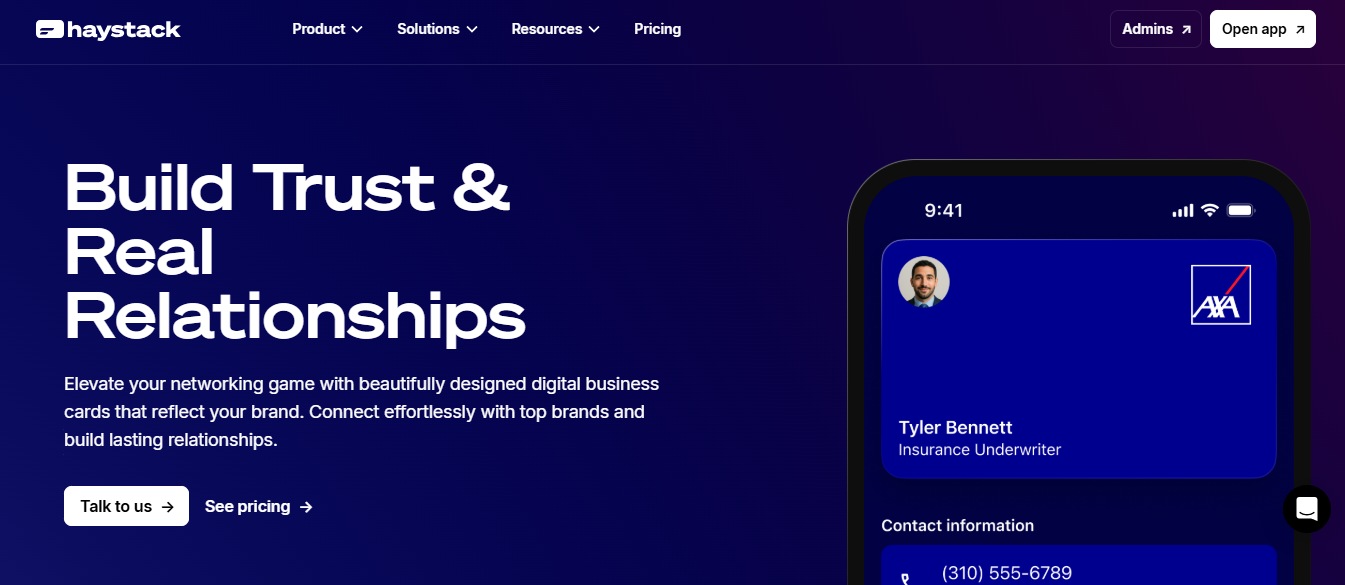
Haystack keeps the card simple and focuses on marketing engagement metrics so you can judge which cards drive clicks and pipeline movement.
Why Haystack Works for Marketers
Basic card creation with analytics that map engagement to content choices.
Features
- QR code sharing
- Basic analytics
- Templates
Pros
- Free individual plan
- Easy to use
- Focused analytics
Cons
- Less feature-rich than enterprise platforms
- Basic builder experience
Pricing
- Free for individuals
- Affordable business plans for scaling teams
Recommendation
Pick Haystack if you want a simple card plus clear engagement metrics without extra feature noise.
Feature Bloat and Sticker Shock Reduce Adoption
Adoption insight and product-fit pattern: This pattern appears across startups and pilot programs—feature bloat reduces the likelihood that users will actually share their cards, and sticker shock at $10 to $15 per month creates adoption friction. That is why simpler, affordable plans often outperform crowded feature sets in real-world rollouts, and why teams choose solutions that balance simplicity with the right integrations.
A practical note on retention: digital business cards can boost user retention by up to 75% because they are easy to access and share instantly, highlighting why a frictionless user experience matters more than simply checking off features.
Small Changes Reshape the Customer Funnel
One more thing to consider when choosing, but we will leave the more profound implications for the next section. That simple change makes you wonder what minor adjustments could reshape a small business’s entire customer funnel.
Related Reading
- How to Network at a Conference
- NFC Use Cases
- How Do I Use NFC on my Phone
- Are NFC Business Cards Safe
- NFC Tag Types
- How to Use NFC Tags with iPhone
- How to Share My Contact Card on iPhone
- How Do NFC Business Cards Work
- How to Collect Leads at a Trade Show
Benefits of Digital Business Cards for Small Business Owners
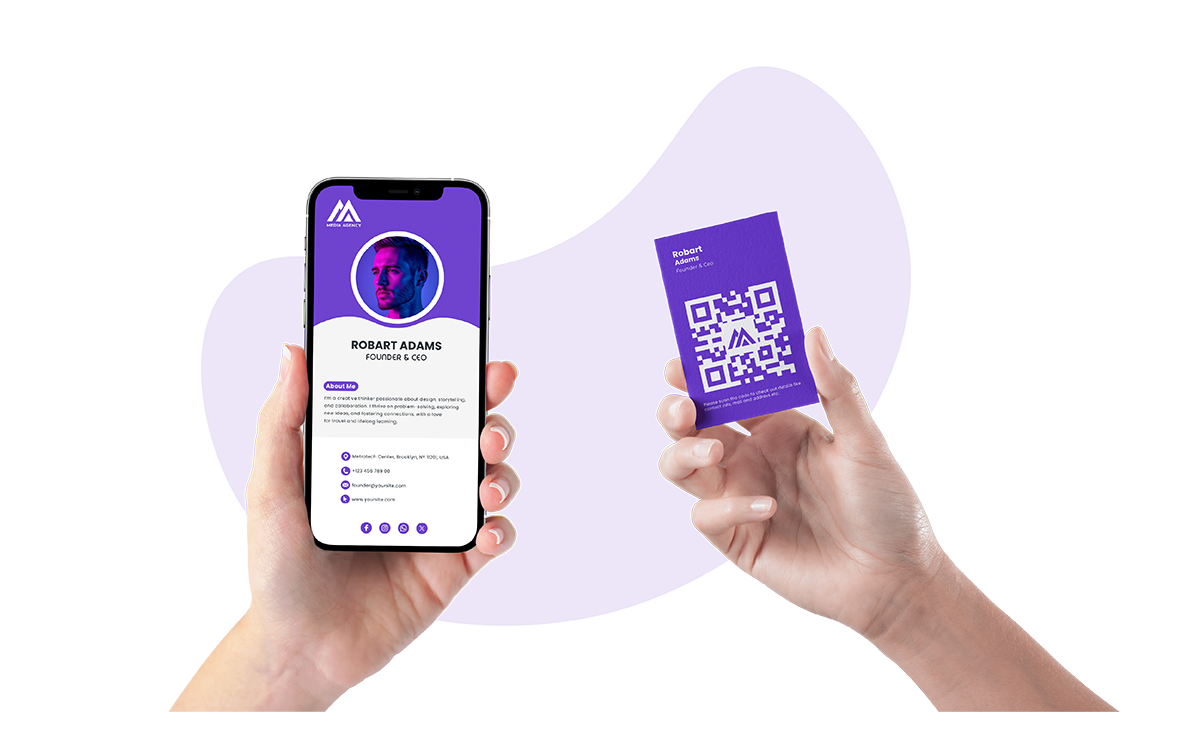
Digital business cards give small business owners immediate, practical wins: they cut recurring costs, remove the logistics of reprints, speed up real follow-up, and turn every encounter into measurable marketing, not clutter.
They do this with simple tools you already use, like:
- NFC tap-to-share
- QR codes
- Links that push contacts straight into a phone or CRM
How will this actually save my business money?
Ask a printer for a reorder, and you may face setup, design tweaks, and rush fees you didn't anticipate. Digital business cards can save up to 90% compared to traditional paper cards, turning a recurring expense into a one-time profile update. This allows small marketing budgets to stay focused on customer acquisition rather than stationery.
For a local caterer that updates menus and pricing seasonally, it eliminates the need for reprint orders whenever a phone number or logo changes.
How Do Updates and Changes Feel in Real Life?
This is a systems problem, not a design problem. When job titles, phone numbers, or service offerings shift, the usual fix is a new print run and a stack of obsolete cards collecting dust. That pattern appears across small retailers and service businesses, where decentralized control and tight timelines let outdated cards circulate for weeks.
With a digital card, you change one live profile, and every previously shared link or tap resolves to the new record, which keeps your team presenting the same, correct information at every interaction.
How Do These Cards Improve Networking Efficiency?
Think of contact sharing as a conversion funnel. A physical card is the top of the funnel, often lost before it converts. Digital contact cards let you add immediate actions, like a booking link, lead form, or promo code, so the person you met can take the next step in seconds.
In practice, small teams use NFC or QR code business cards at farmer markets and pop-up events, then watch which button gets the most clicks, so follow-up becomes targeted rather than scattershot.
What About Brand Presentation and Testing?
Beyond matching colors and logos, digital cards let you test microcopy and calls to action.
- Swap a headline on your landing page
- Run two versions for a few weeks
- Compare which one generates more appointment clicks
That turns your card into a low-risk marketing experiment, proving which message converts better before you commit larger ad spend. For small consultancies and makers, this is how a tiny change in wording can lift conversion without new ads or extra outreach.
Hidden Costs of Card Management
Most teams manage cards the old way because it is familiar and requires no new approvals. That works early on, but it hides costs: duplicate inventory, slow updates, and inconsistent messaging when staff give out different versions.
Platforms like Mobilo provide centralized provisioning, role-based templates, SOC 2 compliant controls, SSO for secure access, and CRM integrations, so small teams get governance without heavy ops overhead, and leads captured at events feed directly into existing sales workflows.
How Do These Tools Help with Compliance and Record-Keeping?
Small businesses often face vendor checks, client audits, or simple bookkeeping needs that benefit from clear logs. Digital cards create exportable engagement records and consented lead captures, which provide an audit trail you can show to a client or use to reconcile follow-up activity—for event-heavy teams, that reduces the hours spent reconciling handwritten notes or re-keying contact details into the CRM.
Is This Choice Better for the Environment?
Paper cards accumulate quickly, and most never yield a meaningful result, especially after intensive networking. Over 88% of business cards are discarded within a week, so switching to contactless sharing not only reduces physical waste but also eliminates the hidden costs of storage and disposal.
For a small office, that often means freeing cabinet space and cutting the recurring chore of recycling obsolete print runs.
Card Box vs. Storefront Window
A practical image to keep in mind: replacing a box of printed cards with a living, updateable contact in someone’s pocket works like swapping a filing cabinet for a storefront window that refreshes automatically.
Book a Demo Today and Get your First 25 Cards Free (Worth $950)
We know sticking with paper business cards feels simple, but that comfort costs real pipeline when contacts vanish before they reach your CRM. Platforms like Mobilo turn NFC and QR contactless sharing into verified CRM records so teams can capture up to 10x more leads at events; join over 59,000 companies and book a demo to claim your first 25 smart digital business cards free, worth $950, because you cannot afford to let 90% of contacts disappear.
Related Reading
- NFC vs QR Code
- How to Make NFC Business Cards
- NFC Contact Sharing
- How to Keep Track of Networking Contacts
- Best Way to Organize Business Contacts
- How Do Digital Business Cards Work
- QR Code on Business Card Good or Bad
- Business Card Alternatives








