

.avif)


30 Best Digital Business Cards in 2026 Tested: Reviews and Top Choices
On This Page
Most digital business cards just replace the paper. The best ones close the gap between the tap and the CRM, and that gap is where 80% of leads quietly disappear.
Most professionals assume a digital business card is a slicker way to hand someone a phone number, tap, scan, done. That assumption is where pipeline leakage quietly begins. The real question is what happens to the contact in the sixty seconds after the exchange.
Sharing contact information is one-directional. Lead capture is bidirectional: the prospect's details route into your pipeline automatically, with no manual step. Most platforms stop at sharing: the contact lands in a native contacts app, or worse, in a photo of a QR code sitting in a camera roll for weeks. Learn more about Mobilo’s digital business card here.

An estimated 80% of trade show leads are never followed up on, because the critical gap between physical exchange and CRM entry is where most contacts are lost. That is a structural process gap. The tax compounds at scale: a 50-person sales team attending multiple events per year can accumulate thousands of potential pipeline entries, and at an 80% attrition rate, the vast majority never reach a sales record.
80% of trade show leads never followed up on
CRM integration depth is the criterion that matters at team scale. The low event-lead-to-opportunity conversion rate is the ceiling imposed by broken capture infrastructure. Every step that depends on rep discretion statistically produces the same attrition.
Key takeaways
- 90% of new contacts never reach the CRM, not because reps forget, but because the handoff from in-person meeting to pipeline entry has no system behind it.
- 88% of paper business cards are thrown away within a week of receipt, which means most of what your team hands out at events is gone before the follow-up email is drafted.
- The best digital business card for a team is judged by whether every exchange auto-syncs into your pipeline without a single manual entry, not by tap speed or template count.
- NFC, QR, direct link, and email signature embed are not interchangeable; each method carries a different friction cost, and the one your reps default to determines how many contacts actually land in your CRM.
- At team scale, brand consistency and card provisioning matter more than any individual design choice: a rogue logo or outdated title on one rep's profile is a compliance risk, not just an aesthetic slip.
- Mobilo's Team Management & Admin Dashboard gives sales administrators centralized control over every card and profile across the team, bulk updates, consistent branding, and full oversight from one place, so no rep is running on an outdated or off-brand profile.
30 Best Digital Business Cards Ranked - From Solo Professionals to Enterprise Sales Teams
That ninety-percent attrition rate is a capture problem. According to Adobe's 2016 analysis, 88% of business cards handed out are thrown away within a week of receipt, a figure most Sales Directors have encountered by now. What the number keeps failing to prompt is the harder inference: the exchange itself was never the capture moment. It was always the moment breakage began.
88% of business cards trashed within a week
The same logic applies to digital business card platforms. A tap or a scan feels like progress. But if the contact lands in a phone's camera roll, a LinkedIn connection request, or a rep's personal notes app instead of the CRM, the outcome is identical to the paper card in the trash. The medium changed. The gap did not.
The medium changed. The gap did not.
This list ranks 30 platforms against that specific gap. Sharing mechanics matter, but they are table stakes. The real evaluation criteria are what happens in the 90 seconds after the tap: does the contact route to the CRM automatically, does the rep receive a follow-up prompt, and does the Sales Director see a dashboard showing who networked and who did not? Platforms that close that loop earn the top positions. Platforms that nail the share experience but stop there are ranked honestly, with the trade-off named.
1. Mobilo - Best Digital Business Card, Overall
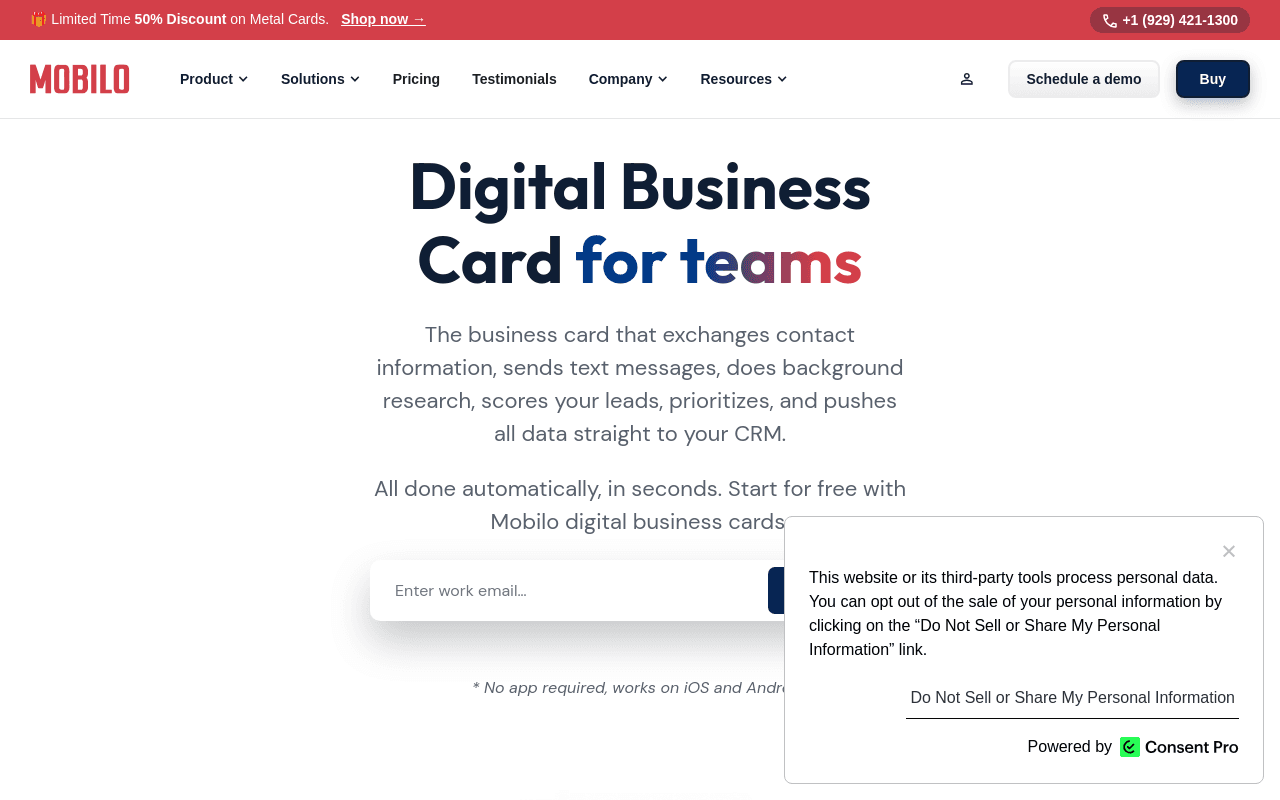
Mobilo earns the top position because it treats the card as a data pipeline entry point. The Team Management and Admin Dashboard gives administrators a single view to deploy branded cards across every rep, enforce profile consistency without reprinting, and pull analytics on who is actively networking and converting connections into a tracked pipeline. Landsea Homes documented $21,000 in annual savings after onboarding 400 employees onto Mobilo; The Falcon Group reported roughly $6,000 a year saved on card-related costs. Those figures are operational outcomes from eliminating reprint cycles and manual data entry.
The Teams plan includes full CRM integrations, brandable QR codes, custom lead capture forms, and team-wide analytics. The Business plan adds HR directory sync, enterprise SSO, and white-glove onboarding for teams of 100 or more. The one honest trade-off: the admin dashboard's full value materializes only when five or more employees are active on the platform. A solo rep or a two-person team will not feel the difference between Mobilo and a simpler tool. At team scale, the gap is significant.
2. Blinq - Best for Individual Professionals Who Want a Free Tier
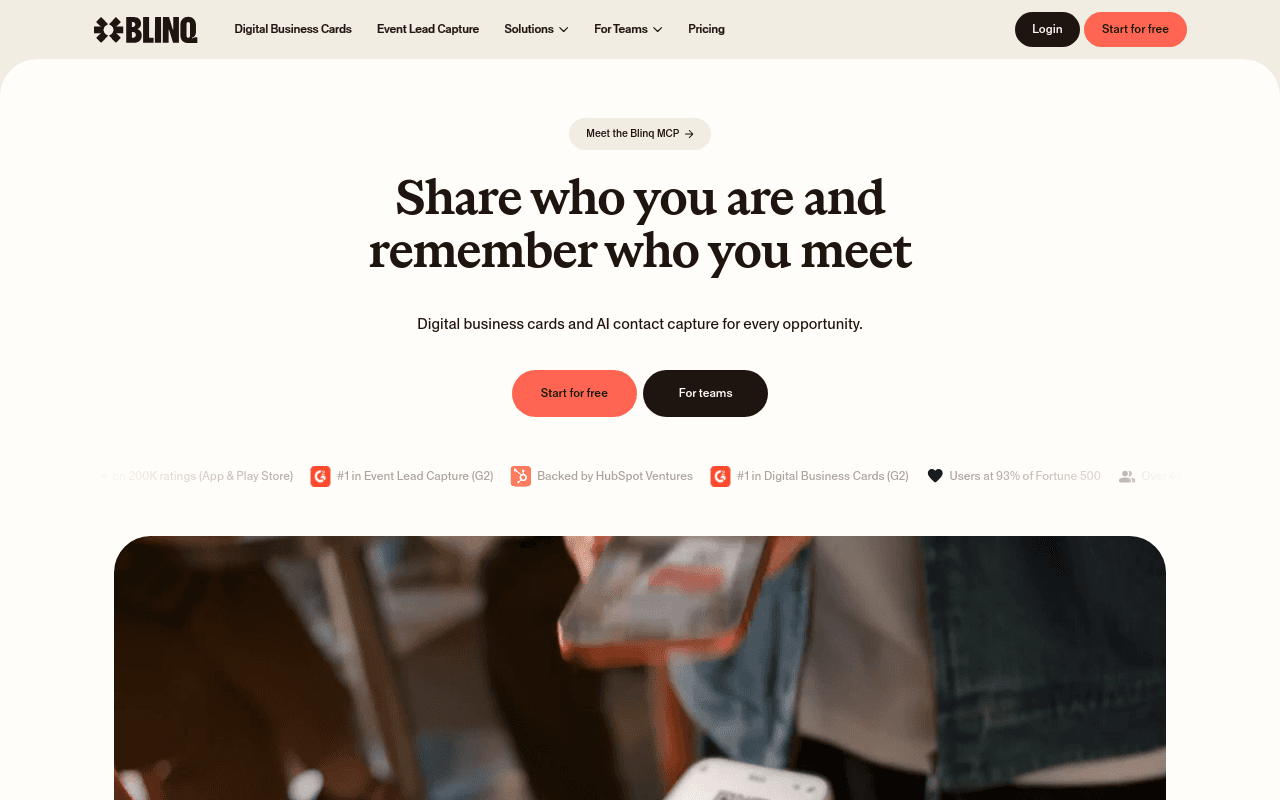
Blinq is the best digital business card for individuals who want a polished, frictionless experience without a subscription commitment. The app supports QR sharing, NFC tap, Apple Wallet and Google Wallet passes, and email signature embeds, covering every sharing scenario a solo professional encounters. The interface is consistently rated among the cleanest in the category, and the free tier is usable rather than a stripped-down trial.
The trade-off is scale: Blinq has no meaningful team management layer, no CRM auto-sync on the free plan, and no admin dashboard for enforcing brand standards across a sales team. For an individual professional, that is irrelevant. For a Sales Director evaluating a 50-person deployment, it is disqualifying.
3. Wave Connect - Best for CRM-Integrated Contact Management
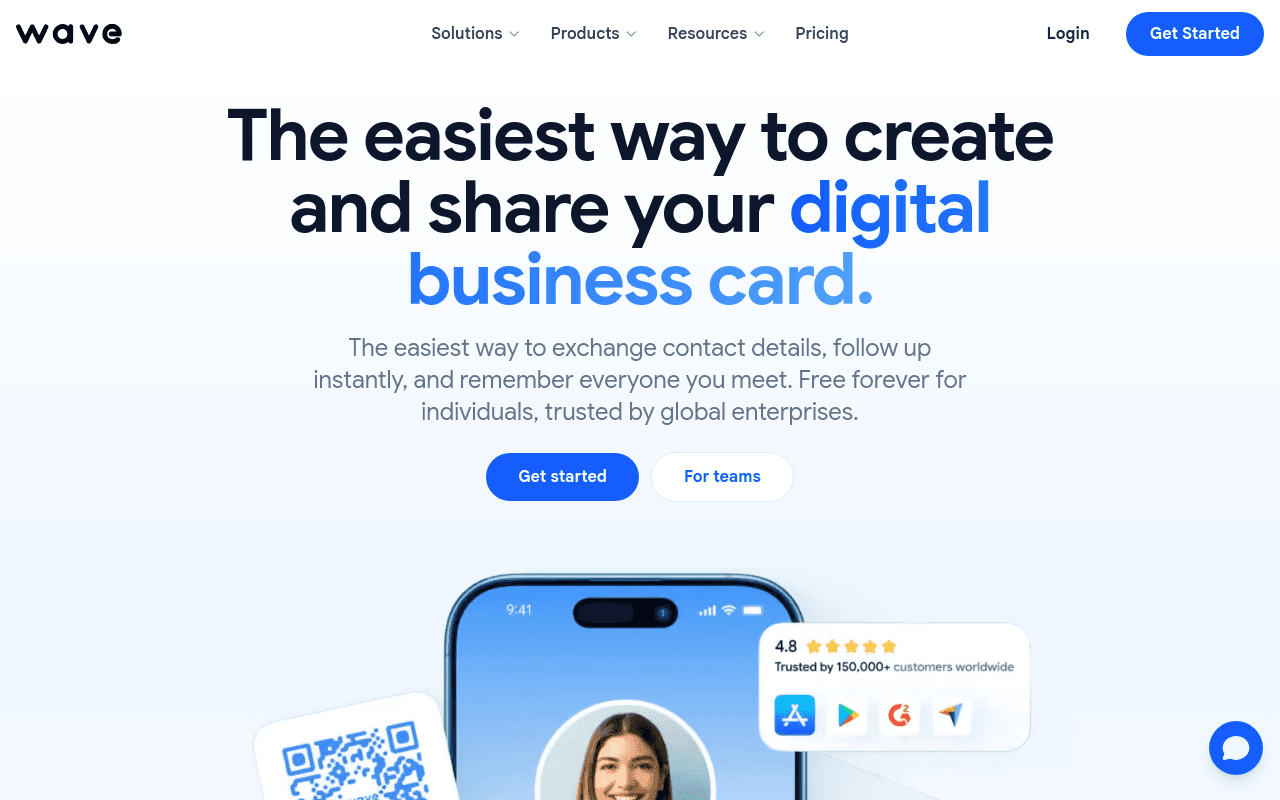
Wave Connect is a strong pick for teams that want a browser-based sharing experience where recipients never need to download an app. The platform's free-forever plan carries zero branding on the recipient side, which matters for client-facing professionals who want the interaction to feel clean. Wave Connect also integrates with several CRM platforms, making it a credible option for small teams that need basic contact routing. The limitation worth naming: the free tier lacks the team management controls and analytics depth that a Sales Director needs to measure rep-level networking activity. Wave Connect works well for contact sharing; it is less suited to the pipeline visibility problem that enterprise sales teams are trying to solve.
4. V1CE - Best for Premium Physical-Digital Hybrid Cards
V1CE positions itself around premium physical NFC card materials, including metal and wood options, paired with a digital profile. The cards are well-made, and for professionals where the physical card itself signals brand quality, V1CE is a credible choice. The digital profile supports contact sharing and basic link aggregation.
Teams that need CRM auto-sync, lead capture forms, or admin-level analytics will find the platform's backend thin relative to its hardware quality. V1CE is a strong answer to "how do we look premium at the moment of exchange?" It is not the answer to "how do we get that contact into Salesforce before the rep boards their flight home."
5. HiHello - Best for Branded Team Cards with Admin Controls
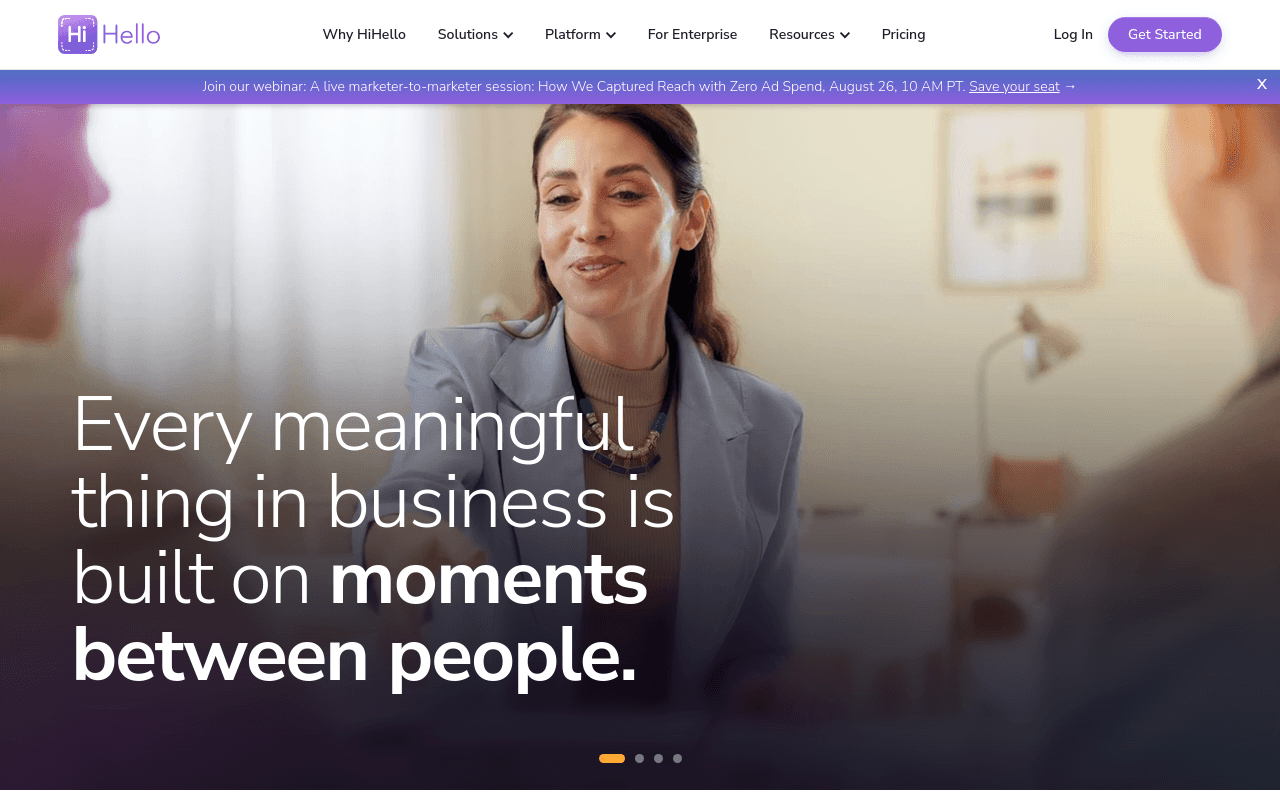
HiHello offers polished, highly customizable card layouts and a generous free tier that makes it one of the most accessible platforms for design-conscious individuals. The card designer is among the best in the category, giving users fine-grained control over layout, color, and content. HiHello also includes an AI-powered business card scanner for digitizing paper cards received at events, which is a practical feature for reps who still encounter physical cards in the field. The team plan adds admin controls and brand consistency enforcement. The honest limitation: HiHello's CRM integration depth is lighter than platforms built for sales workflows, and the analytics layer does not give Sales Directors the rep-level networking visibility that pipeline accountability requires.
6. Popl - Best for Event Networking and Instant Social Profile Sharing
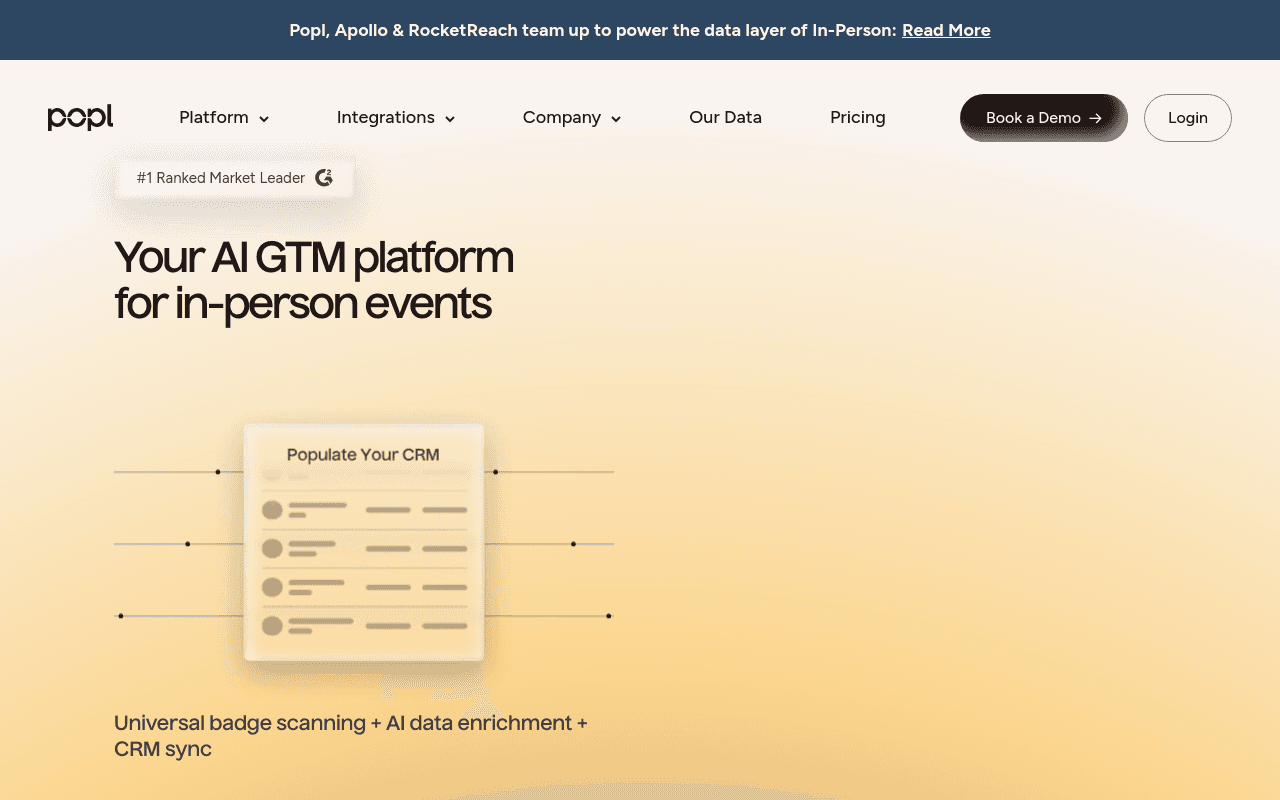
Popl is heavily optimized for conferences and high-volume lead capture, with Salesforce CRM integration and a lead capture mode designed for event environments. The platform's badge scanner companion and event-specific features make it a serious tool for sales teams that live on the trade show floor. Popl's social profile sharing is fast and covers a wide range of platforms, which suits professionals who want a single tap to surface their full digital presence. The trade-off: Popl's team management and admin controls are less mature than enterprise-first platforms, and the analytics dashboard is more event-focused than ongoing pipeline visibility. It is the right call for conference-heavy teams and a partial solution for Sales Directors who need year-round rep activity data.
7. Linq - Best for Content Creators and Personal Brand Builders
Linq is built for professionals who want their digital card to function as a personal landing page, aggregating links to social profiles, content, portfolios, and contact options in one tap. The platform is popular with creators, speakers, and personal brand-focused professionals who need a flexible, visually engaging profile. For a sales team context, Linq lacks the CRM routing, team management, and pipeline analytics that a Sales Director needs. It is, however, an excellent individual tool for professionals whose networking goal is audience building rather than lead conversion.
8. Dot Card - Best Minimalist NFC Card for Design-Conscious Professionals
Dot Card offers a sleek, minimalist NFC card experience focused on simplicity and speed of sharing. The physical card design is clean and modern, appealing to designers, architects, and creative professionals who want their networking tool to reflect their aesthetic sensibility. Setup is fast and the digital profile is easy to update. The tradeoff is limited team management and analytics functionality, making it a poor fit for enterprise sales teams that need reporting and CRM connectivity.
9. Kado Network - Best for Relationship Intelligence and Contact Enrichment
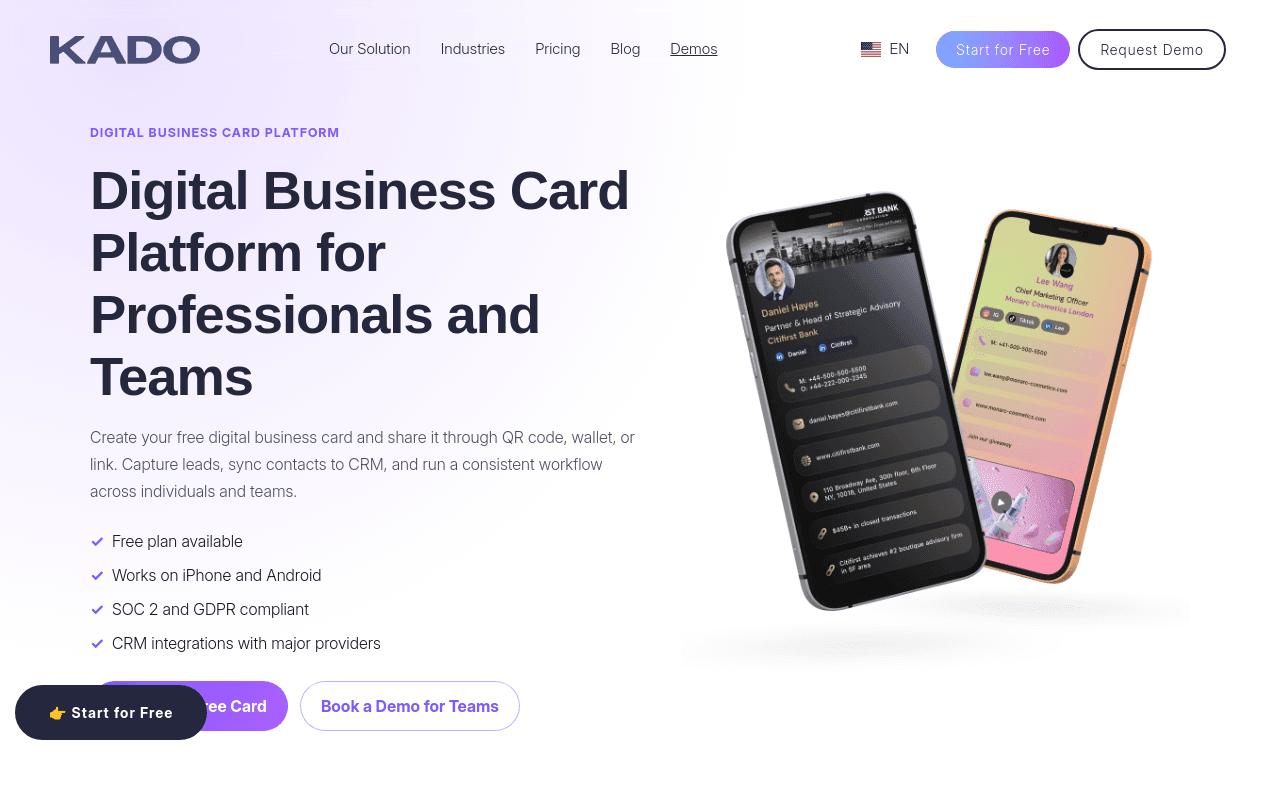
Kado Network differentiates itself through relationship intelligence features, including contact enrichment and relationship tracking that go beyond basic card sharing. For professionals in account management, business development, or partnership roles where relationship depth matters as much as contact volume, Kado's approach is useful. The platform is less suited to high-volume event lead capture or large-scale team deployments where admin controls and CRM auto-sync are the primary requirements.
10. Switchit - Best for Real Estate Agents Needing Lead Follow-Up Tools
Switchit is purpose-built for real estate professionals, with lead follow-up tools, appointment scheduling integrations, and contact management features tailored to the agent workflow. The platform understands that a real estate agent's networking moment is often the start of a longer relationship cycle, and it builds tools around that reality. Outside the real estate vertical, Switchit's feature set is less competitive against platforms built for broader sales team deployments.
11. Haystack - Best for Enterprise Teams Requiring SSO and Security Compliance
Haystack targets enterprise buyers with SSO support, security compliance features, and team management controls. For organizations in regulated industries where IT and security review every new SaaS tool, Haystack's compliance posture is a genuine differentiator. The platform is less focused on CRM auto-sync depth and event lead capture, making it a stronger fit for internal directory and contact management use cases than for field sales teams measuring pipeline from networking activity.
12. Tapni - Best for Custom NFC Hardware and European Team Deployments
Tapni pairs customizable NFC hardware, including custom-branded and metal card options, with a companion app and team dashboard for deploying cards across an organization. The platform has strong adoption among European teams and supports contact exchange, lead capture forms, and integrations with common CRM tools. For Sales Directors evaluating it against sales-first platforms, the question to pressure-test is rep-level analytics depth: Tapni's reporting is card- and profile-centric, and pipeline-accountability dashboards are lighter than what this list's top entries provide.
13. Uniqode (Formerly Beaconstac) - Best for Bulk QR Card Deployment Across Large Field Teams
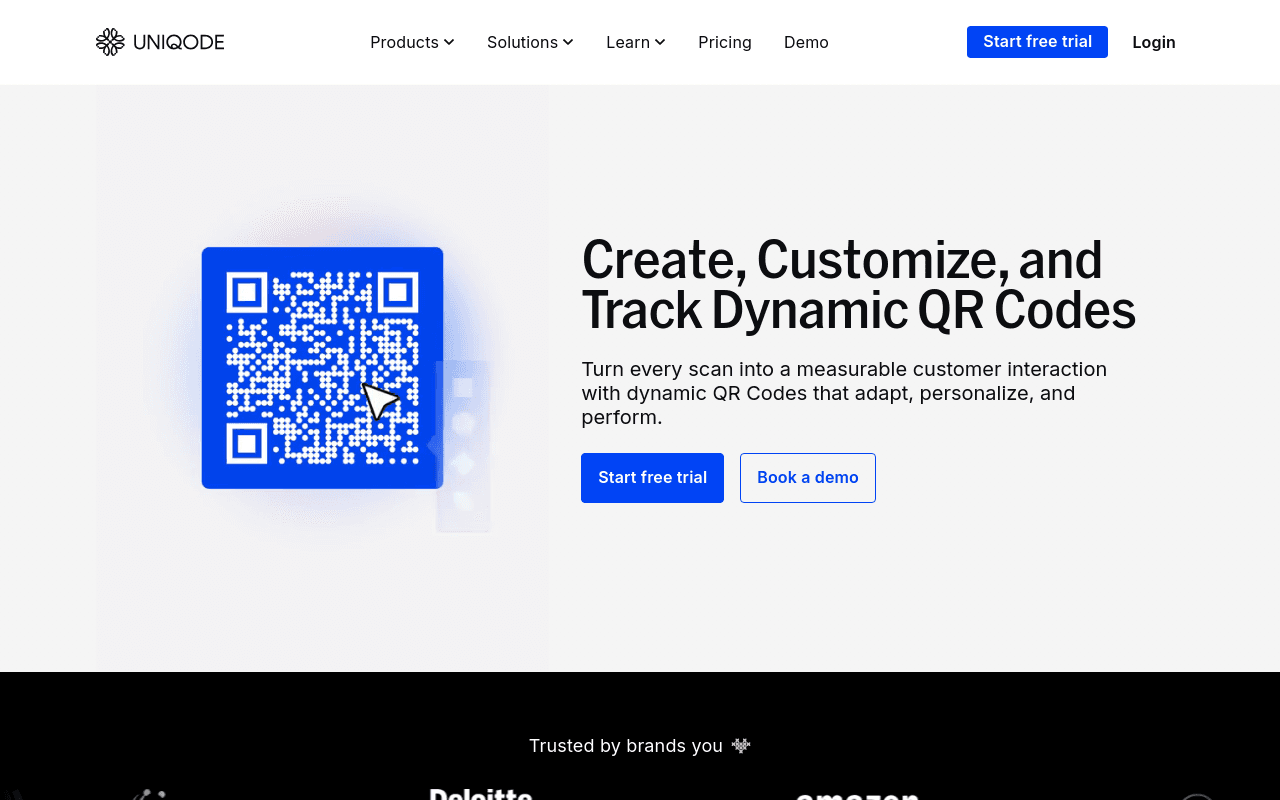
Uniqode, which rebranded from Beaconstac in late 2023, is best for bulk QR card deployment across large field teams where physical NFC hardware is not feasible at scale. Its QR-infrastructure heritage shows in the analytics: scan activity, geographic distribution, and campaign-level performance reporting are stronger than most card platforms offer. The platform also fits compliance-heavy environments, with data residency controls, SSO, and audit-level reporting that regulated industries require. It is less optimized for the real-time CRM sync and rep-level pipeline analytics that a Sales Director in a commercial sales environment needs.
14. Warmly - Best for Revenue Teams Integrating Digital Cards with Intent Data
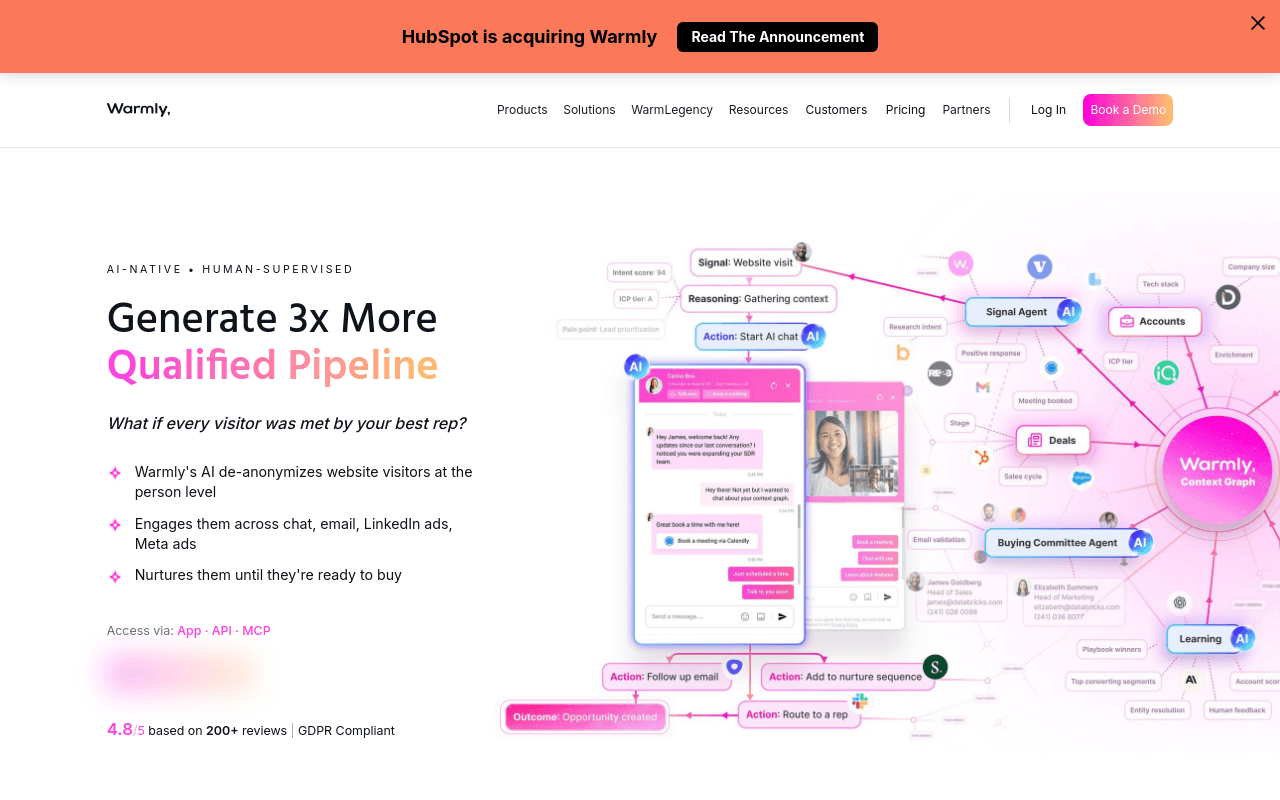
Warmly is built for revenue teams that want their digital card sharing to connect with broader intent data and account intelligence workflows. The platform sits at the intersection of networking and account-based marketing, making it a strong fit for teams that already use intent data platforms and want their in-person networking to feed that system. For teams without an existing intent data stack, Warmly's value proposition is harder to realize.
15. Inigo - Best for Financial Advisors and Wealth Management Professionals
Inigo is designed for financial services professionals where compliance, brand standards, and client relationship management intersect. The platform's focus on regulated professional contexts makes it a credible choice for wealth management firms that need digital cards to meet compliance requirements without sacrificing a polished client-facing experience. Outside financial services, Inigo's specialized feature set offers less differentiation.
16. Tapt - Best for Australian and Asia-Pacific Enterprise Teams
Tapt has strong adoption in the Australian and Asia-Pacific market, with enterprise team features including admin controls, branded card deployment, and NFC hardware. For organizations headquartered or primarily operating in that region, Tapt's local support and regional market familiarity are practical advantages. North American and European enterprise buyers will find more mature options in terms of CRM integration depth and global support coverage.
17. Covve - Best for AI-Powered Contact Management and Relationship Reminders
Covve uses AI to surface relationship reminders, flag contacts going cold, and suggest follow-up actions based on contact history. For professionals who manage large, complex contact networks where relationship maintenance is the primary challenge, Covve adds a layer of intelligence that basic card platforms do not offer. For sales teams whose primary need is automatic CRM entry and pipeline visibility, Covve's relationship management focus is adjacent to but not directly solving that problem.
18. Ovou - Best for Hospitality and Service Industry Professionals
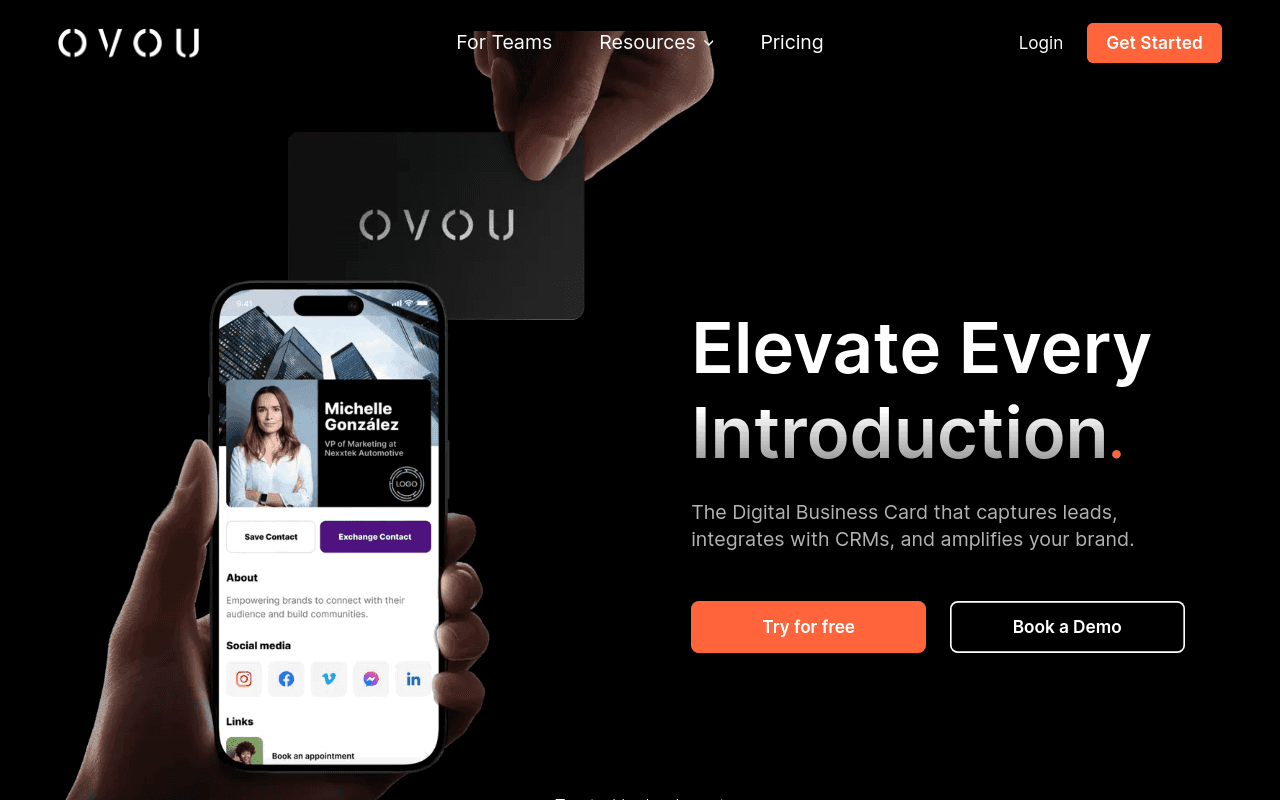
Ovou is designed for hospitality, events, and service industry professionals who need a simple, elegant digital card experience without the complexity of a full sales platform. The card sharing is clean and the physical hardware is well-made. For hotel sales managers, event coordinators, and hospitality professionals, Ovou fits the workflow. For a B2B sales team measuring pipeline from networking activity, the platform's feature set is too light.
19. Dibiz - Best Free Option for Solopreneurs on a Zero Budget
Dibiz offers a free digital business card with no subscription required, making it the entry point for solopreneurs and early-stage professionals who need a basic digital presence without any cost commitment. The free tier is functional for individual contact sharing. There is no team management, no CRM integration, and no analytics. Dibiz is the right answer to "what is the cheapest possible digital card?" It is not the answer to any question a Sales Director is asking.
20. QRCodeChimp - Best for White-Label Card Programs and Reseller Deployments
QRCodeChimp is an enterprise QR and digital business card platform whose distinctive angle is white-label deployment: agencies and resellers can run branded card programs for their own clients, and the platform advertises SOC 2 compliance for security-conscious buyers. Team management, bulk card creation, and form-based lead capture are included in its business tiers. For a single in-house sales team, the reseller-oriented feature set is more than most deployments need, and CRM routing depth trails the sales-first platforms at the top of this list.
21. Cardify - Best for Startups Needing Fast Team Onboarding at Scale
Cardify targets startups and growth-stage teams that need to onboard a sales or marketing team onto digital cards quickly without heavy IT involvement. The platform prioritizes speed of deployment and simplicity of setup. For early-stage teams where the primary goal is getting everyone onto a consistent digital card fast, Cardify removes friction from the onboarding process. The trade-off is depth: enterprise-grade analytics, HR directory sync, and advanced CRM routing are not Cardify's strengths.
22. Snapcard - Best for Conference and Trade Show Badge Integration
Snapcard is built around the conference and trade show use case, with badge scanning integration and event-specific lead capture features. For teams whose primary networking context is large events where badge scanners are already in use, Snapcard's integration with that infrastructure is a practical advantage. Outside the event context, Snapcard's everyday networking and CRM routing features are less developed than platforms built for year-round sales team use.
23. Tappy - Best for iPhone Users Leveraging Apple Wallet and NFC
Tappy is optimized for the Apple ecosystem, with Apple Wallet integration and NFC sharing that works smoothly on iPhone. For professionals who are deeply embedded in Apple's ecosystem and want a card that feels native to that experience, Tappy delivers. The platform is less suited to cross-platform enterprise deployments where Android compatibility, admin controls, and CRM integration are requirements.
24. Lynkle - Best Free Digital Business Card for Wallet-Native Sharing
Lynkle offers a free-forever digital business card that recipients open in the browser with no app required, and its Apple Wallet and Google Wallet passes make the card feel native on both ecosystems. Setup is fast, and the free tier is genuinely usable for individuals and small teams rather than a locked-down trial. As with most free-first platforms, the trade-offs appear at team scale: admin controls, brand enforcement, and CRM auto-sync sit behind paid tiers, and rep-level pipeline analytics are not the platform's focus.
25. Flowcode - Best for Marketing Teams Connecting Physical and Digital Campaigns
Flowcode is a QR code platform that extends into digital business cards, making it a natural fit for marketing teams that already use QR codes in physical campaigns and want to unify their digital identity under the same infrastructure. The analytics on QR scan performance are strong. For sales team deployments where the primary need is rep-level networking activity and CRM sync, Flowcode's marketing campaign orientation is a mismatch.
26. Poken - Best for Academic and Research Conference Networking
Poken has a history in academic and research conference environments, where networking is dense, badge-based, and often managed by event organizers rather than individual attendees. The platform's event infrastructure fits that context well. For commercial sales teams, Poken's feature set and go-to-market focus are not aligned with the CRM integration and team management requirements of a B2B sales organization.
27. Cardhop - Best for Mac and iOS Users Wanting Deep Address Book Integration
Cardhop is a contacts app with digital card sharing capabilities, built for Mac and iOS users who want their networking activity to feed directly into Apple's Contacts ecosystem. For professionals who live in Apple's productivity stack and want frictionless contact management within that environment, Cardhop is a strong individual tool. It is not a team platform, has no CRM auto-sync, and offers no admin controls, making it unsuitable for sales team deployments.
28. Zapped - Best for Creators and Influencers Monetizing Their Network
Zapped combines digital business card functionality with monetization features like paid link access, tip jars, and product sales integrations, making it uniquely suited for content creators, coaches, and influencers who want to turn every networking interaction into a potential revenue touchpoint. The NFC card and QR code sharing work reliably. The tradeoff is that the monetization focus makes the platform feel less professional in traditional B2B contexts, and enterprise buyers will find the feature set misaligned with their needs.
29. Moo Digital Business Cards - Best for Design-Forward Professionals Bridging Print and Digital
Moo, long known for premium print business cards, has extended into digital cards that pair beautifully designed physical cards with scannable digital profiles. It's the ideal pick for brand-conscious professionals who want the tactile quality of a premium printed card alongside the updatability of a digital profile. Designers, photographers, and creative directors are the natural audience. The limitation is that Moo's digital features lag behind pure-play digital card platforms in terms of CRM integration and team management depth.
30. Doorway - Best for Client-Facing Professionals Pairing Cards with Digital Credentials
Doorway combines a polished digital business card with digital credentials, letting client-facing professionals attach verifiable proof of licensure or affiliation to the profile they share. For advisors, brokers, and consultants whose credibility is part of the exchange, that pairing is a real differentiator, and the card experience itself is clean and browser-based. Teams evaluating Doorway against the sales-first platforms above should weigh CRM routing depth and rep-level analytics, where the platform's public feature set is lighter than the top entries on this list.
How to Choose the Best Digital Business Card for Your Team - Key Criteria That Actually Matter
When evaluating digital business cards for a sales team, most directors start where they shouldn't: design templates, card materials, and QR code aesthetics. Those details matter at the individual level. At team scale, they are almost irrelevant. The criteria that determine whether a platform pays for itself are operational, and most comparison guides skip them entirely.

The Five Operational Criteria That Separate Team-Grade Platforms from Solo Tools
The five criteria that separate a team-grade platform from a solo tool are:
- CRM auto-sync depth
- Bulk deployment controls
- Rep-level activity analytics
- Brand-lock enforcement
- Sharing method coverage (NFC, QR, link, and digital wallet)
A platform can score well on aesthetics and fail on all five. Free and entry-level tiers almost universally omit at least three of them, and the absence is invisible until a quarter's worth of event contacts goes unlogged. Sharing method coverage deserves a specific note. A rep working a busy conference floor needs NFC tap for contacts with modern phones, QR fallback for everyone else, and a link option for follow-up by email. If a platform supports only one method, coverage gaps appear in the field, not in the product demo.
Free vs. Paid Tiers Through a Sales Director's Lens
Free tiers are built for individuals testing the concept. They are not built for teams. The features that free plans consistently omit are exactly the ones a Sales Director needs: centralized admin controls, team-wide analytics, HR directory sync, brand-template locking, and enterprise SSO. Without SSO and SAML support, the platform will not pass an enterprise IT security review, which means a free-tier pilot can stall at procurement even if every rep loves the product.
The cost contrast is worth framing clearly. Across the market, when design, print runs, and reprints after role changes are included, per-employee print spend can reach a meaningful annual figure. A paid team-tier platform lands in a comparable budget range and eliminates reprints entirely. The paid tier question is what the free tier costs in lost leads and invisible pipeline.
CRM Auto-Sync Depth - Why "Integration Available" Is Not the Same as "Leads Captured Automatically"
"Integration available" is a marketing phrase. It can mean a Zapier connection that requires a rep to manually trigger a zap, or it can mean a native two-way sync that writes a contact record the moment a card is tapped. Those two things produce completely different outcomes at an event.
Mobilo's own survey of 4,000 sales reps found that 90% of new contacts never enter the CRM, and the root cause is structural: contact information is never reliably entered in the first place. That is a system design problem. The gap between handshake and CRM record is where the pipeline breaks, and only platforms with automatic, field-mapped CRM sync close it. Manual CRM data entry consumes a significant portion of a sales rep's day; at team scale, that adds up to many hours per week that could be spent selling.
How to Share a Digital Business Card Instantly, and Make Sure the Contact Actually Reaches Your CRM
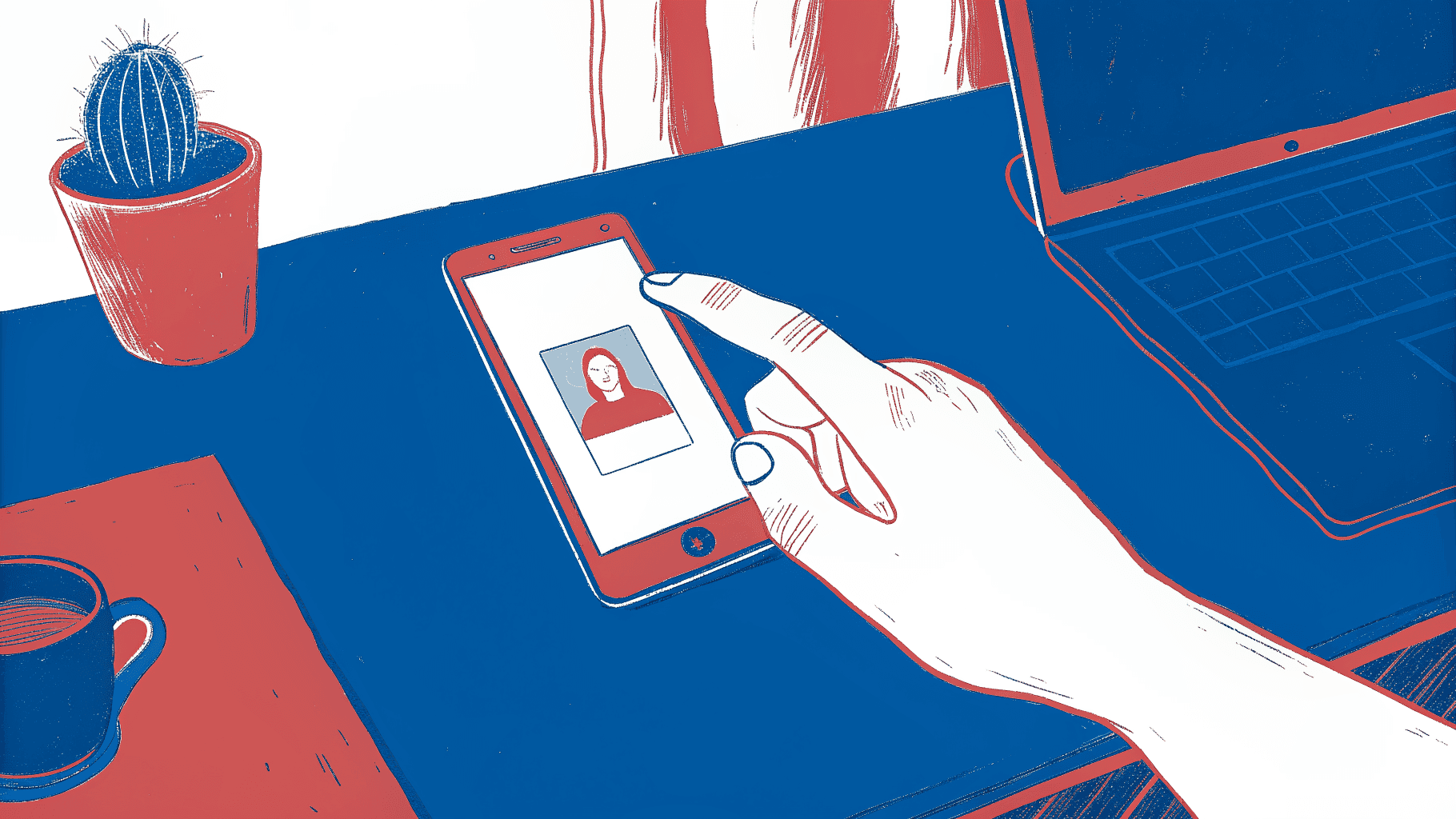
The tap feels like the finish line. A prospect holds their phone to your rep's NFC business card, the profile loads, and everyone moves on to the next conversation. But that moment transfers information in one direction only: your details land on their phone, and nothing lands in your pipeline.
The Four Sharing Methods Ranked by Friction
NFC tap is the lowest-friction method for in-person exchanges: one physical gesture, no camera required, no URL to type. QR codes are a close second and work across every smartphone with a camera app. Shareable links (sent via text, LinkedIn DM, or WhatsApp) cover remote and async handoffs. Email signature embeds are the slowest to act on but reach prospects who would never attend an event. Each method gets the contact to a landing page. None of them, on their own, get that contact into a CRM.
Sharing vs. Capturing - Why the Distinction Matters
Sharing is one-directional. Capturing is bidirectional. True lead capture requires the prospect to complete a form so that a record is automatically pushed to the CRM with no manual entry by the rep. Without that step, the contact sits on someone else's phone. The vast majority of event-sourced contacts never produce a pipeline record at all. The structural failure happens upstream, not at follow-up. Sales Directors who audit rep follow-up discipline are measuring the wrong variable. The breakage occurs the moment a contact is pocketed rather than routed.
NFC Compatibility in the Real World
iPhone XS (2018) added background NFC tag reading, so the phone detects a tap without opening an app. Every iPhone from XS onward supports passive NFC. On Android, NFC penetration is high across mid-range and premium devices, but budget handsets still ship without it. At a 500-person conference, a meaningful share of attendees will be on devices that cannot complete an NFC tap. QR codes remain the safe fallback for those cases.
Next steps
If your in-person networking consistently produces contacts that never reach the CRM, the path forward starts with recognizing that the card exchange itself is where breakage begins, not where capture ends. Replacing paper cards with digital ones without a bidirectional capture ritual does not close that gap. It makes the illusion of capture faster. Start with our digital business card.
The 90% attrition rate on trade show contacts is not a rep discipline failure. It is what happens when the system depends on manual entry after the fact, and reps are asked to reconstruct qualification context from a name and email address days later. That is why so few event leads ever become pipeline opportunities. The ceiling is not follow-up execution. It is broken capture infrastructure at the moment of exchange. Together, those two realities point to one action: deploy a card platform that routes contact data into the CRM automatically, at the tap, before the rep walks to the next conversation.
The fix is a card platform built for team-scale pipeline accountability. Mobilo's admin dashboard provisions branded cards across every rep, locks brand consistency without reprints, and gives sales leadership real-time visibility into which reps are converting handshakes into tracked records.
Frequently Asked Questions
Do recipients need to download an app to view my digital business card?
No. Recipients can receive a digital business card via an NFC tap, a QR code scan, or a direct link sent by text or email, no app download required on their end.
What actually happens to a contact after the tap or scan - doesn't it just save to their phone?
On most platforms, yes, the contact lands in the recipient's native contacts app, a LinkedIn connection request, or even a photo of a QR code sitting in a camera roll for weeks, which produces the same outcome as a paper card in the trash. Platforms like Mobilo close that gap by routing the contact automatically into your CRM with no manual step, and by prompting the rep to follow up rather than leaving it to discretion.
Why does CRM integration matter so much for a sales team using digital cards?
Every step that depends on rep discretion statistically produces the same attrition: an estimated 80% of trade show leads are never followed up on because the gap between physical exchange and CRM entry is where contacts are lost. At team scale, a 50-person sales team attending multiple events per year can accumulate thousands of potential pipeline entries, and at an 80% attrition rate the vast majority never reach a sales record. CRM integration depth is the criterion that determines whether a platform is a networking tool or a revenue tool.
Is a digital business card actually better than a paper one?
Paper cards have a steep attrition problem: 88% of business cards handed out are thrown away within a week of receipt. But simply switching to a digital card doesn't automatically fix the problem, if the contact lands in a camera roll or a personal notes app instead of a CRM, the medium changed but the gap did not. The advantage of the best digital card platforms is that they can make the exchange bidirectional, routing the prospect's details into your pipeline automatically.
Which digital business card platform is the best fit for an enterprise sales team?
Mobilo earns the top position in this post's ranking because it treats the card as a data pipeline entry point rather than a contact-sharing widget. The Team Management and Admin Dashboard lets administrators deploy branded cards across every rep, enforce profile consistency, and pull analytics on who is actively networking and converting connections into tracked pipeline, with full CRM integrations, brandable QR codes, and custom lead capture forms included in the Teams plan.








