Share Contact Card On iPhone

Leave AirDrop Limits Behind.
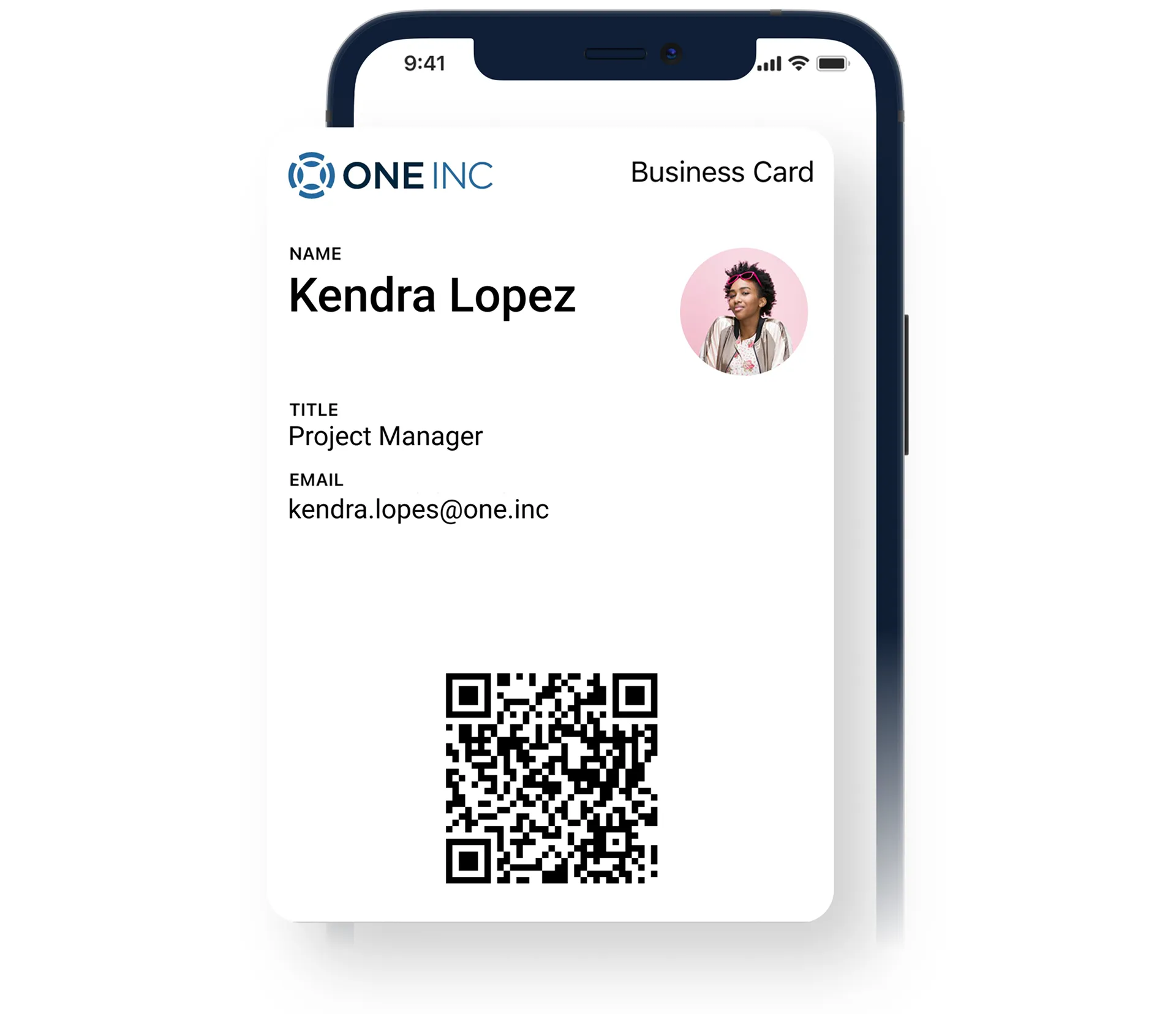
Mobilo works when AirDrop fails because NFC, QR, and dynamic links remove proximity and device restrictions.
This lets you share from iPhone to Android, to laptops, or to any web-enabled device without requiring recipients to install an app.
Mobilo Business Cards - Digital or smart business cards

How it Works With Share Contact Card iPhone

Mobilo Business Cards: 10x Leads From Events
Step 1

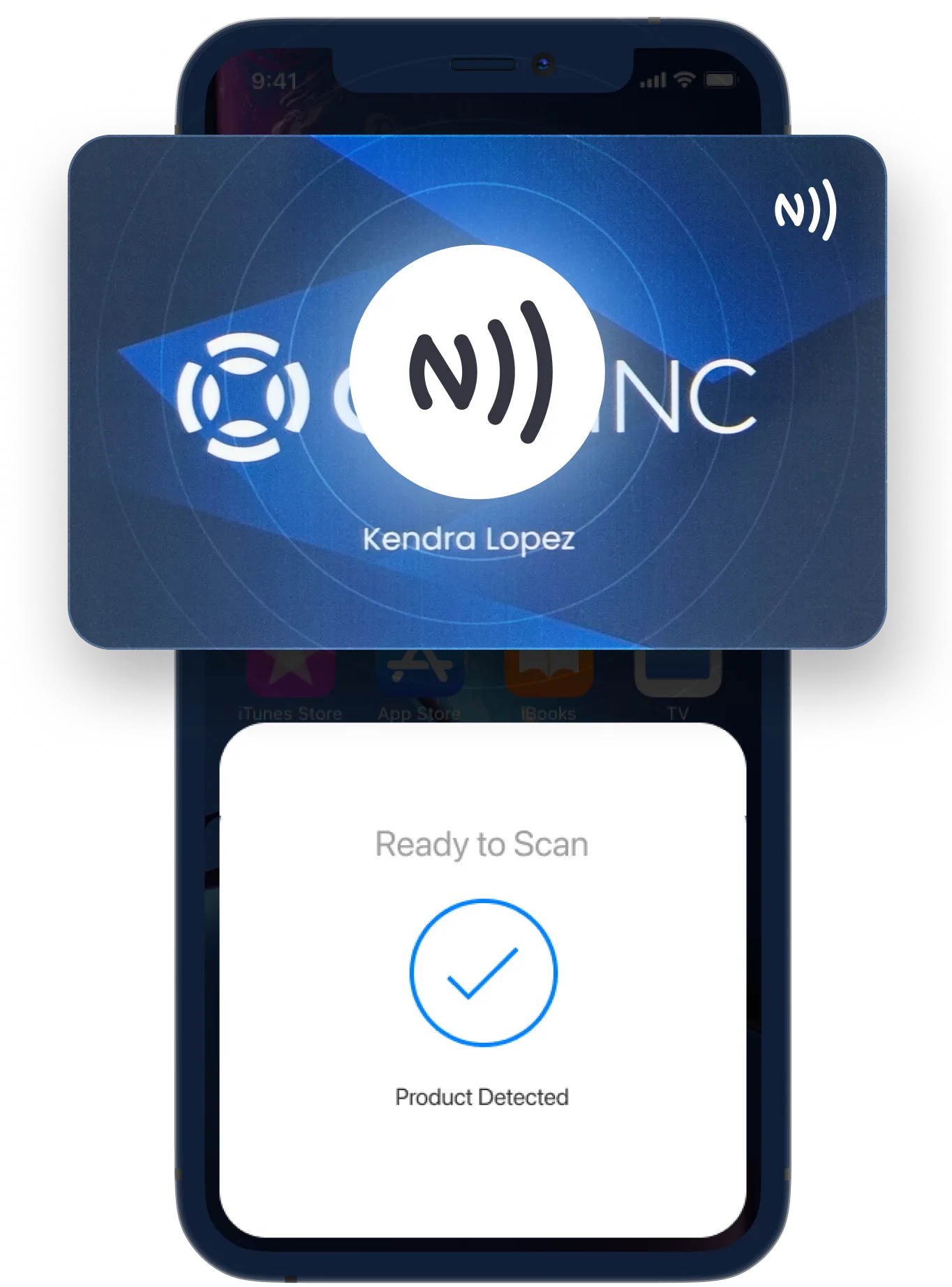
Tap, Scan, or Send a Link

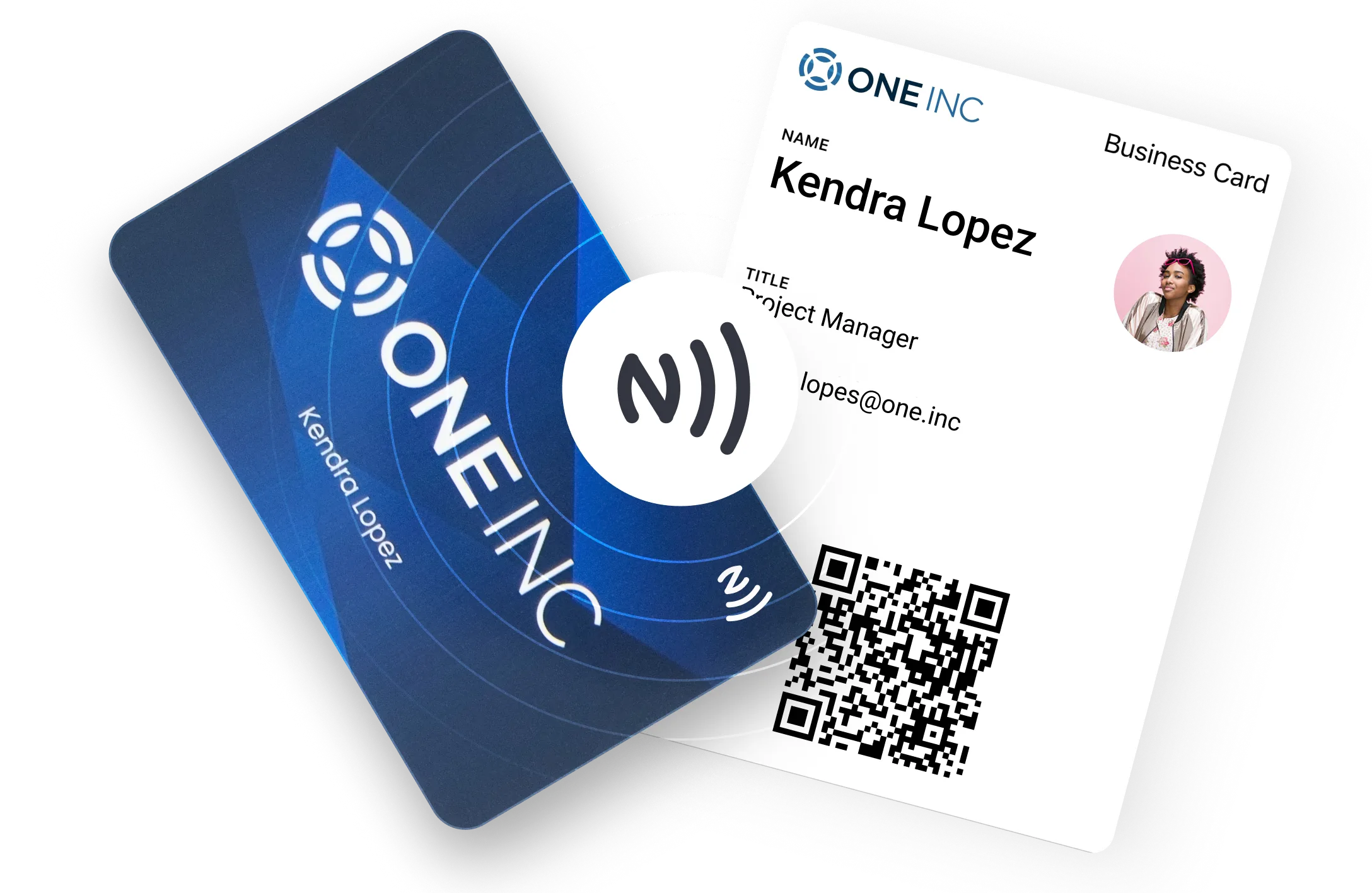
Tap an NFC card, scan a QR, or share a link to instantly open a mobile-ready profile. No app required, faster introductions at events and meetings.
Step 2

Branded Landing Page Appears

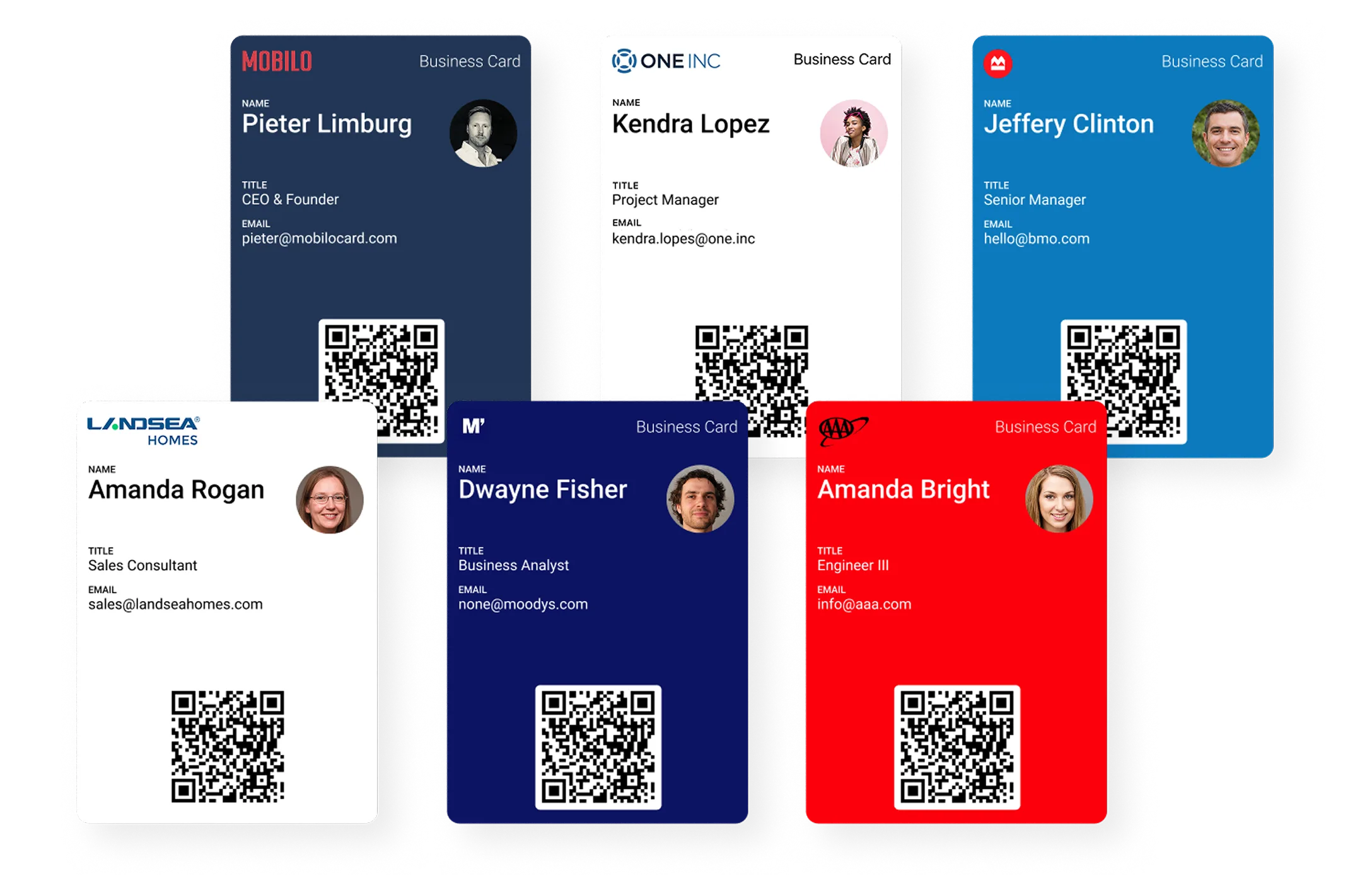
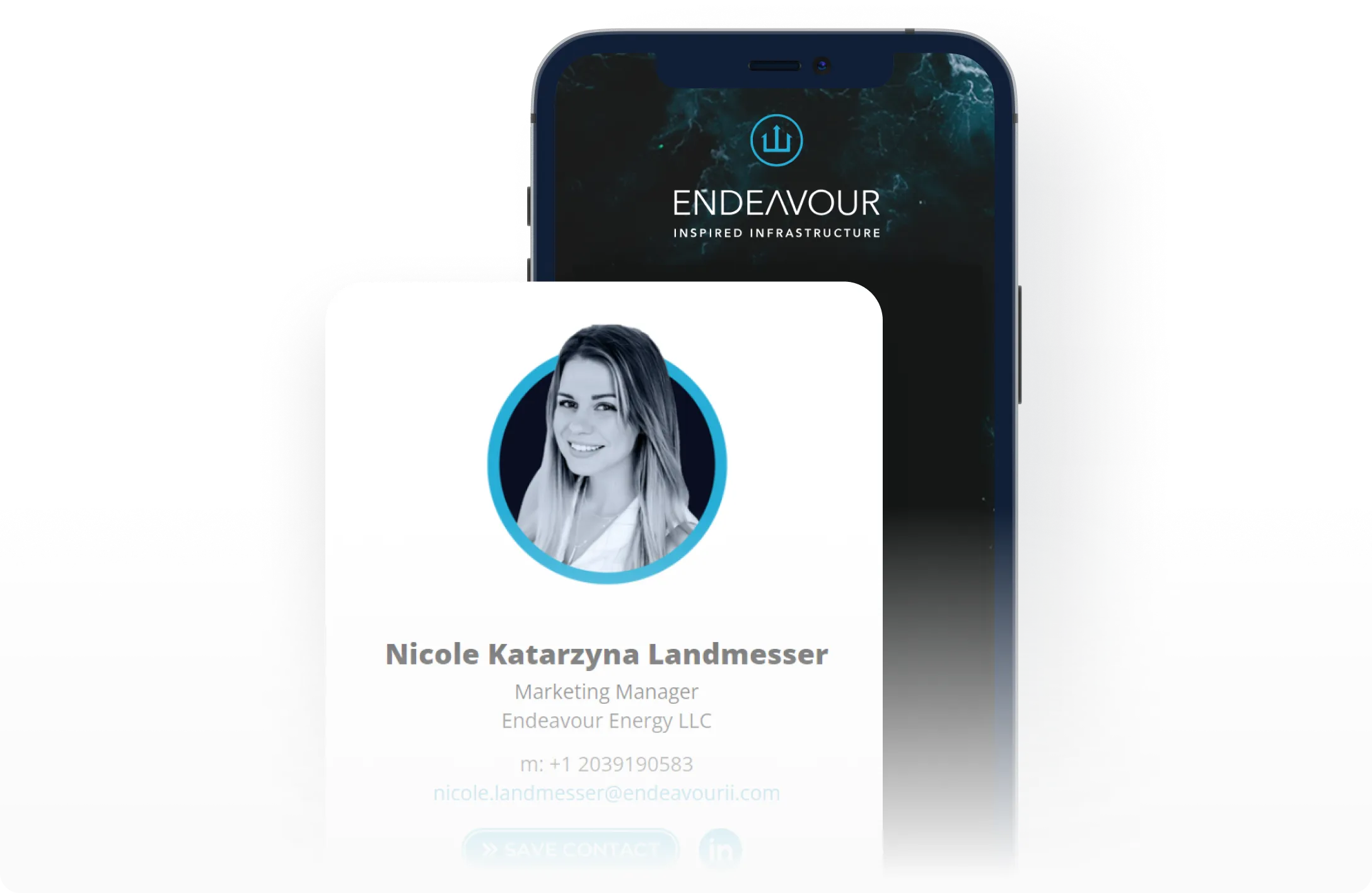
Recipients see a branded profile with your photo, links, and portfolio. One central profile stays up to date everywhere it’s shared.
Step 3

Capture and Sync Leads

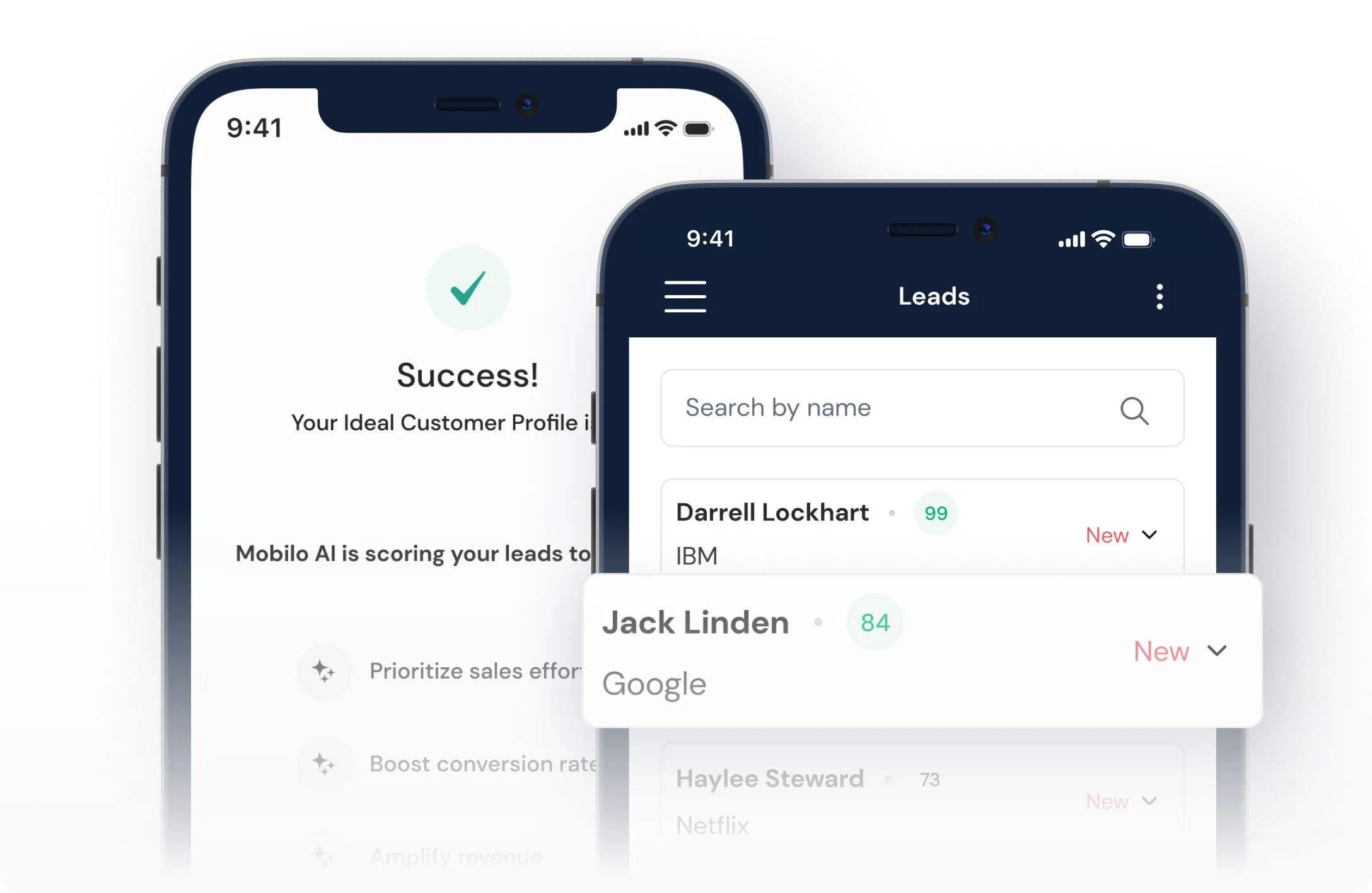
Collect contact details at the moment of sharing and sync them automatically to your CRM. Fewer lost leads, faster follow-up.
Step 4

Track, Update, and Repeat

See who engaged, which links performed best, and use analytics to improve follow-up and event results.
SteP 5

Quick Setup and Scale

Create profiles, order NFC cards or share digitally, and manage branding and users centrally across large teams.

Why Mobilo Beats Built-In iPhone Sharing

Outcomes You Get When You Share
From iPhone With Mobilo

Save Time and Speed Follow Up

Capture More Event Leads

Keep Your Brand and Message Consistent

Reduce Printed Card Costs and Waste

Gain Team-Level Insights

When To Use Mobilo Instead Of iPhone Contact Shares

Events and Tradeshows

Turn every tap into a tracked lead and leave events with organized prospects instead of paper stacks.

Field Sales and Account Reps

Skip manual data entry and turn conversations into CRM-ready leads and follow-up tasks.

Recruiting and Partnerships

Share roles, culture, and application links in one tap and capture interest during calls or meetups.

Meetings and Virtual Introductions 


Share next steps, portfolios, and booking links after a call to increase scheduled follow-ups.

Sustainable Corporate Gifting

Replace paper cards with durable smart cards that reflect your values and support sustainability.
Mobilo Business Cards: 10x Leads From Events

Integrations And Controls For Teams
Using iPhone Sharing

Native
CRM Sync

Mobilo syncs with 21 apps including Salesforce, HubSpot and other CRMs to push leads automatically—reducing errors and speeding up lead follow-up.

Automations and 6,000+ App Integrations

Automate outreach and internal workflows with Zapier and native integrations so every lead is followed up on time.

SSO and Account
Provisioning

SSO and SCIM let IT manage access centrally, simplifying onboarding and enforcing enterprise security policies.

Admin Controls and Employee Directories

Centralized admin tools manage branding, roles, and directories, keeping profiles consistent across teams.

Privacy and Security
Posture

Your data is encrypted  and we perform audits following enterprise-grade security practices.

Device
Compatibility

Works via NFC, QR, or link on iPhone, Android, and desktop—no app required.
Mobilo Business Cards: 10x Leads From Events

Start Sharing Smarter From Your iPhone

Create Your Contact Page In Two Minutes

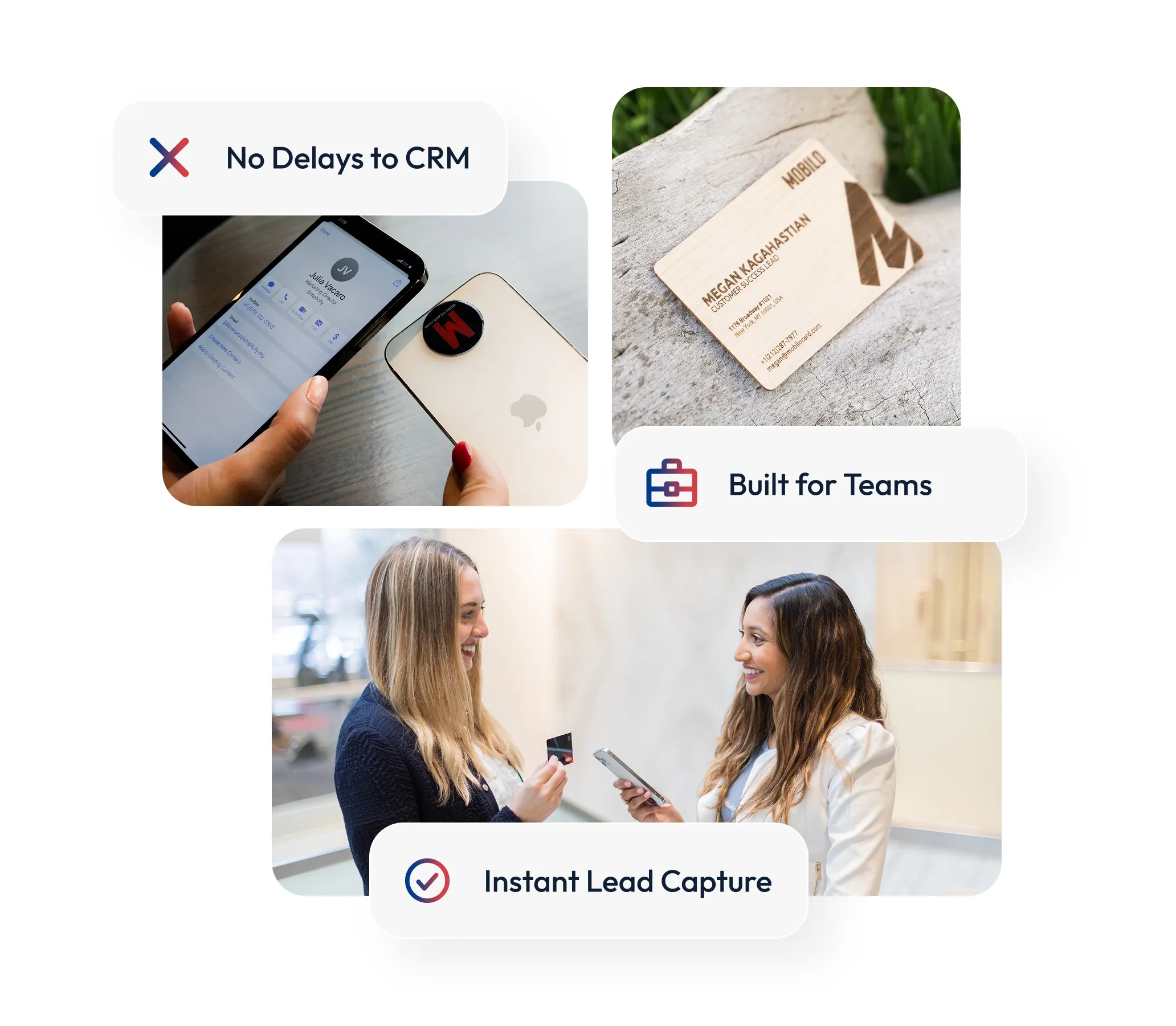
Set up a Mobilo profile with links and media, and share it via dynamic QR or link. Replace paper cards and capture leads at meetings and events.

Order Physical NFC Cards For Teams

Choose Classic, Wood, or Metal NFC cards that fit your brand. One reusable card replaces hundreds of paper cards and keeps profiles always up to date.

Try Before You Buy

Test the digital profile, lead capture, and CRM sync with a free trial. Measure follow-up impact and event performance before committing.

Need Enterprise Support?

Get help with bulk pricing, SSO, and onboarding. Centralized controls keep branding consistent and track networking ROI.

FAQ — Share Contact Card iPhone

How do I share a contact card from iPhone using Mobilo?

Tap a Mobilo NFC card to the other phone or share the dynamic link or QR code from your iPhone. The recipient opens a mobile landing page with your profile and can supply their contact details if Lead Gen is enabled, which then syncs to your CRM.

Does Mobilo require the recipient to have an app on iPhone?

No app is needed on the recipient's iPhone or any device to view your Mobilo page. A single tap, QR scan, or link opens a mobile-optimized profile so there are no download barriers during networking.

Can I update my info after I share a contact from iPhone?

Yes, Mobilo pages are dynamic so any edits you make update in real time for everyone who previously opened your profile. This avoids the versioning problem of static vCards and keeps contact details accurate across meetings.

Will sharing via Mobilo work with older iPhone models?

Mobilo supports NFC on iPhone models that include NFC and also provides QR and link alternatives for older devices. That ensures your contact page is reachable even when a nearby device does not support NFC.

How does Mobilo capture leads when I share from iPhone?

Enable Lead Gen Mode to collect recipient name, email, and phone at the moment of share and route that data directly to your CRM. Collected leads are time stamped and can trigger automation for immediate follow-up.

Is the data secure when someone receives my contact from iPhone?

Mobilo shares only the fields you choose and stores captured leads under enterprise controls. Admins manage sharing permissions while integrations push captured data to approved CRMs, maintaining compliance with company policies.

Can Mobilo replace printed business cards for sustainability goals?

Yes, one reusable Mobilo card replaces hundreds of printed cards and supports eco-friendly initiatives while saving procurement costs. Many customers cite sustainability as a key reason to switch and report fewer reprints over time.

Still have questions? Contact our support team - we’re here to help you find the right answer.
Get in Touch

Get in touch

Fill out the form below and we will get back to you ASAP.