

31 Best Networking Ideas for Virtual Events in 2026
On This Page
Great virtual networking sessions don't build pipeline. Missing lead capture does. Here's how to fix the layer most sales directors never staff.
Eighty percent of trade show leads are never followed up on by sales teams. Virtual events are no different. A 200-person summit with packed breakout rooms and a buzzing chat feed can look like a networking win right up until someone asks how many of those conversations reached Salesforce.
The answer is almost always uncomfortable. Most sales directors think that providing reps with a strong lineup of virtual networking activities is the lever that drives event ROI, if the sessions are well-structured and engaging, reps will naturally follow up and convert those connections into pipeline. That assumption leaves the capture layer completely unbuilt.

Smooth execution and systematic lead capture are two separate jobs, and most Sales Directors only staff the first one. Contacts generated in those sessions end up in Zoom chat exports, LinkedIn connection requests, and the short-term memory of reps who are already on to the next call. None of those places sync to a CRM. The event looked successful; the pipeline never saw it. That gap is what this section diagnoses.
After a virtual networking session ends, contacts scatter across at least four disconnected places: the platform's chat log, a browser tab with a LinkedIn profile half-loaded, a rep's personal notes app, and, if the event used badge scanning, a CSV file that nobody owns. Azavista's research confirms this pattern directly: lead capture at events frequently results in contacts spread across multiple disconnected formats with no unified system to route them into a CRM, making post-event follow-up inconsistent and incomplete. No single one of those formats is the CRM. That is the structural failure.
Warm connections decay fast. Azavista puts the window plainly: prospects move on and context is lost within 24 to 48 hours when no structured capture and outreach system exists. In a virtual setting, that decay rate accelerates because there is no physical artifact to trigger a rep's memory the next morning. By the time a rep manually reconstructs who they spoke to, the prospect has attended two more webinars and forgotten the exchange entirely.
Without a centralized lead capture and tracking system, sales managers have no way to know which reps engaged with which prospects, which conversations took place, or which sessions generated any measurable pipeline, as Azavista's research makes clear. Reps are not negligent; they are busy. Manual CRM logging after a high-volume event is a low-priority task competing against active deals, and it almost always loses. The result is a director who invested in a polished event and has no attributable pipeline to show for it, because the capture layer was never there.
The most popular virtual networking formats are architecturally blind to lead capture, and the contacts they produce evaporate the moment the Zoom window closes. The next section maps exactly which formats leak the most pipeline, and why the leak is built into the format itself, not the rep.
Key takeaways
- 90% of new contacts never reach a CRM after an event, not because reps forget to follow up, but because the capture step was never built into the workflow.
- A packed breakout room or speed-networking queue is a format win, not a pipeline win, the two are not the same thing, and most virtual event playbooks treat them as if they are.
- Breakout rooms and speed networking lose the most contacts post-event because they generate the most conversations with the least structured capture behind them.
- 68% of event leads never make it into a CRM even when the networking sessions themselves run well, the format fills the room, the capture layer fills the pipeline.
- The follow-up window after a virtual event is measured in hours, not days, any contact data that isn't synced before engagement momentum fades is effectively lost.
- With average B2B event budgets approaching $1.4 million, a contact that never reaches the CRM is not a rounding error, it's a direct hit to ROI.
- Mobilo's Contact Exchange and Lead Capture closes the gap: when someone taps or scans a Mobilo card during or after a virtual session, their information feeds directly into your CRM, no manual entry, no lost cards, no follow-up left to chance.
The Virtual Networking Formats That Leak Pipeline Without a Capture Layer
Virtual networking formats like breakout rooms and speed networking generate real energy, but that energy and the data your CRM needs are two entirely separate events.
Why Breakout Rooms and Speed Networking Lose the Most Contacts After Virtual Events
Yet according to momencio's 2024 analysis, high engagement without a structured capture layer means warm leads are routinely lost before follow-up can occur, because the format itself has no built-in data handoff. That friction matters for capture because a rep who is already managing the cognitive load of an unfamiliar virtual dynamic is the last person who will reliably log a contact the moment a breakout room closes.
Breakout rooms and speed-networking rounds are designed to maximize brief, high-intensity contact, which means the capture moment arrives and disappears inside the same 5-minute window. A single 90-minute session can generate 15 to 20 distinct conversations per rep. None of them produce a CRM record unless the rep manually reconstructs every contact afterward, which momencio's 2024 research identifies as a process that introduces significant delays and data loss by design. Mobilo's Teams plan ($4/month per seat, billed annually) addresses this directly: every tap or scan on a Team NFC card or QR code creates a lead record immediately, with unlimited leads and contacts feeding into the pipeline without a rep lifting a finger after the conversation ends.
Key takeaway: Post-session reconstruction is a failure mode.
31 Networking Ideas for Virtual Events That Generate Real Pipeline
Sixty-eight percent of event leads never make it into a CRM, according to industry research, and that figure holds even when the networking sessions themselves run beautifully. The format fills the room. The capture layer fills the pipeline. Most virtual event playbooks obsess over the first and ignore the second entirely.
Every idea below is built differently. Each one pairs the format mechanics with a specific capture action: the step that routes the resulting contact into a trackable workflow before the lead goes cold. Skip the capture callout and you have a great conversation. Keep it and you have a CRM record. The formats are ranked by how reliably they generate warm, high-intent contacts at scale. The capture annotation is not optional commentary. It is the other half of the idea.
1. Speed Networking Breakout Rooms - Timed 4-Minute Random Pairings

Speed networking is the virtual equivalent of speed dating: attendees rotate through timed one-on-one video rooms, typically three to five minutes each, meeting a new person every round. The format is fast-paced and low-pressure, which is exactly why it works. Industry benchmarks suggest attendees can make eight to twelve connections per hour in well-run sessions. The volume is the point, and the volume is also the problem: without a structured post-session capture step, those twelve conversations evaporate the moment the final room closes.
Capture layer: push a shared contact form into the chat at the end of each round, auto-import submissions to HubSpot or Salesforce via Zapier, and tag each record with the session timestamp so follow-up sequences trigger within the hour.
2. Industry Pain-Point Breakout Tables - Role-Segmented Discussion Rooms
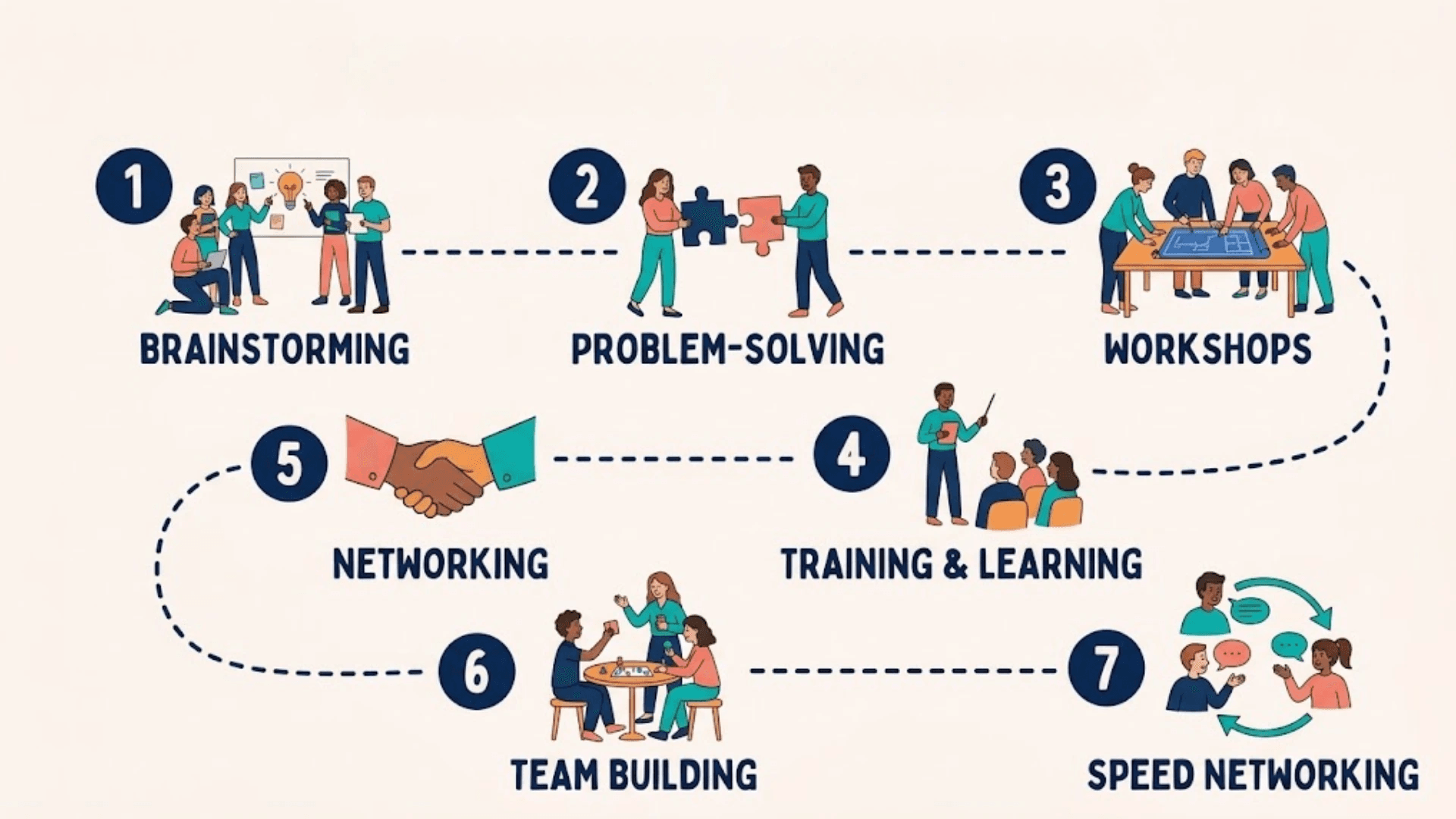
Themed breakout rooms labeled with specific pain points ("Scaling an SDR Team," "RevOps Stack Consolidation") self-select for intent. Attendees who choose a room about a specific problem are already signaling where they are in their buying journey. That signal is worth capturing.
Capture layer: place a facilitator in each room whose job is to collect names and LinkedIn URLs in a shared doc, then batch-import that doc into the CRM post-event with a custom field tagging the pain-point room attended. The room label becomes a lead-scoring input, not just a session descriptor. Most beneficial when your sales team targets multiple verticals and needs contact records pre-segmented by challenge.
3. Role-Based Peer Tables - CFO Roundtable, RevOps Huddle, CTO Corner
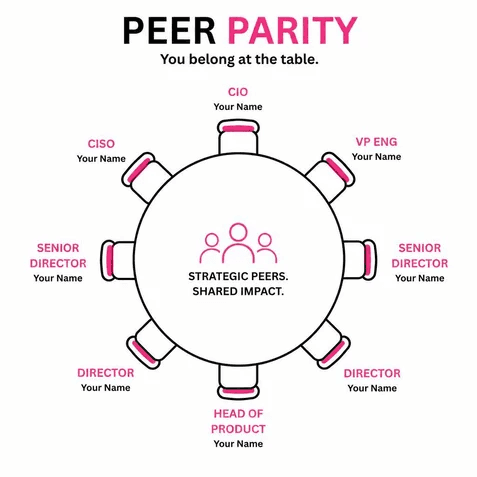
Role-based rooms work on a different principle than pain-point rooms: they attract by identity, not by problem. A CFO who joins a CFO-only roundtable is not necessarily shopping; they are looking for peer validation. That makes the follow-up tone different but the capture need identical.
Capture layer: use the event platform's attendee registration data (role/title field) to pre-populate a CRM segment before the event starts, then flag every attendee who enters a role-specific room as a confirmed-fit contact. The room attendance itself becomes the qualification signal. Pair with a post-session automated email that references the specific table they joined.
4. Hobby-Themed Networking Lounges - Running Club, Book Nook, Home Chef Corner

Hobby lounges lower the stakes of the first conversation by removing the professional context entirely. Attendees connect as people before they connect as buyers, which research on event CRM integration confirms produces warmer downstream interactions. The tradeoff: these rooms generate goodwill, not intent signals, so the capture layer has to work harder to qualify the contact. Capture layer: embed a one-question poll at the room exit ("What's your biggest professional challenge right now?") and route responses into a CRM field. The hobby becomes the relationship opener; the poll answer becomes the sales context.
5. Miro or MURAL Collaborative Whiteboard Icebreakers - Visual Prompt Canvases
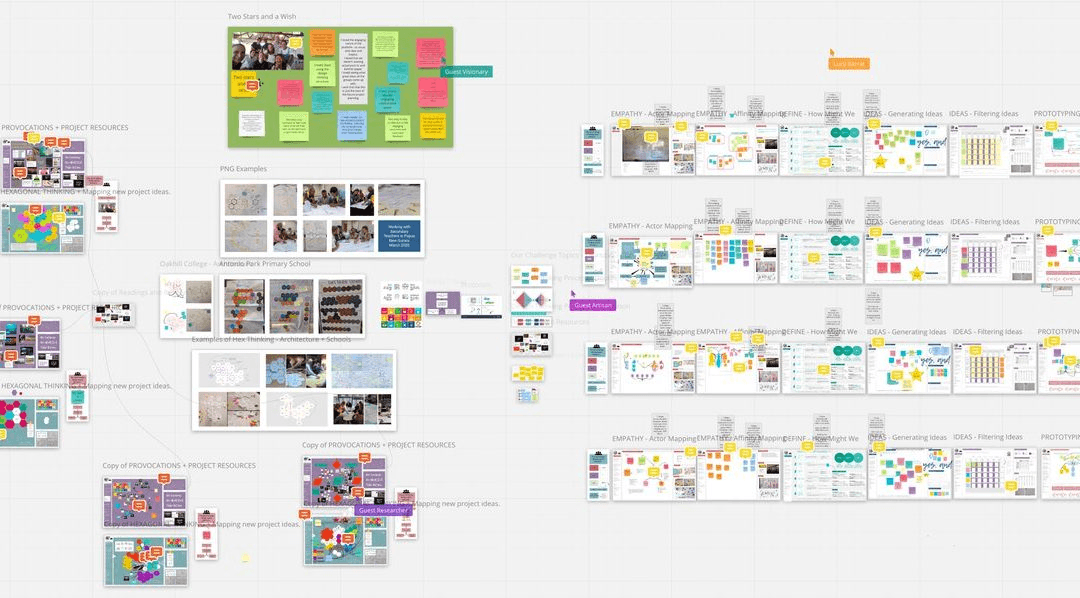
Miro and MURAL enable participants to collaborate on visual prompts in real time: sticky-note clusters, dot-voting on shared canvases, or collaborative mapping exercises. The visual format breaks the awkward silence that kills most virtual icebreakers because there is always something to point at. Capture layer: export the canvas participant list (both platforms log contributors by email) immediately after the session and push those emails into a CRM sequence tagged "whiteboard session participant." The contribution record proves engagement level, which makes these contacts higher-priority than passive attendees. Most beneficial when your event attracts a visually oriented or creative audience.
6. Virtual Escape Room Networking - Puzzle-Solving Breakout Teams of 4-6
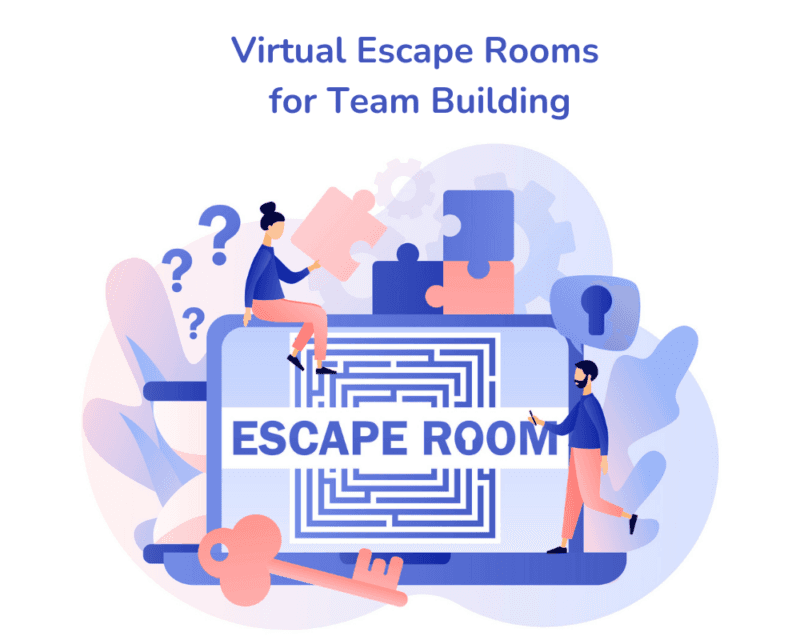
Working together toward a common goal in a constrained time window is one of the fastest ways to build trust between strangers. Virtual escape rooms put four to six people in a puzzle-solving scenario where collaboration is mandatory. The social proof of "we solved it together" carries into the post-event conversation.
Capture layer: the escape room vendor or platform typically logs team composition by email. Export that roster, import it to the CRM with a "shared escape room team" tag, and trigger a personalized follow-up referencing the team's outcome ("Congrats on breaking out in 18 minutes"). Specificity in the follow-up email dramatically improves reply rates.
7. Live Trivia Networking Challenge - Industry-Themed Team Competition
Industry-themed trivia works because it rewards domain knowledge publicly, which is a credibility signal for both attendees and your sales team. Teams of three to five compete in real time using platforms like Kahoot or Mentimeter. The competitive format drives chat volume and keeps attention locked for the full session.
Interactive formats consistently outperform passive sessions on attendee retention. Capture layer: require team registration (name plus work email) before the trivia round begins. That registration list feeds directly into the CRM as a warm-contact import. Tag by team name so reps can reference the shared experience in outreach.
8. Virtual Scavenger Hunt - Cross-Attendee Clue-Sharing Networking Format
A virtual scavenger hunt forces attendees to talk to each other to collect clues, so the networking is embedded in the game mechanic rather than bolted on as an afterthought. Participants exchange information because the format requires it, not because they feel obligated to network. Capture layer: design the hunt so that clue exchanges happen through a platform-native messaging feature (not a third-party chat), which creates a logged record of every attendee-to-attendee interaction. Export those interaction logs post-event and flag pairs who exchanged multiple messages as high-affinity contacts worth a direct outreach from a rep.
9. Virtual Coffee Lounge with Facilitator-Dropped Questions Every 10 Minutes
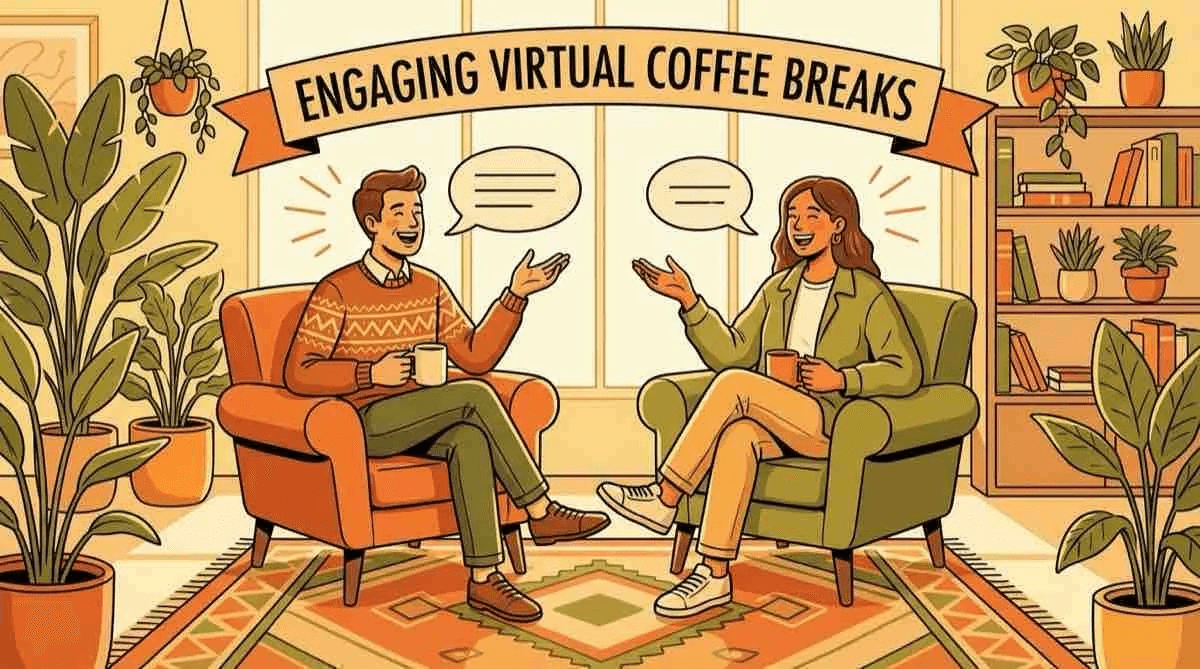
Facilitators can drop compelling questions every ten minutes to keep conversation flowing in virtual lounges, preventing the silence that causes attendees to quietly exit. The unstructured format feels low-pressure, but without facilitation it collapses into polite small talk and then nothing. Capture layer: the facilitator's job includes collecting a "who's in the room" roster at the session start (a simple hand-raise poll with name capture) and logging it to a shared sheet that syncs to the CRM. The facilitator becomes the de facto lead-capture mechanism, which means briefing them on that responsibility before the event is non-negotiable.
10. AI-Powered 1-on-1 Matchmaking - Profile-Based Video Chat Suggestions
Event platforms can feature built-in matchmaking algorithms that suggest one-on-one video chats based on attendee profiles, goals, and stated interests. The quality difference between algorithmic matching and random pairing is significant: platforms using AI matchmaking report satisfaction improvements of 30 to 40 percent compared to unguided networking, from event technology providers. The tradeoff is that profile completeness drives match quality, so incomplete registrations produce weak suggestions.
Capture layer: every accepted match request is a declared mutual interest signal. Export accepted-match pairs from the platform API and push them into the CRM as bidirectional contact records, tagged "AI-matched." These contacts have already opted into a conversation, making them the warmest records in your post-event queue.
11. Expert AMA Circles - Small-Group Q&A with Subject-Matter Practitioners
Small-group AMA (Ask Me Anything) sessions with practitioners put five to ten attendees in a room with a credible expert for a focused Q&A. Attendees who ask questions are self-identifying as engaged and curious, which is a stronger intent signal than passive attendance. Capture layer: log every attendee who submits a question (most platforms capture this in the session transcript or Q&A queue) and import those names and emails into a CRM sequence positioned around the AMA topic. A follow-up that references their specific question ("You asked about SDR ramp time...") converts at a meaningfully higher rate than a generic post-event email.
12. Structured Mentorship Matching - 30-Minute Scheduled Mentor-Mentee Pairs

Structured mentorship matching pairs senior practitioners with earlier-career attendees for a scheduled thirty-minute session. The format creates a natural power dynamic that generates goodwill toward the event organizer and the sponsoring brand. The limitation: these sessions are time-intensive to coordinate and require a pre-event matching workflow that most event teams underestimate.
Capture layer: the matching workflow itself is the capture mechanism. Every confirmed pair is a CRM record before the event starts. Tag mentor and mentee roles separately so post-event follow-up sequences can be role-appropriate: a different message for the senior practitioner than for the early-career attendee.
13. Peer Accountability Partner Matching - Same-Role Cohort Pairing for Ongoing Connection
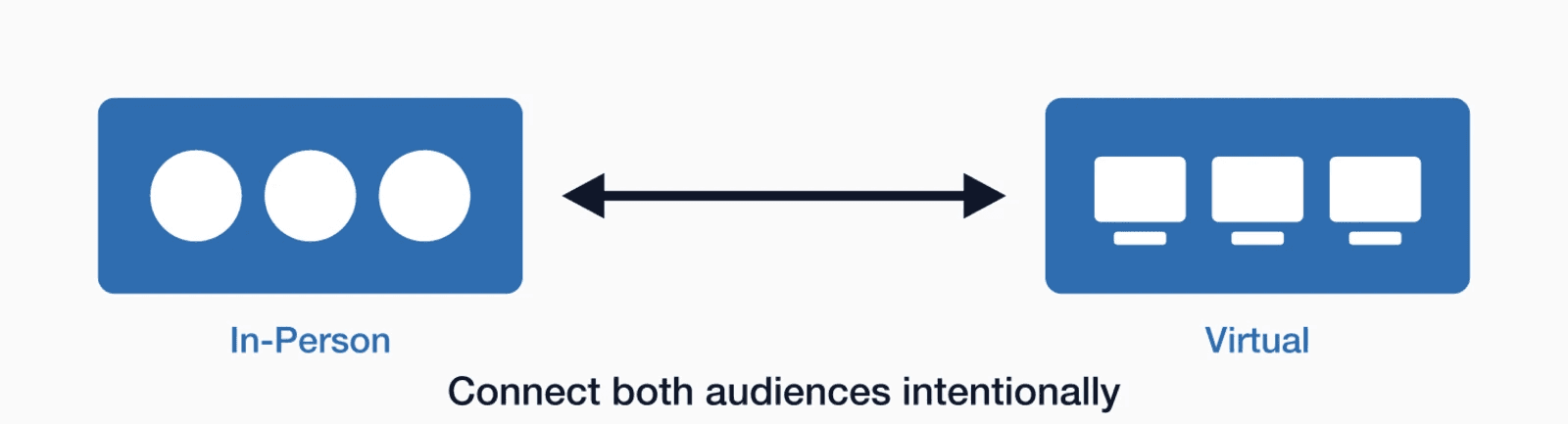
Peer accountability matching pairs attendees in the same role or function for an ongoing connection beyond the event itself. The format is designed to create post-event stickiness, so the contact relationship has a longer shelf life than a one-time networking conversation. Capture layer: collect both partners' emails at the point of matching confirmation and create a linked contact record in the CRM that flags the pair as a shared cohort. Set a thirty-day automated check-in from the event team to both partners. The ongoing relationship is the retention mechanism; the CRM record is how your team tracks whether it actually continued.
14. Two-Truths-and-a-Lie Video Icebreaker - Whole-Room Participant Introduction Round

Two-truths-and-a-lie is a whole-room format where every participant records or delivers three statements about themselves, two true and one false, and the group guesses which is the lie. The format works because it generates curiosity about specific individuals, which is the precondition for a follow-up conversation. Capture layer: run the round through a platform that logs participant video submissions by email (tools like mmhmm or native Zoom recording with attendance export work here). Import the participant list into the CRM immediately after the session with a "icebreaker participant" tag. The format's memorability is the follow-up hook: reps can reference the specific statements in outreach.
15. One-Word Check-In Icebreaker - Synchronous Whole-Room Emotional Temperature Read

A one-word check-in asks every attendee to type a single word describing their current state into the chat before the session begins. It takes ninety seconds, creates immediate psychological safety, and gives facilitators a real-time read on room energy. The limitation: it is a warm-up, not a networking format, so it should precede a structured session rather than stand alone.
Capture layer: export the chat log immediately after the check-in. The chat log contains every participant's display name and, on most platforms, their registered email. Import that list into the CRM as a session-attendance record. The one-word response can be logged as a custom field for personalization in follow-up.
16. Virtual Business Card Exchange - In-Platform Contact Sharing with One-Click Connect
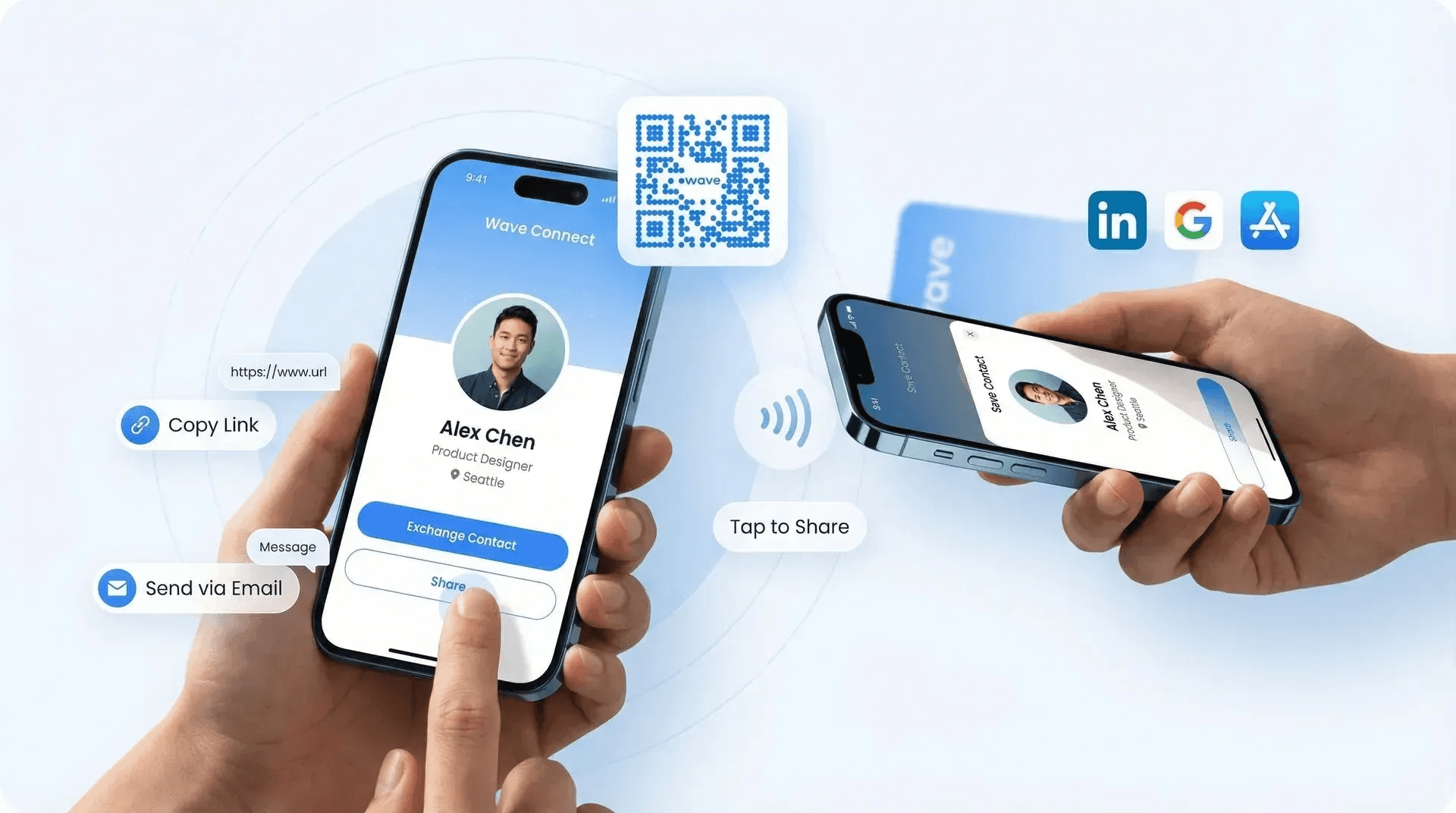
In-platform contact sharing lets attendees exchange profile information with a single click, typically surfacing name, title, company, and email without any manual entry. The format mirrors the physical card exchange moment but with a critical advantage: the data is already digital. The gap most teams miss is that an in-platform connection stays in the platform unless someone exports it. Capture layer: configure the event platform's contact export to run automatically at event close and push the resulting CSV into the CRM via a Zapier integration. Most beneficial when the event platform supports native CRM connectors; without that integration, the export step still requires a manual trigger that reps routinely skip.
17. Post-Session LinkedIn Connection Prompt - Automated Follow-Up Nudge with Profile Link
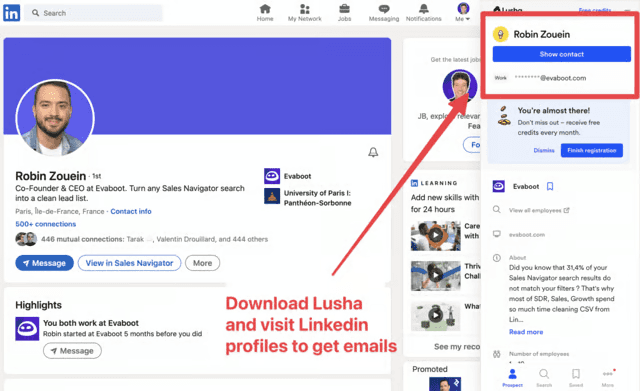
An automated post-session email that includes a direct LinkedIn profile link and a one-click connection prompt converts warm in-session conversations into persistent professional relationships. The timing matters: industry research confirms that follow-up actions taken within hours of an event produce dramatically higher conversion rates than those delayed by days. Capture layer: the LinkedIn connection acceptance is a secondary signal, not the primary capture. The primary capture is the email send itself, which logs the contact in your email platform and should trigger a CRM record creation via integration. Do not rely on LinkedIn as your system of record; use it as a relationship signal that enriches an existing CRM entry.
18. Birds-of-a-Feather Sessions - Self-Organized Micro-Communities Around Niche Interests
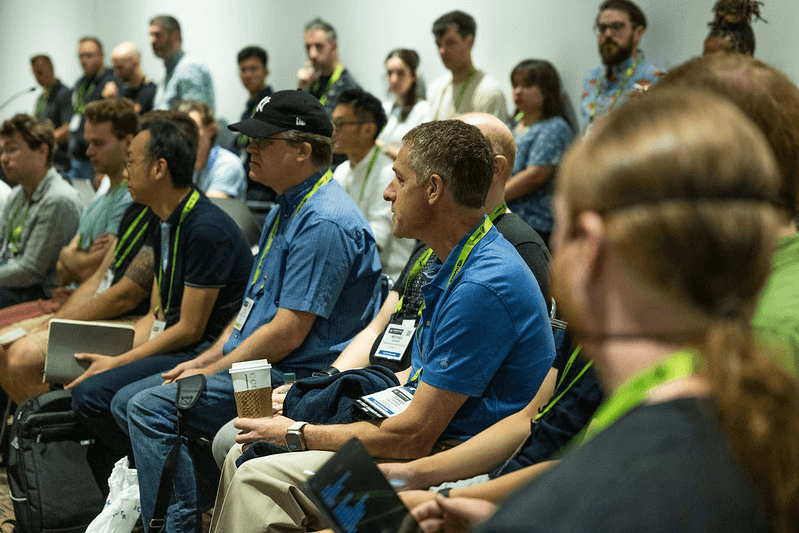
Birds-of-a-feather sessions are self-organized micro-communities where attendees with a shared niche interest convene without a formal agenda. The format produces high-quality conversations because the topic selection is attendee-driven, not organizer-imposed. The tradeoff: without facilitation, these sessions can drift and produce no actionable output.
Capture layer: assign a designated note-taker to each session whose job is to collect participant names and the key discussion themes. Those notes feed a post-event CRM import where each participant is tagged with the specific niche topic they joined. That tag becomes a segmentation input for targeted follow-up content.
19. Interest-Based Slack or Discord Channels - Persistent Async Networking Groups Post-Event
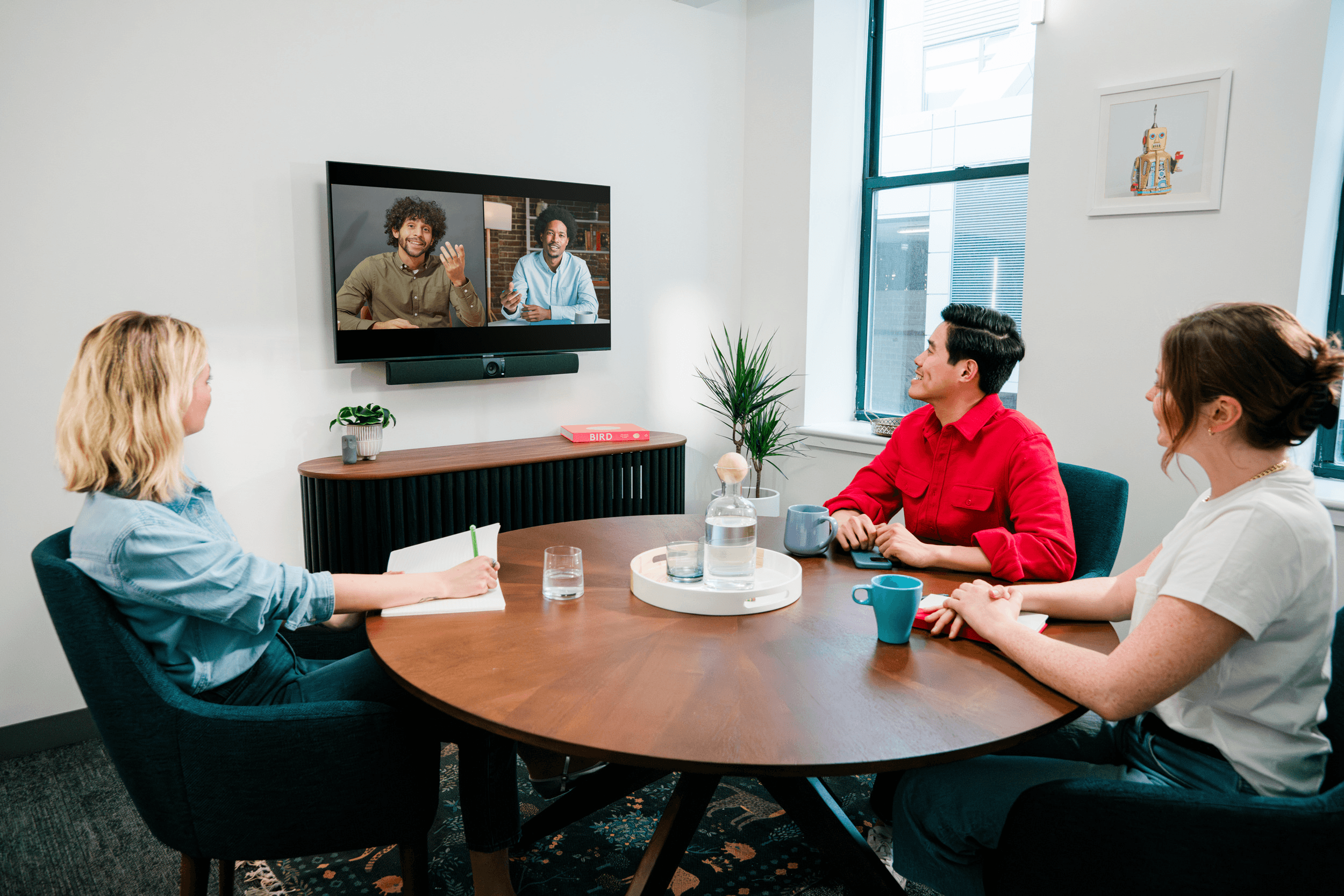
Persistent async channels extend the event's networking surface beyond the live hours, which is where a significant portion of relationship-building happens for remote-first attendees. The format is low-effort to set up and high-value for attendees who find synchronous networking exhausting. The limitation: channel activity decays rapidly without moderation, typically within two to three weeks post-event.
Capture layer: require email registration to join the channel (a simple Typeform or native Slack intake form works). That registration list is your post-event contact import. Tag channel members by the specific channel they joined, which signals their interest area and informs follow-up sequencing.
20. Gamified Leaderboard Networking - Points for Conversations, Connections, and Content Shares
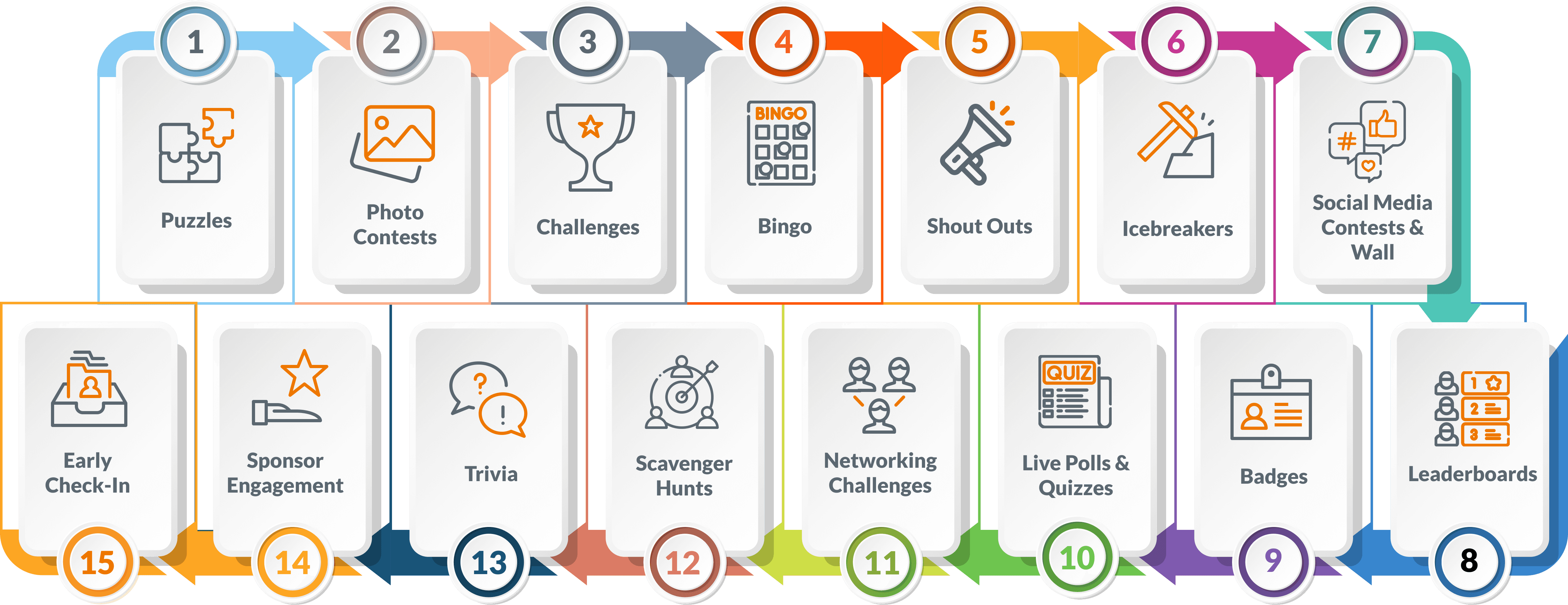
Leaderboard-driven networking assigns points for specific actions: starting a conversation, exchanging contact information, sharing a session to social, or completing a profile. The competitive element drives participation volume. Industry research consistently shows engagement lifts of 30 to 40 percent compared to non-gamified formats.
Capture layer: every point-earning action is a logged event in the platform. Export the action log post-event and use it to score contacts by engagement depth. An attendee who earned points for contact exchanges and content shares is a warmer lead than one who only attended sessions. That engagement score should populate a CRM field and inform rep prioritization.
21. Virtual Bingo Networking Card - Connection-Driven Game Played Across the Full Event
Virtual bingo replaces numbers with attendee attributes or actions: "find someone who has been in sales for over ten years," "connect with someone from a different industry," "meet a speaker." The format runs across the full event duration, driving networking behavior throughout rather than concentrating it in a single session. Capture layer: the bingo mechanic requires attendees to collect names or contact details to verify their squares. Build the bingo card so that square completion requires submitting a contact's email through a form, which auto-populates a shared sheet and feeds into the CRM. The game mechanic becomes the data-collection mechanism.
22. Pre-Event Live Chat Warm-Up - Attendee Introductions in Event Feed Before Sessions Begin

A pre-event live chat warm-up opens the event feed thirty to sixty minutes before the first session and invites attendees to introduce themselves with a structured prompt: name, company, one thing they want to get out of the day. The format reduces the cold-start problem that makes virtual networking feel awkward. Capture layer: the event feed introduction is a public, logged interaction. Export the feed transcript at event close and parse it for names and companies. Cross-reference against the registration list to enrich CRM records with the stated goal field, which gives reps a personalized opening for outreach ("You mentioned you were hoping to solve X...").
23. Audio-Only Networking Rooms - Camera-Off Conversation Pods for Low-Pressure Connection
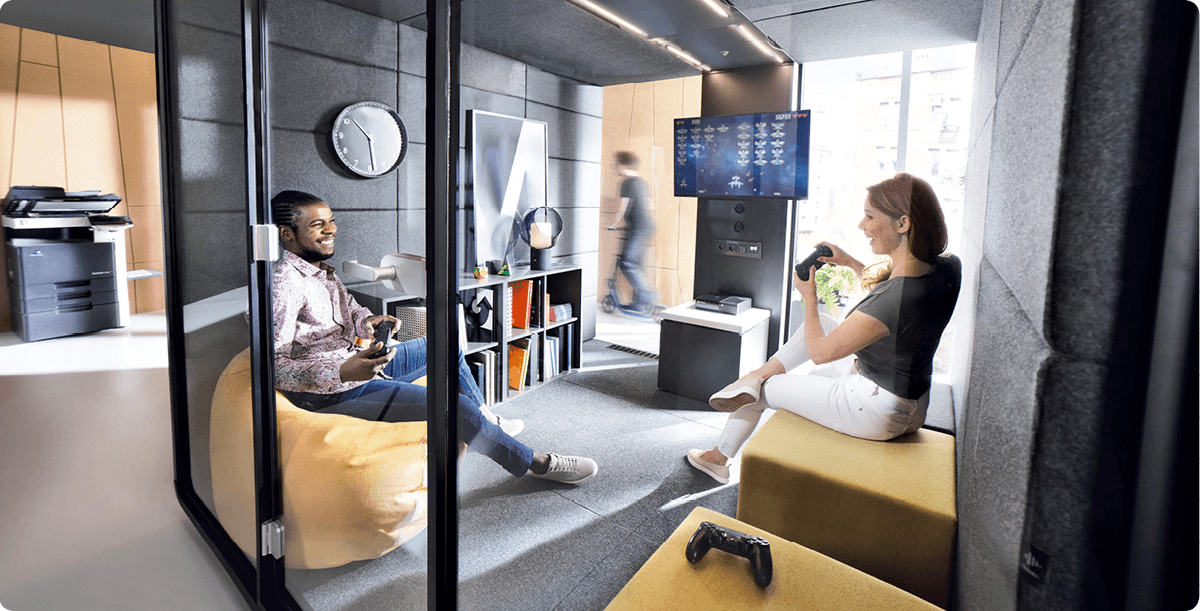
Camera-off audio rooms remove the visual fatigue that makes back-to-back video networking exhausting. For attendees joining from open offices or less-than-ideal home setups, the format dramatically lowers the barrier to participation. The tradeoff: without visual cues, conversations can feel less memorable, so the follow-up message needs to do more work to re-establish context.
Capture layer: audio rooms still log attendance by registered email on most platforms. Export that attendance data and tag those contacts as "audio room participant" in the CRM. Pair the tag with a follow-up email that re-introduces the session context explicitly, since the audio-only format makes the conversation less visually anchored in memory.
24. Virtual Wine or Coffee Tasting - Facilitated Sensory Experience with Shipped Kits
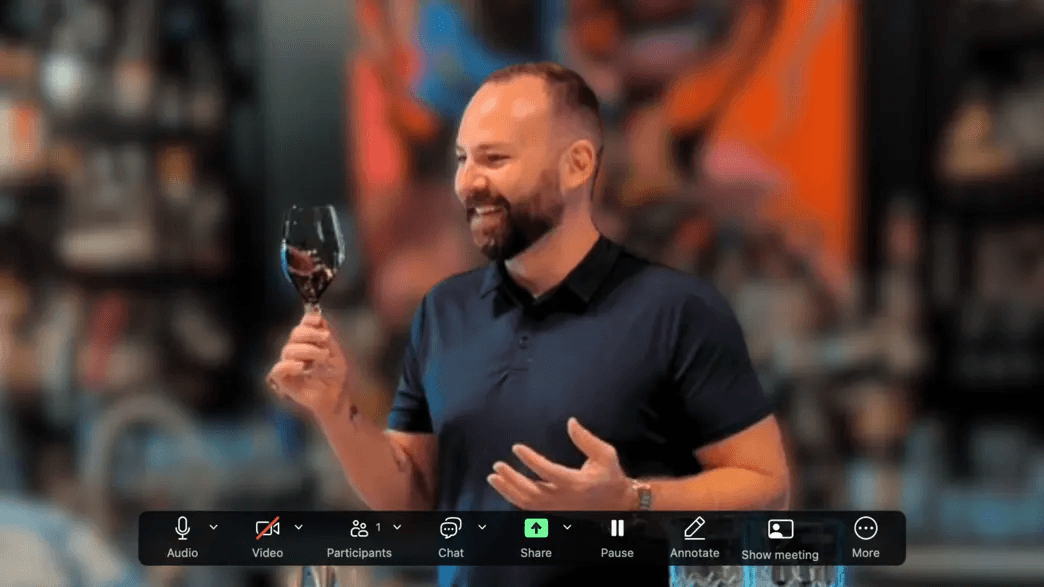
Shipped tasting kits (wine, coffee, or a curated snack box) create a shared sensory experience that synchronous video cannot replicate. The format works because it gives attendees something to do with their hands and a common reference point for conversation. The limitation is logistics: kit shipping requires attendee address collection weeks in advance and adds meaningful per-head cost.
Capture layer: the shipping address collection is the capture mechanism. A pre-event form that collects name, company, title, and shipping address feeds directly into the CRM as a pre-qualified contact record before the event begins. Every kit recipient is a confirmed attendee with a physical address, which is a richer contact record than email alone.
25. Structured Roundtable Discussions - Rotating Facilitator Model with Defined Talking Points

Rotating facilitator roundtables move a structured set of talking points through a group of eight to twelve attendees, with the facilitation role passing around the table. The format ensures every participant speaks, which prevents the passive lurking that undermines most large-group virtual discussions. Capture layer: the facilitator rotation means every participant is on record as having led a portion of the discussion. Log facilitator order in the session notes and import those notes into the CRM as a participation-depth field. An attendee who facilitated a segment is more engaged than one who only listened, and that distinction should inform rep prioritization in post-event outreach.
26. Live Poll-Driven Networking Openers - Real-Time Audience Segmentation by Response
Live polls run at the session open segment attendees by response in real time: "Which of these challenges is your top priority this quarter?" with four answer options. The poll result is a declared intent signal, which is more reliable than inferred interest from session attendance alone.
Capture layer: export poll results by respondent email (most polling tools, including Mentimeter and Slido, support this). Push the response data into the CRM as a custom field. An attendee who selected "scaling pipeline" as their top challenge should receive a different follow-up sequence than one who selected "reducing churn." The poll becomes the segmentation engine for post-event nurture.
27. Themed Virtual Event Backgrounds - Shared Visual Identity That Sparks Conversation
A curated library of branded or themed virtual backgrounds gives attendees a conversation starter that requires zero facilitation: "I love your background, where did you get it?" The format is lightweight and costs almost nothing to implement. The limitation: it is a conversation catalyst, not a networking format, so it needs to be paired with a structured session to produce contact data.
Capture layer: offer the background library as a download gated behind a short form (name, company, email). That gate converts a passive asset into a contact-capture mechanism. Import form submissions into the CRM with a "background downloader" tag, which segments these contacts as brand-engaged but not yet sales-ready.
28. Post-Event Curated Introduction Emails - Host-Facilitated Warm Intros Based on Session Data
A host-facilitated warm introduction email connects two attendees who attended the same session and share a stated interest or challenge, written personally by the event organizer or a designated team member. The format has a high conversion rate because the social proof of a trusted third-party introduction lowers the cold-outreach barrier significantly. Capture layer: the introduction email itself is the CRM trigger. Log every introduction sent as a linked contact record pairing the two attendees, and set a seven-day automated reminder to the rep to check whether the introduction resulted in a meeting. The host becomes the pipeline-generation mechanism, not just the event producer.
29. Networking Challenges with Sponsor-Backed Prizes - Branded Engagement Incentives

Sponsor-backed networking challenges (first to exchange five contacts wins a prize, most creative introduction wins a gift card) drive participation volume by attaching a tangible reward to the networking behavior. The format works particularly well for hybrid events where sponsor visibility justifies the prize budget. Capture layer: prize eligibility requires contact submission through a form, which is the capture mechanism. Structure the form to collect the winner's name, company, title, and email, plus the names of the contacts they exchanged with. That submission data imports directly into the CRM as a multi-contact record, capturing both the winner and their network in a single form submission.
30. Virtual Gala or Awards Ceremony Networking - Structured Celebration with Peer Recognition
A virtual gala or awards ceremony creates a high-energy shared moment that makes attendees feel recognized and celebrated, generating goodwill toward the organizing brand. The format works best at the close of a multi-day event when relationships have already started forming. The tradeoff: the ceremony format concentrates attention on the stage, not on peer-to-peer networking, so contact exchange needs to happen in the pre- or post-ceremony window.
Capture layer: use the award nomination process as the capture mechanism. Nominations require a form submission (nominator name, nominee name, both emails, reason for nomination). That form data imports into the CRM as a relationship-signal record: the nominator and nominee are connected, and both are warm contacts.
31. CRM-Integrated Contact Capture - Post-Event Lead Sync from Networking Platform to Pipeline
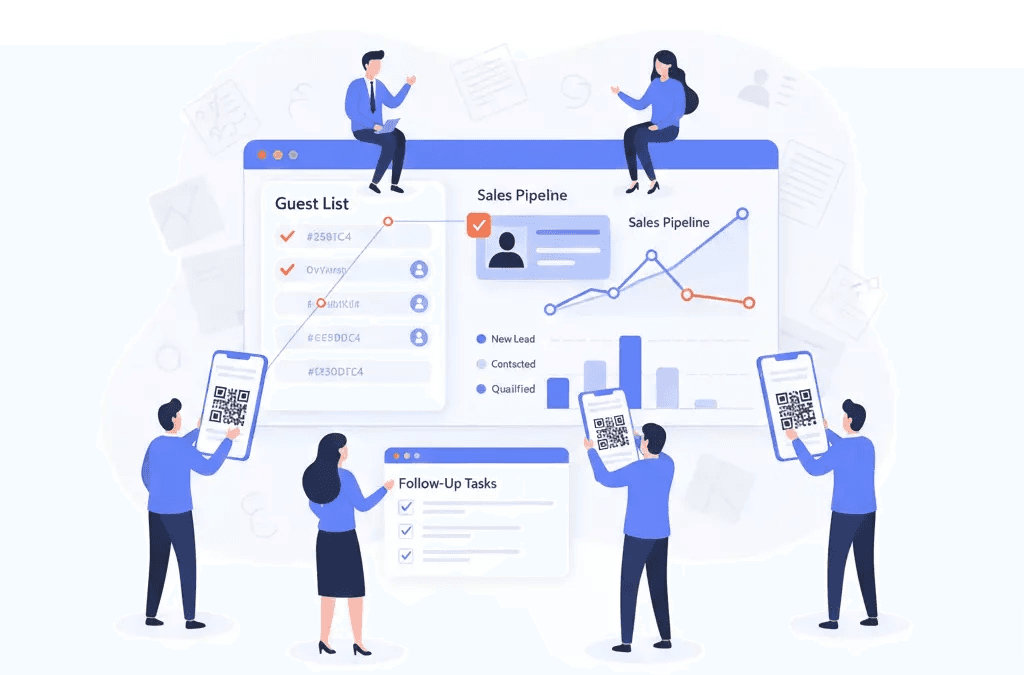
This is the format that makes every other item on this list accountable. A CRM-integrated contact capture workflow automatically exports attendee interaction data from the event platform and pushes it into the sales system with session context intact: which rooms they joined, which contacts they exchanged with, which polls they answered, and when. Industry research is direct on this point: without a systematic contact-capture mechanism tied to event activities, networking interactions remain informal and untracked, making it impossible to attribute pipeline or conversions back to specific event touchpoints.
Capture layer: this item is the capture layer. Configure the event platform's native CRM connector or a Zapier workflow before the event starts. Test it with a dummy attendee record. Do not leave this step to post-event cleanup; by the time the team gets around to it, the leads are already cold.
Virtual Event Networking Format Selector - Match the Format to Your Capture Need
- Speed Networking Breakout Rooms → Best For: High-volume contact generation → Capture Mechanism: Shared form pushed at round end → Zapier to HubSpot/Salesforce → CRM-Ready Without Manual Work? Yes, if the form is pre-configured.
- Pain-Point Breakout Tables → Best For: Intent-segmented leads → Capture Mechanism: Facilitator-collected shared doc → Batch CRM import with pain-point tag → CRM-Ready Without Manual Work? Partial; requires a post-event import step.
- Role-Based Peer Tables → Best For: Title-fit qualification → Capture Mechanism: Registration data pre-populates CRM segment; room attendance flags contact → CRM-Ready Without Manual Work? Yes, if the platform has a CRM connector.
- AI-Powered 1-on-1 Matchmaking → Best For: Highest-intent warm contacts → Capture Mechanism: Accepted-match pairs exported via platform API → Bidirectional CRM records → CRM-Ready Without Manual Work? Yes, with API access.
- Live Poll-Driven Networking Openers → Best For: Declared-intent segmentation → Capture Mechanism: Poll responses exported by respondent email → Custom CRM field per answer → CRM-Ready Without Manual Work? Yes, with Mentimeter/Slido integration.
- CRM-Integrated Contact Capture → Best For: All formats; baseline requirement → Capture Mechanism: Native CRM connector or Zapier workflow, configured pre-event → CRM-Ready Without Manual Work? Yes, this IS the capture layer.
- Hobby-Themed Networking Lounges → Best For: Relationship warmth, low intent signal → Capture Mechanism: Exit poll routes to CRM field → CRM-Ready Without Manual Work? Partial; poll must be pre-built.
- Virtual Bingo Networking Card → Best For: Sustained full-event engagement → Capture Mechanism: Square completion requires email form submission → Shared sheet → CRM → CRM-Ready Without Manual Work? Yes, if the form is pre-configured.
How to use this table: Start with your primary goal (volume vs. intent-quality vs. relationship warmth), confirm the capture mechanism is buildable before the event date, and flag any row where 'CRM-Ready' is 'Partial' as a pre-event configuration task, not a post-event cleanup item.
Related Reading
- Virtual Speed Networking
- How To Build A Referral Network
- Business Networking Automation
- How To Scale Business Networking Online
- Business Networking Tips
- Where To Network For Business
- Business Networking Skills
- Business Networking Plan
- Strategic Networking For Business Growth
How Mobilo Turns Virtual Networking Into Synced CRM Records
Every format on this list can produce warm conversations; none of them can preserve those conversations without a capture layer built into the networking moment itself.
"Mobilo's free tools feel basic and limited to simple contact sharing. The free tier seems insufficient for advanced networking or CRM-syncing needs."
— what we hear from professional networkers
How NFC and QR Contact Capture Route a Virtual Handshake Into a Scored CRM Record
A rep shares their Mobilo profile link in the event chat or via screen share. When a prospect submits their details through that link, Mobilo's contact exchange and lead capture workflow tags the record with session context and routes it directly into the connected CRM, with no manual entry required, before the session ends.
Consider a 120-rep sales team running virtual speed networking at their annual SKO. Each rep drops their Mobilo QR link into the breakout room chat, and every submission lands as a scored CRM record the moment the prospect clicks through. Every Mobilo plan connects to over 6,000 integrations through Zapier, which means the workflow fits whatever CRM stack the team already runs, with no IT project required.
How Team-Scale Contact Capture Gives Sales Directors Full Pipeline Visibility
Without a structured capture layer, contact data lives in individual inboxes and personal LinkedIn queues. The hidden cost is that a Sales Director has no way to distinguish a rep who networked actively from one who sat in the waiting room.
Mobilo's team management layer changes that equation. A Sales Director can centrally provision cards across unlimited team members, lock brand and data fields so every rep presents a consistent profile, and then view the analytics dashboard to see which reps generated taps, which sessions produced CRM-synced contacts, and which virtual formats actually drove pipeline attribution. That visibility closes the gap between activity and accountability at the rep level.
Key takeaway: Visibility into rep-level networking activity is the director's blind spot that no chat export or LinkedIn log can close.
When a Sales Director can walk into a pipeline review and show which virtual session produced 40 CRM-synced contacts versus which produced none, the ROI case for the capture layer writes itself.
Next steps
If your reps are leaving virtual events with scattered LinkedIn requests and chat exports that never reach Salesforce, the path forward starts with making capture automatic at the moment of contact, not a manual task delegated to the next morning. Start with our digital business card.
The 24-to-48-hour decay window means a warm contact who felt like a real opportunity at 2:00 PM is a cold name with no CRM record by the following morning, when rep attention has already shifted to active deals. Separately, surveying 4,000 sales reps confirmed that 90% of new contacts never enter the CRM because manual logging loses to every competing priority after a full event day. Together, those two facts point to the same action: remove rep discretion from the capture step entirely by embedding the sync into the networking moment itself, before the session closes.
Start with a digital business card for your team. Every tap or scan auto-creates a scored, session-tagged lead record in your CRM with no manual entry required, closing the structural gap before the closing keynote ends.
Frequently Asked Questions
Why do so many virtual event leads never make it into the CRM?
After a virtual networking session ends, contacts scatter across at least four disconnected places: the platform's chat log, a half-loaded LinkedIn profile, a rep's personal notes app, and a CSV file from badge scanning that nobody owns, and none of those places sync to a CRM. The core issue is that smooth event execution and systematic lead capture are two separate jobs, and most sales directors only staff the first one.
How quickly do warm virtual event connections go cold if there's no follow-up system?
Prospects move on and context is lost within 24 to 48 hours when no structured capture and outreach system exists. In a virtual setting that decay rate accelerates further, because there is no physical artifact to trigger a rep's memory the next morning the way a business card or badge scan might in person.
Which virtual networking formats lose the most pipeline, and why?
Breakout rooms and speed networking rounds are the biggest leak points because the capture moment arrives and disappears inside the same 5-minute window, no form appears, no scan prompt fires, and the rep's only option is memory. A single 90-minute speed networking session can generate 15 to 20 distinct conversations per rep, none of which produce a CRM record unless the rep manually reconstructs every contact afterward, a process that introduces significant delays and data loss by design.
Can activity-based formats like trivia or escape rooms actually help with lead capture?
Yes, but only if a capture layer is built into the format itself. For live trivia, requiring team registration with a name and work email before the round begins feeds a warm-contact list directly into the CRM. For virtual escape rooms, the vendor or platform typically logs team composition by email, which can be exported and imported into the CRM with a tag that enables personalized follow-up referencing the shared team experience.
How can roundtable or role-based discussion rooms be used to pre-qualify leads before a rep even reaches out?
Role-based rooms let you use the event platform's attendee registration data, specifically the role or title field, to pre-populate a CRM segment before the event starts, then flag every attendee who enters a role-specific room as a confirmed-fit contact. For pain-point breakout tables, the room label itself becomes a lead-scoring input: an attendee who self-selects into a room titled "RevOps Stack Consolidation" is already signaling where they are in their buying journey.